
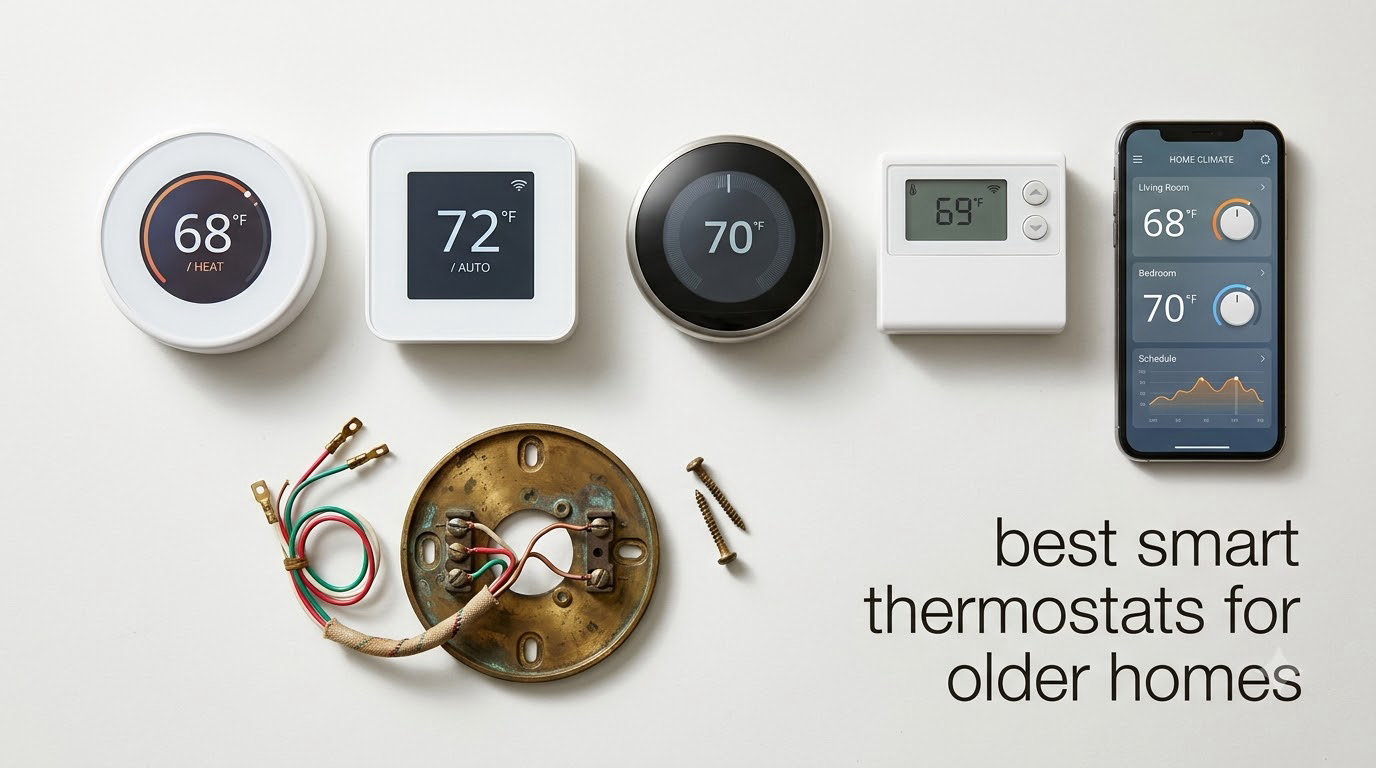
Most smart thermostats fail in older homes for one reason, and it has nothing to do with the thermostat itself. A house built before 1990 usually has no C wire at the wall plate, which means the unit has to steal power from the heating circuit. That works intermittently, then starts dropping off the network and making false calls for heat. Three setups rule every Wi-Fi thermostat out entirely: a three-wire heat-only system with no C wire, a 120V or 240V line-voltage circuit such as electric baseboard, and a millivolt control system from an older wall furnace. A fourth, a proprietary communicating system from Carrier, Bryant, Lennox or Trane, locks you into the manufacturer’s own control.
That is why the best smart thermostats for older homes are not the models with the biggest screens. They are the ones you can physically land on the terminal block you already have, with the wires you already have, without opening a wall. Our 2026 roundup ranks twelve of them on that basis first and features second, and we say plainly which ones need a C wire before you will get a single line of code or schedule back.
We spent weeks working through install manuals and compatibility checkers with the twelve models below, and we leaned hard on what owners report back after living with the result. If you want the short version, start with the smart thermostats that cut the biggest energy savings, then come back here once you know what is behind your faceplate. If your home runs on gas, also check that you have working smart smoke and carbon monoxide detectors before you change anything about the heat.
Table of Contents
What makes a smart thermostat work in an older home
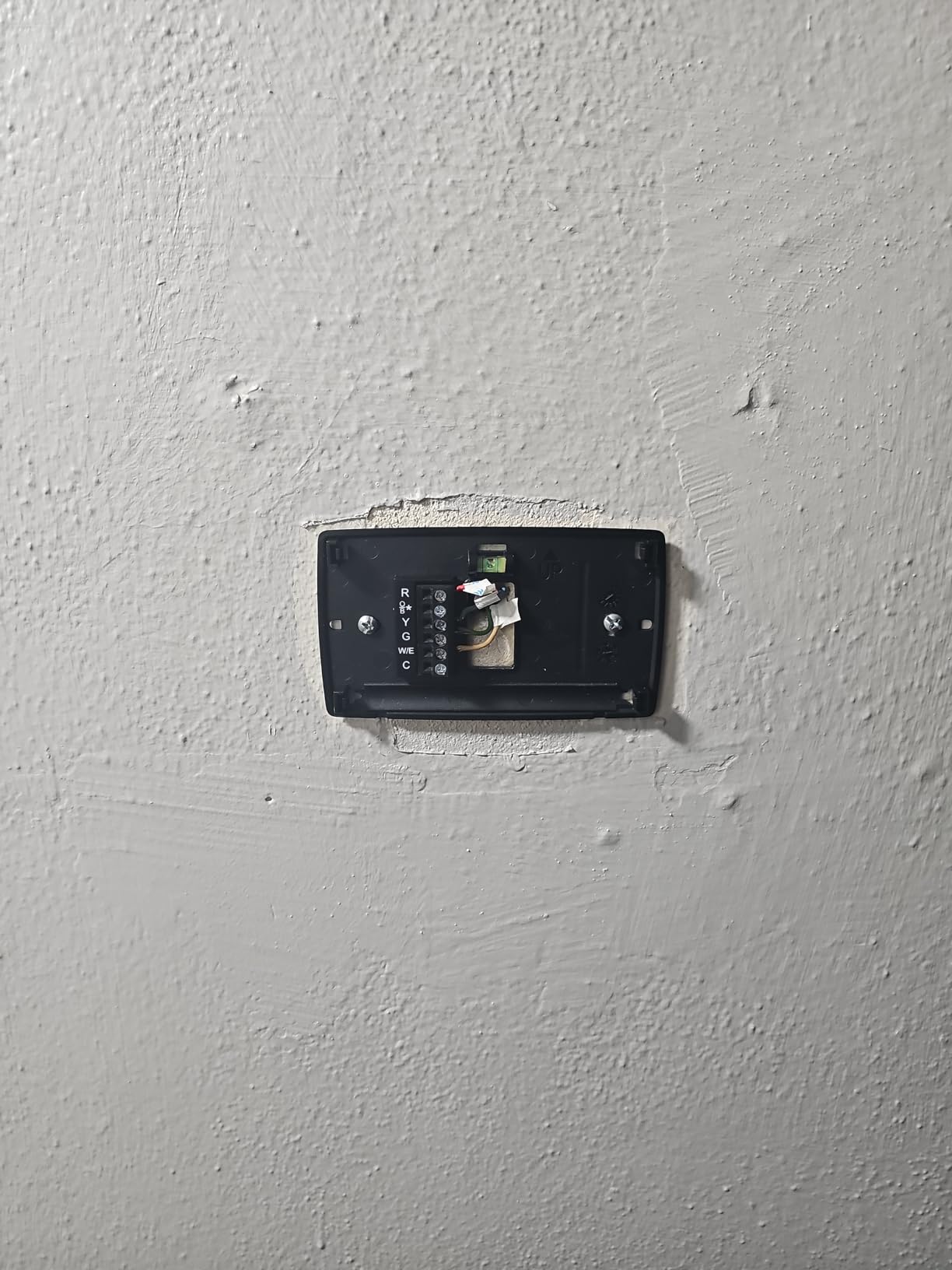
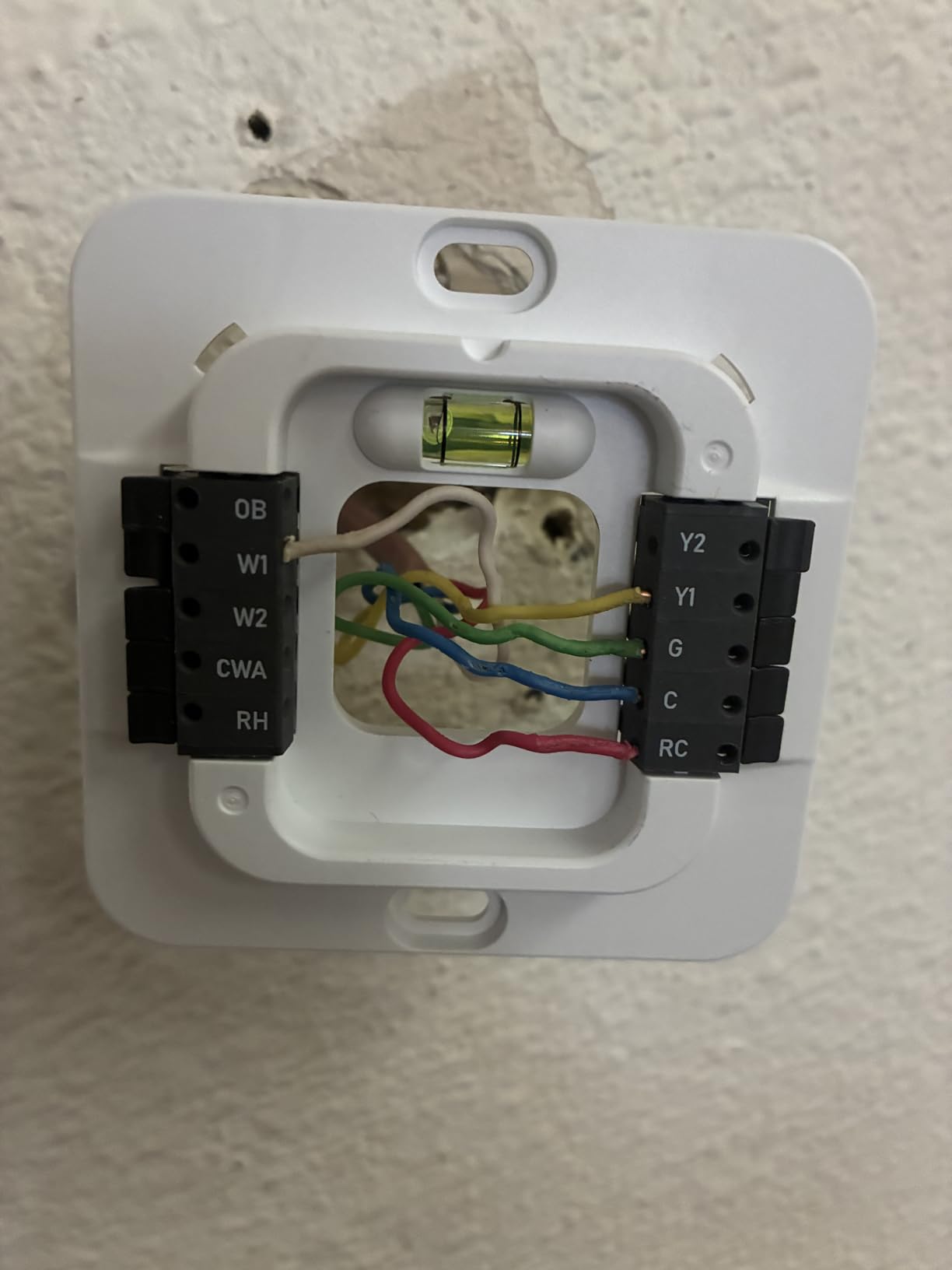
Pull the faceplate off your existing thermostat and photograph the terminal block before you buy anything. You are looking for letters, not colors. In houses of a certain vintage the color coding is a work of fiction and installers routinely land on the wrong terminal because they trusted a red wire to mean heat. The letters never lie.
R, Rh or Rc is the 24V power terminal. One R is normal, Rh is the heating side of a heat-only system, Rc is the cooling side.
C is the common wire. Its absence is the whole reason most first-time installs go wrong.
W or W1 is the call for heat. W2, AUX or E is the second stage, which is usually electric backup heat on a heat pump or a two-stage gas furnace.
Y is the call for cooling, Y2 the second stage of cooling, and G the fan.
O/B is the reversing valve on a heat pump, which tells the system whether to run forward or backward.
Counting those letters tells you which of the three questions you actually have to answer. No C terminal means you need a power plan. A W2 or AUX terminal means you have staged heat and you need a thermostat that can stage it. An O/B terminal means you have a heat pump and you must tell the thermostat that during setup, because configuring a heat pump as a conventional furnace is the single most common cause of a system that runs air conditioning when you asked for heat.
Old houses also produce wiring that fights back. Cloth-insulated and aluminum conductors are common, and they crack if you strip them twice or nick them with a screwdriver. Homeowners on DIYChatroom threads routinely post photos of undocumented retrofits they inherited, such as five-wire no-C-wire systems where a yellow conductor turned out to be Rc and a blue one turned out to be Y. Those installs work, but only because somebody wrote down what they found before touching anything.
Top 3 Picks for Older Homes (October 2026)

Sensi Smart Thermostat ST55
- No C wire needed in most installs
- Fits the old wall plate
- Humidity readout
- ENERGY STAR certified

ecobee Smart Thermostat Enhanced
- Power Extender Kit in the box
- Built-in occupancy sensing
- 90 percent system compatibility
- 3 year warranty

Google Nest Learning Thermostat
- No C wire needed in most homes
- Temperature Sensor included
- 60 percent larger display
- Bubble level on the base plate
12 Smart Thermostats for Older Homes in 2026
| Product | Specs | Action |
|---|---|---|
| Sensi Smart Thermostat ST55 |
|
Check Latest Price |
 Google Nest Thermostat Charcoal Google Nest Thermostat Charcoal |
|
Check Latest Price |
 Honeywell Home RTH9600WF Smart Color Honeywell Home RTH9600WF Smart Color |
|
Check Latest Price |
 Honeywell Home T5 Smart Wi-Fi Honeywell Home T5 Smart Wi-Fi |
|
Check Latest Price |
| ecobee Smart Thermostat Enhanced |
|
Check Latest Price |
 ecobee Smart Thermostat Premium ecobee Smart Thermostat Premium |
|
Check Latest Price |
 ecobee Smart Thermostat Essential ecobee Smart Thermostat Essential |
|
Check Latest Price |
 Sensi Touch 2 Smart Thermostat ST76 Sensi Touch 2 Smart Thermostat ST76 |
|
Check Latest Price |
 Sensi Lite Smart Thermostat ST25 Sensi Lite Smart Thermostat ST25 |
|
Check Latest Price |
| Google Nest Learning Thermostat 4th gen |
|
Check Latest Price |
 Honeywell Lyric T6 Pro Wi-Fi Honeywell Lyric T6 Pro Wi-Fi |
|
Check Latest Price |
 Cielo Smart Thermostat Eco Cielo Smart Thermostat Eco |
|
Check Latest Price |
1. Sensi Smart Thermostat ST55 – the no-C-wire pick that fits an old wall plate
Sensi Smart Thermostat, Wi-Fi, DIY, Alexa, Energy Star Certified, ST55
No C wire needed in most installs
5 inch LED display
Fits the old wall plate
Humidity readout
2 AA batteries included
Pros
- No C wire needed in most applications
- Built-in level on the back plate
- Matches the footprint of a mechanical thermostat
- Shows humidity on the unit and in the app
- Works with Alexa HomeKit Google Assistant and SmartThings
Cons
- Alert thresholds are fixed and not adjustable
- Some units need a support call for Wi-Fi registration
- Box instructions say a C wire is needed which conflicts with the marketing
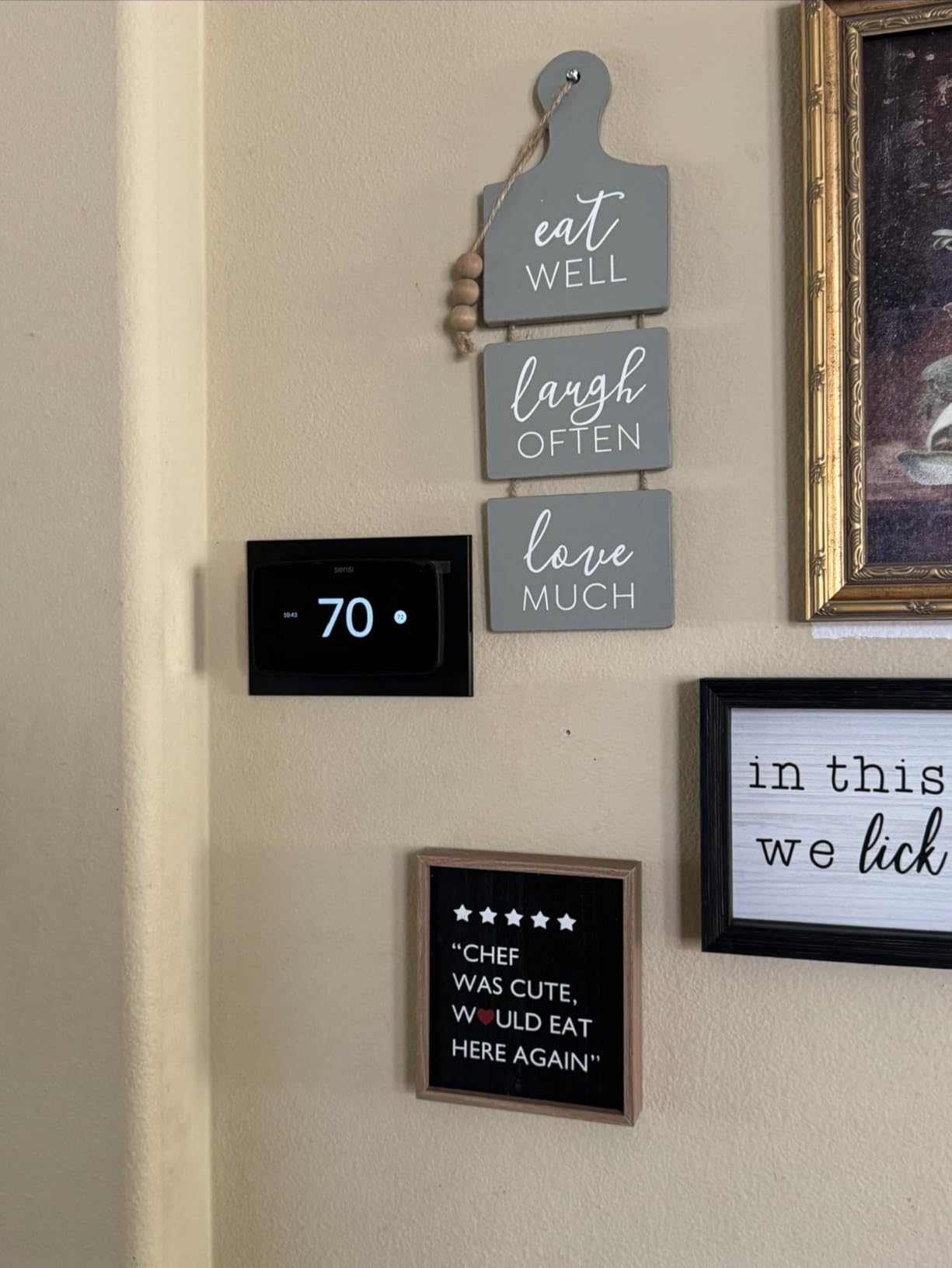
The Sensi ST55 is the one we keep coming back to for this specific job. Owners with 1960s-style wiring and two-wire boiler systems report finishing the whole install in ten to fifteen minutes, and the built-in level on the back plate means you are not chasing a bubble across the floor trying to get it straight on old plaster walls. It draws on two AA batteries, so it does not care that there is no C wire in the house.
It also happens to look like what it replaces. The body measures 1 inch deep by 5.88 inches wide by 3.75 inches tall, which is the same footprint as a traditional mechanical thermostat, so there is no patching and no repainting after the swap.
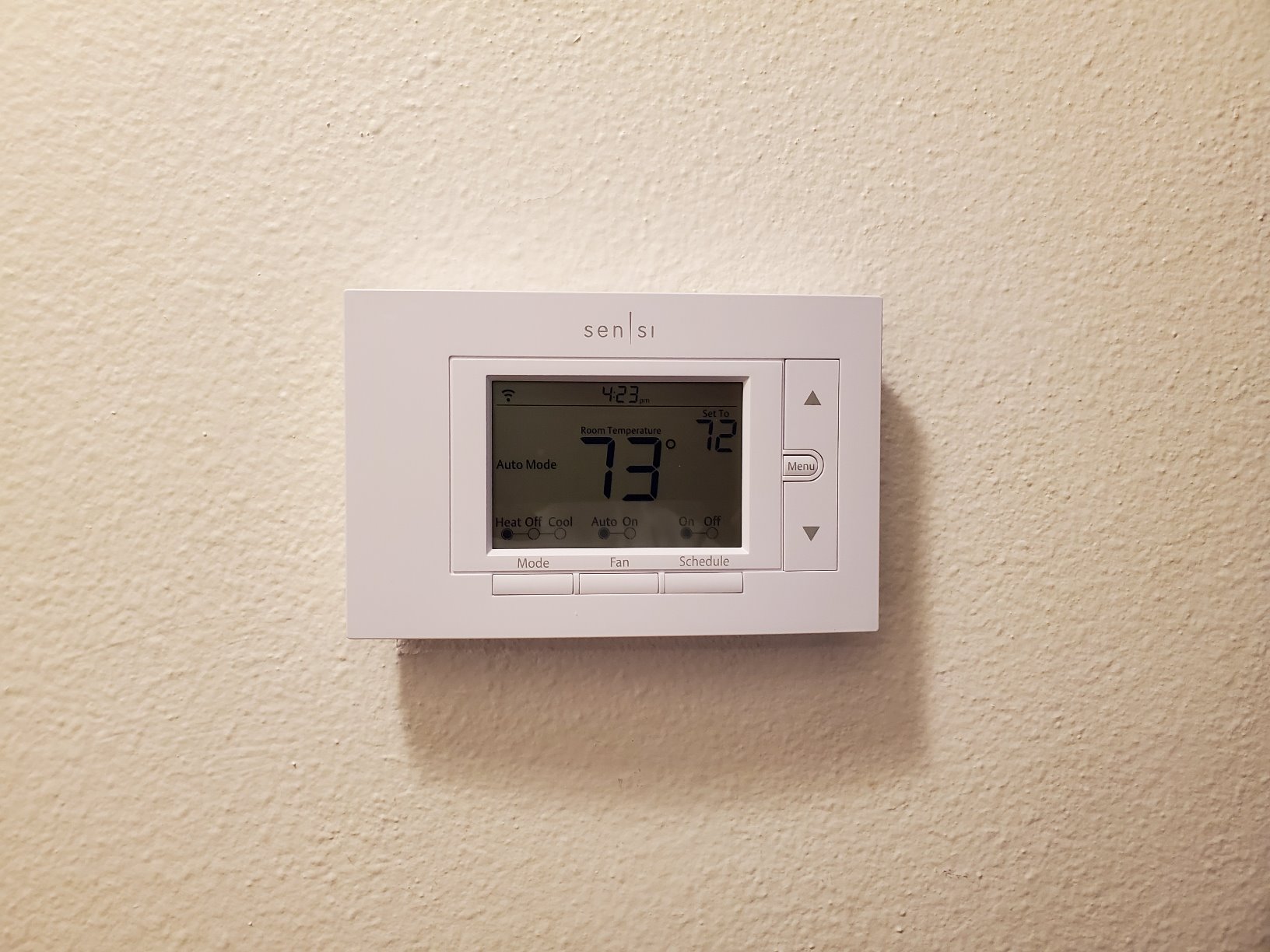
The app handles per-day schedules with a quick-copy feature between weekly patterns, and it reports indoor humidity alongside temperature. That is genuinely useful in an older house with a boiler, where knowing whether the basement air is dry tells you more about comfort than the hallway reading does. The manufacturer is Copeland, and the warranty runs three years.
Two things to know before you commit. The high and low temperature and humidity alert thresholds are fixed, not adjustable, so you cannot widen them the way you can on most competing apps. Some units also hit Wi-Fi registration problems on first setup that need a support call to clear, which is annoying in an old house where you may be on a weak 2.4 GHz network.
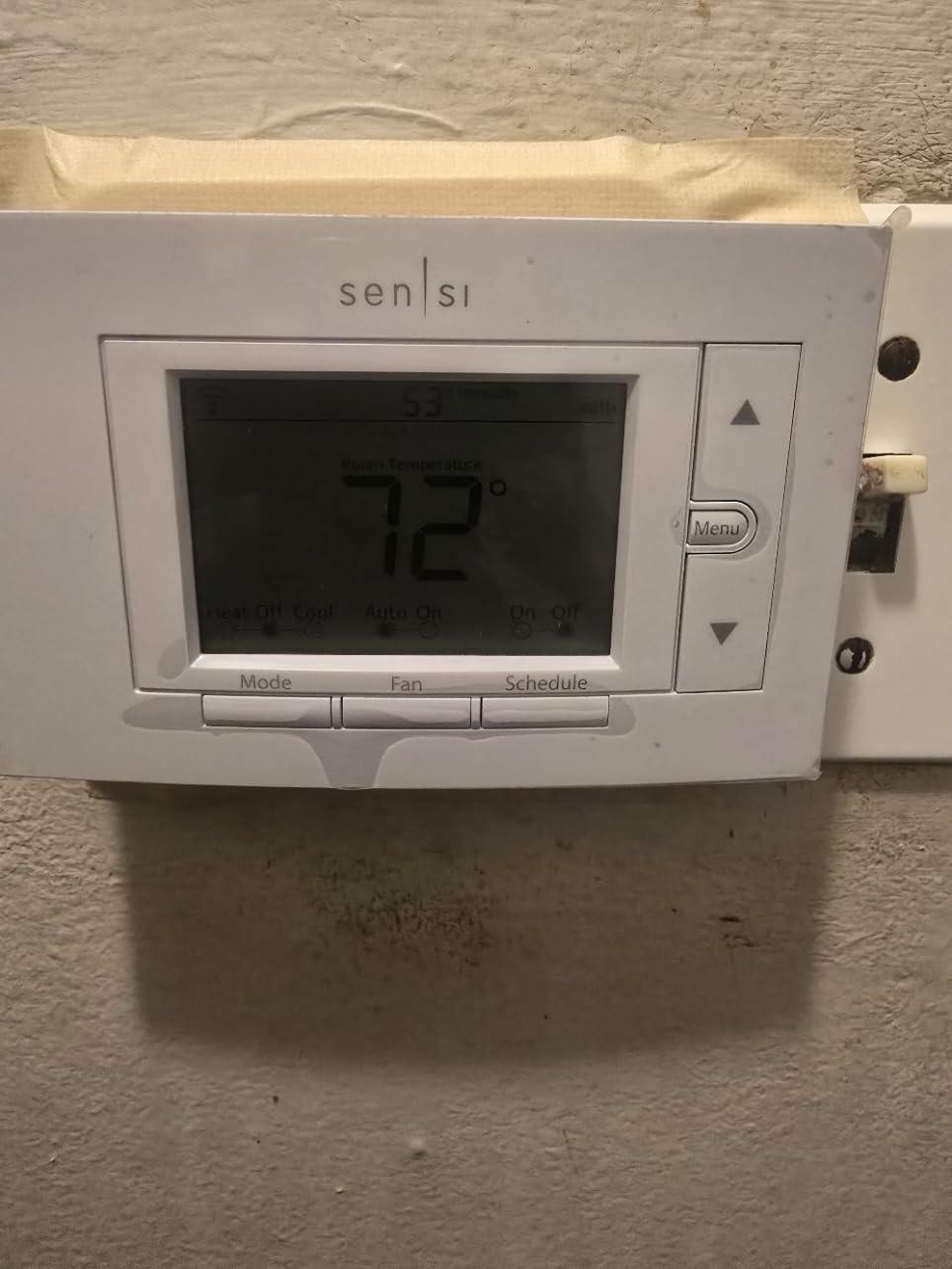
Will it fit a heat-only system with no C wire
This is the number one question we get, and the honest answer is: on most systems, yes. The ST55 runs on batteries and gets its trickle of power from the heating circuit, which is exactly the arrangement you find in houses with a boiler or a furnace that never got a common wire run.
The exception is a three-wire heat-only setup with nothing to spare, and any system where the equipment genuinely needs constant 24V to hold a schedule. If your terminal block shows only R, G and W, pause before you order, because the manufacturer power accessories people use to solve this problem will not rescue a three-wire install.
Is it a fit for an older relative living alone
Partly. The large LED readout and the button-control layout are easier than a swipe interface for aging eyes and hands, which is why we rate it highly for aging-in-place homes. The app sends equipment alerts and filter reminders, so a family member can watch consumption from another address.
What you do not get is room-level monitoring, so a cold upstairs bedroom behind a closed door will not show up in the readings. If uneven heat across two storeys is the real problem in the house, this model fixes the scheduling but not the distribution.
2. Google Nest Thermostat Charcoal – the biggest review base for a battery-only install
Google Nest Thermostat – Smart Thermostat for Home – Programmable Wifi Thermostat – Charcoal
Works without a C wire in most homes
2 inch LCD
Learning and Eco behaviour
Bluetooth interconnect
2 AA batteries
Pros
- Largest review base in the group
- No C wire needed in most homes
- Compatibility checker confirms fit before buying
- Motion sensing and phone geolocation
- Quiet circular design suits older walls
Cons
- 2 inch display with a swipe ring that many older users find hard to operate
- Setup is app driven with no printed instructions
- Zoned two-wire heat needs furnace adapters
- Units can show offline and need reinstalling in the app
With close to 30,000 reviews behind it, the Nest Thermostat is the most documented experience you will find online, and that cuts both ways. Owners upgrading from 1980s dial thermostats report easy installs and real savings on their heating bills, typically somewhere in the 25 to 35 dollar a month range on a typical home. The learning behavior turns the setpoint down when nobody is home and back up before arrival.
It is powered by two AA batteries over a 2 inch LCD, and it works without a C wire in most houses. Google ships a compatibility checker, and that is the first thing you should run. Reddit users on r/Nest consistently report that current-generation units handle both Rh and Rc wiring, which matters in houses where the letters were added by a previous owner rather than the installer.
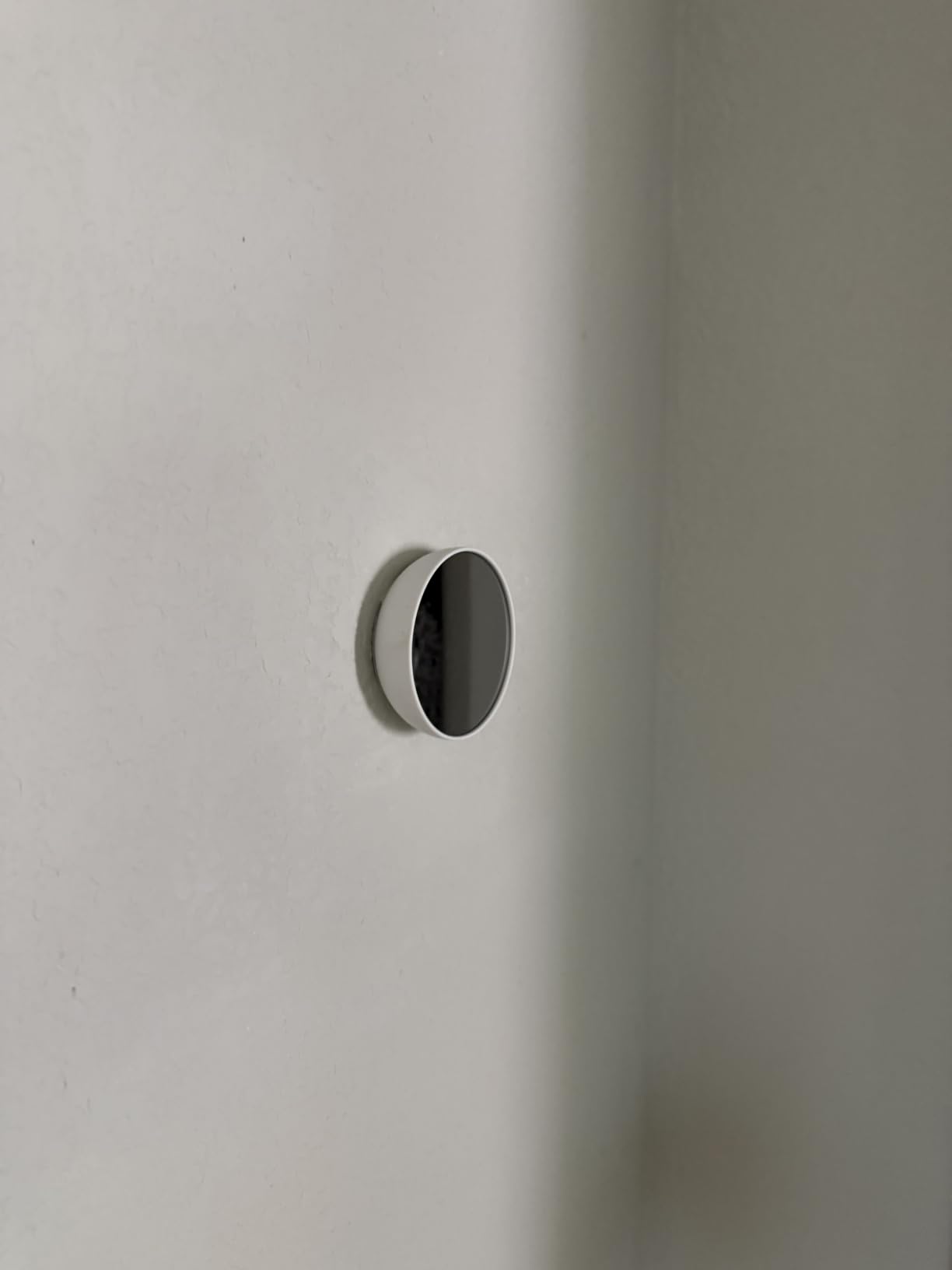
The Google Home app handles scheduling, remote control and HVAC maintenance alerts, and the unit weighs just under 5 ounces. Because it runs on batteries, a power interruption does not lose your schedule, which is worth something in a house with older wiring where brownouts happen.
Users on SmartThings community threads raise a point worth repeating: the thermostat claims to work without a C wire, but it does draw power from the heating system, and that has real consequences for how often the blower and the heat call behave. Budget for the possibility that a wiring upgrade becomes worth it later.
Is it suitable for someone with limited vision or dexterity
Honestly, no. This is the single most common complaint across the review base. The 2 inch display and the ring-and-swipe interface mean every setting change is a gesture rather than a button press, and reviewers with elderly parents specifically describe the mode switch as a frustrating test.
If the thermostat is going to be used by an older resident rather than managed by an adult child from a phone, choose a unit with physical buttons instead. The ST55 above and the Lyric T6 further down both fit that brief better.
What about a zoned house with two-wire heat
Zoning is where the Nest gets expensive in an old home. A zone panel serving two-wire hydronic zones needs an adapter at the furnace for each zone, and that cost is added on top of every thermostat. Owners report adding roughly one extra adapter per zone.
If your zones were retrofitted onto a single furnace decades after the house was built, check the panel model before you commit to this unit. A communicating panel from any major brand will need brand-matched controls rather than a generic Wi-Fi thermostat.
3. Honeywell Home RTH9600WF Smart Color – full staging for a heat pump house
Honeywell Home RTH9600WF Smart Color Thermostat ENERGY STAR Wi-Fi Programmable Touchscreen Alexa Ready – C-Wire Required
C wire required
Color touchscreen
Indoor humidity readout
Handles heat pump backup heat
1 AAA battery
Pros
- Selectable high definition color screen
- On-screen indoor and outdoor temperature with humidity
- Works with Alexa Google Assistant IFTTT
- ENERGY STAR certified and rebate eligible
- Handles forced air hot water steam and heat pumps with electric backup
Cons
- C wire required so older homes need a power adapter
- Not compatible with 120-240V electric baseboard heat
- Will not work on heating-only oil systems without a C wire
- Touch-only interface with no physical buttons
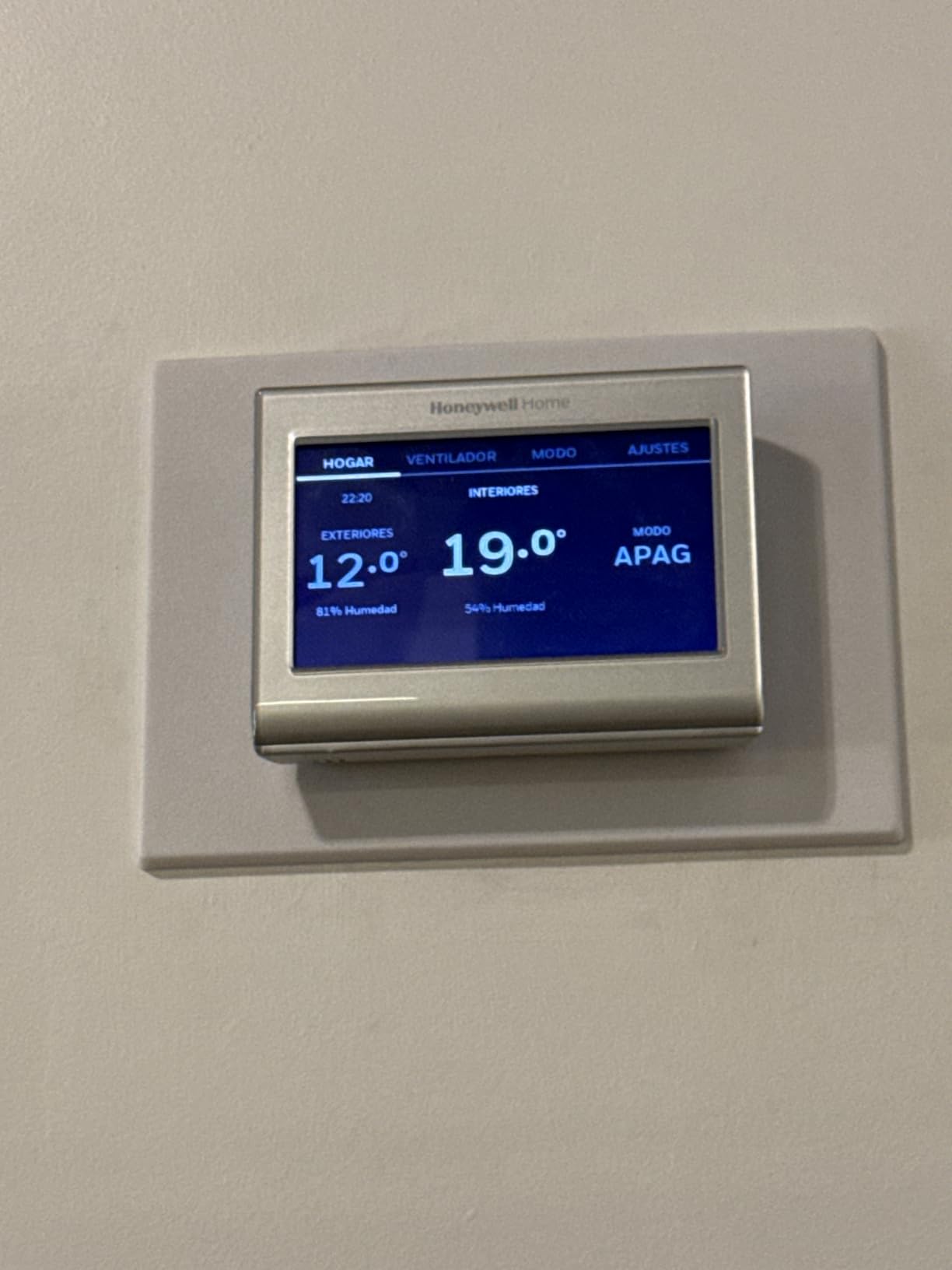
Honeywell’s RTH9600WF is the pick when the equipment behind the plate is a heat pump with electric backup heat, because it handles that configuration explicitly and tells you so on the box. Buyers consistently cite the color screen and the on-screen comfort data as the reasons they stayed, and the compatibility list covers forced air, hot water and steam systems as well.
The catch for this particular audience is stated plainly in the product name: a C wire is required. In an older house that means buying a power adapter separately or running a new cable, and no adapter in the world will fix a heating-only oil system that has no common wire.
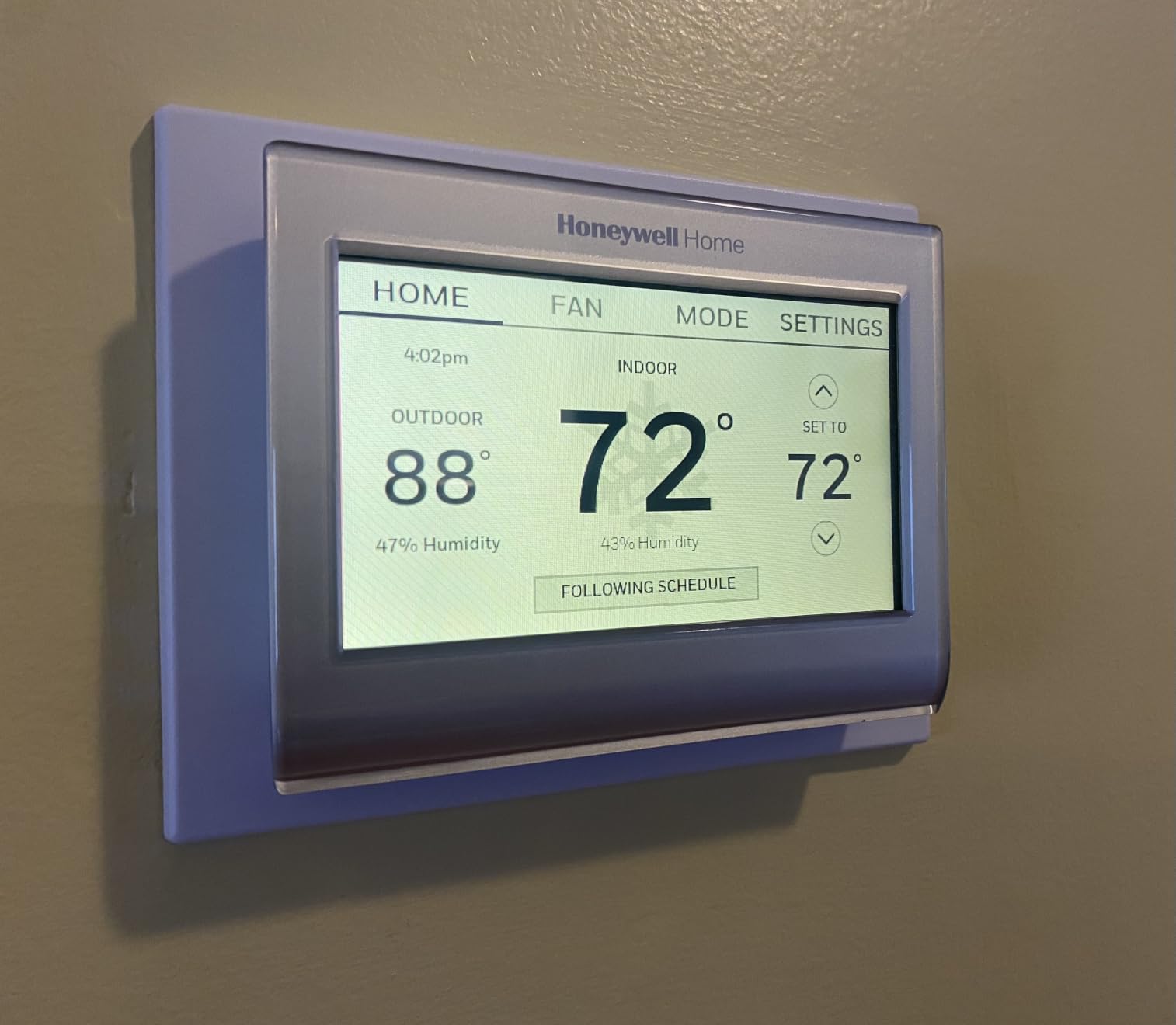
It runs on a single AAA battery even though it needs the C wire for constant 24V, which is a slightly confusing but standard arrangement. The battery keeps the clock alive during a power cut. Screen size is 4.75 inches wide by 3.5 inches tall, and it works with Alexa, Google Assistant, Microsoft Cortana and IFTTT.
Note the second exclusion carefully: it does not work with electric baseboard heat at 120V or 240V. If your older home is heated by baseboard convection units, this is the wrong thermostat and no amount of configuration will change that.
Does aux heat staging actually matter in a drafty old house
More than in a modern one, yes. A poorly insulated pre-1980 home can ask for a lot of heat at once, and on a heat pump that means the backup electric strips carry the load. A thermostat that stages W2 correctly keeps the compressor running longer and the strips off, which is both cheaper and kinder to the equipment.
If your system has a W2, AUX or E terminal, verify the staging on the manufacturer’s compatibility checker before you buy. Mis-staging is the source of most of the complaints that get blamed on the thermostat itself.
Is the touch-only interface a problem for older users
It can be. There are no physical controls, so every change is a tap on a screen with no tactile feedback. For a homeowner with reduced dexterity or someone managing the thermostat on behalf of an older resident, a unit with real buttons is the safer choice.
For everyone else the touchscreen earns its place, because the weather forecast and humidity readout on the home screen save opening the app at all.
4. Honeywell Home T5 Smart Wi-Fi – set-and-forget scheduling on a small screen
Honeywell Home T5 Smart Wi-Fi Thermostat
C wire power adapter needed
4.95 inch LCD
Geofencing
Auto changeover
1 AAA battery
Pros
- Seven day scheduling plus geofencing using phone location
- ENERGY STAR certified with monthly energy reports
- Works with Alexa Google Assistant and HomeKit
- Compact square body fits a standard wall plate
- Auto home and away mode
Cons
- C wire power adapter needed in homes without a common wire
- Will not work on heating-only oil systems without a C wire
- Monochrome LCD with no humidity readout
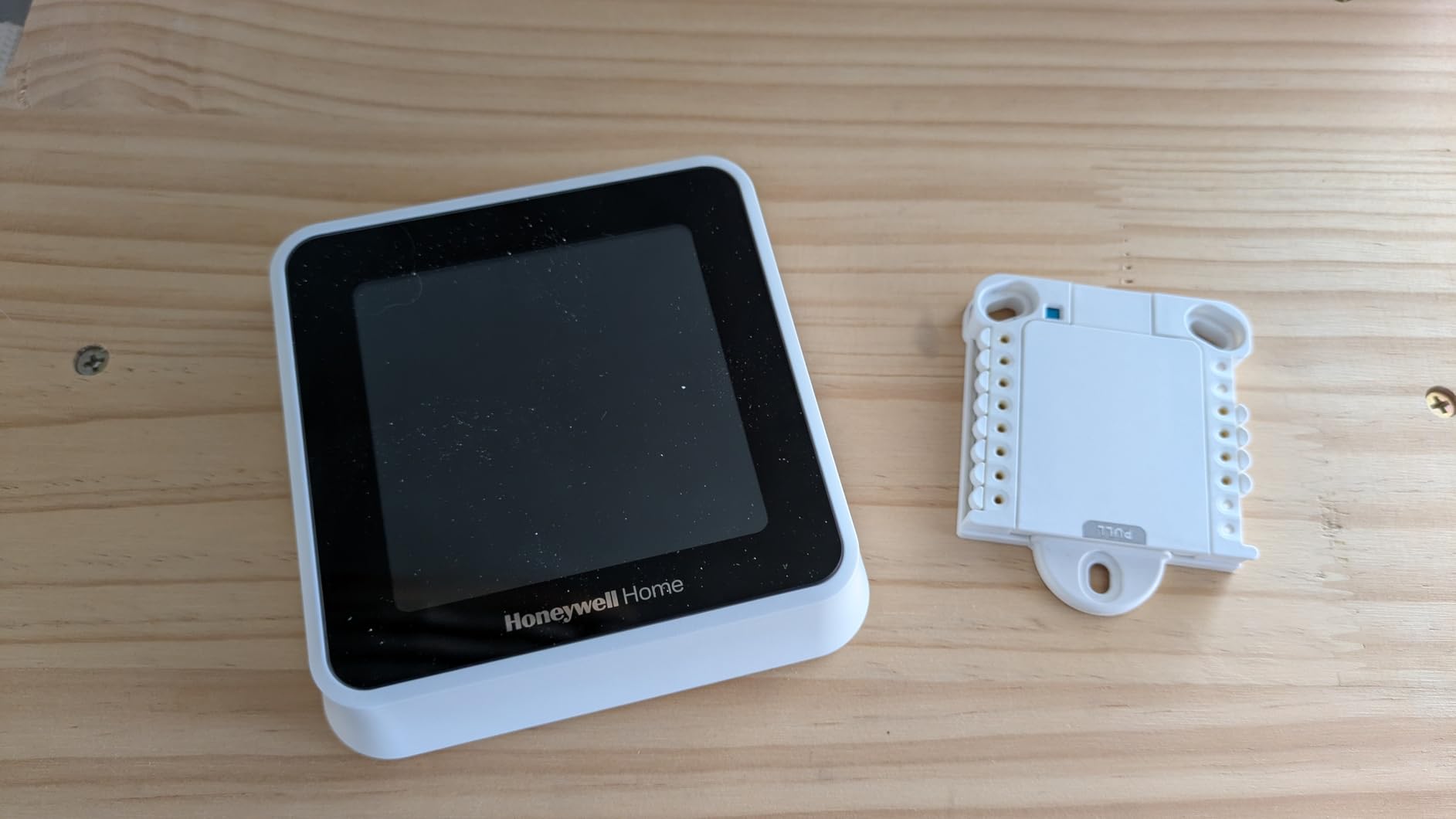
The T5 is the Honeywell to consider when you want remote control without a glossy screen in the middle of your wall. The 4.95 inch monochrome LCD is unremarkable to look at, but the scheduling underneath it is the deepest of any Honeywell in this roundup, with seven-day flexibility and geofencing that uses your phone location to switch between home and away automatically.
Owners highlight the geofence automation and the monthly energy reports, and the auto changeover between heating and cooling takes one more thing off the list of things to think about. It fits a standard wall plate and measures 4.06 inches square.
High scheduling use is what drives the savings here, since the thermostat is designed around a seven-day grid you set once rather than an algorithm you have to train. It also supports participation in utility rebate and demand response programs, which some areas pair with thermostat rebates.
Again, the qualifier for an old house is the C wire. Homes without a common wire need a Honeywell power adapter, and heating-only oil systems still need an actual C wire present. There is no humidity reading, which limits how much you learn about a boiler system’s comfort.
Is it the right choice when nobody uses the app
If the thermostat will be set once and then ignored, this is a good fit, because the schedule does not depend on a learning model settling down. Several owners with older installs specifically chose it over learning thermostats to avoid the model overshooting on the way to its target.
Geofencing is the exception. If your household routinely has people arriving and leaving at unpredictable times, location-based switching will keep rewriting the plan, and you may prefer to set it and leave it.
What does demand response do to my schedule
Utility demand response programs can temporarily pull your setpoint toward an efficient range without you doing anything, and that surprises people who did not sign up expecting it. The thermostat will normally notify you and let you opt out of each event.
If you do not want an automated utility touching your schedule, disable program participation during setup rather than discovering it during a cold week.
5. ecobee Smart Thermostat Enhanced – the C-wire kit comes in the box
ecobee Smart Thermostat Enhanced, Programmable Wifi Thermostat
Power Extender Kit included
4 inch LCD
Built-in occupancy sensing
90 percent system compatibility
3 year warranty
Pros
- Power Extender Kit included so no extra parts or electrician
- Compatible with 90 percent of HVAC systems with an online checker
- Built-in occupancy sensing preheats and precools
- Metal body with a trim plate
- Ships with SmartThings HomeKit Alexa and Google Assistant support
Cons
- SmartSensors sold separately for room by room control
- Setup and Wi-Fi credentials are handled in the app not on the unit
- Steeper learning curve for first time smart thermostat users
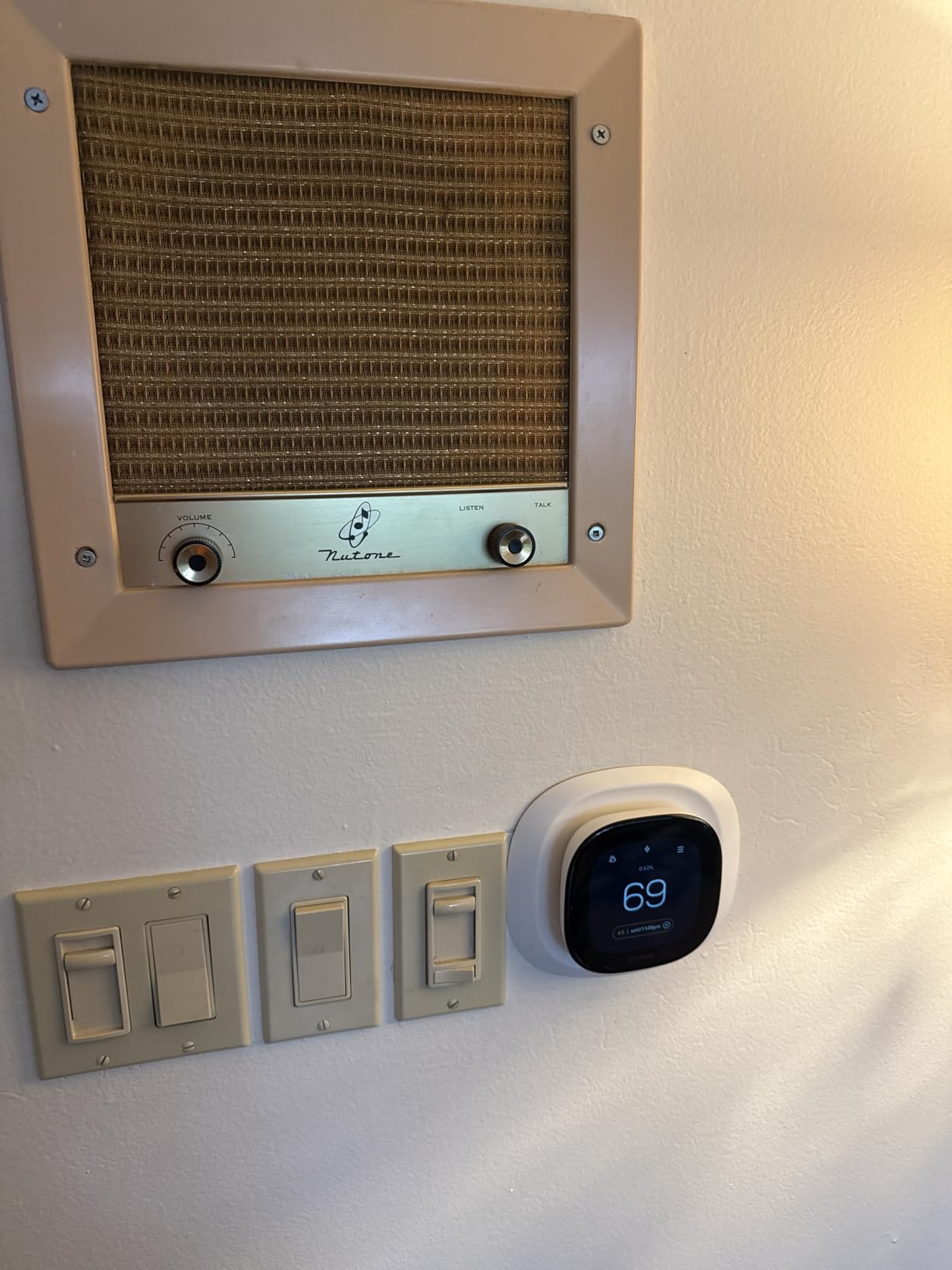
The Enhanced is the ecobee to buy for a pre-1980 house, and the reason is simple: the Power Extender Kit is in the box. That kit mounts at the furnace and gives the thermostat the constant power it needs without anyone opening a wall or running new wire, which is the single biggest cost difference between a weekend install and a contractor visit.
ecobee rates it as compatible with 90 percent of HVAC systems, and the online compatibility checker will confirm your specific setup before you commit. The built-in occupancy sensor preheats or precools based on presence rather than a fixed clock, which helps in a house where different rooms are used at different times.
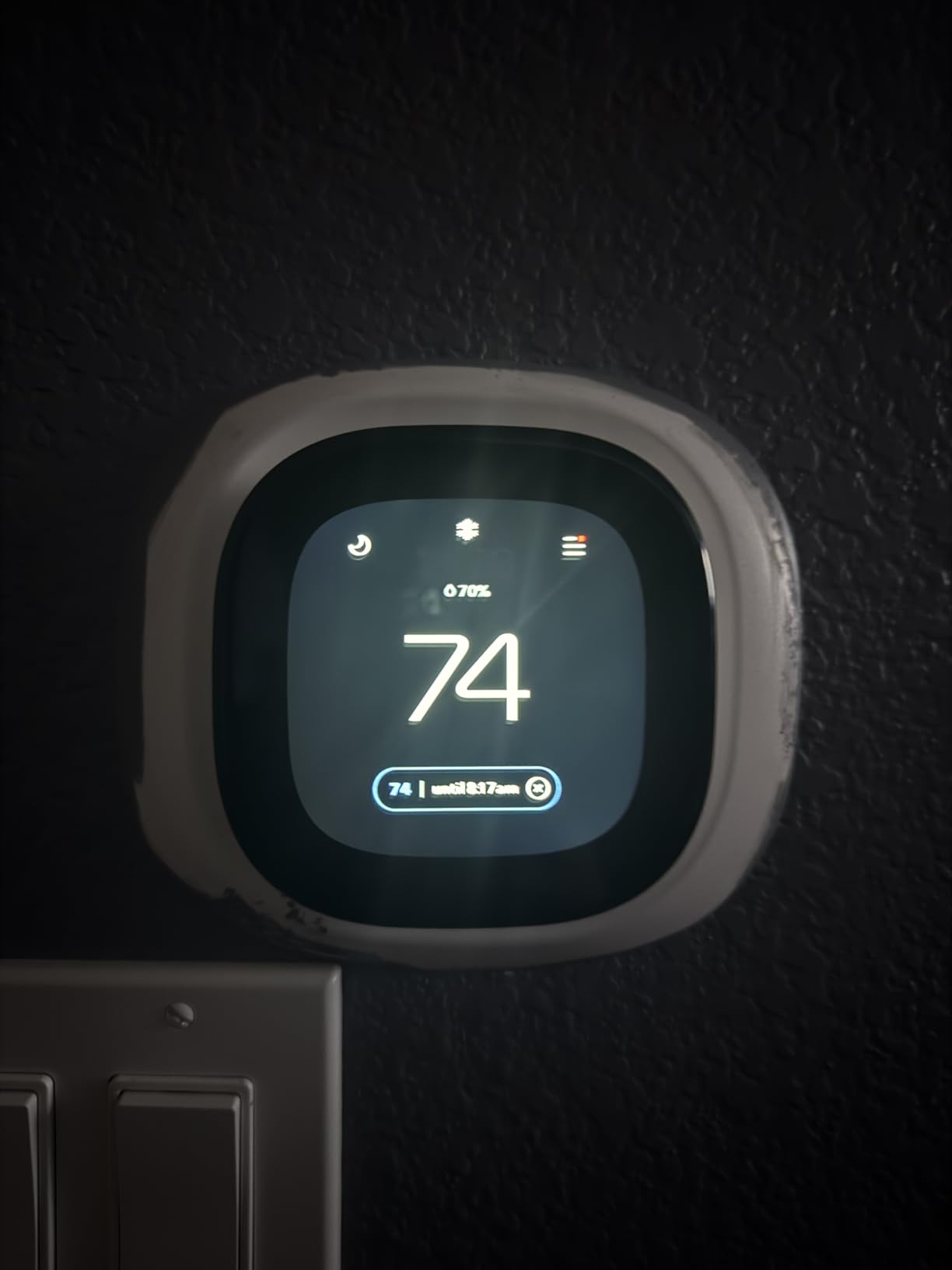
The body is metal with a trim plate rather than plastic, which matters more in a house with original plaster and woodwork than it would in a new build. The 4 inch display is readable from across a room, and the app controls everything including remote access from an Apple Watch.
The warranty is three years, longer than anything else in this roundup. Owners rate the app experience as polished, and the general complaint is about cost rather than function: SmartSensors for room-by-room control are a separate purchase.
Does the Power Extender Kit work with only three wires
No, and this is the disqualifier to know before you buy. The Power Extender Kit needs at least four wires at the thermostat, so a three-wire heat-only R, G, W arrangement is excluded, as is any install where one thermostat controls two systems.
If you pull the faceplate and count three wires, you need a different solution: an add-a-wire adapter, a new cable run, or a hub-based control that gets its power from somewhere other than the control circuit. HomeSeer forum users favour that last route precisely for this reason.
Is it worth extra for older homes with hydronic heat
Yes, in most cases. Radiant and boiler systems in older houses are slow to respond and slow to cool off, which is exactly the situation where an occupancy sensor that starts the heat earlier produces better comfort than a schedule that slams the setpoint at a fixed hour.
You do not need the Premium model for that. The occupancy sensor in this one does the job, and you can add a SmartSensor later if you decide the hallway reading is misleading you.
6. ecobee Smart Thermostat Premium – a bundled sensor for uneven old houses
ecobee Smart Thermostat Premium – WiFi, Siri & Alexa Built-In, Smart Sensor
SmartSensor included
Power Extender Kit included
Radar occupancy sensing
Built-in air quality monitor
3 year warranty
Pros
- Bundled SmartSensor targets the rooms actually in use
- Rated compatible with 95 percent of HVAC systems
- Power Extender Kit included for homes without a C wire
- Built-in air quality monitor with drop alerts
- Built-in Siri or Alexa speaker with radar occupancy sensing
Cons
- Smart Security and doorbell streaming need a paid subscription
- Siri needs an Apple home hub as well
- Highest specification in the group with features many households never use
Two-storey houses with uneven heat are the classic older-home problem, and the Premium is the only model in this roundup that arrives with a room sensor already in the box. Owners in drafty homes value that the included SmartSensor lets you average across rooms instead of making the hallway decide what the whole house feels like.
ecobee rates compatibility at 95 percent, which is the widest published figure here, and the listed equipment list explicitly includes electric baseboard heaters and boilers. It comes with the same Power Extender Kit, so the no-C-wire story is identical to the Enhanced.
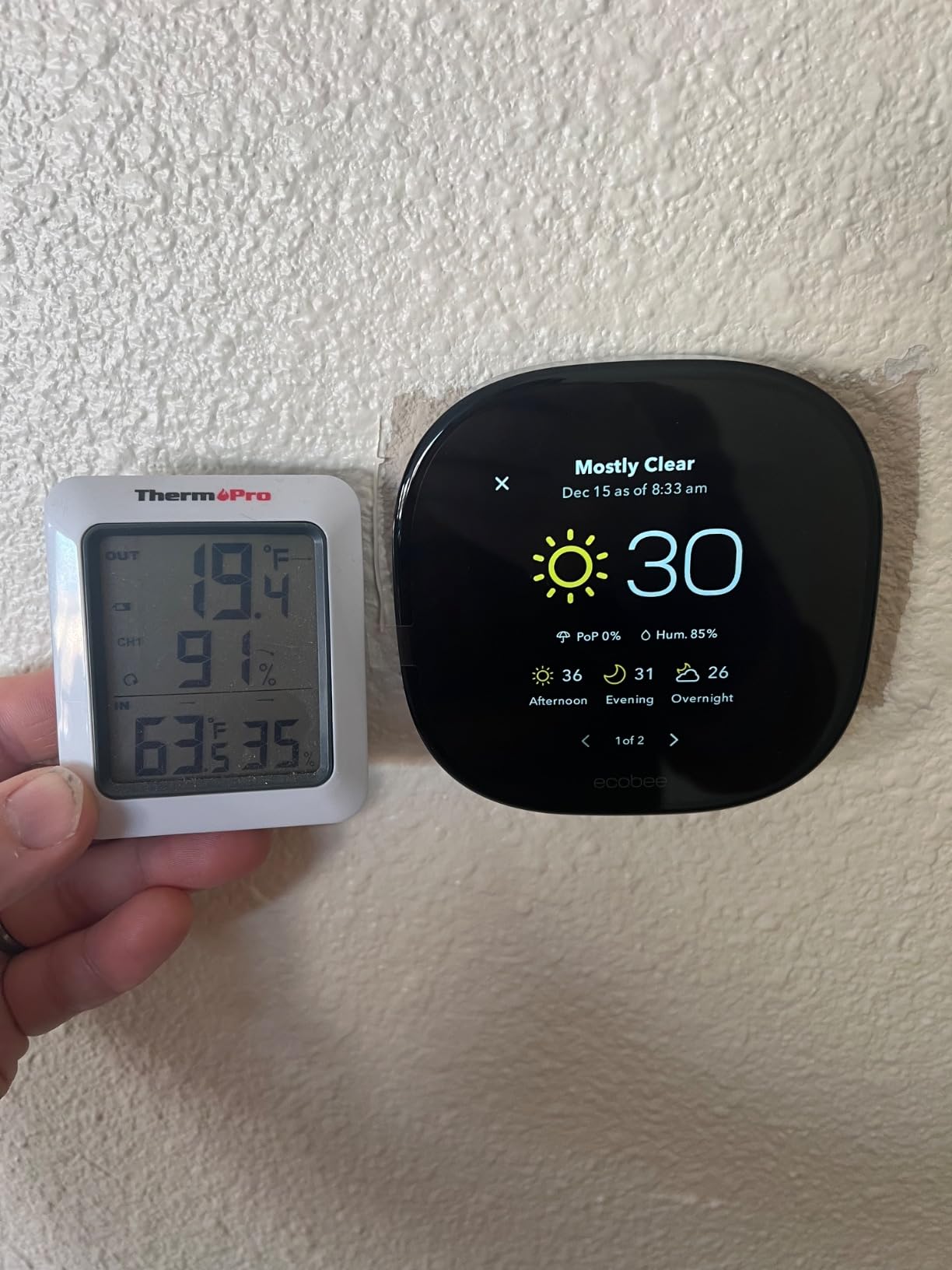
The built-in air quality monitor tracks particulates and sends drop alerts with improvement tips, plus filter change reminders, which is more useful than it sounds in a house with an old furnace and a lot of dust. Radar occupancy sensing replaces the passive sensor found in the Enhanced, detecting presence more reliably.
There is also a built-in speaker for Siri or Alexa, music streaming and the ability to listen in on smoke alarms. The round aluminum body is 4.09 inches square, and the warranty is three years.
Does the included sensor justify buying the Premium over the Enhanced
If your house has one thermostat and the rooms disagree with each other, yes. A sensor placed in the bedroom or the upstairs landing changes the number the system acts on, and in a home with two occupied floors that is the difference between a working schedule and a heated hallway.
If your house heats evenly and one room sensor would sit on a shelf, then no. The Enhanced gives you 90 percent compatibility and occupancy sensing at a lower specification, and you can buy a sensor later if the uneven heat turns out to be real.
What are the subscription-gated features and do I need them
The security features, including live view from a doorbell camera and two-way talk, require a paid ecobee subscription. Temperature control, scheduling, the occupancy sensor and the air quality monitor do not.
Homeowners who did not subscribe report no loss of everyday function. Treat the subscription as an upsell rather than a requirement, and check the current terms before you rely on any feature that sits behind it.
7. ecobee Smart Thermostat Essential – for a boiler house with baseboard backup
ecobee Smart Thermostat Essential – WiFi Thermostat, Energy Star Certified
Power Extender Kit sold separately
3.74 inch touchscreen
85 percent system compatibility
Free software upgrades
eco+ scheduling
Pros
- Listed as compatible with electric baseboard heaters which is unusual for a smart thermostat
- eco+ schedule assistant with time-of-use preheating
- Free software upgrades extend the useful life
- Color touchscreen plus app control
- Works with HomeKit Google Assistant and Alexa
Cons
- Power Extender Kit and trim kit sold separately for C-wire-free homes
- SmartSensors sold separately
- 85 percent compatibility is lower than the other ecobee models
The Essential is the ecobee to consider in a house where hydronic heat is doing most of the work. It is listed as compatible with electric baseboard heaters and with most 24V equipment including gas, oil, electric, dual fuel, forced air, conventional and heat pump systems, plus boilers, which covers most of the heating found in houses built before 1980.
It is also the only ecobee in this roundup that still takes free software upgrades, so the unit improves after you buy it rather than staying as it shipped. The eco+ schedule assistant watches local rates and time of use so it can preheat before a peak period.
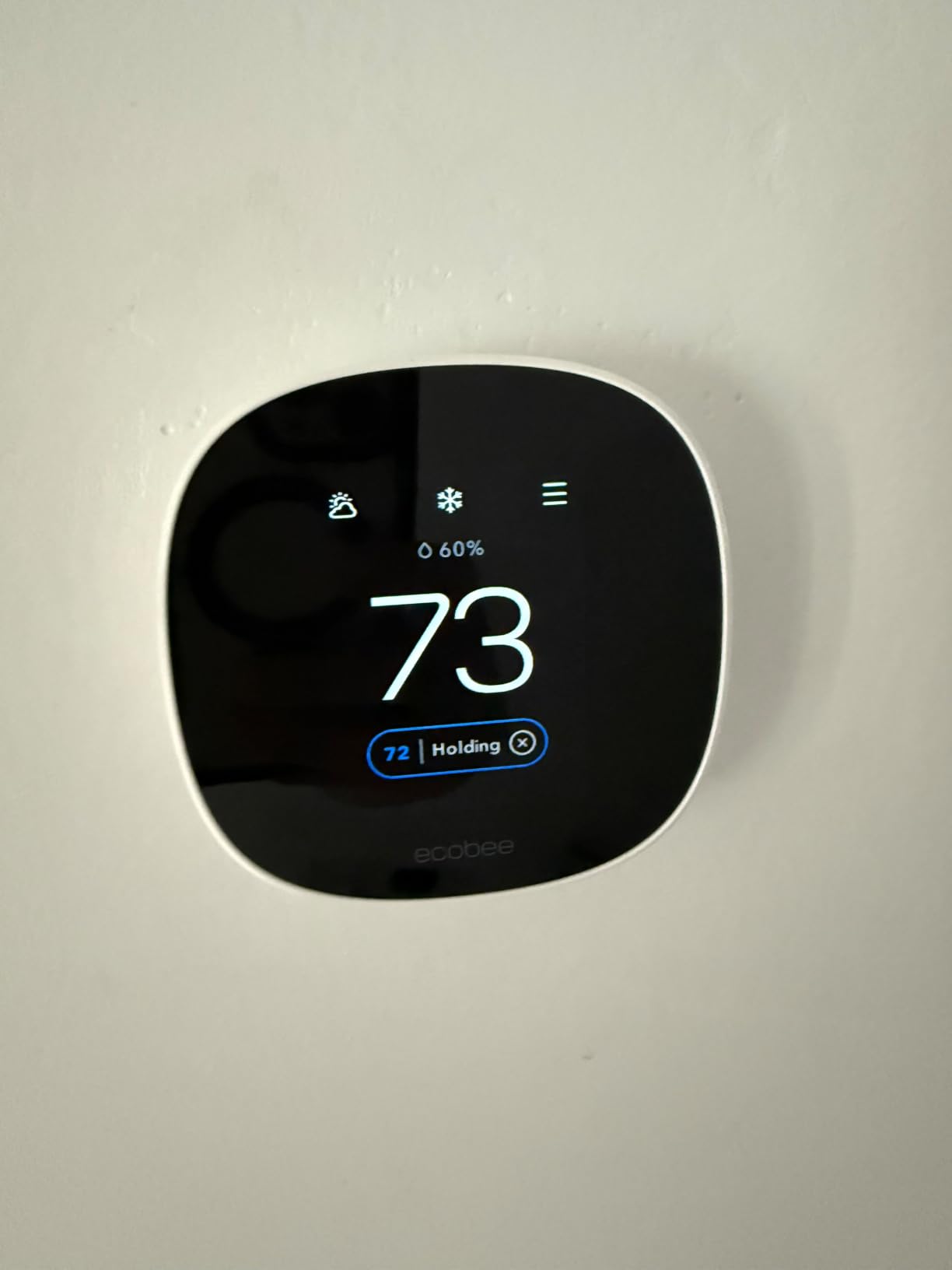
The 3.74 inch color touchscreen is a genuine step up from the T5’s monochrome panel, and indoor humidity detection feeds the eco+ logic. Owners like the upgrade path and the baseboard compatibility more than almost anything else about it.
The important older-home catch is the accessories. Unlike the Enhanced and the Premium, the Power Extender Kit and trim kit are sold separately here, so a no-C-wire install costs more than the thermostat. That 85 percent compatibility rating is the lowest of the three ecobee models too.
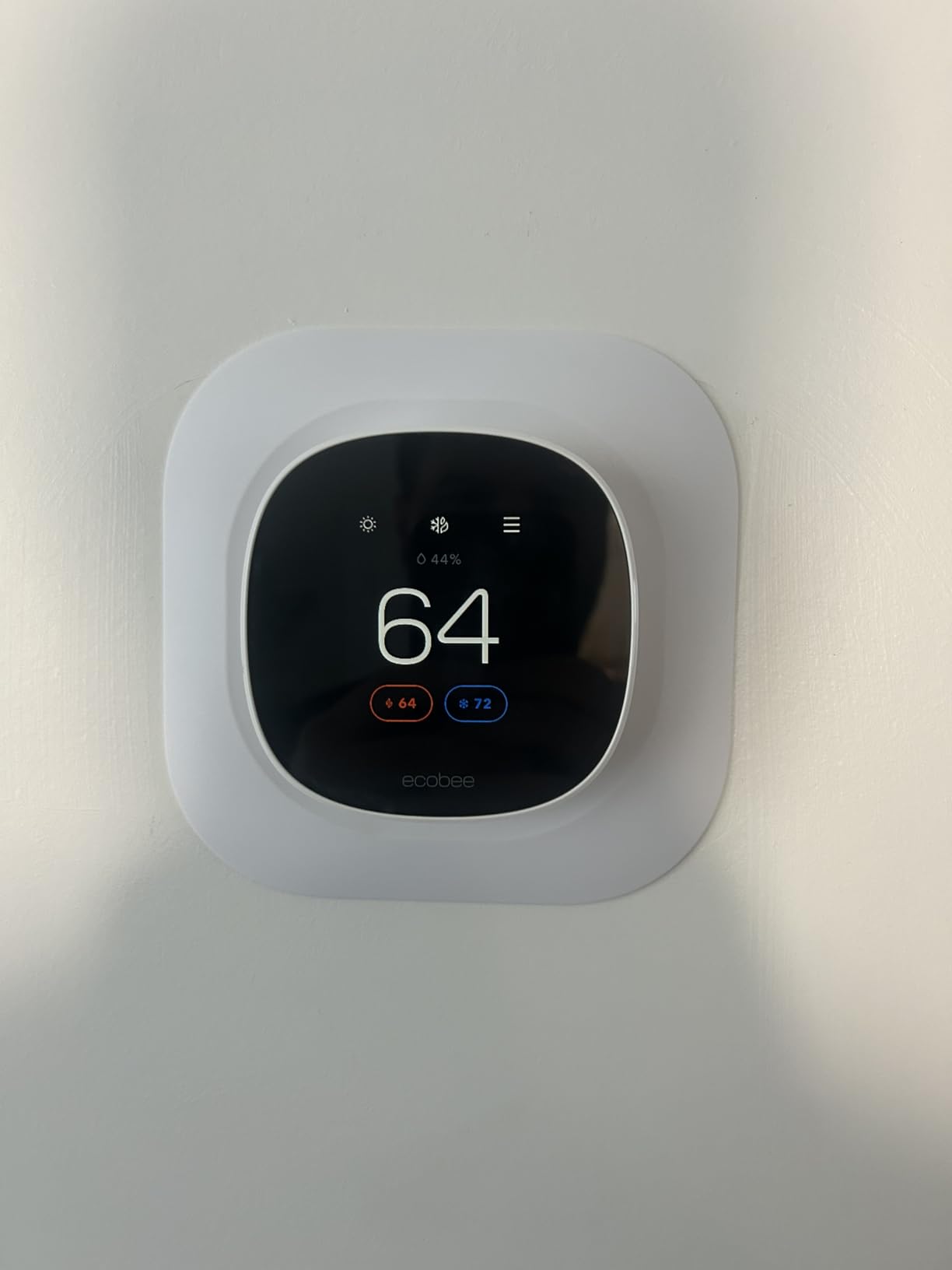
Is it suitable for a house heated by radiators or a boiler
Yes, and this is its strongest case. Boilers and hydronic loops in older houses run on 24V low voltage, which is exactly the equipment class this thermostat targets, and the round body suits a wall where a square box never looked right.
The warm-up and cool-down lag of a boiler system is where the eco+ time-of-use logic earns its keep, since it starts heating before a peak rate window instead of during it.
What does the lower compatibility rating actually exclude
At 85 percent, the exclusions are concentrated in proprietary and multi-stage equipment: some two-stage and variable-speed systems, certain zone panels and anything with a proprietary data bus. If your equipment is conventional 24V forced air, hydronic or a heat pump, you are inside the supported range.
Run the manufacturer compatibility checker with your exact equipment type before you order. If it says no, the fix is usually moving up to the Enhanced rather than forcing the install.
8. Sensi Touch 2 Smart Thermostat ST76 – guided setup for a first-time install
Sensi Touch 2 Smart Thermostat Wi-Fi, Alexa, Energy Star Certified, ST76
C wire required
Bluetooth guided app setup
Sensi Room Sensor support
3 year warranty
Large LCD touchscreen
Pros
- App guides every step of the wiring setup over Bluetooth
- Works with Sensi Room Sensors for room by room balancing
- Sensi states it does not sell personal information to third parties
- ENERGY STAR certified with usage reports and filter reminders
- Large touchscreen with a modern beveled edge
Cons
- C wire required unlike the Sensi ST55 and ST25
- Room sensors are sold separately
- Some users report occasional Wi-Fi connectivity drops
The Touch 2 is what we would reach for if the person doing the install has never wired a thermostat before. Universal Bluetooth walks you through each connection in the app, naming the terminal as you go, which removes most of the guesswork that makes old-house installs stressful.
It also pairs with Sensi Room Sensors for balancing temperatures room by room, which is the fix for the two-storey problem, and the privacy position is explicit: the manufacturer says it does not sell personal information or use thermostat activity for advertising.
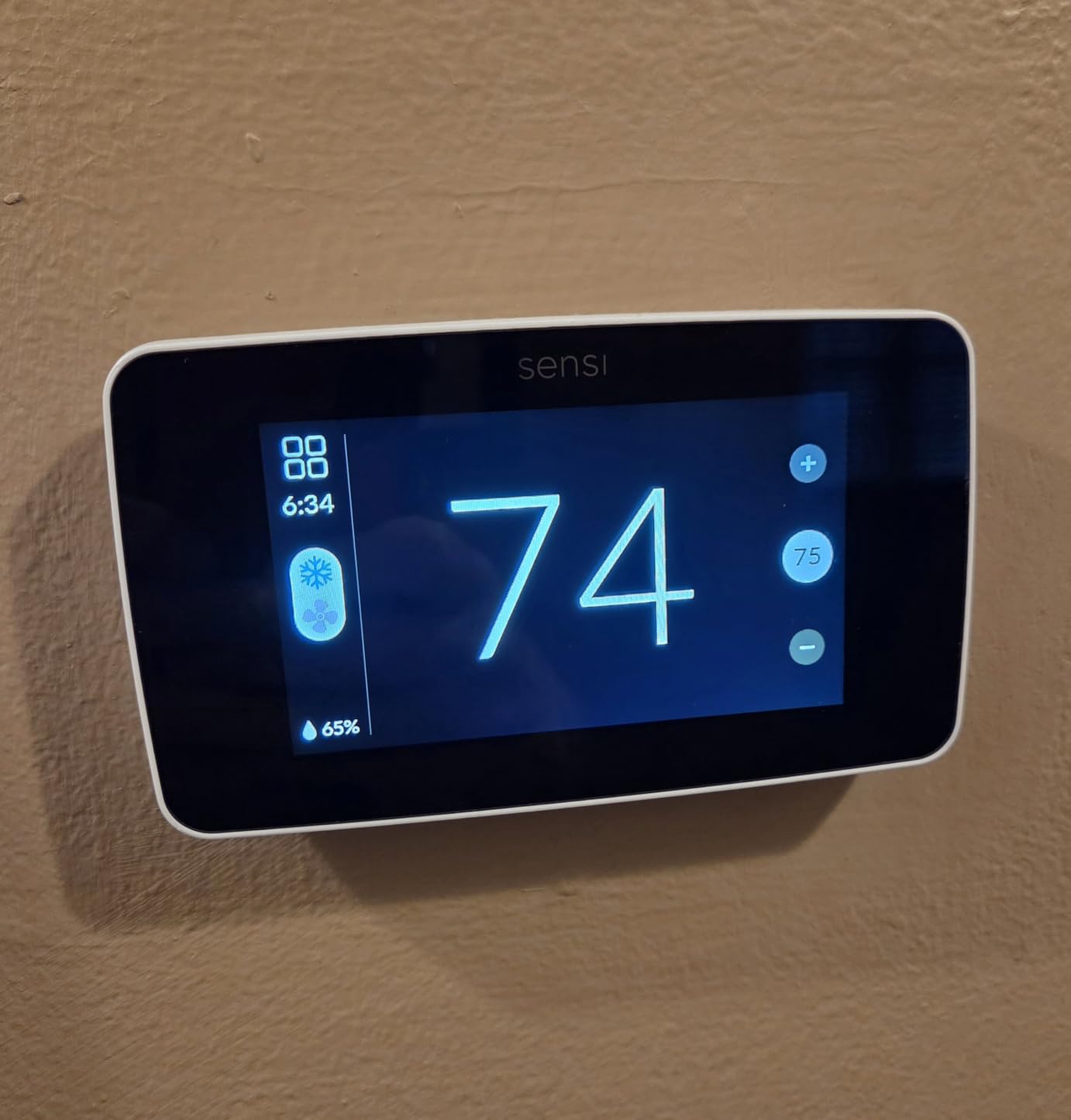
The body is 5.6 inches deep by 3.25 inches wide with a beveled edge and a large LCD touchscreen, and it carries the same three-year warranty as the rest of the Sensi range. Filter reminders and equipment alerts are included with ENERGY STAR certification.
Read the specs carefully for this audience, though. The power source is listed as the common wire, meaning a C wire is required. That is the decisive fact for most pre-1990 houses, and it is the reason this model ranks below the ST55 despite the nicer screen.
Do I need a C wire to use this in a 1950s house
Yes. Unlike the ST55 and the ST25, the Touch 2 will not run on batteries alone, so a house with no common wire needs a power solution before this unit will work. The Bluetooth-guided setup will tell you this early rather than after you have mounted the base plate.
If your house does have a C wire, or you plan to run one, this is a much easier install than any other model here. That guidance also applies to the wiring itself: work from the terminal letters, never the colors.
Is the privacy position a genuine advantage
For some households, yes. Sensi states plainly that it does not sell personal information to third parties and does not use thermostat activity for advertising, which is a stronger published commitment than most thermostat brands make.
In an aging-in-place scenario that matters more than the feature list suggests, because remote monitoring gives a family visibility into occupancy and temperature without the equipment profiling your schedule for advertising.
9. Sensi Lite Smart Thermostat ST25 – readable numbers and a battery-only install
Sensi Lite Smart Thermostat, WiFi, Alexa, DIY, Energy Star Certified, ST25
No C wire needed on most systems
Built-in level
Geofencing
2 AAA batteries included
5 inch body
Pros
- No C wire needed on most systems so old four-wire and two-wire installs go in quickly
- App lets you check wire compatibility before buying
- Large display numbers readable from across a room
- Simple interface with one tap for mode
- One owner measured accuracy within a half degree of a service thermometer
Cons
- Recurring reports of Wi-Fi drops where the app loses the unit
- Setup can require re-entering network name and password
- No color display
- Fewer settings than the premium models
The Lite is the most explicitly aimed at this audience of anything we tested. Owners in old wiring repeatedly cite the large readable numbers, the lack of a C wire requirement and installs that took five to fifteen minutes, including one owner who reports a system where a competing brand would not have worked at all.
It also has a practical safety feature for a weekend installer: the app will check your wire compatibility before you finish the purchase, so you find out about a missing terminal before the box is open.
The built-in level is on the back plate again, which matters on uneven old walls. Two AAA batteries are included, the body measures 5.07 inches wide by 3.13 inches tall, and the manufacturer warranty is three years.
There is a hard rule to remember here. The C wire is required for heat pump and heat-and-cool-only systems, and not required on most others. So check whether you have a heat pump before assuming this is the easy option.
Is the interface genuinely easier for older users
Yes. One tap changes the mode and the arrows change the temperature, which is closer to operating a mechanical dial than operating a phone. Several owners point to the large numerals being readable from across a room, which is the point of the product.
The compromise is fewer settings than the premium models offer. If you want to fine-tune staging or run a room sensor, this is not the unit. If you want a schedule that runs without attention, it is close to ideal.
What about the recurring Wi-Fi complaints
This is the dominant negative theme across the review base, and it is worth taking seriously. Owners report the unit dropping off the app and needing the network name and password re-entered, sometimes repeatedly.
Most of that traces to 2.4 GHz network quality in older houses with older routers rather than to the thermostat itself, and the fix is usually a router upgrade. If your home has thick plaster walls and a decade-old router, factor that in before you blame the unit.
10. Google Nest Learning Thermostat 4th gen – a bundled sensor and no wire run
Google Nest Learning Thermostat (4th gen) + Nest Temperature Sensor (2nd gen) – Silver
No C wire needed in most homes
Nest Temperature Sensor included
60 percent larger display
Bubble level on the base
Round aluminum body
Pros
- Temperature Sensor included so you can target the room that matters
- Compatibility checker plus a lit bubble level confirm the install
- Installs on a 1986 home without modifying the wiring
- 60 percent larger display with Dynamic Farsight
- Included large faceplate covers old wall damage
Cons
- 4th gen backplate is incompatible with 3rd gen mounts
- Some systems show a false no-power error the support team cannot resolve
- Learning sometimes overcools below the set temperature
- Minimalist interface means more steps for every setting change
The fourth-generation Nest Learning Thermostat arrives with a second-generation Temperature Sensor in the box and a lit bubble level on the base plate, which together do most of the work of de-risking an old-house install. Owners report fitting it into a 1986 home on existing wiring with no modification.
Compatibility covers most 24V systems including gas, electric, oil, forced air, heat pump and radiant, which is one of the broadest lists here for hydronic houses. A C wire is not required in most homes.
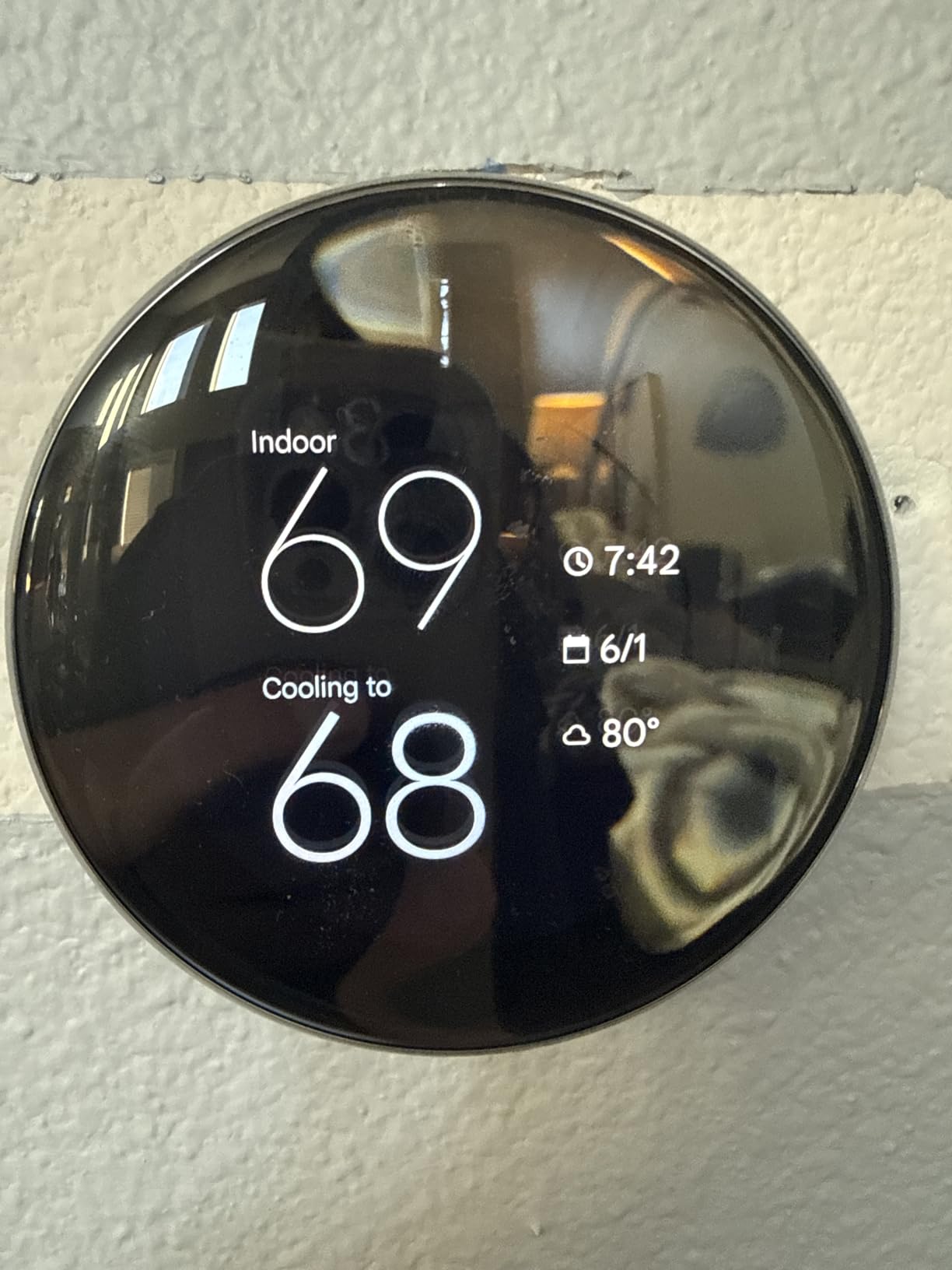
The display is 60 percent larger than the previous generation with Dynamic Farsight adjusting brightness automatically, and it is readable across a room. The large included faceplate also covers wall damage left by an old rectangular thermostat, which saves a patching job in plaster or painted masonry.
Adaptive Eco uses the outdoor temperature to choose an away setpoint and restores comfort within an hour of someone returning, and the app now prompts for permission on schedule changes so a family member cannot quietly rewrite the plan.
What is the false no-power error and does it affect everyone
A subset of owners report the setup app declaring no power at the R wire even when the bubble level is lit and voltage is measurable at the terminal. The consistency of the reports suggests a power-detection fault specific to the fourth generation rather than a wiring problem in the house.
If you hit it, measure the R wire before replacing anything, because the wiring is usually fine. Also note the backplate is incompatible with third-generation mounts, so an upgrade from an older Nest needs new mounting hardware.
Is the learning schedule reliable over a full heating season
Mostly, but not universally. Some owners report the schedule never settling down after several months, and Eco mode occasionally overcools past the set temperature and needs a manual hold. Others report a stable seasonal schedule and meaningful savings.
If you dislike a thermostat that changes its own plan, remember that the included sensor and the schedule assistant can be constrained rather than fully surrendered to the learning model.
11. Honeywell Lyric T6 Pro Wi-Fi – multi-stage control for older staged equipment
Honeywell TH6220WF2006/U Lyric T6 Pro Wi-Fi Programmable Thermostat with Stages Up to 2 Heat/1 Cool Heat Pump or 2 Heat/2 Cool Conventional
Up to 2 heat 2 cool stages
Physical controls
Wi-Fi scheduling
2 AA batteries
Long running platform
Pros
- Supports multi-stage heating and cooling for older staged systems
- Traditional form factor with physical controls
- Wi-Fi scheduling from a phone without a touchscreen
- Long-running platform with several years of availability
Cons
- No color touchscreen compared with current Honeywell models
- Multi-stage capability is unnecessary on simple single-stage systems
- Fewer smart features than newer ecobee and Nest models
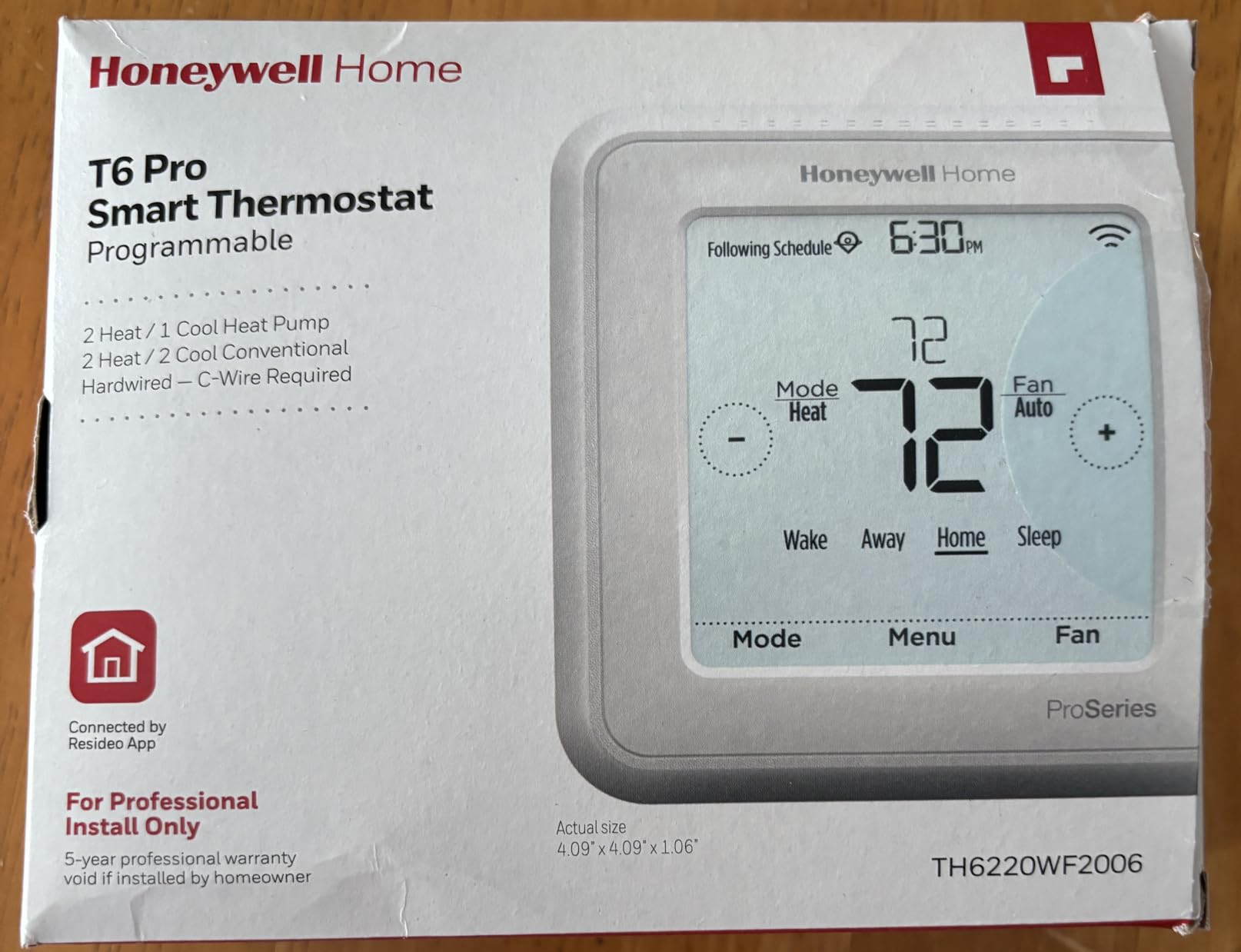
The Lyric T6 Pro exists for a specific older-home situation: equipment with staging. It supports up to two stages of heat and one of cooling on a heat pump, and two stages of heat and two of cooling on a conventional system, which is exactly what a 1970s or 1980s two-stage furnace or a heat pump with auxiliary strips needs.
The other reason to like it is the interface. It has physical controls and a traditional layout, so set-and-forget scheduling works without an app, and Wi-Fi programmability is there when you want it. Battery powered with two AA batteries, so a power cut does not lose the schedule.
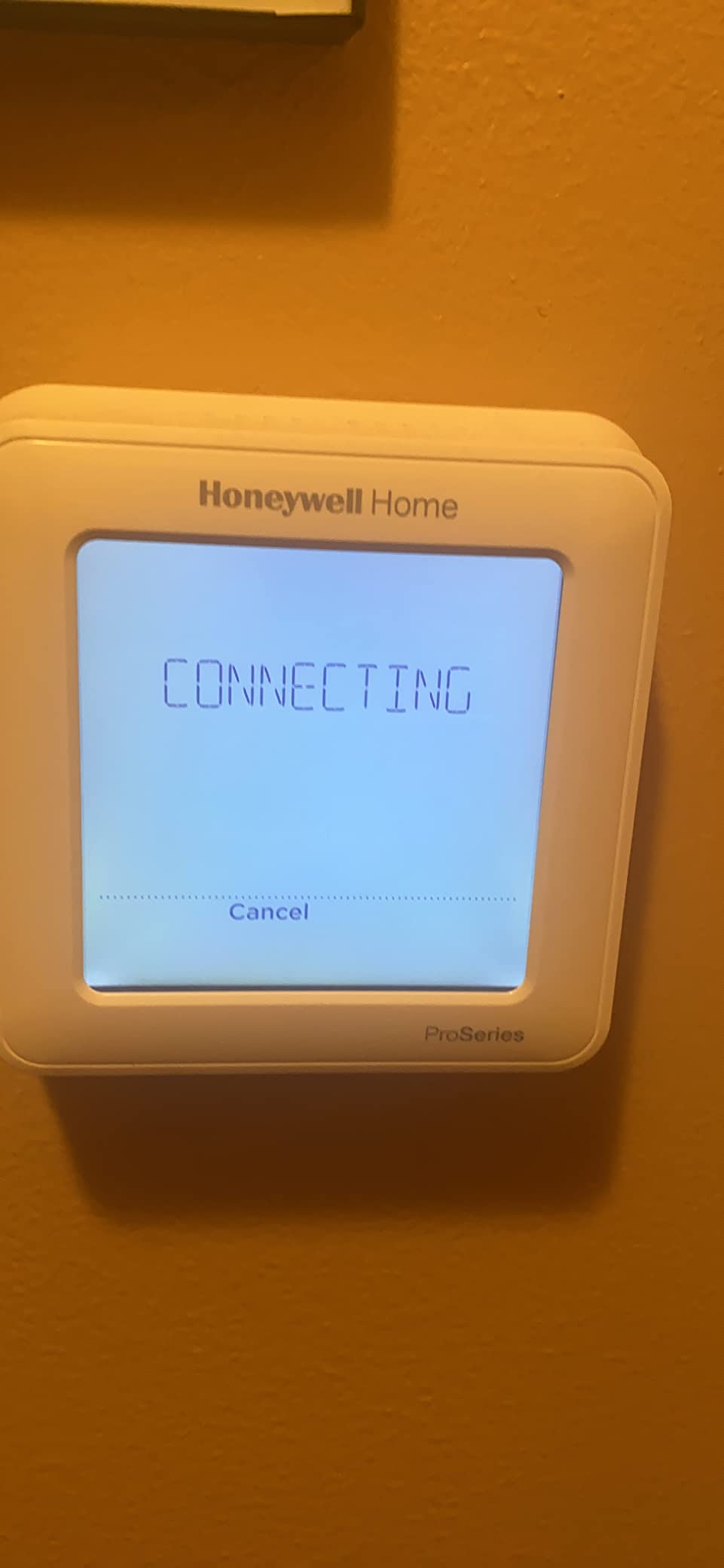
It holds a 4.4 rating across roughly 2,650 reviews, and reviewers pick it for staging compatibility rather than for features. There are no room sensors and no occupancy sensing, which is why it sits where it does in this ranking for a home with uneven heat.
Be aware of the age of the platform. This model has been available for years, which cuts both ways: it is well proven on older equipment, but it will never receive the feature additions that newer platforms get.
Does staging help on an old heat pump with backup heat
It is the main reason to buy this. On an older heat pump with electric auxiliary strips, a thermostat that understands W2 will hold the compressor running at full capacity before it calls the strips, which lowers operating cost and reduces how often the most expensive part of the system runs.
A thermostat with only one heat stage will call the strips the moment the setpoint moves, and on a drafty house that happens constantly. That is the difference this model is made for.
Is it too basic compared with a modern smart thermostat
For most people in an old house, no. There is no color screen, no air quality monitor and no room sensors, so it will not win a feature comparison. What it does, it does with a conservative button-driven interface that will not surprise anyone.
Pair it with a room sensor from another ecosystem if uneven heat is your main problem, but be aware that mixing platforms reduces the benefit. For a single-stage system with even heat, it is simply a well-built control.
12. Cielo Smart Thermostat Eco – a bundled C-wire adapter from a small brand
Cielo Smart Thermostat Eco for Central HVAC, Energy Star Certified (White)
C wire adapter included
Setpoint down to 45F
Web interface and app
Home Assistant support
3 year warranty
Pros
- C-wire adapter included in the box for homes with no common wire
- Setpoint can drop to 45F which is lower than most competing brands
- Works with Alexa Google Assistant Siri Shortcuts SmartThings IFTTT and Home Assistant
- Web interface as well as an app which few budget brands offer
- Customer support answers quickly and stays on the problem
Cons
- Small review base compared with Honeywell Sensi ecobee and Nest
- One owner reported a unit failing in under a year with a difficult replacement
- Square plastic body lacks the finish of premium models
- Setup can still conflict with a newly installed HVAC system
The Cielo Smart Thermostat Eco is included here because it solves the older-home power problem in the box. A C-wire adapter is included, so a house with no common wire can install without a separate purchase, which is the same advantage the ecobee Enhanced offers through its Power Extender Kit.
It covers most 24V systems including gas, electric, oil, hot water, heat pump and geothermal, and the terminal support is spelled out: R, Rc, Rh and C for power, W1 and W2 for two-stage heat, Y1 and Y2 for two-stage cooling, G for the fan and O/B with W1 and W2 for heat pump operation.
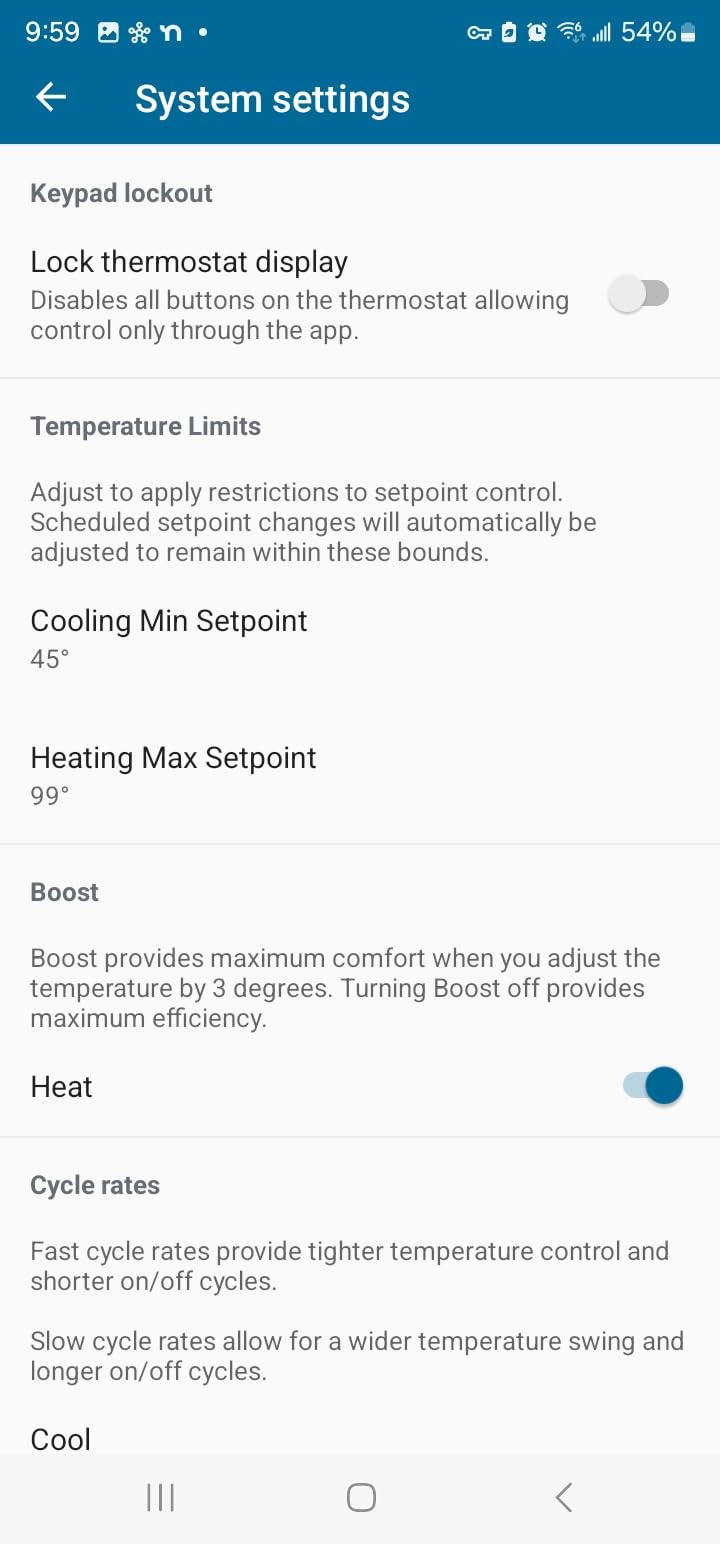
The setpoint goes down to 45F, which is lower than most competing brands allow and genuinely useful in a vacation mode for an older property that is unheated for weeks. It also keeps a history of HVAC run times for energy analysis, and offers a web interface alongside the app.
Compatibility is unusually broad on the smart home side, including Home Assistant and IFTTT for people who run their own automation. The three-year warranty is solid for the class.
Is it safe to buy from a brand with a small review base
Reasonable, with eyes open. The rating is 4.3, and reviewers single out the human technical support as a genuine strength, with people reporting fast answers and staying on a problem until it was resolved. What you give up is the volume of long-term evidence that comes with a 20,000-review product.
One owner reported a unit failing in under a year with a difficult replacement process. That is a single report rather than a pattern, but it is the reason this sits last rather than higher.
Will the included adapter work on a three-wire heat-only system
Unknown from the published documentation, and that uncertainty is the point. With only R, G and W at the plate there is nowhere for most power adapters to connect, and this model does not publish a wire count requirement the way the ecobee documentation does.
If you have three wires, assume you need an add-a-wire adapter or a new cable run and verify with the manufacturer before you buy. Verify also that the adapter sits inside your equipment rather than on the wall, and confirm the three-year warranty applies when the thermostat was sold without the adapter.
How to choose when your house has no C wire
Once you know what is behind the faceplate, the decision narrows to one of three routes. A manufacturer power accessory mounts at the furnace and gives the thermostat constant 24V without new wire, and it is the cheapest and fastest option. The ecobee Power Extender Kit comes with the Enhanced and Premium models, the Nest Power Connector covers the Nest line, and Honeywell sells its own adapter. All of them need at least four wires at the thermostat, so none of them rescues a three-wire heat-only system.
The second route is running a new cable. This is the only solution that solves the problem permanently, and it is also the only one that needs a contractor and, in some houses, wall access. The third route is an add-a-wire adapter, which bridges the C and R terminals at the plate and works with more wire-starved installs, at the cost of a slightly less clean power feed.
If your system is line-voltage or millivolt, none of these apply. Electric baseboard heat at 120V or 240V and older millivolt wall furnaces need dedicated controls from the equipment manufacturer, and several models in this roundup explicitly exclude them. The Honeywell RTH9600WF states on its specification sheet that it does not work with electric baseboard heat; the ecobee Essential and Premium list baseboard compatibility. Check that line before you order.
Heat pumps with auxiliary heat deserve their own paragraph because the penalty for getting it wrong is high in an old house. If your terminal block has W2, AUX or E, you have staged heat, and the thermostat has to know about it. Tell the setup app you have a heat pump rather than a conventional furnace, confirm the reversing valve wire on O/B, and set an aux lockout so the backup strips do not run at mild temperatures. Configuring the system type wrong is the most reported cause of a heat pump that cools when you asked for heat, and it is also most of what gets blamed on the thermostat itself.
Proprietary communicating systems are the hard stop. Equipment from Carrier, Bryant, Lennox, Trane and American Standard with a branded control uses a data bus the thermostat cannot read, and replacing the control requires a panel change from a licensed technician. The same applies to a zone panel that was retrofitted onto a single furnace decades after the house was built, where the panel may not accept a standard Wi-Fi control.
Mercury thermostats deserve a mention because a house built before 1970 very often has one. Removing a mercury switch is a two-job process, and the old unit is regulated waste rather than ordinary scrap, so check your local household hazardous waste rules before you put it in the bin. Many municipalities run a collection day for exactly this item. If your home is gas-fired, replace your detectors at the same time as part of a sensible safety check.
On features, be honest about what matters in an old house. A remote room sensor is worth more than a color screen, because uneven heat is the defining comfort problem in a large older home. Humidity readout and filter alerts matter more when the equipment is a thirty-year-old boiler or a furnace with a return in a bad location. A large, simple interface with physical controls matters more than a voice assistant, especially if a parent or older relative is the primary user. Learning algorithms, geofencing and demand response programs are genuinely useful but they are the last items on the list, not the first.
On savings, hold expectations carefully. Manufacturer claims in this category range from about 23 percent to 31 percent on heating and cooling, and those figures assume you actually change the setpoint and let the schedule or occupancy logic run. In a leaky old house, comfort and air sealing changes usually matter more than the thermostat. If comfort is what you are chasing, our notes on sleep comfort for older residents follow the same logic: fix the environment first, then optimize the equipment.
Installation: when to DIY and when to call a technician
A swap like this is a safe weekend job when your system is conventional 24V, you have a modern breaker protecting the circuit, and the existing wires are flexible rather than brittle. Turn the breaker off, verify no voltage at the terminals with a meter, label every wire before you remove anything, and work from the terminal letters.
Call a technician when you find line-voltage or millivolt equipment, when one thermostat controls two systems, when the equipment is a proprietary communicating system, or when you need a new wire run. Attempting any of those as a first-time install risks damaging brittle cloth-insulated wiring or damaging the equipment.
One more caution specific to old houses. If the existing wiring is cloth-insulated, aluminum or otherwise fragile, have an electrician add short pigtails and modern connectors at the box rather than re-terminating the original conductors yourself. Cracked insulation inside a plaster wall is a far more expensive repair than a thermostat.
Frequently Asked Questions
Are there any smart thermostats that don’t require a C wire?
Yes. The Sensi ST55, Sensi Lite ST25 and Google Nest Thermostat all run on batteries and work without a C wire in most homes. The ecobee Smart Thermostat Enhanced and Premium include a Power Extender Kit in the box that supplies constant power from the furnace, and the Cielo Smart Thermostat Eco includes a C-wire adapter. All power accessories need at least four wires at the thermostat, so a three-wire heat-only system with R, G and W only is excluded from every one of them.
What is the best smart thermostat for an older home?
For most pre-1990 houses the Sensi Smart Thermostat ST55 is the best fit: it runs on two AA batteries, needs no C wire in most applications, matches the footprint of the existing mechanical thermostat so there is no wall patching, and includes a built-in level on the back plate. If your house has no C wire and you want the installer included, choose the ecobee Smart Thermostat Enhanced, which ships with the Power Extender Kit.
Can I install a thermostat without a C wire?
You can, in one of three ways. Install a manufacturer power accessory at the furnace, which is fastest and cheapest but needs at least four wires at the thermostat. Run a new cable to the plate, which is the permanent fix and the most expensive. Or use an add-a-wire adapter that bridges the C and R terminals. If your terminal block has only three wires, you need the second or third option, because no manufacturer power accessory supports a three-wire install.
Why do HVAC guys hate Nest thermostats?
Most complaints trace to equipment configuration rather than the thermostat. The usual cause is a heat pump that was set up as a conventional furnace, so the reversing valve wire is ignored and the system cools when you ask for heat. Auxiliary heat staging is the second cause, where a single-stage call sends the electric strips straight on. A third is installing in a three-wire heat-only system and finding the power accessory does not apply.
Which smart thermostat is better, Sensi or ecobee?
Choose Sensi when you want the cheapest path into a no-C-wire install: the ST55 runs on batteries with no accessory needed and holds a 4.4 rating on over 23,000 reviews. Choose ecobee when you want constant power and room sensors: the Enhanced includes the Power Extender Kit in the box, has built-in occupancy sensing and carries a three-year warranty. Note that the Sensi Touch 2 requires a C wire, so not every Sensi model suits an older house.
What happens if I install a smart thermostat on a heat-only system?
It works, and it is one of the more common older-home situations, provided the thermostat supports heat-only mode. Most models in this roundup do, and you set the equipment type to furnace rather than heat pump during setup. If you select heat pump on a heat-only system the thermostat will wait for a cooling call that never comes. In a three-wire R, G, W install, expect the unit to power-steal from the heating circuit, which can cause dropouts and false calls for heat.
The bottom line for older homes in 2026
The best smart thermostats for older homes in 2026 are decided by what is behind your wall plate, not by what is on the screen. Start at the terminal letters, count the wires, and then pick from the list above. The Sensi Smart Thermostat ST55 is our first choice for most pre-1990 houses because it runs on batteries, fits the existing wall opening and has well over 20,000 owner reviews behind it. The ecobee Smart Thermostat Enhanced takes the same job when you want constant power without running new wire, and the Nest Learning Thermostat with its bundled sensor wins the uneven-heat problem. All last checked against manufacturer documentation and owner install reports in 2026.