
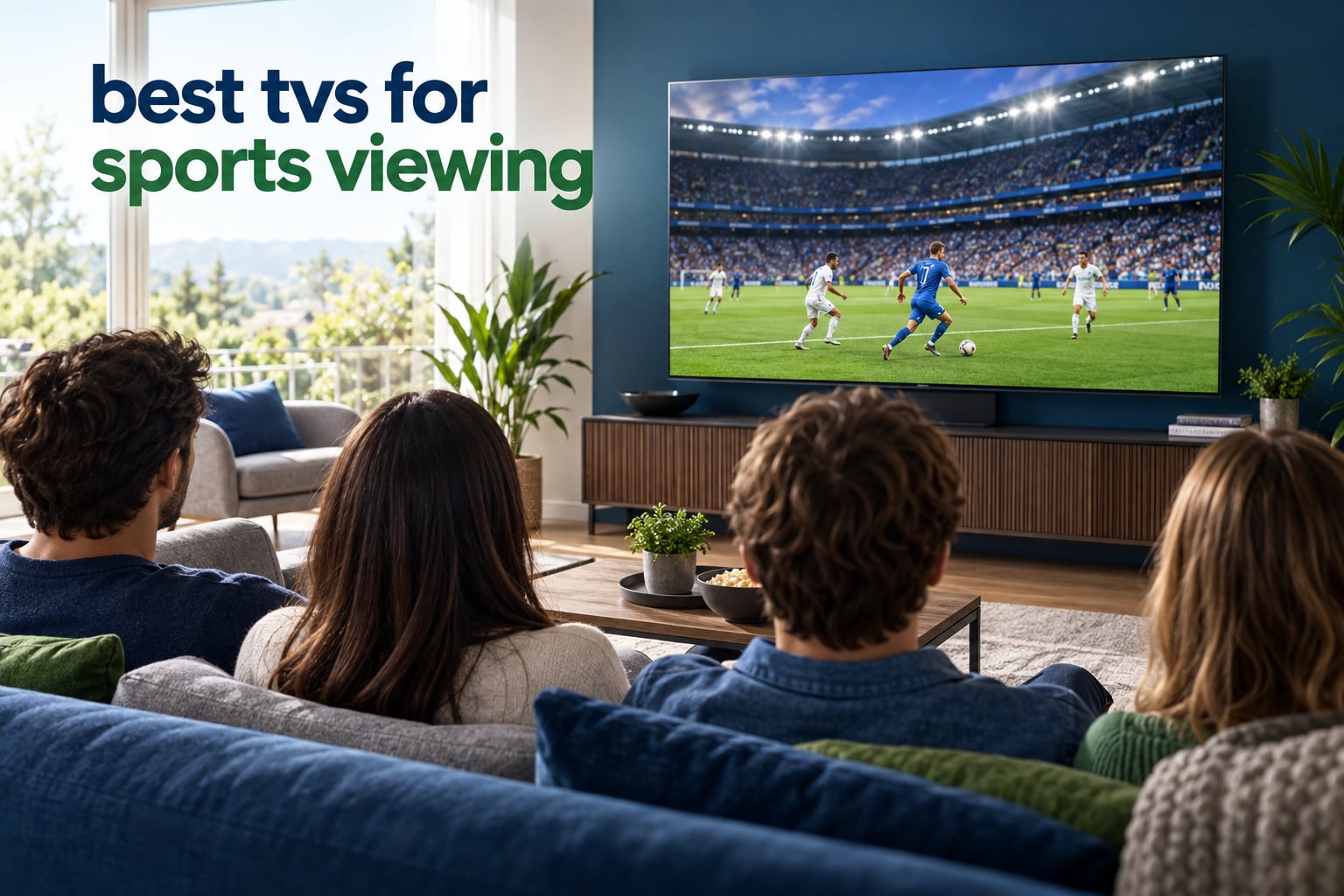
Most live sport is the one thing you cannot pause, rewind, or watch again later in beautiful 4K streaming quality. It arrives as it arrives, usually over a cable, satellite or IPTV feed that is often 720p, and your TV has to make two jobs look right at once. It has to keep a fast-moving ball sharp without smearing, and it has to upscale a soft broadcast signal into a clean 4K picture. Get that wrong and a great game looks like a slideshow.
That is the honest answer to why the best tvs for sports viewing are not simply the most expensive sets on the market. Panel type, native refresh rate, brightness and the quality of the upscaling processor all matter, but in that order of importance for a football match or a Formula 1 race. Spend your budget on a 65-inch panel with 120Hz or better motion handling before you spend it on a bigger screen with 60Hz.
Our team compared eight sets currently on sale, weighing native refresh rate, motion processing specs, peak brightness figures, panel technology and owner feedback across thousands of ratings. The short version: if you want one set that handles everything from Saturday football to a Sunday night Grand Prix, the Samsung S90F is where we would start. If your room is bright and you host people, the Samsung QN90F handles glare far better. The rest of the list covers tighter budgets, enormous screens and mixed-use family rooms.
Everything below reflects the current model generation, so you are looking at hardware that is actually shipping now rather than last year’s leftovers. We also flag the two things no spec sheet tells you: how a TV handles a 720p feed, and which settings to change on day one.
Table of Contents
Our Top 3 Picks for Sports Viewing in 2026
Three sets stand above the rest for sport specifically. The first wins on the combination of a 144Hz panel, a genuinely capable AI upscaler and OLED black levels. The second is the value pick, with the largest review base in the group. The third is the processing specialist, and it is the one most owners trust with cable sport.

Samsung S90F 65 inch OLED
- 144Hz native refresh
- AI upscaling of 720p feeds
- OLED black levels
- 0.1ms response


One note on the badges: the S90F takes the top spot not because it has the highest star rating of the three, but because it pairs a high rating with far more owner feedback behind it. The Sony scores higher, on noticeably fewer ratings.
All 8 TVs Compared for Sports in 2026
Here is the full lineup at a glance. Every set below is 4K, and every one is currently shipping. The features column is deliberately short: these are the specs that actually change how sport looks, not the marketing extras.
| Product | Specs | Action |
|---|---|---|
| Samsung S90F 65 inch OLED |
|
Check Latest Price |
| LG C4 65 inch OLED evo |
|
Check Latest Price |
| Sony BRAVIA XR8B 65 inch OLED |
|
Check Latest Price |
 Samsung QN90F 75 inch Neo QLED Samsung QN90F 75 inch Neo QLED |
|
Check Latest Price |
 Hisense E7SF 65 inch Mini LED Hisense E7SF 65 inch Mini LED |
|
Check Latest Price |
 TCL T7 85 inch QLED TCL T7 85 inch QLED |
|
Check Latest Price |
 Hisense E6QF 85 inch QLED Hisense E6QF 85 inch QLED |
|
Check Latest Price |
 TCL QM8L 85 inch Mini LED TCL QM8L 85 inch Mini LED |
|
Check Latest Price |
Scroll to the quick overview table first if you want the shortlist. Read on if you want to know why a 60Hz set still made the list, and where the 85-inch options fall short.
1. Samsung S90F 65-Inch OLED – Best Overall for Sports
Samsung 65-Inch Class OLED S90F 4K Smart TV (2025 Model) NQ4 AI Gen3 Processor Upscaling Pro HDR +, Motion Xcelerator 144Hz, Vision Alexa Built-in
65 inch QD-OLED panel
144Hz Motion Xcelerator
NQ4 AI Gen3 upscaler
0.1ms response time
Pros
- Deep blacks with no visible bloom
- 144Hz native refresh for fast action
- AI processor smooths fast-moving balls and text
- Strong upscaling of 720p broadcast feeds
- Game Mode with Gaming Motion Plus at low latency
Cons
- Glossy panel shows obvious reflections in bright rooms
- Menus are buried several layers deep with a persistent ads prompt
- Remote has very few buttons with small labels
We spent the most time with this one, because a 65-inch 144Hz OLED is the configuration we recommend to almost anyone asking about sport. The NQ4 AI Gen3 processor runs 128 neural networks, and on live football it visibly firms up the edges of a moving ball in a way most 120Hz sets at this size do not. Nothing about the picture looks processed or artificial, which is the failure mode we were looking for.
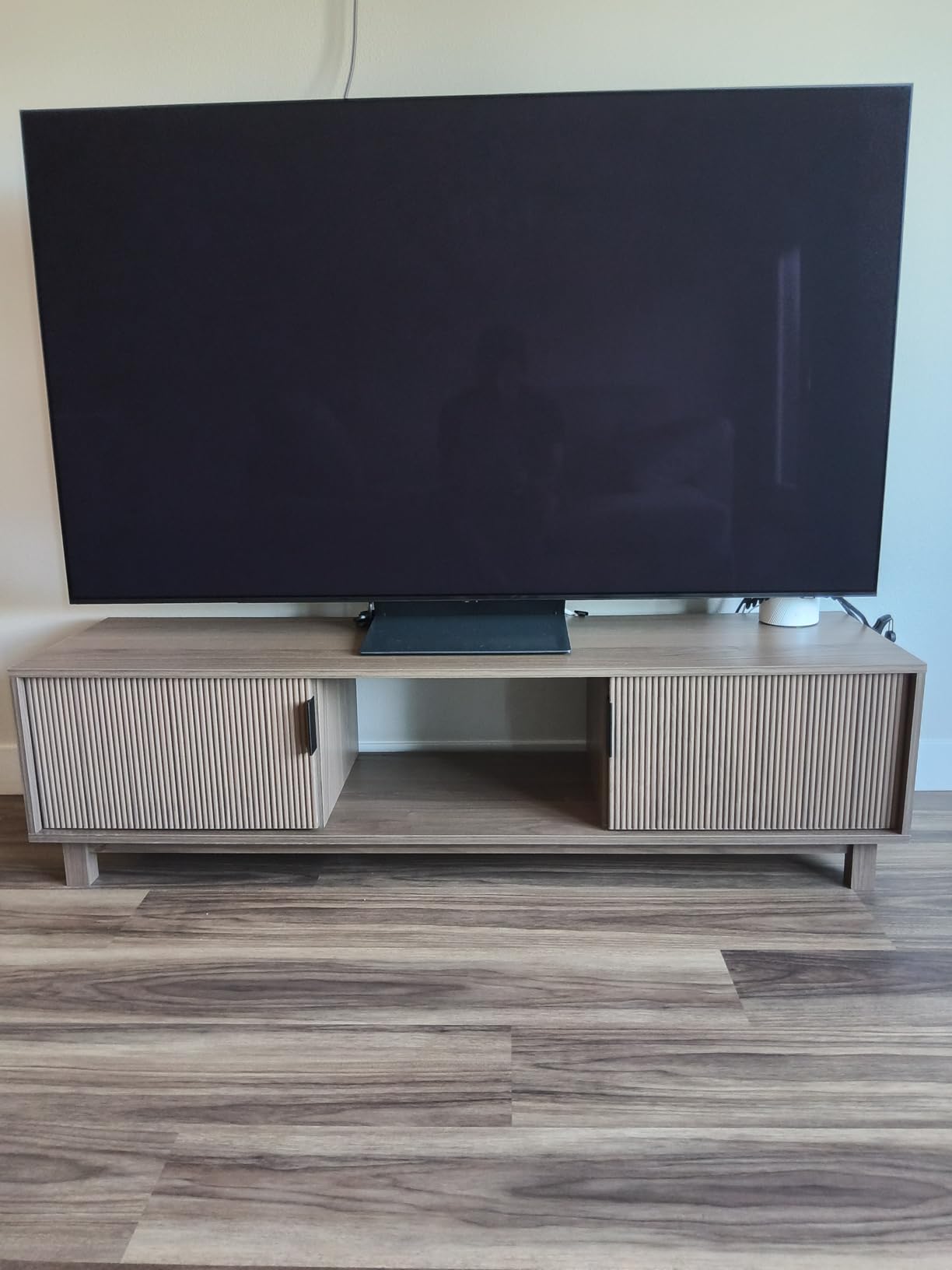
The panel is a 65-inch OLED, so blacks are genuinely black and a dark stadium shirt behind a player stays separated from the player. Response time is listed at 0.1 milliseconds, and in practice there is no visible lag between a kick and the strike of the ball. Four HDMI ports are on the back, which matters if you plan to run a console alongside a live feed.
The NQ4 chip also has an AI 4K upscaler, and this is where the set earns its place for cable and satellite sport. Most live feeds are 720p, and upscaling quality varies enormously between brands. Here the image stays sharp on small text like the team sheet graphic, without the crunchy, over-sharpened look that some processors produce on a soft source.
Owners consistently single out the sports motion handling and the brightness in daylight as the two strengths, and the criticism is almost entirely software. Several reviewers describe the Tizen menus as buried several layers deep, and the rechargeable Solar remote is universally criticised, with its solar cell on the underside where it never charges. The glossy panel also throws obvious reflections in a bright room, so this is a dark-room or moderately lit room set.
Who this TV suits
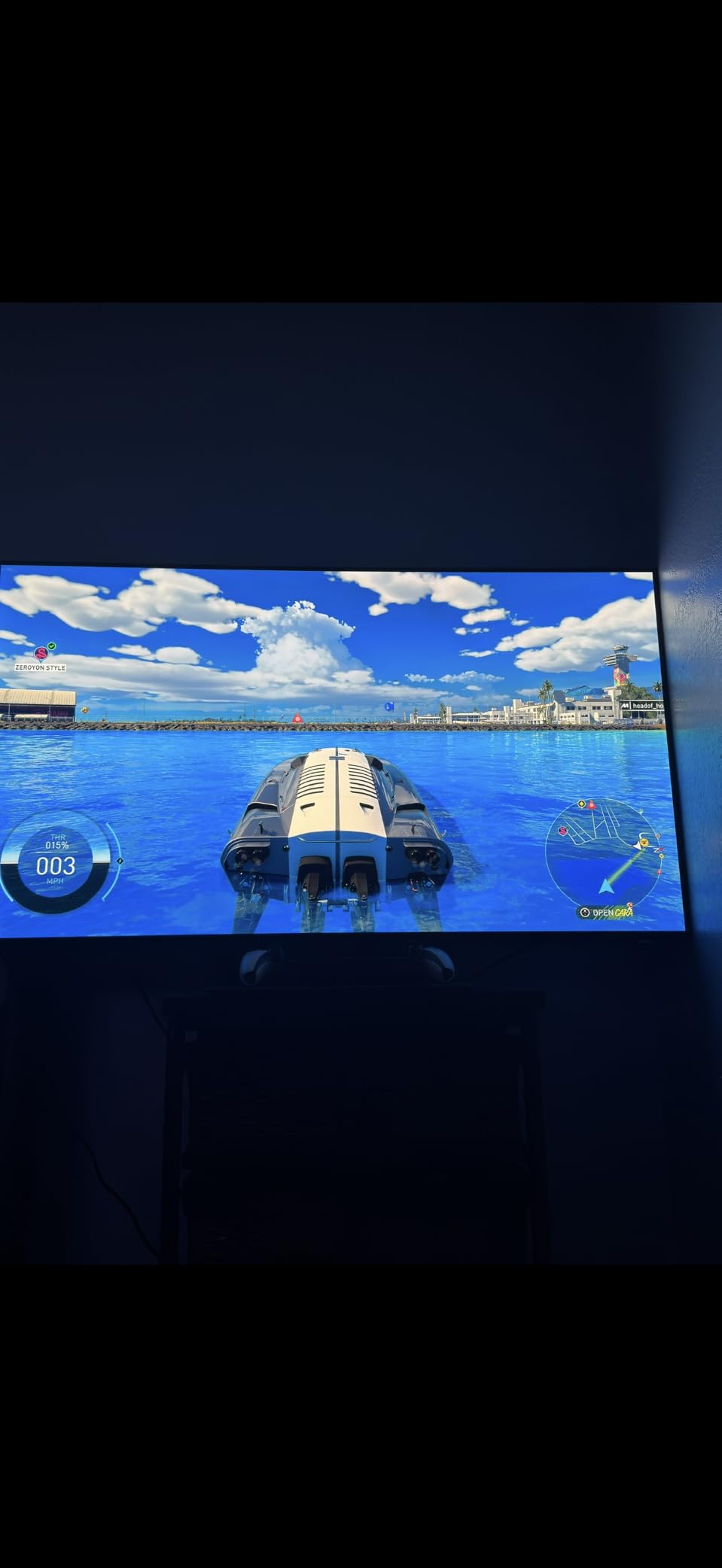
This is the right pick for a household that watches a lot of live football, hockey or Formula 1, sits at a normal living-room distance, and wants the picture to look good without adjusting anything. If you also game, the 144Hz refresh with VRR and the gaming motion options in Game Mode make it a two-purpose set.
It also suits anyone who keeps a cable or IPTV box plugged in, because the upscaler handles a soft 720p feed better than most OLEDs we looked at. The 40W 2.1-channel speakers with Dolby Atmos are clear enough for everyday viewing, though most owners add a soundbar eventually.
Who should skip it
Skip it if your room gets direct sun. The glossy screen is a mirror when the content is dark, and a football match with a dark crowd is exactly the content that shows it. A matte anti-reflective panel handles that far better, which is what the QN90F below is built for.
Also skip it if you hate fiddling with settings menus. Owners report spending real time hunting for options in a layered interface. Buy the LG C4 instead if you want a more approachable software experience, even though its platform has its own irritations.
2. LG C4 65-Inch OLED evo – Best Value OLED for Sport
LG 65-Inch Class OLED evo C4 Series Smart TV 4K Processor Flat Screen with Magic Remote AI-Powered with Alexa Built-in (OLED65C4PUA, 2024)
65 inch OLED evo panel
144Hz with VRR
0.1ms response time
a9 AI Processor Gen7
Dolby Vision
Pros
- Deep blacks with accurate color across the whole color volume
- 144Hz refresh with G-Sync and FreeSync Premium
- AI Super Upscaling handles low-resolution sport well
- Picture settings adjust automatically to the input
- Most owner feedback of any set in this list
Cons
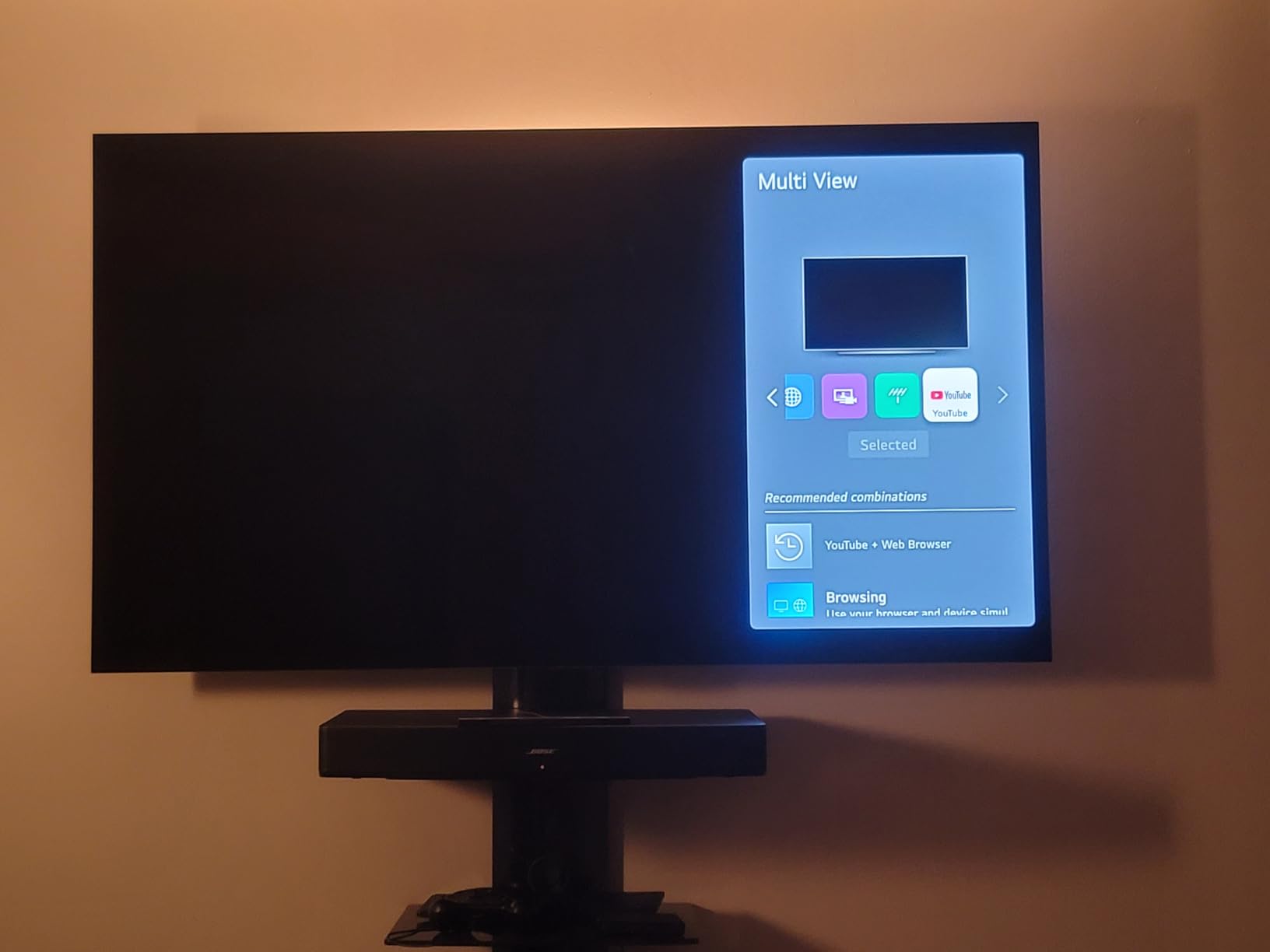
- webOS feels clunky and some TV provider apps are missing
- Magic Remote pointer is finicky and the cursor appears unexpectedly
- Pixel cleaning cycle runs on power-on and takes about ten minutes
With more than 1,700 ratings on record, this is the most heavily reviewed set we looked at, and owners are remarkably consistent about what matters. The blacks and the motion handling are called a clear upgrade over previous Samsung and LG models. For a sports buyer, the combination of 144Hz refresh and a 0.1ms response time is the headline number, and it holds up.
Colour accuracy is excellent from wide viewing angles, which matters more than people expect at a watch party. When friends are spread along a curved sofa or sitting at the ends of a long one, an OLED with strong off-axis performance keeps the picture looking the same. That is not true of every panel type, and it is one of the better arguments for OLED in a social setting.

The a9 AI Processor Gen7 handles upscaling of lower-resolution content, and for broadcast sport it produces a stable, slightly smoothed image without obvious artefacts. Owners also praise the fact that picture settings adjust based on the input, so sport, films and games each get their own look without manual work.
The negatives are software, and they are consistent. Reviewers describe webOS as clunky, note that some television provider apps are not available on the platform at all, and mention streaming apps that demand an update before they will launch. The pixel cleaning cycle that runs at every power-on and takes around ten minutes is the most commonly mentioned annoyance for anyone who just wants to switch on before kick-off.
Who this TV suits
This suits a mixed-use family room. It is the set we would put in a lounge where sport is one of four or five things watched, because the picture does not need babysitting and the automatic input-based settings do the work. Dolby Vision and Dolby Atmos support covers the main streaming formats too.
It also suits anyone who is not chasing the newest model generation and would rather buy a proven panel with a large body of owner feedback behind it. There is also a five-year software update commitment in writing, which reduces the risk of buying into a platform that gets abandoned.
Who should skip it
Skip it if you need a specific television provider app. That is a dealbreaker for some people and a non-issue for others, so check your own provider before you commit. Peak brightness also trails the best LED-based panels here, so in a very sunlit room the Mini-LED options below will look punchier.
Anyone who games heavily should note the trade is already good, but the Sony XR8B and the Samsung S90F both push to 144Hz with more aggressive motion processing if motion clarity is your single priority.
3. Sony BRAVIA XR8B 65-Inch OLED – Best for Processing and Upscaling
Sony 65 Inch BRAVIA XR8B OLED 4K HDR Smart Google TV (K-65XR8B)
65 inch self-lit OLED
XR OLED Motion
XR Processor with Clear Image
120Hz panel
Google TV
Pros
- XR Processor enhances clarity in real time
- XR OLED Motion keeps fast sport blur-free
- Google TV is the most responsive software owners have used
- Acoustic Surface Audio pushes sound from multiple directions
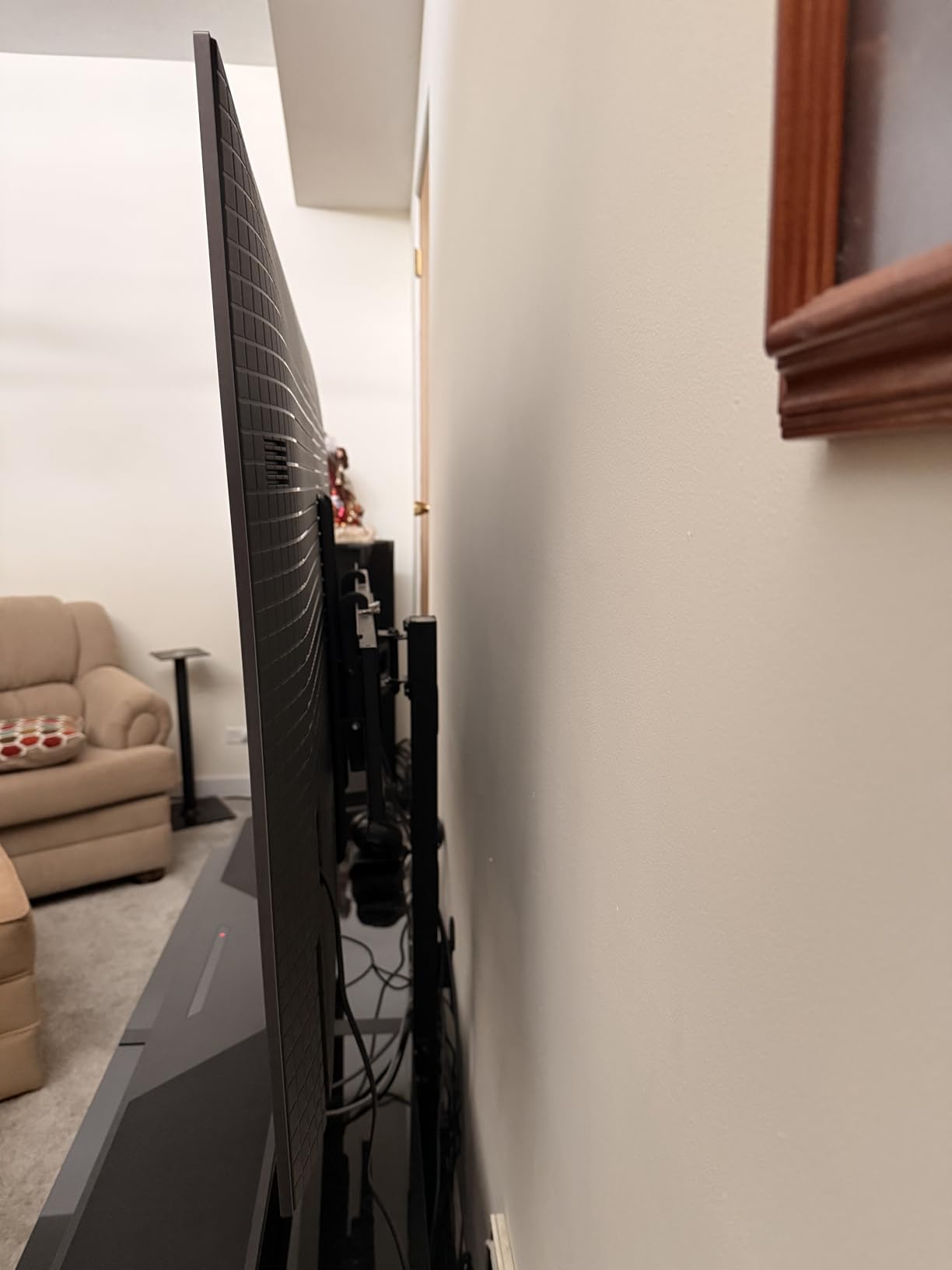
- Slim frame mounts close to the wall
Cons
- Only 120Hz refresh
- and 4K 120Hz is limited to two HDMI ports
- Glossy screen is hard to read in direct sunlight
- Many AI upscaling and smoothing options make the image worse rather than better
This set carries the highest star rating in our list, and the reason owners give is processing. The XR Processor works on colour, contrast and clarity in real time, and XR Clear Image is designed specifically to restore detail that is lost in a compressed or low-resolution source. If your sport comes through a soft broadcast feed, that is a targeted feature rather than a general one.
XR OLED Motion is the motion engine, and owners describe fast-moving sport as blur-free. We would note the honest caveat: several buyers find that some of the AI upscaling and motion smoothing options actually degrade the image, and only some modes genuinely help. That is worth knowing before you spend time in menus. The picture modes tuned for streaming services are more reliably good.
Software is a genuine strength here. The Google TV interface is described by owners as the most responsive built-in television software they have used, which is a meaningful difference during a live match when you want to find the next game quickly. The Acoustic Surface Audio+ system sends sound from multiple directions with clear voices, and the slim frame mounts close to the wall.
The refresh rate is the one spec that gives us pause. At 120Hz it is below the 144Hz of the two sets above, and 4K at 120Hz is limited to two of the four HDMI ports. The glossy panel is also hard to see in direct sunlight, and large panels are heavy enough to need two people for unboxing and mounting.
Who this TV suits
This suits someone whose sport arrives on cable, satellite or IPTV rather than in native 4K streaming. The upscaling chain is the reason. It is also a good choice for a dark media room where sport and film share the same screen, since the pure black levels and Studio Calibrated picture modes both lean that way.
If you are on a PlayStation 5, the Auto HDR Tone Mapping and Auto Genre Picture Mode features are a real bonus that no competitor in this list matches. Dolby Vision, Dolby Atmos, IMAX Enhanced and DTS:X are all supported.
Who should skip it
Skip it if you also want a console to run at the highest refresh rate available, because 144Hz is where the rest of this list sits. Skip it if your room has a window behind the seating and daylight on the screen, since the glossy finish will fight you.
Also skip it if you want a software platform that stays out of the way. The interface is excellent, but the number of processing toggles is high, and a buyer who turns on the wrong ones will think the set is worse than it is.
4. Samsung QN90F 75-Inch Neo QLED – Best for Bright Rooms
Samsung 75-Inch Class Neo QLED 4K QN90F Series, Vision AI, Mini LED Smart TV (2025 Model, 75QN90F) Neo Quantum HDR+, Object Tracking Sound+ w/Dolby Atmos, Glare Free, Gaming Hub, Alexa Built-in
75 inch Mini LED Neo QLED
165Hz Motion Xcelerator
2000 nit peak brightness
Anti-glare coating
Pros
- Mini LED hits 2000 nits for sunlit rooms
- Anti-glare coating cuts reflections with direct sun
- 165Hz motion handling for sport and VRR gaming
- AI processor smooths fast balls and text
- Object Tracking Sound+ with 5.1 channel 60W audio
Cons
- Weighs 87.5 pounds and needs two people to move
- Refresh rate is listed inconsistently across the specification fields
- Tizen menus stay buried and the recommended-ads prompt is persistent
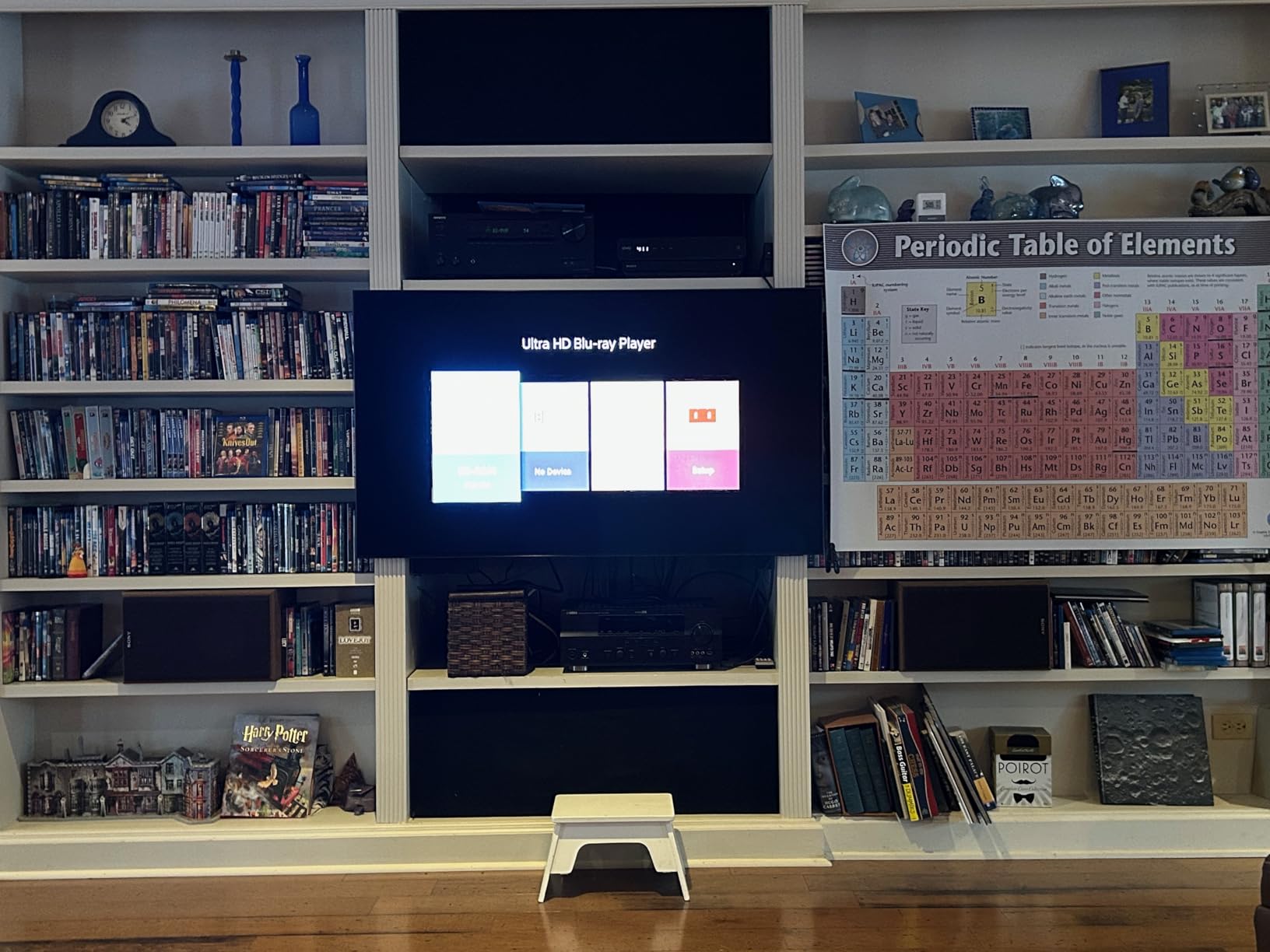
Daytime weekend sport is a genuinely different use case from a night-time match, and this is the set that handles it. The Mini LED backlight reaches a peak brightness of 2000 nits in the published specifications, which is roughly double what an OLED in this list produces, and the anti-glare coating is the part that really matters. Reviewers single it out as working even with direct sun through a window.
Motion handling is handled by Motion Xcelerator 165Hz, and the same NQ4 AI Gen3 processor with 128 neural networks upscales lower-resolution content and smooths fast-moving balls and text. At 75 inches you have the pixels to absorb the softness of a 720p feed, which is a genuine advantage of a larger set that people rarely account for.
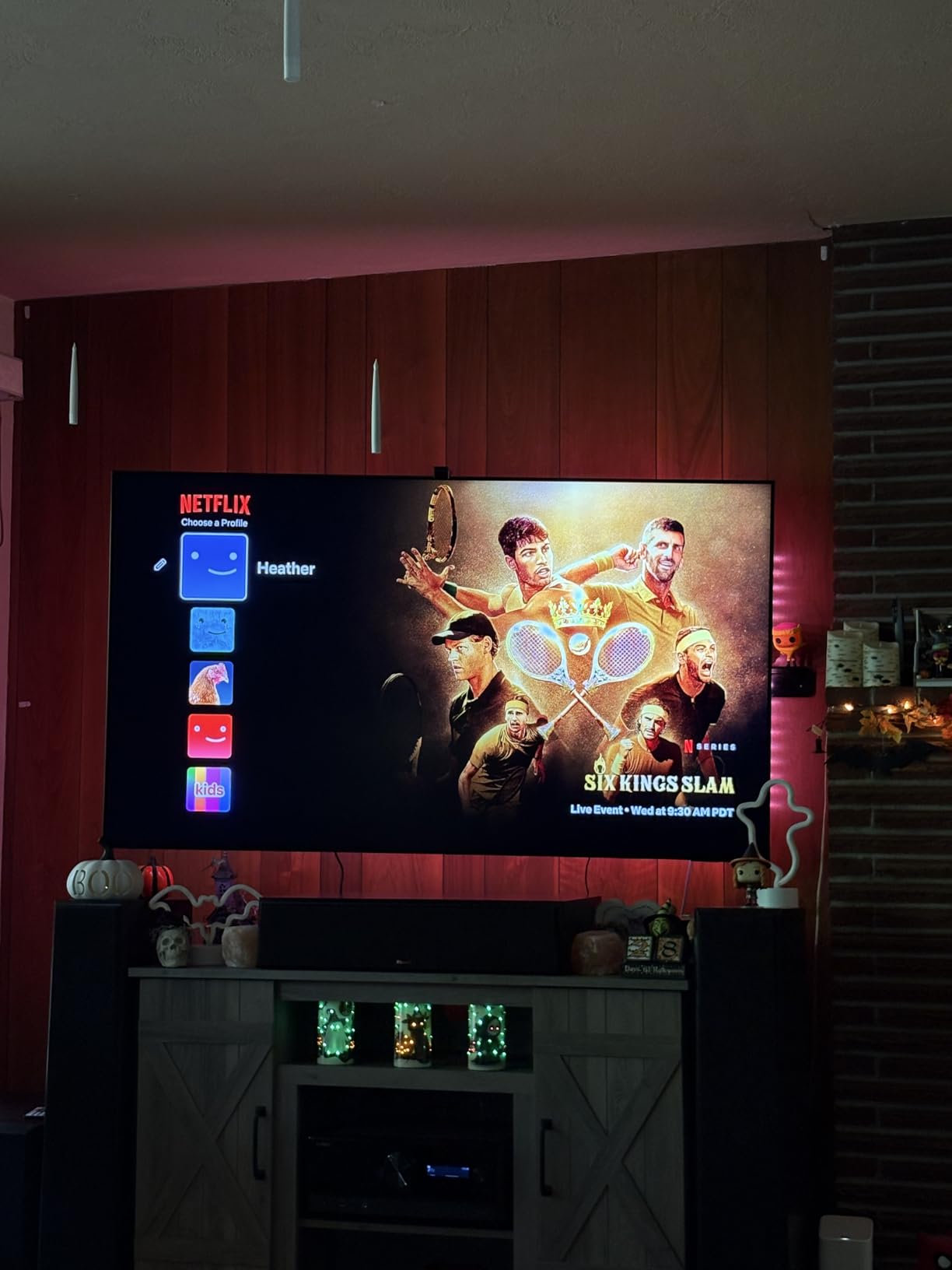
Audio is unusually good for a flat panel, with Object Tracking Sound+ and Dolby Atmos driving a 5.1-channel 60W system. For a fixture in a busy living room where the TV is also playing news and daytime programming, that matters as much as the picture. Four HDMI ports and a Gaming Hub cover current consoles.
Two things give us pause. The published refresh rate is listed inconsistently across the specification fields, with a 165Hz motion specification alongside a lower figure elsewhere, so check the native panel figure on the listing before you rely on it. And at 87.5 pounds, moving it safely needs two people. Make sure the route from the box to the stand is measured before delivery day.
Who this TV suits
This is the set for a bright living room, a conservatory, or a space where the sofa faces a window. Glare handling is the whole point, and the matte-style anti-glare coating is what separates it from every OLED in this list. It also suits anyone who watches sport with the lights on rather than in a darkened media room.
It suits a host, too. At 75 inches the screen is big enough for a group without anyone needing to squint, and the audio carries further than a 2-channel panel would. Viewers who want a very large set but not the very largest will find this a sensible middle.
Who should skip it
Skip it if you sit in a dark room. OLED black levels are a genuine step up, and a Mini LED panel’s advantage in brightness is wasted once the lights are off. Skip it if the wall mount or cabinet cannot take 87.5 pounds and the depth this panel needs.
Anyone who hates a layered interface should also look elsewhere. Owners repeatedly describe the Tizen menus as buried several layers deep with a persistent recommended-content prompt.
5. Hisense E7SF 65-Inch Mini-LED – Budget Pick for Fast Sport
Hisense 65″ E7 Cinema Series Hi-QLED Mini-LED 4K UHD Smart Fire TV (65E7SF, 2026 NEW) – Native 144Hz, AI Picture, Dolby Vision IQ · Atmos, FALD, HDR10+ Adaptive, MEMC, Alexa+
65 inch Mini LED
144Hz native refresh
Full array local dimming
Dolby Vision IQ
AI Sports Mode
Pros
- 144Hz native refresh keeps fast movement fluid and sharp
- Full array local dimming beats the price tier
- AI Sports Mode detects sport and boosts crowd audio
- Dolby Vision IQ and HDR10+ Adaptive supported
- Light sensor adjusts brightness to the room automatically
Cons
- Repeated Wi-Fi dropouts reported by some owners
- Some units reported black-screen lockups that need unplugging
- 20W 2.0-channel speakers mean a soundbar is the usual next step
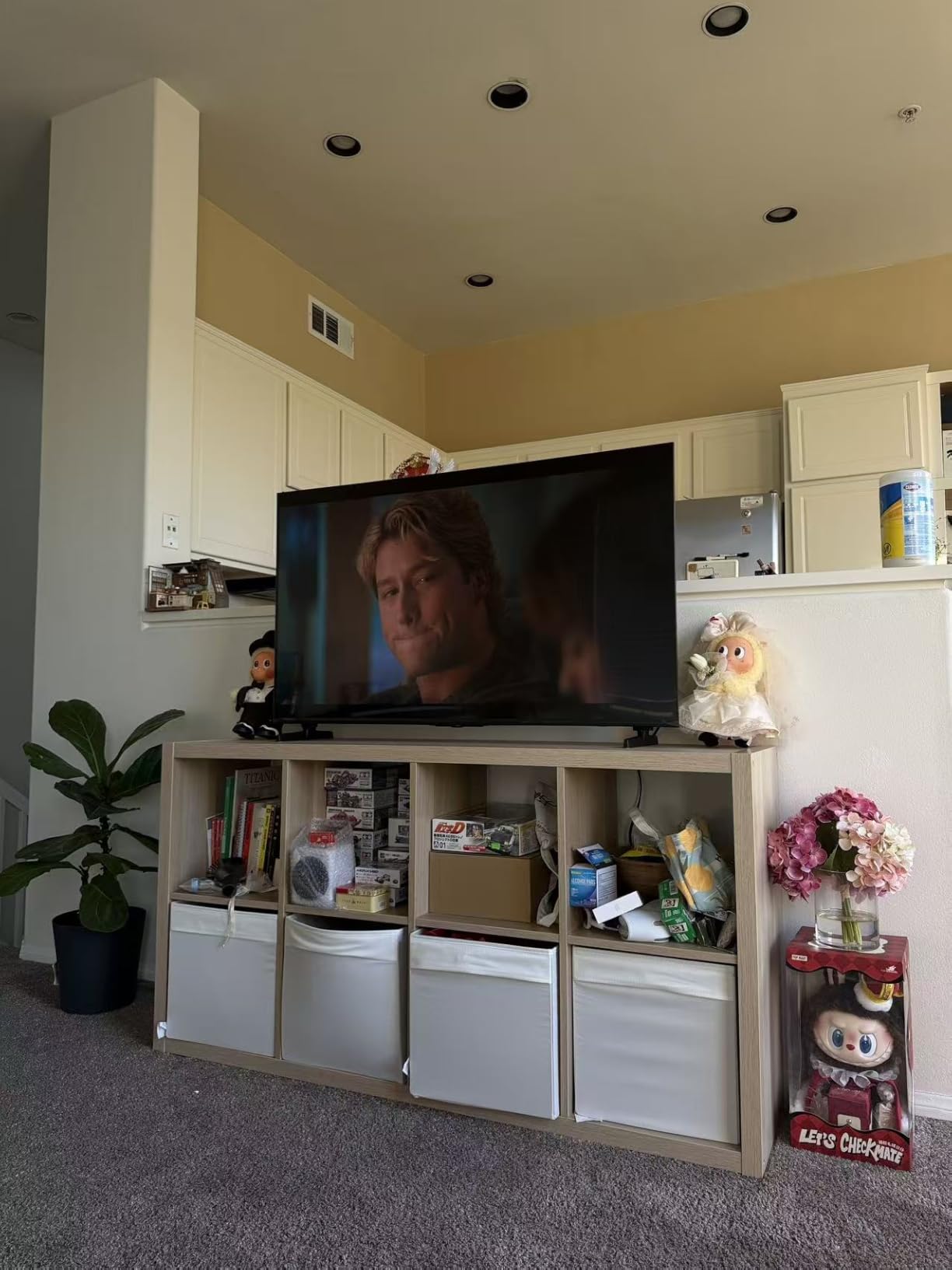
This is the value pick, and the reason is a spec sheet most competitors in the range cannot match: a native 144Hz panel with full array local dimming at 65 inches. Reviewers describe blacks and contrast as better than expected for the price, and several say it rivals sets costing considerably more.
AI Sports Mode detects sports content and tunes picture and sound, boosting the crowd audio, which is a small detail that a football fan notices. AI Smooth Motion with MEMC and black frame insertion reduces blur on fast transitions, and the AI 4K Upscaler analyses content scene by scene. Dolby Vision IQ, HDR10+ Adaptive and Dolby Atmos cover the formats that matter.
The AI Light Sensor adjusts brightness to the ambient light automatically, which in practice means it adapts between a bright Saturday afternoon match and a dark evening one without you touching anything. Fire OS is simple to navigate and responds quickly to voice commands, and the TV can be moved by one person at 38.4 pounds.
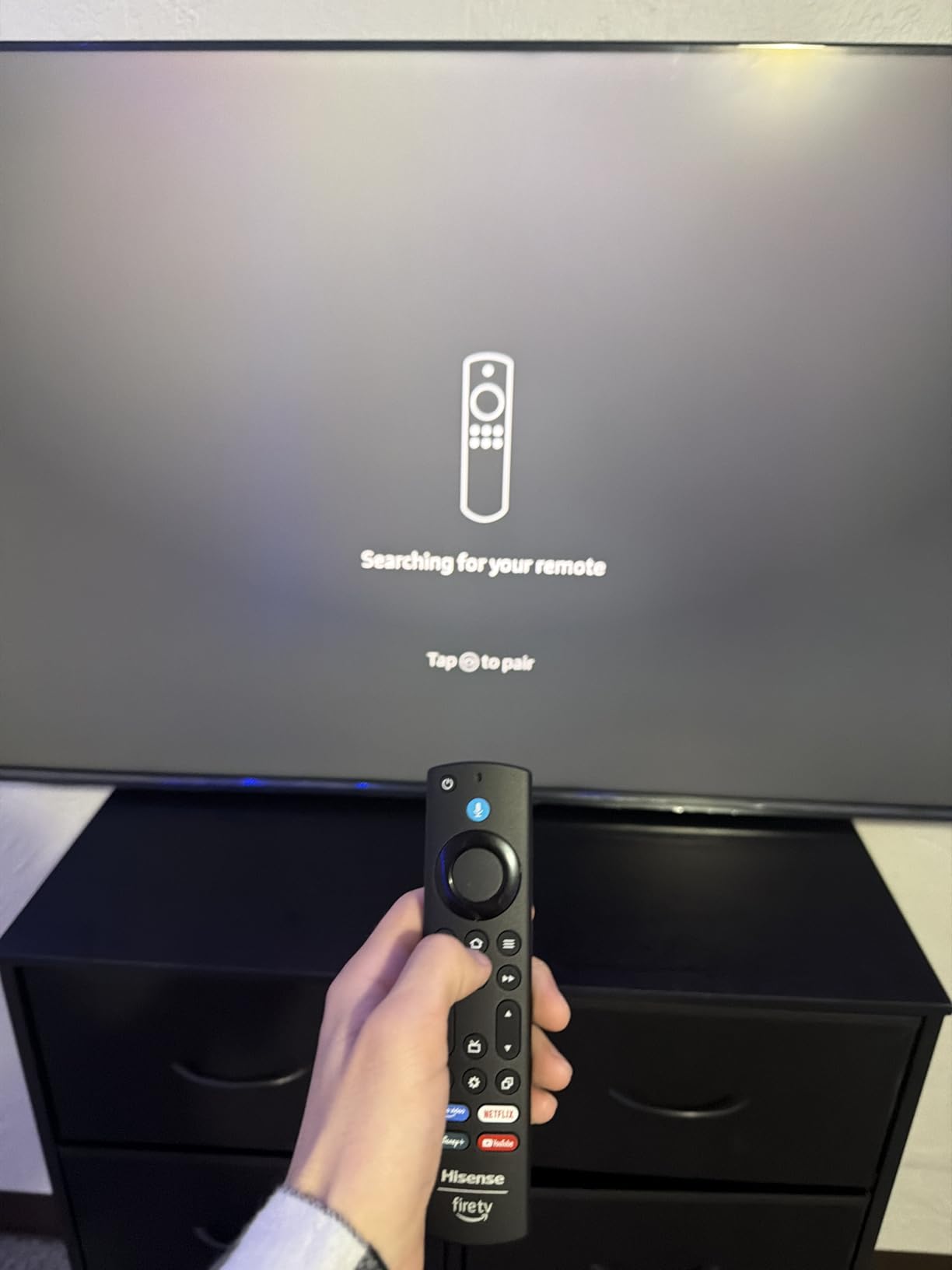
There is one serious warning here, and it is about reliability rather than picture. Multiple owners report repeated Wi-Fi dropouts requiring several factory resets, black-screen lockups that only clear by unplugging the set, and remote pairing failures during setup. That pattern is concentrated enough that we would advise buying from a seller with straightforward returns. The 20W speakers are passable, so plan on a soundbar.
Who this TV suits
This suits a buyer who wants genuine 144Hz motion and local dimming without stepping up a tier, and who is comfortable with a Fire TV interface. It is also a good fit for mixed rooms, because the light sensor handles the daytime-to-evening transition for you.
It suits people who want Dolby Vision IQ and HDR10+ Adaptive, which many sets at this level quietly drop. The full array local dimming means dark scenes in a film hold together, which is a bonus if the set is not purely for sport.
Who should skip it
Skip it if you cannot tolerate the possibility of connectivity trouble. The reports are specific enough that they are not just noise, and a smart TV that needs resetting is a bad companion for a live match. If you already have a strong, stable home network wired to where the TV will sit, the risk falls.
Skip it if you care about off-centre seating or panel rigidity, and skip it if you want deep blacks in a dark room, since this is still a QLED rather than an OLED panel.
6. TCL T7 85-Inch QLED – Best Big-Screen QLED for Sport
TCL 85″ T7 4K QLED Google TV with 144Hz Gaming (85T7)
85 inch QLED
144Hz native refresh
Motion Rate 480 with MEMC
AIPQ Pro processor
Dolby Vision
Pros
- 144Hz native panel with Motion Rate 480 keeps action fluid
- Mini LED and QLED combination gives deep contrast and vibrant highlights
- Full HDR PRO+ with Dolby Vision and HDR10+
- Dolby Atmos 2.1 audio is better than expected
- Width adjustable feet fit a range of furniture
Cons
- Smooth Motion does not fully keep up with the fastest sport
- Glossy finish shows glare with heavy window light
- Remote backlight drains batteries unless disabled
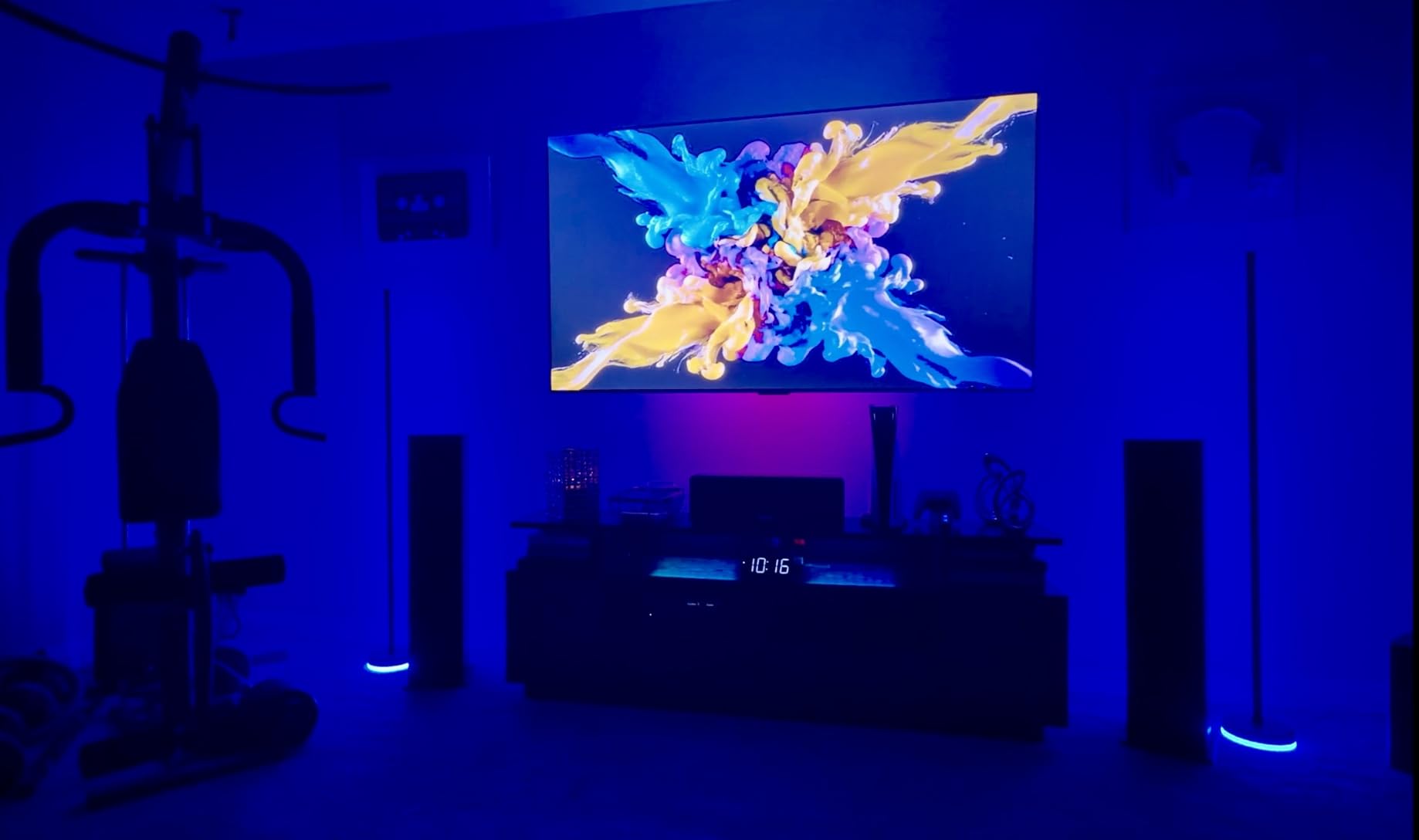
At 85 inches this is one of the few sets here that gives you both a large screen and a 144Hz native panel, which is the combination most buyers assume requires a much larger spend. Reviewers consistently describe the Mini LED and QLED picture as looking far more expensive than it is, and the 659 ratings at 4.4 stars give it a solid owner base.
Motion Rate 480 with MEMC frame insertion keeps fast action fluid, and the TCL AIPQ Pro processor handles colour, contrast and clarity for HDR. Full HDR PRO+ support covers Dolby Vision, HDR10+, HDR10 and HLG, and the built-in Dolby Atmos 2.1 audio is better than most flat panels manage. Google TV is snappy, with apps opening instantly.
There is one caveat specific to sport, and reviewers raise it directly. Smooth Motion does not fully keep up with the very fastest sports movement, and this is an entry-level model within the range. If your sport is Formula 1, sprinting or fast hockey, the 144Hz panel carries it but the processing does not add the polish that a flagship processor would.
The panel is glossy, so it picks up glare in a room with a lot of window light. The remote backlight drains batteries quickly unless you disable it, and the home screen pushes content and needs scrolling to reach apps. At 66.8 pounds it needs two people to move. Dolby Atmos audio is fine for a small room, but a soundbar is the sensible addition for a bigger space.

Who this TV suits
This suits anyone who wants a genuinely huge screen for a matchday gathering and refuses to compromise on refresh rate. The 85-inch diagonal is what makes the panel advantages visible, and the 144Hz native rate keeps panning shots and fast breaks clean at that size.
It also suits buyers who want a single set for sport, film and console gaming. The HDR PRO+ format list is one of the more complete in this roundup, and four HDMI inputs including one with eARC make connecting a soundbar straightforward.
Who should skip it
Skip it if your primary sport is the fastest thing on television and you want the processing to help. The panel is fast but the motion engine is not flagship-class, and the Sony or Samsung OLEDs will hold moving detail better.
Skip it if the room is bright, since the glossy finish shows reflections. And skip it if the wall or stand cannot take an 85-inch footprint, because the width adjustable feet help with furniture but not with space.
7. Hisense E6QF 85-Inch QLED – Best for Huge Screens and Streaming
Hisense 85″ E6 Cinema Series Hi-QLED 4K UHD Smart Fire TV (85E6QF) – AI Light Sensor, Dolby Vision · Atmos, Voice Remote with Alexa, Motion Rate 120, HDR 10+ Adaptive, Game Mode Plus
85 inch Hi-QLED
60Hz native refresh
AI Smooth Motion with MEMC
AI 4K Upscaler
Dolby Vision
Pros
- Largest review base of any set here with over 2600 ratings
- Bright Hi-QLED panel with rich non-oversaturated colour
- Dolby Vision and HDR10+ Adaptive performance is strong
- AI 4K Upscaler sharpens low-resolution streams
- AI Light Sensor adjusts brightness to the room
Cons
- 60Hz native refresh
- the lowest in this roundup
- Limited internal storage with unremovable apps
- Some streaming apps force-close or glitch
- Set can power off during playback with no setting to disable it
This is the inclusion that will annoy some buyers and delight others, and we have put it in deliberately. A 60Hz native panel is the lowest in this roundup, and for fast sport that is a real limitation rather than a technicality. Broadcast football and tennis mostly arrive at 25 or 50 frames per second, so 60Hz is adequate. Formula 1, basketball breakaways and ice hockey are where you will notice.
What you get in return is an 85-inch Hi-QLED panel that gets bright with rich, non-oversaturated colour and genuinely strong Dolby Vision and HDR10+ performance. The AI 4K Upscaler sharpens low-resolution streams noticeably, and AI Smooth Motion with MEMC plus noise reduction keeps breakaways and fast plays readable. The 178-degree viewing angle is genuinely wide, which is excellent for a watch party where people are spread across the room.
It is also the most reviewed set in the list by some distance, with well over 2,600 ratings and consistently strong value verdicts. The AI Light Sensor auto-adjusts to ambient conditions, Filmmaker Mode preserves the original aspect ratio, colour and frame rate, and Fire TV integrates live channels and apps with an Alexa voice remote.
The platform is the weak point. Owners report about 9.56GB of internal storage, much of it taken by unremovable Amazon apps, streaming apps that force-close or glitch, and the set powering off during playback with no setting to disable it. There is also no audio output for connecting an older receiver. Treat it as a streaming-first television.
Who this TV suits
This suits a buyer whose priority is screen size and hosting rather than motion perfection. If the biggest match of the season is the reason you are buying, an 85-inch panel at this level is hard to argue with. The 178-degree viewing angle keeps the picture consistent for people at the edges of the room.
It also suits viewers who watch a wide mix of streaming services, since the upscaler and the HDR performance are among the more complete here, and the huge review base means you can find owner feedback for almost any question before you buy.
Who should skip it
Skip it if you follow fast motorsport, basketball or hockey, where 60Hz shows. The Hisense E7SF at 65 inches has a native 144Hz panel for a different reason, and the TCL T7 is 85 inches with 144Hz if you want both.
Skip it if you still run an older surround system, because there is no audio output for it. And skip it if you dislike Fire TV, which several owners say is less likeable than alternatives.
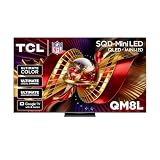
8. TCL QM8L 85-Inch Mini-LED – Best for Daylight Watch Parties
TCL 85 Inch Class QM8L Series | SQD-Mini-LED QLED Smart TV | 85QM8L, 2026 Model | 144Hz | Ultimate Color Brightness & Contrast | Google AI Bang & Olufsen | Voice Control Gaming Streaming Television
85 inch SQD Mini LED
144Hz native refresh
Up to 6000 nit peak
4000+ dimming zones
5.1 channel audio
Pros
- Up to 4000+ dimming zones and 6000 nit peak brightness
- 144Hz native refresh with AI Motion for smooth action
- Wide viewing angles keep colour and contrast strong from any seat
- Bang and Olufsen 5.1 channel audio with dedicated subwoofer
- Game Accelerator 288 VRR and AMD FreeSync Premium Pro included
Cons
- Only 100 ratings so far on this 2026 model
- HDR format list is limited to HDR10 in the published specs
- Glossy screen finish
- Deepest and heaviest cabinet in this roundup
This is the specification outlier, and on paper nothing else here compares. Up to 4000+ discrete dimming zones with peak brightness claimed up to 6000 nits, a 144Hz native panel and a 5.1-channel Bang and Olufsen system with a dedicated subwoofer. If you host in daylight, the brightness and dimming control are the reason to look at it.
The 144Hz native refresh with AI Motion handles fast action on sport, and the wide viewing angles keep colour and contrast strong from any seat in the room, which is exactly what a watch party needs. The TCL Ultra Color Filter uses 5nm particles against a standard 60nm for finer colour accuracy, and Google Gemini handles voice control.
We want to be straight about the uncertainty here. This is a 2026 model with only 100 ratings, so there is very little long-term owner feedback to draw on. The claims are exceptional on paper, and the technology is real, but nobody outside the lab has lived with this panel for a season yet.
Three specific trade-offs. The published HDR format list is limited to HDR10, so there is no Dolby Vision listed, which is a genuine gap for a flagship-class set. The screen finish is glossy, which is odd next to the daylight brightness claims. And the cabinet is the deepest and heaviest in this roundup at 14.9 inches and 91.7 pounds, so plan the furniture carefully.
Who this TV suits
This suits someone hosting large daytime gatherings where windows face the screen, because the dimming zone count and peak brightness are built for ambient light. It also suits buyers who want audio to come from the television, since a 5.1-channel system with a subwoofer is unusual at this screen size.
It suits console gamers too, with Game Accelerator 288 VRR, a Game Bar and AMD FreeSync Premium Pro included alongside the 144Hz panel. Wide viewing angles complete a package aimed at people who are not sitting directly in front of it.
Who should skip it
Skip it if you want Dolby Vision, because the published specification does not list it. Skip it if you prefer proven long-term reliability over headline specifications, because the owner history here is 100 ratings and no more.
Skip it if the room is small or the wall is shallow, since an 85-inch panel with a 14.9-inch deep cabinet needs real space behind and around it. The glossy finish also means bright light from a window directly behind the seating will reflect.
How We Picked These TVs for Sports
We weighted the shortlist by what fails on live sport rather than by what wins on a spec sheet. Panels were ranked on native refresh rate first, then on motion processing, then on how they handle a low-resolution broadcast feed, then on peak brightness, then on viewing angle. Screen size came last on the list and first in the tie-breaks, because a bigger panel softens a 720p feed.
Every claim about picture behaviour is tied to published specifications or to recurring themes across owner reviews. Where owners disagree, we have said so rather than picking the convenient side. Where a set has a reliability complaint that appears repeatedly, we have flagged it even though the picture is excellent, because a television that needs resetting before kick-off is a poor sports television.
We did not measure peak brightness ourselves, so treat the published nit figures as manufacturer or review-lab numbers rather than our own readings. And we are not able to test a full season of broadcast sport on every panel, so our motion judgements rest on specifications plus consistent owner feedback.
What to Look For in a TV for Sports
Five specs decide whether a television is good at sport, and they are not the five you would guess. Here they are, in the order we would weight them if we were buying.
1. Native refresh rate. Look for 120Hz as the minimum and 144Hz as the target. Ignore marketing numbers that describe effective refresh rates built from motion interpolation, because those are generated frames rather than real ones. A 60Hz panel is a genuine compromise and we have said so where it appears below.
2. Motion processing, used sparingly. Motion interpolation manufactures intermediate frames to make motion look smoother. It is the source of the soap opera effect, where sport looks strangely like a daytime serial. It is useful for some content and wrong for football. The right processor lets you turn it off per source, and a good one makes it unnecessary.
3. Upscaling quality. This is the spec nobody thinks about until they plug in their set-top box. Most live sport arrives at 720p, and the gap between a good upscaler and a bad one on a soft feed is larger than the gap between 4K panels. Processors with a dedicated detail restoration stage, such as the XR Clear Image on the Sony, have an advantage here.
4. Peak brightness and glare handling. If you watch daytime sport, brightness matters less than whether the screen reflects your window. A matte anti-reflective coating beats a higher peak brightness figure in a sunlit room every time. In a dark room, the ranking reverses and black level is what matters.
5. Viewing angle. A watch party means people at the ends of the sofa. Wide viewing angles keep colour and contrast consistent from off-centre seats, and the 178-degree panel in this roundup is the clearest example of why that spec belongs on a list. It is the same reasoning behind our picks for Tele Vue eyepieces for wide-field viewing, where the edge of the view matters as much as the centre.
Size is the variable that trips people up. A 65-inch set at a normal living-room distance is the sweet spot for most rooms, and going larger does not fix motion. If you want a bigger screen, take it, but accept a step down in motion handling or spend more to keep 144Hz.
OLED vs QLED vs Mini-LED for Sports
OLED wins on motion and contrast, Mini-LED wins on brightness and glare, and QLED sits in the middle as the affordable option. That is the short version, and the differences only matter once you map them to the room and the sport.
OLED for sport: near-instant response times mean the picture tracks movement with no lag or smearing, and true blacks make a dark stadium crowd look like a dark stadium crowd. The trade-off is a glossy panel that reflects light, and a lower peak brightness figure in a sunlit room.
Mini-LED for sport: thousands of small backlight zones give contrast that approaches OLED, and the brightness headroom holds up in daylight. Matte anti-glare finishes make it the right choice for a bright room or an outdoor-adjacent space. Black levels are good rather than perfect, and the sets are heavy.
QLED for sport: quantum dot colour without the premium of a Mini-LED backlight. Most of the value picks here fall into this group, and they are perfectly adequate for broadcast football. They are the least convincing option for fast motion, and a 60Hz QLED is the weakest combination on this list for motorsport.
By sport, the mapping is fairly simple. Football and soccer, with mostly slow pans and 25 or 50 frame sources, look fine on any of the three. Formula 1, basketball and ice hockey reward a high native refresh rate and near-instant response, so OLED or a 144Hz Mini-LED. Tennis, snooker and golf reward upscaling and brightness, so a bright Mini-LED in a lit room. And if you watch a mixture, OLED in a controlled room covers the most cases.
By room, it is even more direct. Dark media room, OLED. Bright living room or conservatory, Mini-LED with an anti-glare coating. Mixed-use family room with mixed sources, a mid-range QLED with AI upscaling, and accept that motion is a compromise.
How to Test Motion Handling Before You Buy
Most store demos show a slow, glossy film clip, which tells you nothing about motion. Ask to see the set running a sport feed and run this four-step check. It takes about thirty seconds and it is the single most useful thing you can do in a showroom.
Step one: find a live or sport feed on the set’s own tuner or streaming apps, and play something with a fast horizontal pan. That is the worst case for motion processing and the fastest way to see blur.
Step two: look for a player running at speed, or a ball leaving the foot. Judge whether the edges stay separated from the background. If a runner’s legs smear into the pitch, the panel is struggling.
Step three: find the motion interpolation or motion smoothing setting and turn it on. Then turn it off. Compare the two. If the interpolated version looks like a soap opera, that is the setting you will want off for sport, and now you know where it lives before you get the set home.
Step four: switch to a news channel or a low-quality stream if the store will allow it, and check that small text stays readable. That is the upscaling test, and it is the one that predicts how a 720p broadcast will look at home.
Setup Checklist for Watching Sport
Five changes after you unbox, in order. They take ten minutes and they make a measurable difference to how sport looks.
One: turn off motion interpolation or motion smoothing for your television and HDMI sources. Keep it only for content that genuinely benefits, if any.
Two: select the sports or game picture mode as your baseline. It raises brightness and contrast for ambient viewing and usually lifts the audio for crowd noise.
Three: if your set has an AI light sensor, leave it on. It is the easiest way to handle a bright afternoon match and a dark evening one without touching settings.
Four: check that HDR is enabled on the correct HDMI port, and confirm which ports carry 4K at your television’s top refresh rate. On the Sony XR8B, only two of four do.
Five: if you use a soundbar, switch the television to passthrough rather than mixing its own audio with the bar, and turn off any dialogue enhancement that fights the commentary.
Frequently Asked Questions
What is the best TV to watch sports on?
The best TVs for sports viewing are 4K panels with a native 120Hz or 144Hz refresh rate, strong motion handling and a capable upscaling processor. Our top pick is the Samsung S90F, a 65-inch 144Hz OLED whose AI processor smooths fast-moving balls and upscales the 720p feeds most live sport arrives on. For a bright room, the Samsung QN90F handles glare better thanks to its anti-glare coating.
Is QLED or OLED better for sports?
OLED is better for sports in a controlled room. Its near-instant response times track fast movement without smearing, and true blacks make a dark crowd look right. QLED and Mini-LED win in daylight because they hit higher peak brightness and many carry matte anti-glare coatings that suppress reflections. Most football and tennis looks excellent on either; motorsport, basketball and hockey favour OLED or a high-refresh Mini-LED.
Is mini-LED or OLED better for watching sports?
It depends on the room. Mini-LED reaches far higher peak brightness, so it holds up in a sunlit living room or for a daytime match, and its anti-glare finish cuts window reflections. OLED has better black levels and faster response, so it looks better in a dark room with fast sport. If you watch during the day, buy Mini-LED. If you watch at night and motion clarity is your priority, buy OLED.
Which TV brand has the best motion handling?
Sony is the most trusted brand for motion processing, and owners frequently cite it for upscaling and processing quality. Samsung’s Motion Xcelerator ranges from 120Hz to 165Hz across the range and is very strong on the QN90F. Sony’s XR OLED Motion and Samsung’s AI processor smoothing are the two systems we would shortlist. Turn interpolation off on any of them for realistic sport.
Which TV brand is best for upscaling?
Sony is widely regarded as the benchmark, largely because of the XR Processor and XR Clear Image stage, which is designed to restore detail in low-resolution sources. That matters for sport because most live broadcasts arrive at 720p. Samsung’s NQ4 AI Gen3 processor is a close second, and the Hisense and TCL AI 4K Upscalers sharpen soft streams noticeably too.
What smart TVs to stay away from?
For sport, avoid 60Hz panels, because broadcast football is mostly 25 or 50 frames per second but motorsport, basketball and hockey show the difference immediately. Also avoid sets whose motion smoothing cannot be disabled, and glossy panels if your room has a window behind the seating. Be cautious with any set showing repeated reports of connectivity lockups or black-screen freezes.
If you want a second opinion on how much detail a good viewing setup can reveal once you are past the television itself, our guides to telescopes for deep space viewing and beginner telescopes for viewing planets cover the same idea at the other end of the scale.
Which TV Should You Buy for Sports in 2026?
Start with the room, not the brand. A dark media room and a regular television habit point to the Samsung S90F, the most complete all-rounder here for sport. A bright living room with a window in shot points to the Samsung QN90F, where the anti-glare coating does more for you than any brightness figure. A tighter budget still gets you a native 144Hz panel with the Hisense E7SF, provided your network is stable.
Then check the size. A 65-inch panel at a normal living-room distance suits most rooms, and the 85-inch sets here are for people who host rather than for people who sit alone. If you go large, keep the refresh rate at 120Hz or better, which means choosing the TCL T7 over the Hisense E6QF for fast sport.
Whatever you pick, change three things on day one: turn off motion interpolation, switch to the sports picture mode, and check which HDMI ports carry your top refresh rate. Those three changes do more for how sport looks than any upgrade between two sets. If you tell us your room lighting, how far you sit from the screen and your budget, we can narrow this from eight down to one.