
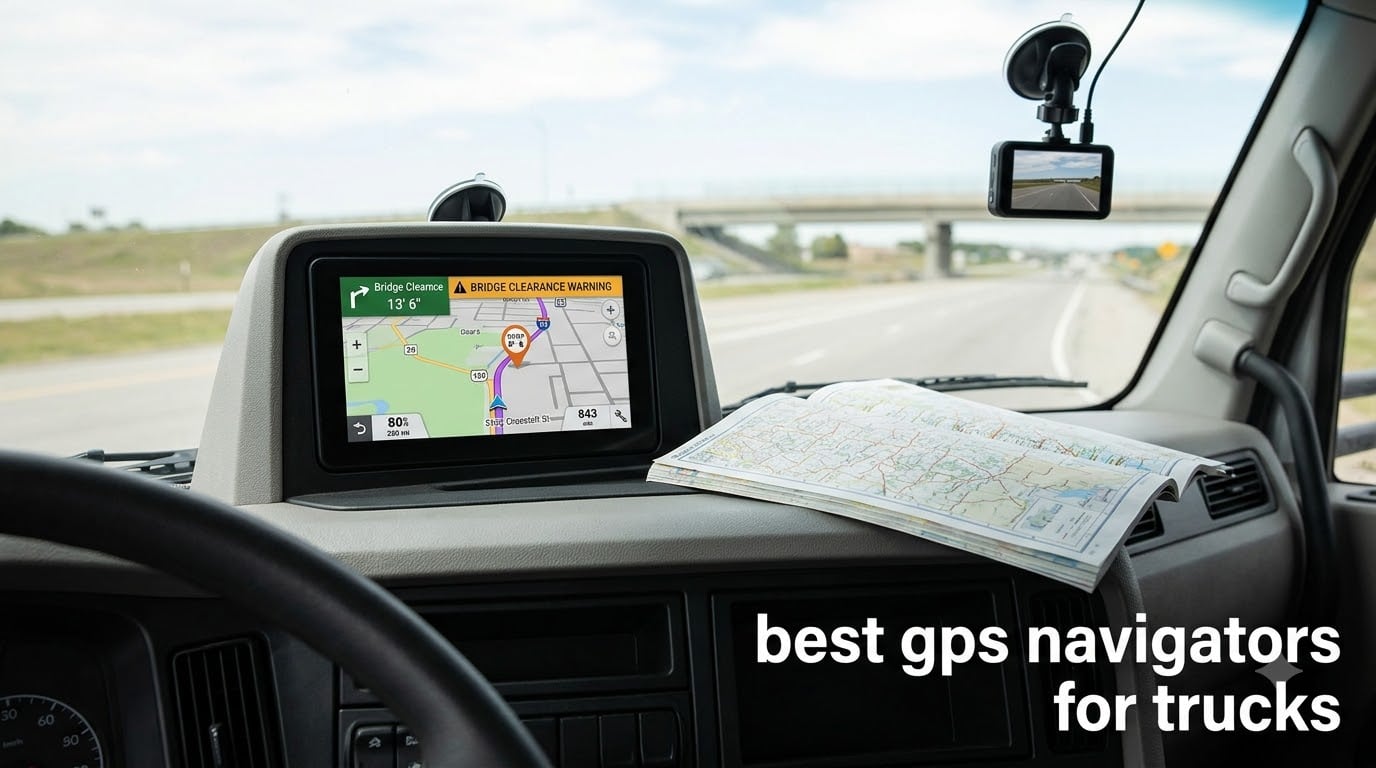
Every truck GPS navigator promises the same thing on the box: custom routing for your rig, alerts for low bridges and weight limits, and a list of truck stops that actually have showers. Very few of them deliver it every day of the week, and the gap between the best and worst options is much wider than the marketing suggests. After working through the current Garmin and Rand McNally lineups, the six models below are the ones I would actually put in a cab.
This guide covers the best GPS navigators for trucks as of 2026. It is built for CDL drivers running long-haul OTR freight, regional and LTL, local and last-mile delivery, flatbed or reefer work, plus owner-operators swapping between trucks. I have weighted screen readability, custom truck routing quality, alert coverage and reliability far more heavily than any single headline feature.
Short answer: the Garmin dezl 580 LMT-S is the best truck GPS navigator for most drivers because it pairs proven size-and-weight truck routing with 2747 owner reviews, the largest review base in this roundup. If you want a bigger modern screen, move up to the Garmin dezl OTR700 for its 6.95-inch high-resolution panel and load-to-dock guidance. If you want the very largest display available, the Rand McNally TND 1050 gives you 10 inches of screen and a built-in camera.
One quick disambiguation, because it trips up a lot of buyers: a truck GPS navigator is a dedicated in-cab routing device, not a fleet telematics or asset-tracking box. This roundup covers the consumer navigators you mount on your dash. If you are shopping for mileage tracking, ELD logs or vehicle monitoring for a fleet, that is an entirely different product category.
Table of Contents
Top 3 Truck GPS Picks for 2026

Garmin dezl 580 LMT-S
- Custom truck routing by size and weight
- Bridge height and weight limit alerts
- Free lifetime map updates
- Truck and trailer services directory
Garmin dezl OTR700
- 6.95 inch high-resolution touchscreen
- Load-to-dock guidance
- Popular routes from fellow truckers
- Voice assistant
Garmin dezl OTR610
- 6 inch 1280 x 720 display
- BirdsEye satellite arrival planning
- PrePass weigh station notifications
- BC 50 backup camera pairing
The 6 Best GPS Navigators for Trucks at a Glance
Every model below does custom truck routing. What separates them is how readable the screen is, how current the map data feels, and whether the alerts actually fire before you need them. The table is the fastest way to narrow the field.
| Product | Specs | Action |
|---|---|---|
| Garmin dezl 580 LMT-S 5 Inch |
|
Check Latest Price |
| Garmin dezl OTR700 7 Inch |
|
Check Latest Price |
| Garmin dezl OTR610 6 Inch |
|
Check Latest Price |
 Rand McNally TND 1050 10 Inch Rand McNally TND 1050 10 Inch |
|
Check Latest Price |
 Rand McNally TND Tablet 85 8 Inch Rand McNally TND Tablet 85 8 Inch |
|
Check Latest Price |
 Rand McNally TND 550 5 Inch Rand McNally TND 550 5 Inch |
|
Check Latest Price |
How Truck GPS Routing Actually Works (and Where It Fails)
A truck GPS navigator is a routing engine that has been taught the difference between a car and a loaded rig. You enter your height, weight, length and axle count into a truck profile, and the device layers truck-legal routing on top of standard map data, then warns you about the things a car navigator ignores entirely.
The practical difference shows up before you leave the yard. Bridge height and weight limit alerts, sharp curve warnings, steep grade alerts and truck-friendly parking information all sit on top of the route. Every one of the six models here does this, and every one of them carries the same disclaimer from the manufacturer: entering a truck profile does not guarantee the route accounts for every characteristic of your vehicle, so posted road signs always win.
What a truck profile changes about your route
With a profile set, the navigator treats residential streets, weight-restricted county roads, low bridges and unsuitable turns as hard avoidances rather than suggestions. The three fields that matter most are your maximum height including load, your gross combination weight, and your overall length. Get any of those wrong and the routing quietly reverts toward car logic, which is the single most common complaint I saw from first-time truck GPS owners.
After that comes the alert layer. Advance weigh station notifications, speed limit change warnings, sharp bend alerts and bridge height callouts fire ahead of the hazard rather than after it. The two Rand McNally models in the lower tiers also throw in dynamic weather overlays, and the newer Garmin models add satellite imagery so you can inspect loading docks, truck entrances and security gates before you arrive.
The five places every truck GPS gets it wrong
Drivers on r/Truckers talk about this constantly, and the pattern is consistent enough that I treat it as a buying assumption rather than a defect list. First: rural two-lane roads, where navigators “get kind of stupid sometimes once you leave the interstate.” Second: dense cities, where one r/CDL owner put it bluntly, having a Garmin and Google Maps both fail in Manhattan.
Third: route recalculation loops, where a reroute drops you back onto a road you just rejected. Fourth: new construction and freshly paved streets, where map data lags reality by months. Fifth: complex cloverleaf interchanges, which render as clutter on small screens.
The community consensus is a good editorial standard to adopt: read your road signs, and carry a Rand McNally Trucker Atlas as a paper backup. No navigator replaces judgment at the wheel.
1. Garmin dezl 580 LMT-S – The Most Proven Truck GPS You Can Buy
Garmin dezl 580 LMT-S, Truck GPS Navigator with 5-inch Display, Free Lifetime Map Updates, Live Traffic and Weather
5 inch LCD at 480 x 272
Free lifetime map updates and live traffic
Truck routing with bridge height and weight alerts
Bluetooth calling and built-in Wi-Fi
Pros
- Custom truck routing reliably avoids low bridges
- weight limits and restricted roads
- Advance weigh station
- speed limit change and sharp bend warnings
- Up-ahead road signs suggest restaurants and rest areas for breaks
- Truck stop directory filterable by brand and amenity
- Long owners report years of dependable service
Cons
- 5 inch screen is small for drivers with limited eyesight
- Address entry can fail when unit numbers or suite details are included
- Complex cloverleaf interchanges render clutterily
The dezl 580 LMT-S is the oldest model in this roundup and still the one I recommend to most drivers. It holds a 4.4 rating across 2747 reviews, a review base so large that the failure modes are well documented rather than mysterious. Owners describe flatbed, local and long-haul drivers keeping it for years without replacing it.
What makes it durable is boring in the best way. Customized truck routing takes the size and weight of your truck and layers alerts for upcoming bridge heights and weight limits, and the routing is genuinely conservative about low bridges and restricted roads. That core has not changed much across Garmin’s truck line, and it is the reason this unit holds up.
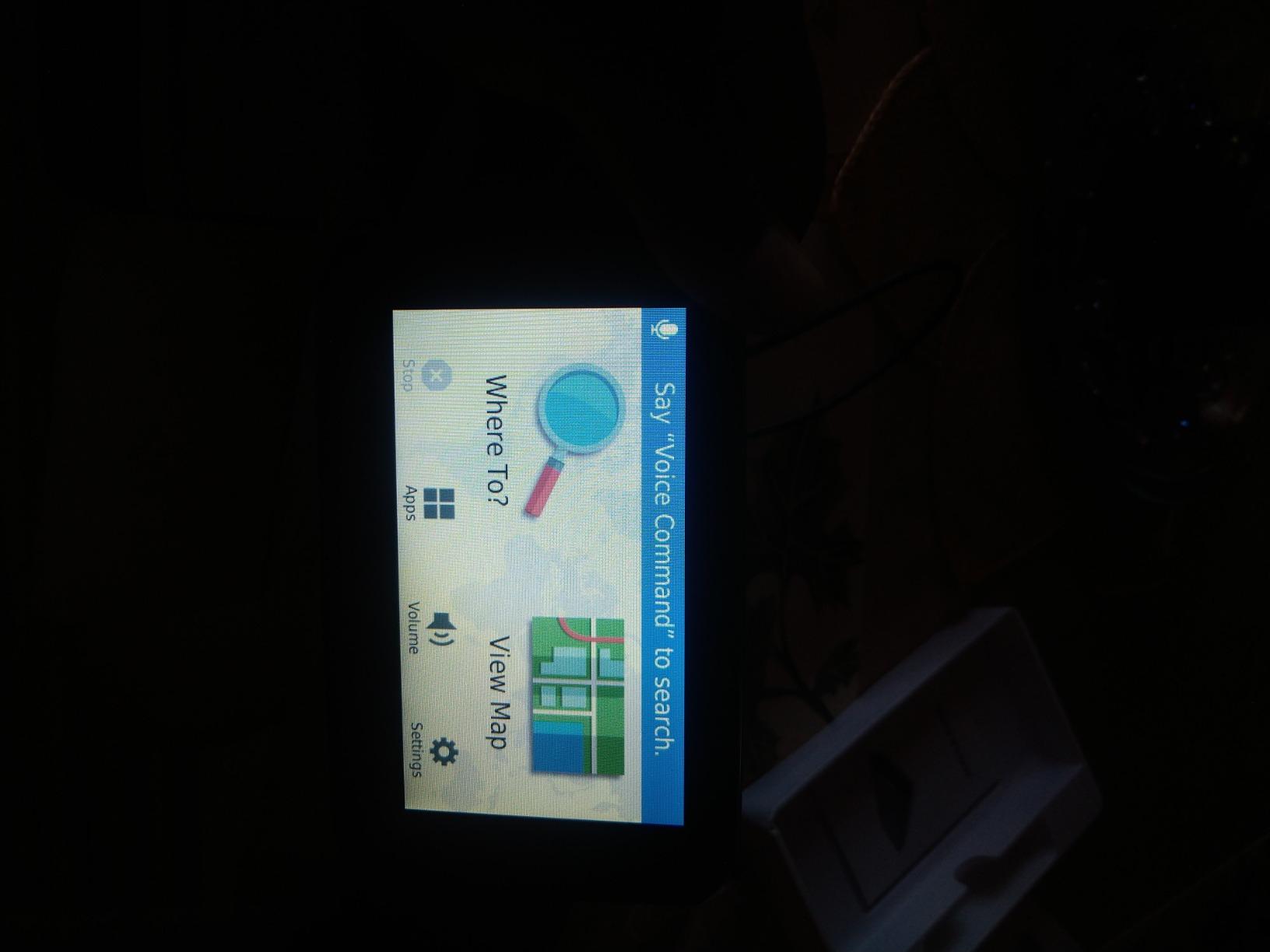
The alert set is the real strength. Advance weigh station notifications, speed limit change warnings and sharp bend warnings all fire early enough to change a decision, and the up-ahead road signs feature suggests restaurants and rest areas before you need them rather than after. The truck and trailer services directory is filterable by brand or amenity, which turns a coffee stop into a decision made in seconds.
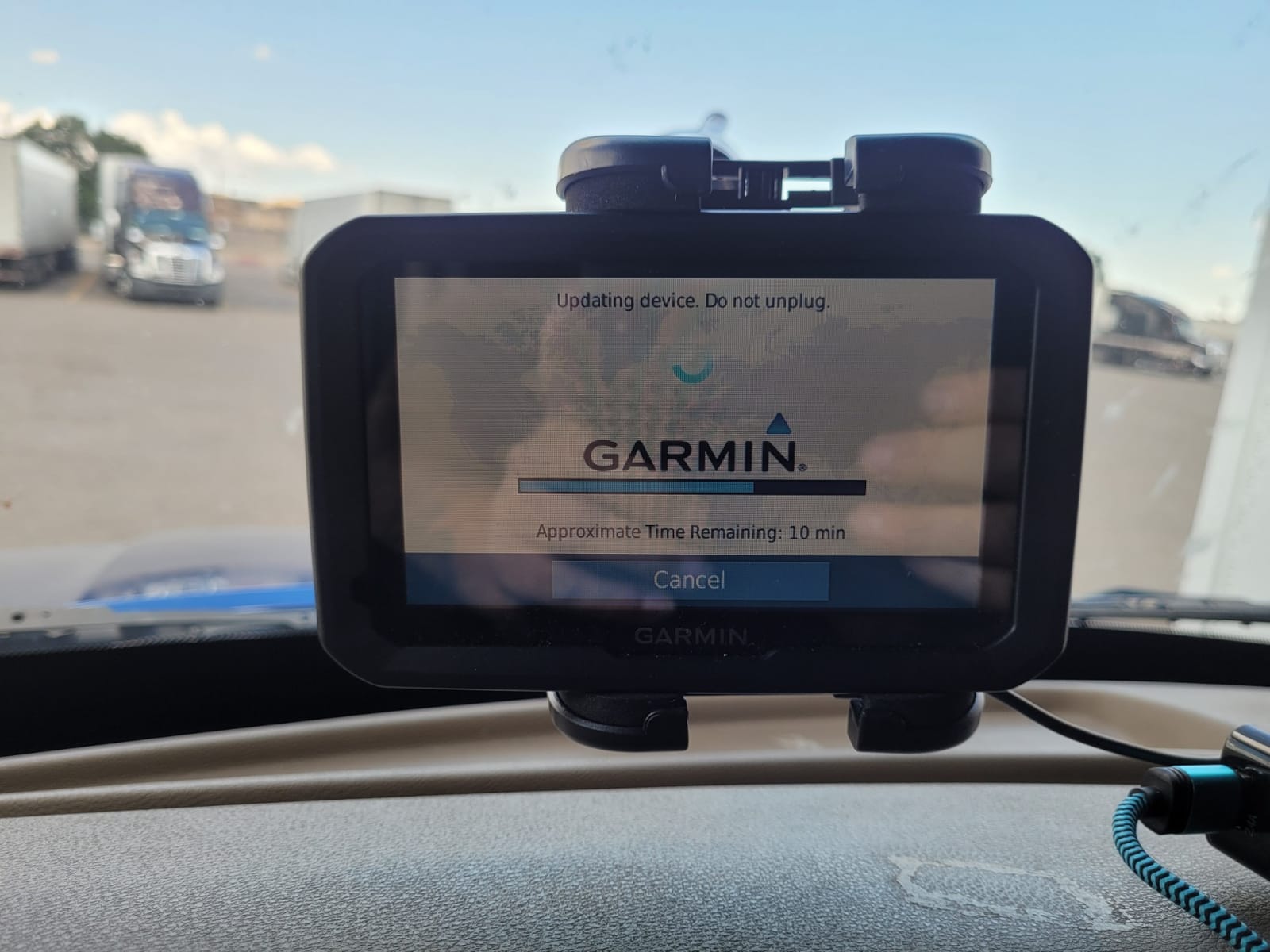
Specs are modest by modern standards and you should know that going in. The screen is 5 inches at 480 x 272 resolution, storage is 16 GB, and the listed battery life is 2 hours.
Connectivity is Wi-Fi with Bluetooth hands-free calling and voice control. The model itself weighs 8 ounces and the box includes the USB cable, vehicle power cable, suction cup mount and documentation, covered by a 1 year limited warranty.
Who the 5-inch dezl 580 works for
This is the unit I recommend to an owner-operator who runs consistent routes, wants a set-and-forget device, and does not need a huge display. Free lifetime map updates mean you never think about map subscriptions, and the built-in Wi-Fi handles the rest. Drivers who spend real time comparing parking and amenities at truck stops will find the filterable services directory more useful day to day than a larger screen would be.
It is also the safest recommendation in the list for a first dedicated truck GPS, because the community has effectively stress-tested it. When someone asks what actually works, the recurring answer in trucking forums is a Garmin that has been in service for years rather than the newest release.
Where the 5-inch dezl 580 falls short
The 5-inch display is the honest limitation. Drivers with limited eyesight call it small, and complex cloverleaf interchanges turn into a cluttered mess at that resolution. If your route involves dense interchange stacks, step up to the OTR700 or the OTR610 rather than squinting.
Address entry is the second weak spot. Searches that include unit numbers or suite details sometimes fail to match, which matters on last-mile routes with numbered dock doors. Posted speed limit data can also run behind reality compared to the signage. Voice control is less reliable than typing, so plan on touching the screen more than you expect to.
2. Garmin dezl OTR700 – Best 7 Inch Truck GPS for Load-to-Dock Routing
Garmin – dezl OTR700 7 inches GPS Truck Navigator – Black 010-02313-00 (Renewed)
6.95 inch 1024 x 600 touchscreen
Truck routing with bridge, curve and parking alerts
Load-to-dock guidance and popular routes
Compatible with Garmin eLog ELD
Pros
- Large
- bright
- high-resolution screen is easy to read at a glance
- Custom truck routing plus truck-friendly parking information along the route
- Load-to-dock guidance helps find loading zones and storage lots
- Truck and trailer services directory filterable by brand and amenities
- Popular routes from fellow truckers improve situational awareness
Cons
- Address entry on the device is not always intuitive and sometimes misses locations
- Truck routing is not available in all areas and may not account for all vehicle characteristics
- Some users report the unit lagging or needing the voice assistant muted
Note up front that this listing is the Amazon Renewed version of the OTR700, which means a 90 day limited warranty rather than the full manufacturer coverage on a new unit. That is a fair trade for a lower outlay, and the deal only makes sense if you are comfortable with refurb-grade wear on the mount and bezel.
It rates 4.4 across 1179 reviews, and the review base is healthy enough that the OTR700’s real behavior is well documented.
Where this unit pulls ahead of the older dezl 580 is workflow, not raw routing. Load-to-dock guidance shows loading zones and storage lots near your destination, which is a small feature on paper and a genuine time saver on a Saturday morning delivery into a yard you have never seen. Popular routes used by fellow truckers add a layer of situational awareness, essentially showing you how other drivers approached the same road.
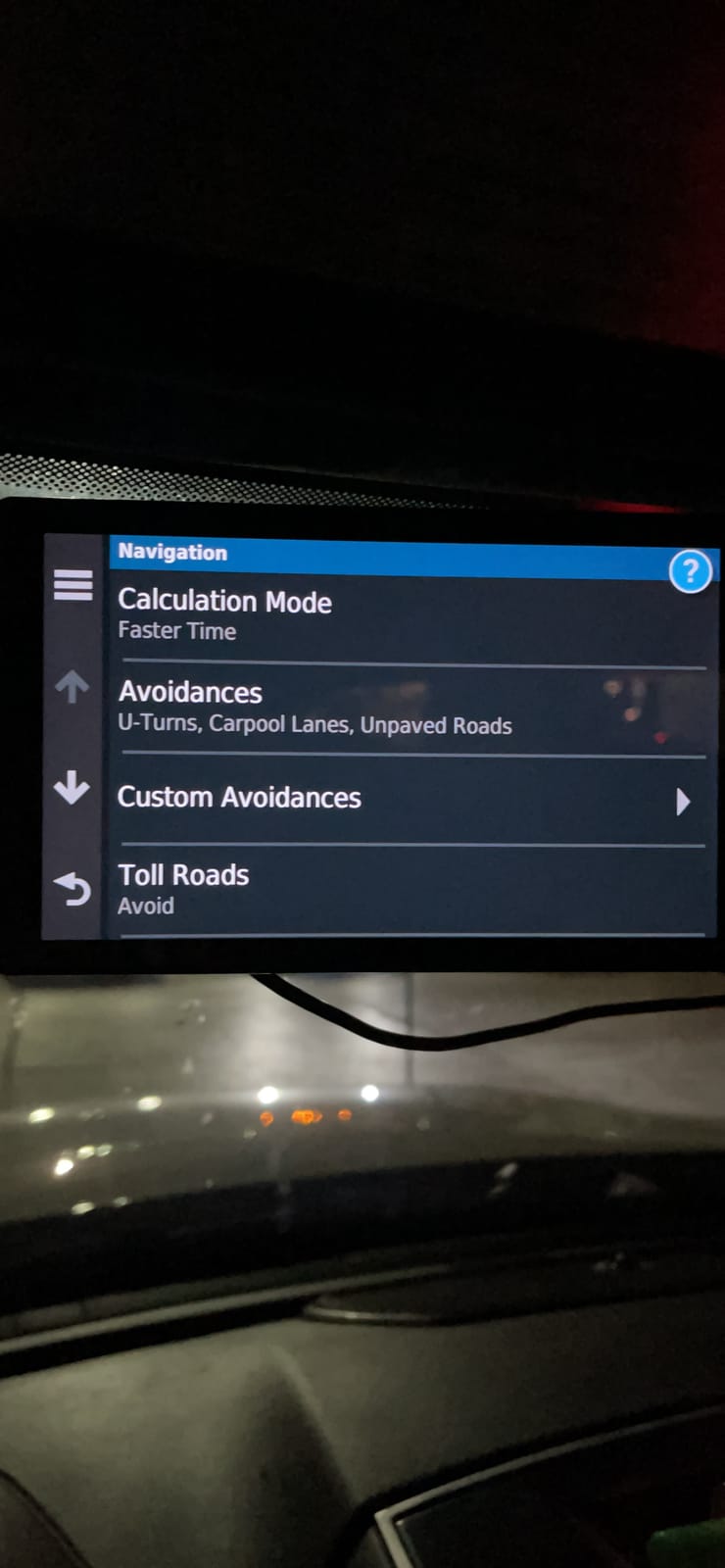
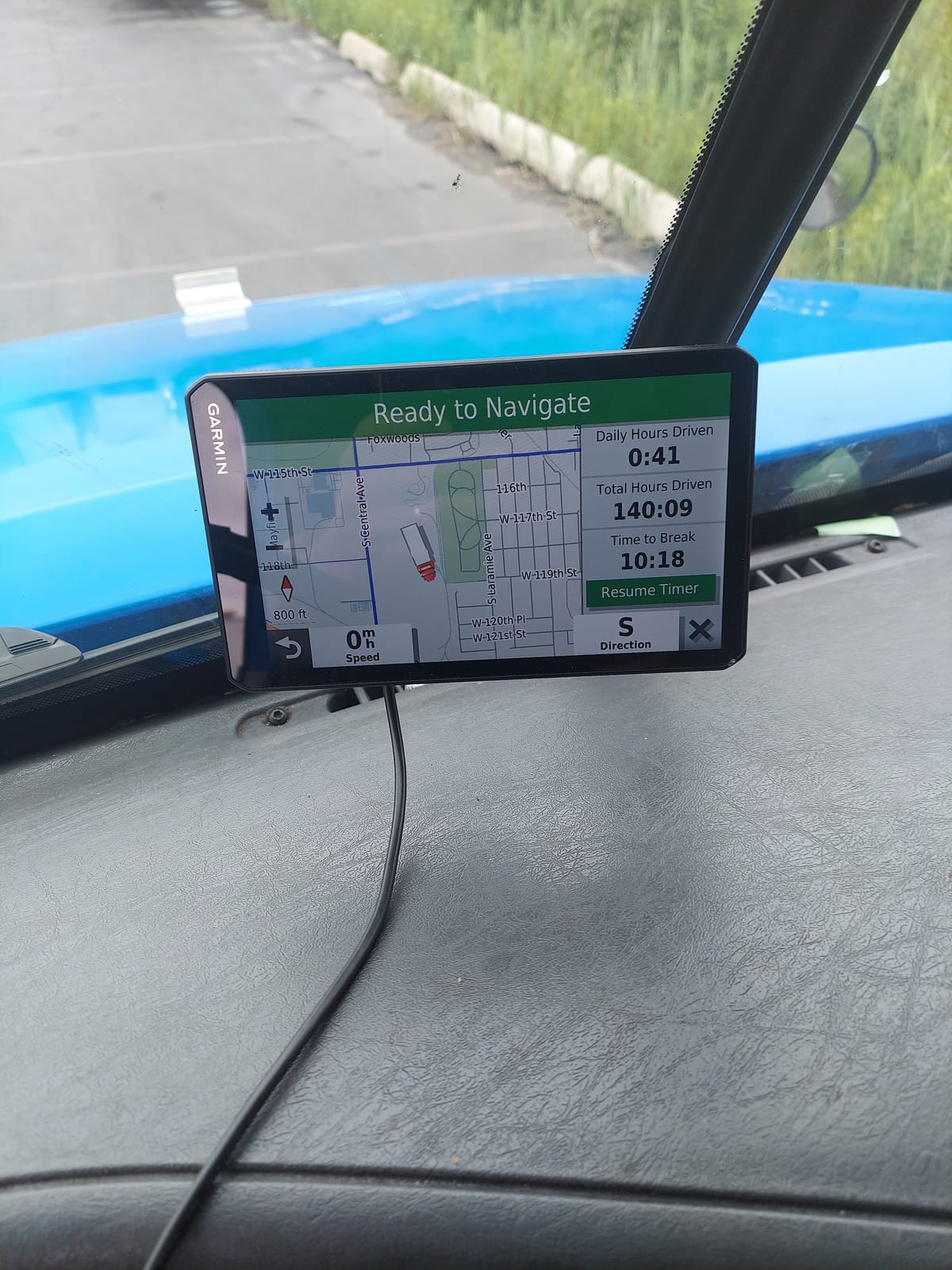
The display is the headline. A bright, crisp 6.95-inch capacitive touchscreen at 1024 x 600 is a genuine step up in readability, and it is the size most drivers land on after trying a 6-inch unit and wishing they had not. Custom truck routing covers bridge heights, sharp curves and truck-friendly parking along the route, and the preloaded truck and trailer services directory filters by brand or amenity.
It also plays well with the rest of the ecosystem. A voice assistant is built in, and the model is compatible with a Garmin eLog compliant ELD, sold separately. Listed dimensions are 8 inches long by 5.25 inches wide by 3.25 inches high, and the box includes documentation, a USB cable, vehicle power cable and suction cup mount. Rated battery life is 2 hours, so plan on hardwired power.
Who the 7-inch OTR700 works for
This is my pick for a regional or dedicated driver who runs the same lanes repeatedly and cares about the last mile as much as the highway. If your week involves repeated deliveries to large yards, load-to-dock guidance pays for itself in the first month. The 6.95-inch panel is also the sweet spot for cab space, giving you a glanceable route line without demanding a chunk of windshield.
Drivers who pair the unit with an eLog ELD get a more unified cockpit, and the popular-routes overlay is a quiet benefit on roads where the truck-specific data is thin. If you want the strongest combination of proven routing and modern workflow at a mainstream screen size, this is the one.
Where the 7-inch OTR700 falls short
Address entry on the device is not always intuitive, and some owners report it simply missing locations they know exist. That friction shows up most on last-mile work with unusual street names or multiple entries for the same address, so entering destinations from the dēzl app or a phone before departure is the habit I would build.
Two more caveats. Truck routing is not available in all areas and may not account for all vehicle characteristics, so the usual rule applies: verify against posted signs. And some users report occasional lag, or a voice assistant that talks over the radio and has to be muted. If you run a noisy cab, test the voice volume before you commit.
3. Garmin dezl OTR610 – Best 6 Inch Navigator With Satellite Arrival Planning
Garmin dezl OTR610, Large, Easy-to-Read 6″ GPS Truck Navigator, Custom Truck Routing, High-Resolution Birdseye Satellite Imagery
6 inch 1280 x 720 multi-touch display
BirdsEye satellite arrival planning
PrePass weigh station and bypass alerts
Compatible with BC 50 backup camera
Pros
- Clear
- bright 6-inch HD screen that is easy to read at a glance
- Custom truck routing keeps drivers off residential streets and warns about low bridges
- BirdsEye satellite arrival planning for loading docks and truck entrances
- Zoom level and map preferences persist between uses
- Alerts for sharp curves
- weigh stations
- traffic delays and arrival weather
Cons
- Address entry can route to an incorrect match or a different state
- No built-in battery so it depends on being plugged in while running
- No option to avoid tollways and few alternative routes offered
The OTR610 is the resolution winner in this group. A 1280 x 720 multi-touch HD color TFT with backlight in a 6-inch frame beats the OTR700’s effective clarity, and it rates 4.3 across 961 reviews. Owners frequently compare it favourably against Rand McNally models of similar size, which is the closest thing to a settled verdict in the Garmin versus Rand debate.
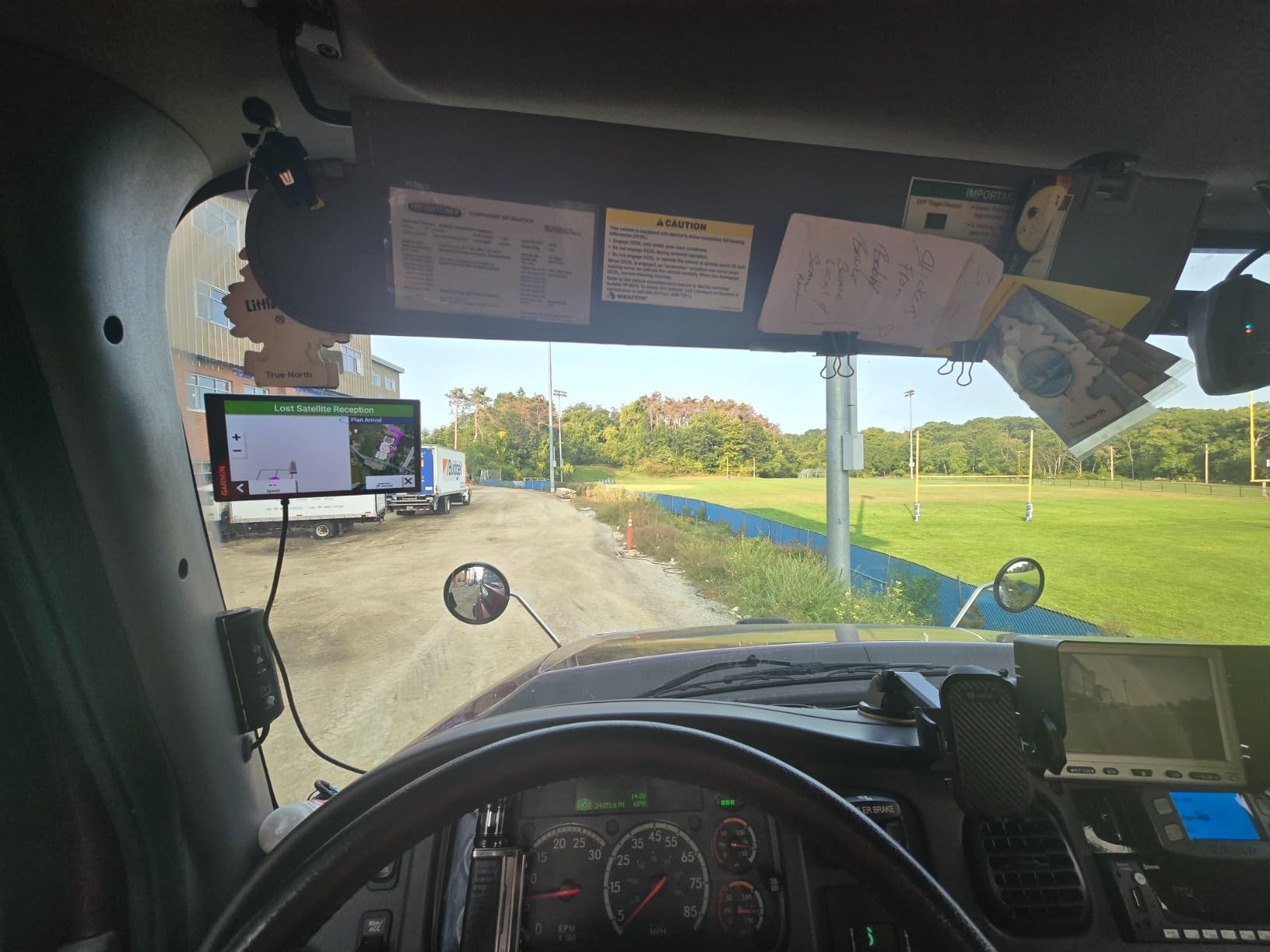
Its distinguishing feature is BirdsEye satellite imagery for arrival planning. Before you pull into an unfamiliar dock, you can look at overhead imagery showing the loading dock, the truck entrance and any security gate. It sounds like a gimmick until the first time you avoid a 20-minute loop looking for the right gate, and several drivers call it the feature they would miss most.
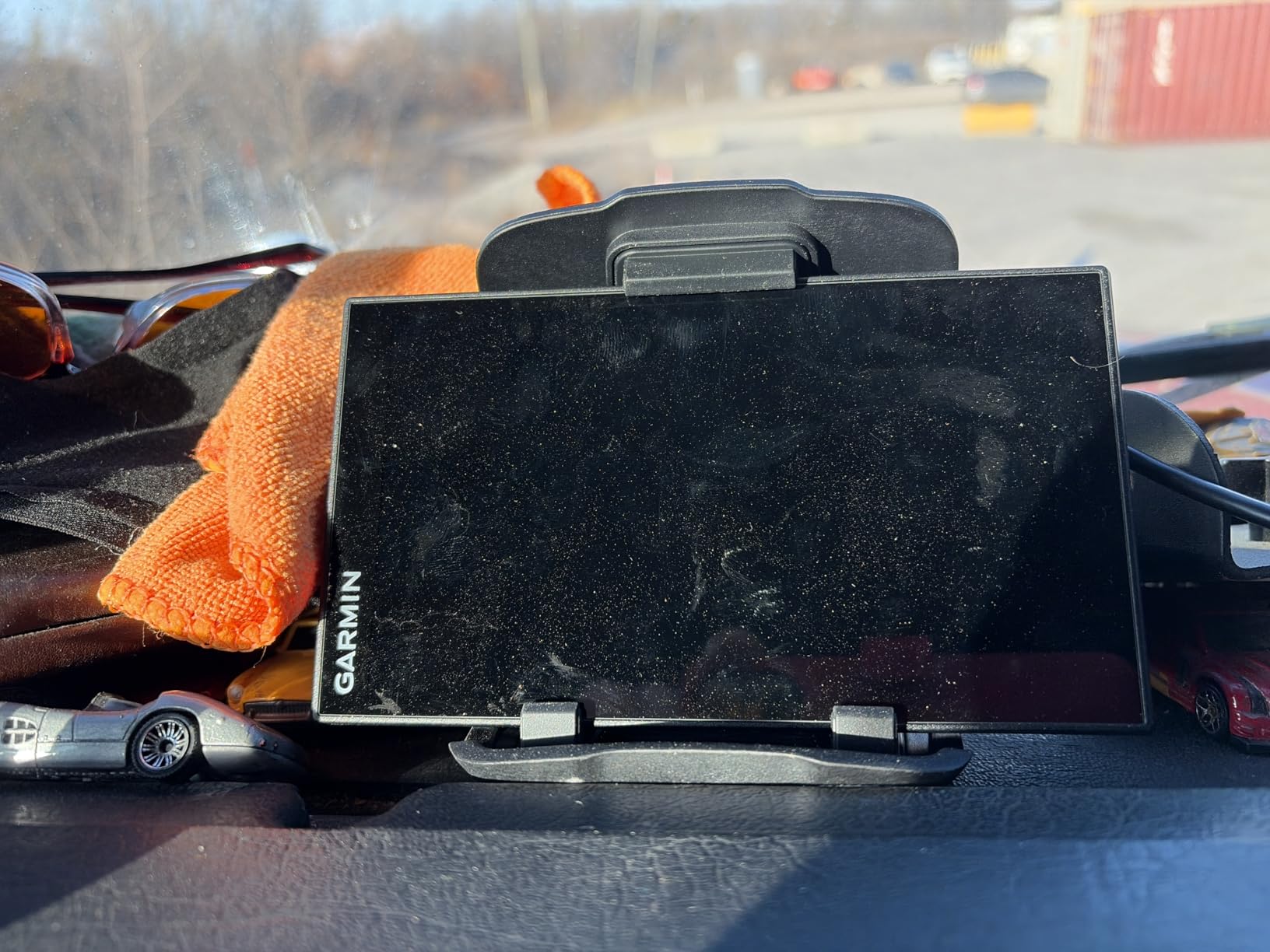
The routing layer is thorough. Custom truck routing throws alerts for bridge height, weight limits, sharp curves and steep grades, and owners consistently report it keeping rigs off residential streets. The route planner handles fuel, comfort and overnight stops, the truck and trailer services directory filters by brand or amenity, and integrated North America maps cover live traffic, weather and smart notifications. Alerts also cover sharp curves, weigh stations, traffic delays and arrival weather.
It connects properly to the ecosystem too. PrePass weigh station and bypass notifications arrive through the dēzl app, and the model pairs with BC 50 backup cameras, the dēzl trucking headset and the dēzl Edition smartwatch.
Storage is 16 GB, connectivity is Bluetooth and Wi-Fi, and control is by touch or voice. Dimensions are 6 inches long by 0.7 inches wide by 3.4 inches high at 6.17 ounces, with a 1 year limited warranty and the suction cup mount, power cable and USB cable in the box.
Who the 6-inch OTR610 works for
Pick this one if you run yard-based local or regional work where arrival planning matters more than long-haul lane data, or if you want the sharpest screen in a package that still fits a normal dash without a RAM mount. It is also the natural choice for reefer and flatbed operators who need to navigate unfamiliar customer sites regularly. A BC 50 backup camera pairing is a real bonus for large rigs where rear visibility is poor.
The fact that zoom level and map preferences persist between uses is a small thing that turns out to matter a lot day to day. You set the view once and it stays, rather than re-teaching the unit every morning. For drivers who share a truck, that consistency is worth more than it sounds.
Where the 6-inch OTR610 falls short
There is no built-in battery, so it depends on being plugged in while running. Plan the cable routing before your first trip rather than after. Address entry can also route to an incorrect match or even a different state, which is the one failure mode I would never rely on for last-mile delivery without double-checking the pin before departure.
You cannot set a preference to avoid tollways, and the unit offers fewer alternative routes than I would like on a device this capable. Some owners also report occasional lag or glitches. Garmin’s own materials carry the same warning: truck routing may not account for all vehicle characteristics, so confirm bridge clearances against the posted signs.
4. Rand McNally TND 1050 – Best 10 Inch Navigator for Maximum Visibility
Rand McNally TND 1050 10-inch GPS Truck Navigator with Industry’s Best Custom Trucking Routes, Rand Navigation 2.0, Download 2025 Maps + Built-in Camera
10 inch 1280 x 800 display with Gorilla Glass
Integrated dash cam for inspection reports
Rand Navigation 2.0 truck routing
Three mounting options including powered magnetic mount
Pros
- Very large 10-inch display allows quick glances and detailed turn instructions
- Rugged Gorilla Glass screen and protective case withstand road use
- Magnetic powered mount is well made and easy to remove for stowing
- Built-in camera supports driver and vehicle inspection reports
- Keeps large rigs on appropriate truck routes and warns about small roads and height limits
Cons
- Very large footprint takes up a good portion of the windshield
- Magnetic mount can loosen over bumps and potholes
- Arrival time and traffic estimates are sometimes inaccurate
The TND 1050 is the only navigator here with a built-in camera and a 10-inch display, and both features are genuinely useful. It rates 4.1 across 199 reviews, which is lower than the Garmin models but reflects a specific set of complaints about physical size and mount stability rather than routing quality.
Owners still describe it as keeping large rigs on appropriate truck routes with warnings about small roads and height limits.
Rand Navigation 2.0 carries 33% more truck-specific road data than other providers by the company’s own claim, and the review data backs up the claim that it stays out of places a big rig should not go. The practical result is fewer surprises on county roads and old downtown cores, which is precisely where the smaller-screen models tend to let you down.
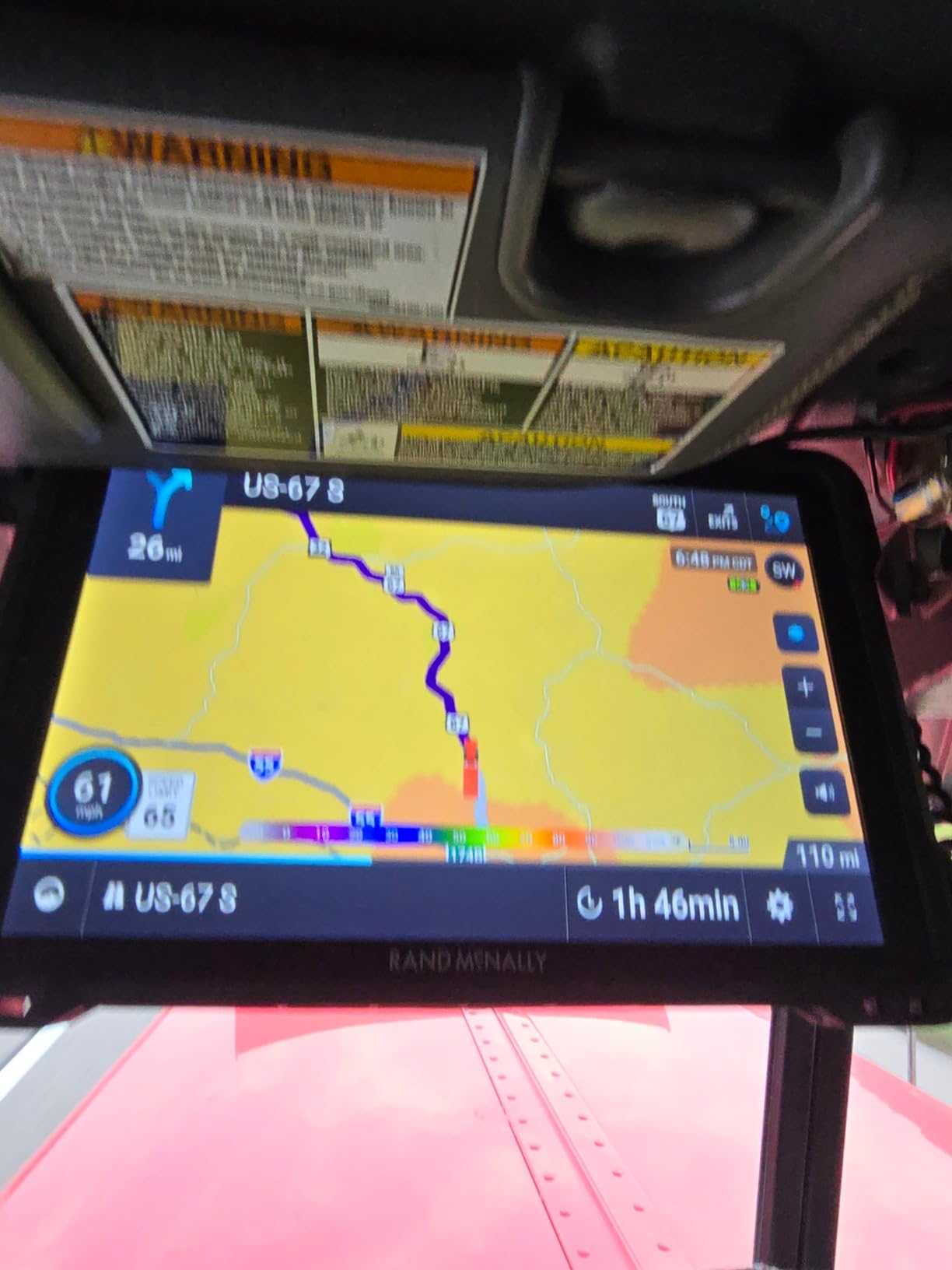
The camera is the sleeper feature. An integrated dash cam records driver and vehicle footage that supports inspection reports, which means the video you need for a roadside inspection or an incident claim is already on the device instead of on a separate phone mount. Receipt tracking, a road atlas and WiFi map updates round out the package, and there is a USB port for charging devices.
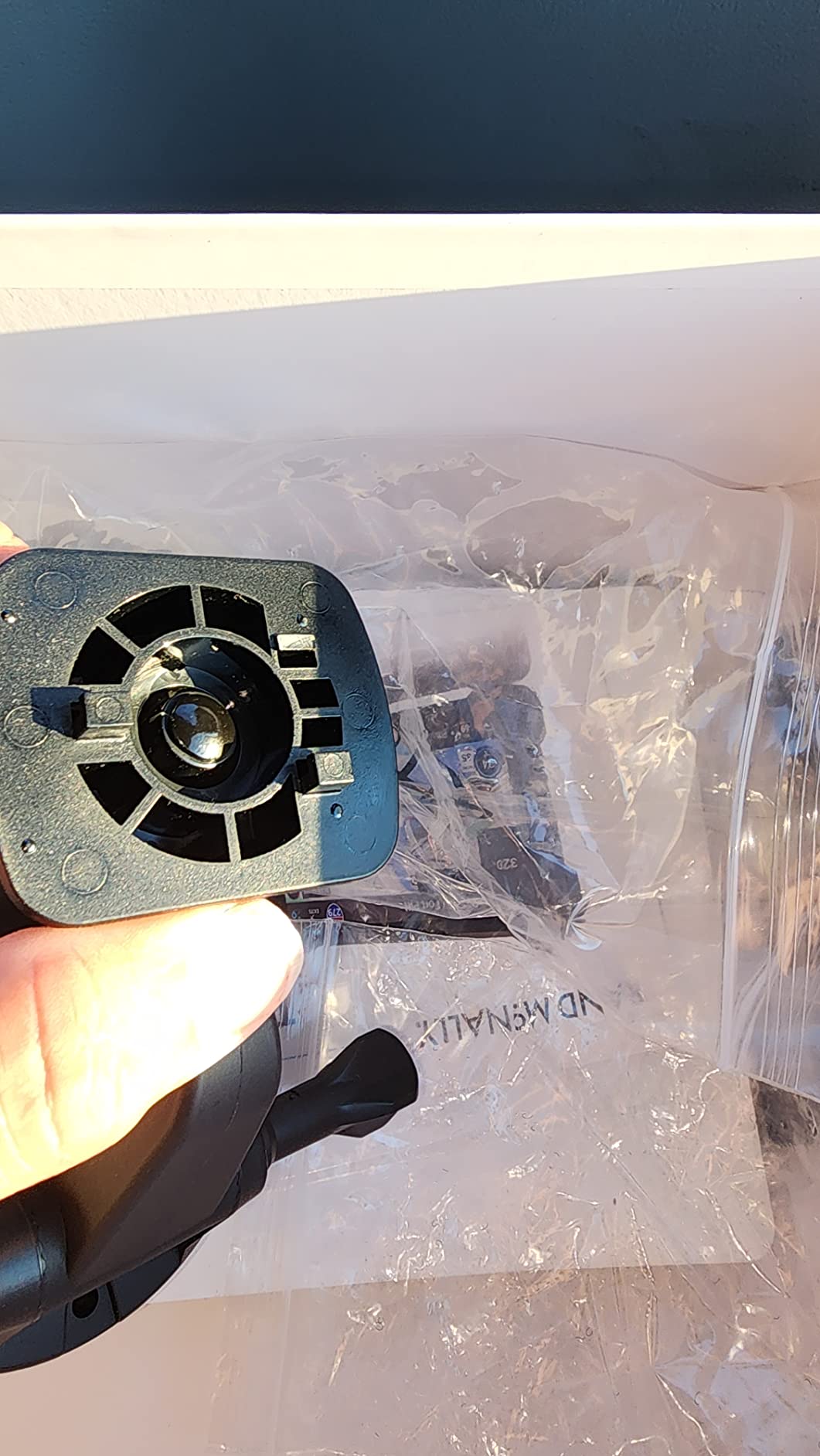
Build quality is a step up from the plastic-and-suction-cup norm. The 10-inch high-definition display sits behind Gorilla Glass with a removable protective guard, and three mounting options are included: a dash mount, a windshield suction cup and a powered magnetic mount connector.
Storage is 32 GB, it runs Android over Bluetooth 5.0, and listed battery life is 5 hours, the best here. Dimensions are 10.5 inches by 6.5 inches by 1.2 inches at 1.8 pounds, with a 1 year manufacturer warranty.
Who the 10-inch TND 1050 works for
This is the model I would put in a dedicated or owner-operator truck with a big sleeper cab and no worry about windshield real estate. If you back a 53-foot combination out of a dock in the dark, the sheer size of the map, the detail in each turn instruction and the ability to pair the camera with inspection paperwork add up quickly. Drivers who value Rand McNally’s truck stop and elevation data specifically tend to gravitate here, which is a view echoed repeatedly on r/Truckers.
It is also the best choice if you want a screen you can read without touching it. Every glance is a real glance at a real map, not a squint at a compressed UI. The removable guard means one impact does not end your navigation.
Where the 10-inch TND 1050 falls short
The footprint is the first thing a driver will mention. Ten and a half inches of device takes up a good portion of the windshield, and in a smaller day cab it can crowd the view. Measure your mounting space before you order, because this is the one model in the roundup that can be physically too big for the truck.
The magnetic mount can loosen over bumps and potholes, so check it during your first few hundred miles. Arrival time and traffic estimates are sometimes inaccurate, some drivers report routing regressions compared with older Rand McNally models, and there are occasional bogus railroad crossing warnings near interstate corridors. Rand McNally is also the brand where a minority of owners are strongly negative, so read the low reviews rather than skimming.
5. Rand McNally TND Tablet 85 – Best Value 8 Inch Tablet With a Dash Cam
Rand McNally TND Tablet 85 8-inch GPS Truck Navigator with Built-in Dash Cam, Easy-to-Read Display and Custom Truck Routing (Renewed)
8 inch tablet-style touchscreen in a slim 0.6 inch body
Real-time traffic and construction updates including rural areas
Weather overlays with precipitation, temperature and wind speed
Built-in dash cam and powered magnetic mount
Pros
- 8-inch display is large and readable while driving
- Real-time traffic and weather overlays help reroute around delays
- Custom truck routing tailored to rig dimensions
- Built-in dash cam supports incident documentation
- Slim tablet-style body with magnetic powered mount
Cons
- Low 480 x 272 resolution looks dated on an 8-inch panel
- Map data and route quality trail newer Garmin dezl models
- Renewed condition may show light wear
The TND Tablet 85 is a Renewed listing with a 90 day limited warranty, and it rates 4.0 across 157 reviews. The value proposition is straightforward: an 8-inch screen, a built-in dash cam, real-time traffic and weather overlays, and custom truck routing tailored to your rig dimensions, all in a slim tablet-style body. For a driver who wants a big display and a camera without stepping up to a full-size tablet, that combination is hard to argue with.
The traffic and construction updates extend into rural areas, which is not a given on every model in this roundup. Dynamic weather overlays cover precipitation, temperature and wind speed, and 3D buildings and landmarks help with orientation. On-screen alerts fire for speed limit changes and sharp curves, and current fuel prices along the route feed into your cost planning.
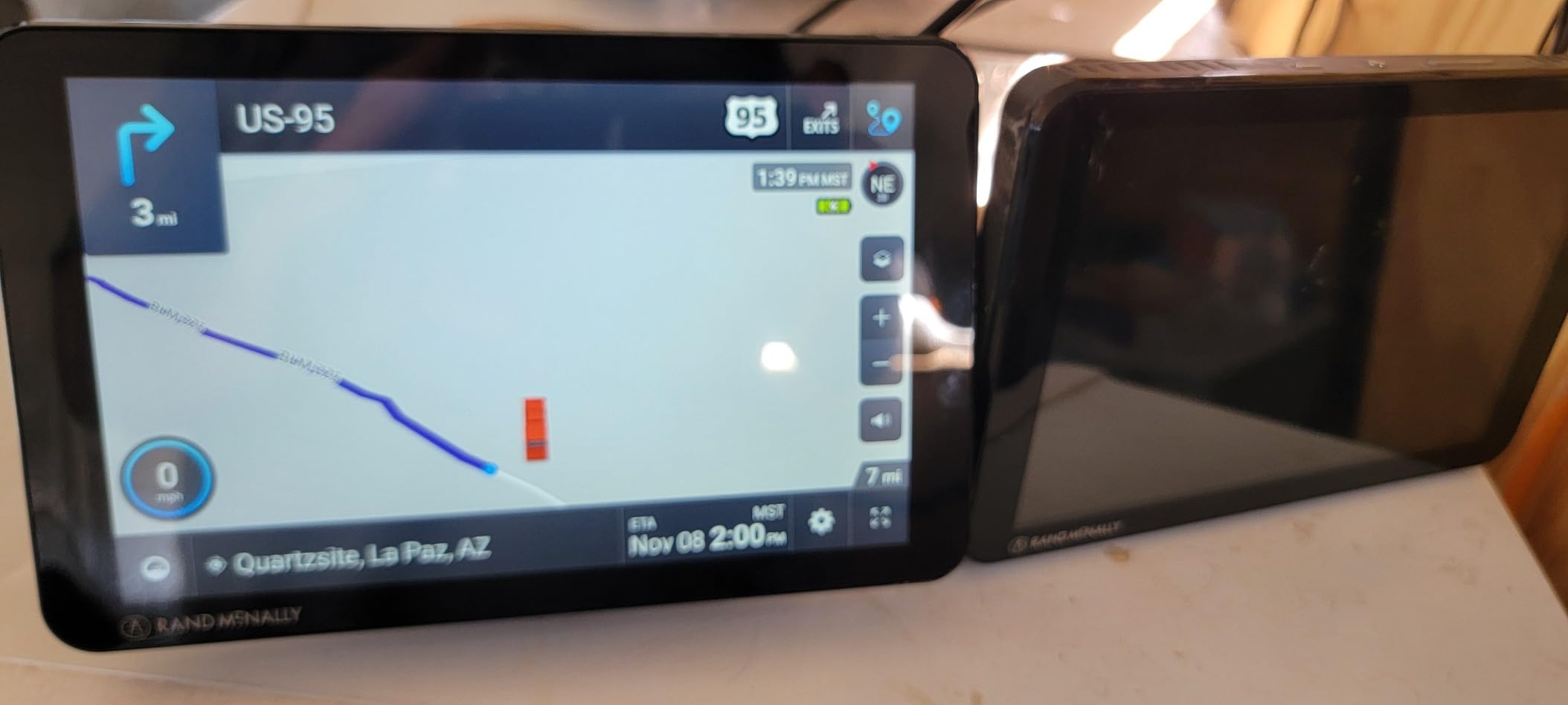
The built-in dash cam supports incident documentation, which is the same benefit as the TND 1050 at a lower tier. Mileage and fuel logs are there too, though basic. In the box you get the powered magnetic mount, the device, a truck charger, a USB cable and a wall charger.
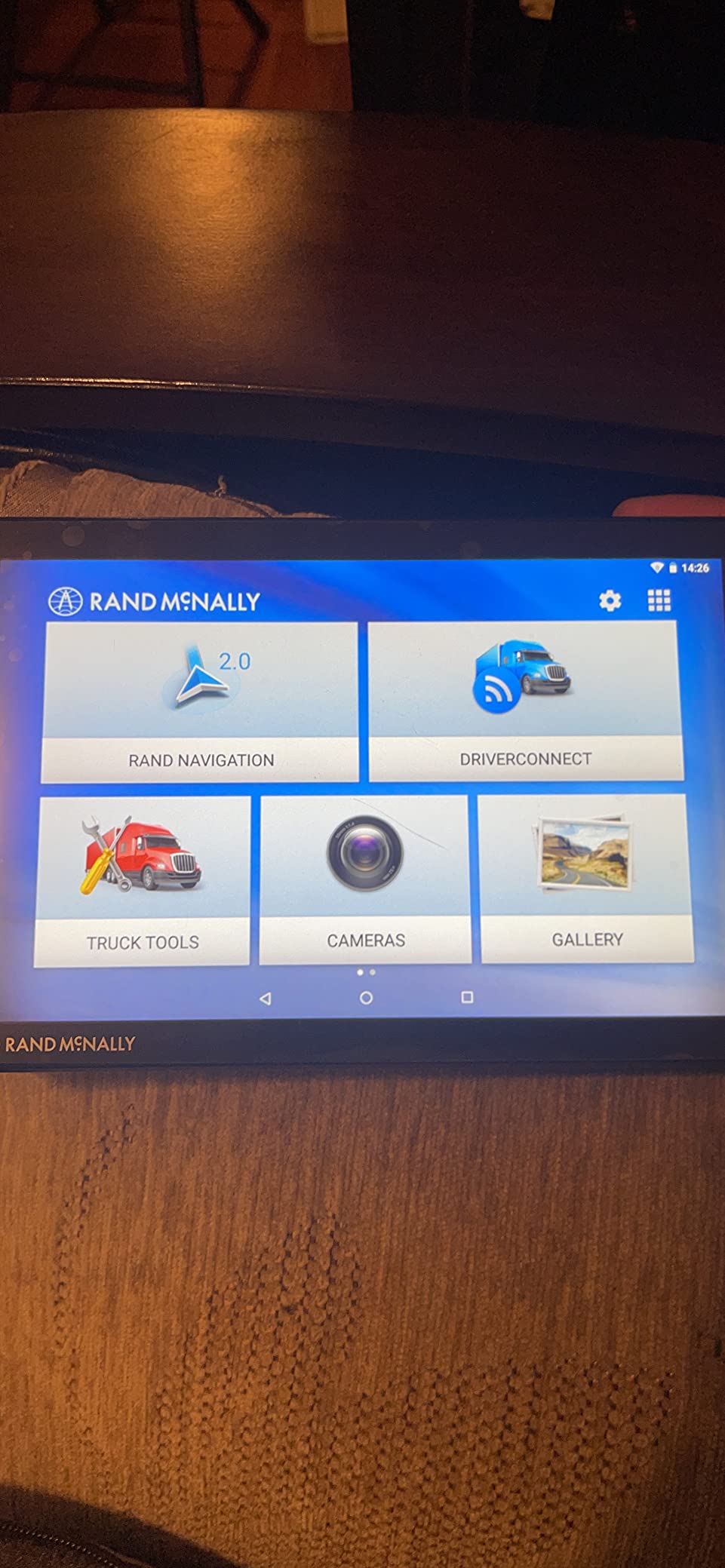
Specs are where you feel the discount. The 480 x 272 resolution spread across an 8-inch panel is the weakest specification in this roundup, and owners consistently call it dated. Memory is 2 GB on Android with Bluetooth, USB and wireless connectivity, the body measures 8 inches by 5 inches by 0.6 inches, and lane assist is listed among the additional features.
Who the 8-inch TND Tablet 85 works for
I would point a part-time or seasonal driver here, or an owner-operator who wants a bigger screen and a camera without much outlay and can accept an older map set. The 8-inch footprint is a sensible middle ground between the 6-inch Garmin and the 10-inch Rand McNally, and the slim body mounts cleanly without eating the dash.
Because the Renewed warranty is short at 90 days, this suits buyers who will test it thoroughly in the first weeks and keep it as a secondary or seasonal navigator rather than a primary cab device. Verify the map currency, the truck profile and the included mount before the return window closes.
Where the 8-inch TND Tablet 85 falls short
The resolution is the headline problem. A 480 x 272 panel on an 8-inch screen means the map detail is soft and text is harder to read than on the smaller but sharper Garmin models, which is a genuine trade of screen size for clarity. If you care about reading street names at a glance, this is the wrong shape of compromise.
Map data and route quality trail the newer Garmin dezl models, and the mileage and fuel logging features are basic rather than fleet-grade. Renewed condition may show light wear, so treat the cosmetics as part of the value calculation rather than a surprise. The lower review count also means less long-term data behind the model than the Garmin picks have.
6. Rand McNally TND 550 – Best Budget Pick for Straightforward Routing
Rand McNally TND 550 5-inch GPS Truck Navigator with Industry’s Best Custom Trucking Routes, Rand Navigation 2.0, Download 2025 Maps
5 inch touchscreen with truck-specific POI
Rand Navigation 2.0 custom trucking routes
Real-time traffic and 3D junction views
Dynamic weather overlays and downloadable maps
Pros
- Custom trucking routes and truck-specific POI work for routine over-the-road driving
- Real-time traffic
- weather overlays and 3D junction views included
- Compact and light for smaller cabs
- Drivers upgrading from phone navigation find it adequate for turn-by-turn
Cons
- Freezing up during navigation especially on the final miles
- Touch targets are small and the screen is not very responsive
- Battery drains quickly and suction mount can loosen over road bounce
The TND 550 is the entry-level dedicated truck GPS in this roundup, and it rates 3.8 across 432 reviews, the lowest score here. That number matters, and it is why the reliability complaints below deserve a close read before you buy.
It is not a bad model. Owners report a specific and repeated set of reliability problems, and for a driver who mainly needs simple turn-by-turn truck routing it is adequate. For anyone who cannot afford a frozen unit 30 miles out, buy something else.
What it does well is the fundamentals. Rand Navigation 2.0 provides custom trucking routes with downloadable map updates, and a truck-specific points of interest directory is built in. Real-time traffic, dynamic weather overlays, 3D junction views and 3D buildings are all included at this tier, which is a more generous spec sheet than the entry level would suggest.
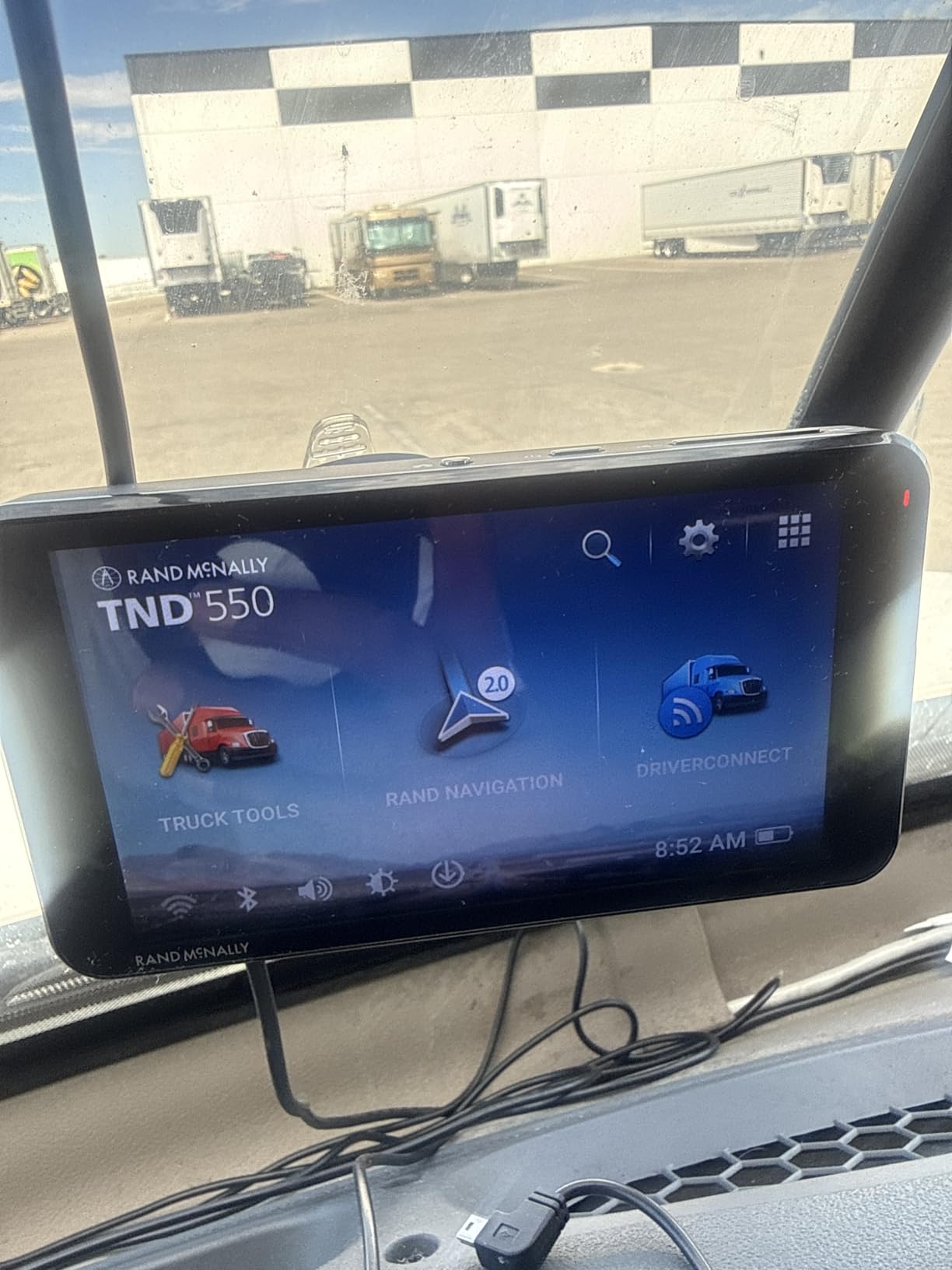
The form factor is genuinely compact at 4.4 ounces, with dimensions listed as 1 inch long by 5.25 inches wide by 3 inches high. It comes with a heavy-duty suction mount, runs on Android with Bluetooth and Wi-Fi, and carries a 1 year limited warranty. Drivers moving up from phone navigation generally find the turn-by-turn guidance easy to follow, which tells you the baseline quality level here.
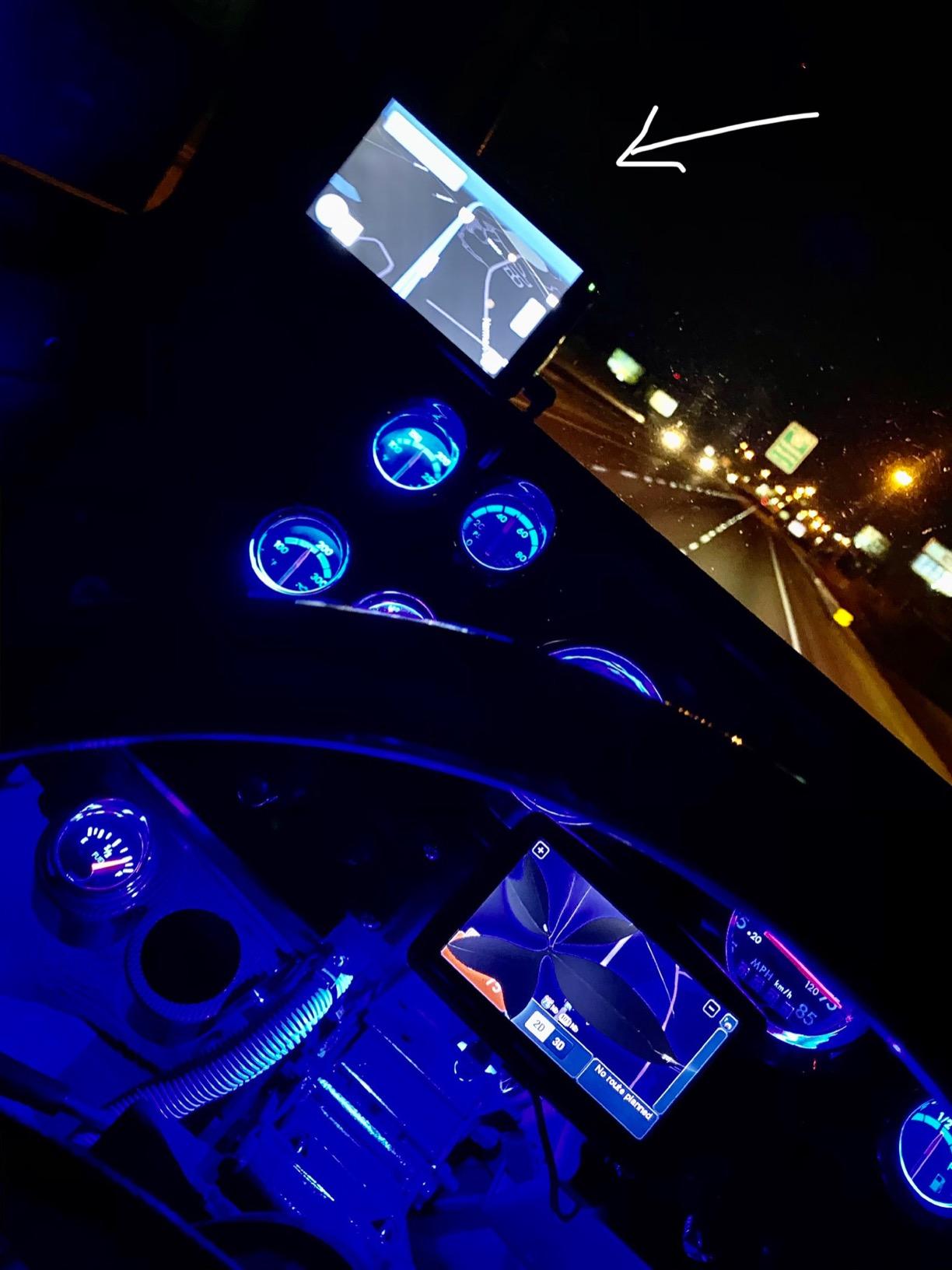
The reliability complaints are specific and worth reading. Freezing during navigation, especially on the final miles into a stop, are the most common. Touch targets are small and the screen is not very responsive. The battery drains quickly, and the suction mount connection can loosen over road bounce, which is a combination that strands you mid-route.
Who the 5-inch TND 550 works for
This is the pick for a driver on a genuinely tight budget who runs routine over-the-road routes between familiar points, and for anyone who just wants truck-legal routing without the full feature set. The compact size suits smaller cabs, and the traffic, weather and 3D junction views are pleasant extras on a run of the spec sheet.
It also works as a backup device stowed in the console. If your primary navigator fails, a model that knows truck routing is still a better fallback than your phone. Just confirm the freeze reports are not a pattern for the specific unit you receive, and keep your maps current.
Where the 5-inch TND 550 falls short
Reliability is the whole story. Freezing during navigation on the final miles, small unresponsive touch targets, quick battery drain and a suction mount that loosens over bumps are all cited repeatedly, and that combination is a poor match for a driver running hours of highway at a time.
Map data ages poorly for new streets, truck stops and long construction zones, and the volume is low, with several users reporting unreliable updates that erase bookmarks. Save your favorites somewhere else before running an update.
At this tier you are also giving up the dash cam, lane-level detail and arrival imagery that the upper models include, which is a fair trade only if you never needed them.
What to Look for in a Truck GPS Navigator Before You Buy
The gap between a good truck GPS and a bad one is smaller than the marketing gap suggests, and it comes down to a handful of decisions. Work through these in order and the right model becomes obvious for your specific routes.
Start with the one that protects you legally. Custom truck routing by size and weight is non-negotiable, and a truck profile that captures your height including load, gross weight, overall length and axle count is what makes the rest of the alerts meaningful. Get the profile wrong and the router quietly falls back to car logic. Beyond that, look for bridge height and weight limit alerts, sharp curve and steep grade warnings, and advance weigh station notifications that fire early enough to plan around.
Screen size: how big is actually big enough
Screen size is the most misunderstood spec in this category. A 6-inch panel and a 7-inch panel are meaningfully different; 7 inches and 8 inches are marginal; 8 inches and 10 inches are about cab space, not readability. Resolution matters more than inches at the top end, which is why the 6-inch OTR610 with 1280 x 720 reads more clearly than the 8-inch TND Tablet 85 at 480 x 272.
The practical rule I use: 6 inches for dedicated day cabs and local work, 7 inches as the sweet spot for most long-haul drivers, and 10 inches only if you have measured the windshield space in a big sleeper and can live with the footprint. If you also use your navigator outdoors, our handheld GPS field guide covers the trade-offs on smaller, more rugged units.
Custom truck routing, alerts and truck-specific data
Beyond raw routing, the differentiators are the data layers. A filterable truck and trailer services directory lets you find a stop by brand or by amenity, which matters when you are choosing between two plazas. Route planning for fuel, comfort and overnight stops is the feature that quietly saves the most time on a long run. Satellite imagery for arrival planning, as on the OTR610, is what lets you scout a loading dock before you get there.
Also check whether the unit pairs with a backup camera. For a large rig, rear visibility is a real gap, and pairing a wireless camera to the display is one of the easiest safety upgrades available. Dash cam recording, as on the two larger Rand McNally units, serves a different purpose: incident documentation and inspection support.
App dependency: which features die without a phone
This is the part retail pages skip. On the current Garmin dezl OTR line, community-sourced truck parking insights, wind speed alerts, truck plaza amenity details and PrePass weigh station bypass notifications are all delivered through the dēzl app on a paired smartphone. A supposedly standalone GPS is therefore only standalone for core navigation.
Practical implication: pair the app during your first week and confirm notifications reach the device before you leave on a long run. If you share a truck, set the app up on whichever phone is in the cab. It is a small hour of work that prevents discovering at mile 400 that the weigh station alerts you have been relying on are not arriving.
Standalone versus phone-only navigation
Many experienced drivers run three tools at once: a dedicated unit, a trucking app and Google Maps. Drivers on r/Truckers describe paying for a premium trucking app alongside their Garmin, and the reason is redundancy rather than preference. If you also want wrist-worn tracking for short site visits or hiking days away from the cab, our GPS watches guide covers that category.
That is a defensible setup, and it is also the lightest one, since the app tiers cost a monthly subscription rather than a hardware purchase.
The case for hardware is warranty, support and the fact that a dedicated model does not depend on a phone battery, a cracked screen or a cellular signal. The community preference is clear here, with drivers favouring a warrantied standalone unit. If you are weighing a model that carries thin ratings against a phone-only setup, the phone is the safer bet.
Used and refurbished truck GPS: what to check
Certified refurbished models do exist in this channel, and two of the picks in this roundup are Renewed listings, so the category is real rather than theoretical. Before you commit, confirm that the model is still eligible for map updates, that no one else has saved a truck profile that will fight yours, and that the mounting hardware is actually in the box.
A 90 day limited warranty is short, so do your testing inside that window rather than settling in and hoping. If you also need a rugged unit for the field rather than the highway, our field science GPS guide covers that side.
Truck GPS Apps and Phone-Only Setups Worth Knowing
No app can match a 10-inch screen for glanceability, but an app updates instantly and needs no mounting hardware. The most-cited trucking apps in driver discussions are Trucker Path, Route4Trucks and SmartTruckRoute, and all three provide truck-aware routing on a phone or tablet with a monthly subscription rather than a hardware purchase.
Garmin’s own dēzl app fills a different role. It is the delivery mechanism for community insights, wind alerts, truck plaza amenities and PrePass notifications on a paired Garmin device, which means it is a companion to the hardware rather than a replacement for it. Google Maps remains the general-purpose fallback that experienced drivers keep open for the last mile, where both dedicated units are weakest.
When a phone-only setup is genuinely enough
A phone-only setup works if you run consistent routes, mostly on interstate and major arterials, and you are disciplined about entering your rig dimensions in the app before each trip. It also works for a driver testing whether truck navigation is worth a hardware purchase at all, or for a second phone in the cab as a backup. The cost profile is a monthly subscription rather than a device plus mount plus cable.
It does not work if you need camera recording, a large readable map at speed, or a unit that keeps working with a dead phone battery. It also struggles in exactly the places dedicated units struggle, which means you gain convenience rather than reliability. If you are used to a warranty and lifetime map updates, that is a real downgrade.
Garmin dēzl versus Trucker Path, head to head
The honest answer is that they do different jobs. A dedicated Garmin dēzl unit gives you a big screen, hardwired power, a preloaded truck services directory, camera options and lifetime map coverage with no subscription. Trucker Path gives you frequently refreshed crowdsourced data, and no hardware to mount or cable.
Drivers who compare the two directly usually land in the middle: one runs a dedicated Garmin, keeps a trucking app on the phone, and falls back to Google Maps when both stumble. If you are choosing one tool, the deciding question is whether your failure tolerance for a mid-route freeze is low. If it is, buy hardware.
Frequently Asked Questions
What is the best GPS navigation system for truck drivers?
The Garmin dezl 580 LMT-S is the best truck GPS navigator for most drivers in 2026, with custom size-and-weight truck routing, bridge height and weight limit alerts, and a 4.4 rating across 2747 reviews. Drivers who want a larger modern screen should step up to the Garmin dezl OTR700, and those who want the biggest display available should consider the Rand McNally TND 1050.
What is better for trucking, Garmin Dezl or Trucker Path?
They do different jobs. A dedicated Garmin dēzl unit gives you a large screen, hardwired power, lifetime map updates and no subscription, while Trucker Path delivers frequently updated crowdsourced truck data on your phone for a monthly fee. Many experienced drivers run both at once, and keep Google Maps as a general-purpose fallback.
Which trucker GPS is better, Rand McNally or Garmin?
Garmin generally leads on screen resolution, map currency and review volume, and its custom truck routing is the most proven. Rand McNally competes on truck stop and elevation data, larger physical screens, and built-in dash cameras. Owners on trucking forums commonly praise Rand McNally for its truck stop layers and elevation detail, while favoring Garmin for overall reliability.
Do I really need a truck-specific GPS, or is Google Maps enough?
Google Maps is fine if you run consistent interstate routes and always enter your rig dimensions. It is weakest in dense cities and on rural two-lane roads, and it provides no bridge height or weight limit alerts. A dedicated unit is worth it for last-mile work, unfamiliar rural routes, and any driver who wants alerts and camera recording.
Can you review the Garmin dezl OTR700 for truckers?
The OTR700 is a 6.95-inch 1024 x 600 high-resolution touchscreen navigator rated 4.4 across 1179 reviews. Its strengths are custom truck routing with bridge height, sharp curve and truck-friendly parking alerts, load-to-dock guidance for loading zones and storage lots, and popular routes from fellow truckers. Address entry friction and occasional lag are its main drawbacks.
Which Truck GPS Navigator Should You Buy?
The best GPS navigators for trucks are the Garmin dezl 580 LMT-S, the Garmin dezl OTR700 and the Garmin dezl OTR610 if you want proven routing and the sharpest screens, and the Rand McNally TND 1050 if you want the largest display and a built-in camera. The Rand McNally TND Tablet 85 and TND 550 cover the value and budget ends, with reliability trade-offs you should read before buying.
Start with the Garmin dezl 580 LMT-S if you want the safest default, and move to the OTR700 or OTR610 when screen size or arrival planning becomes the priority. Whichever you pick, set the truck profile correctly on day one, pair the app, and keep a paper backup in the cab. Posted road signs still win every time.