
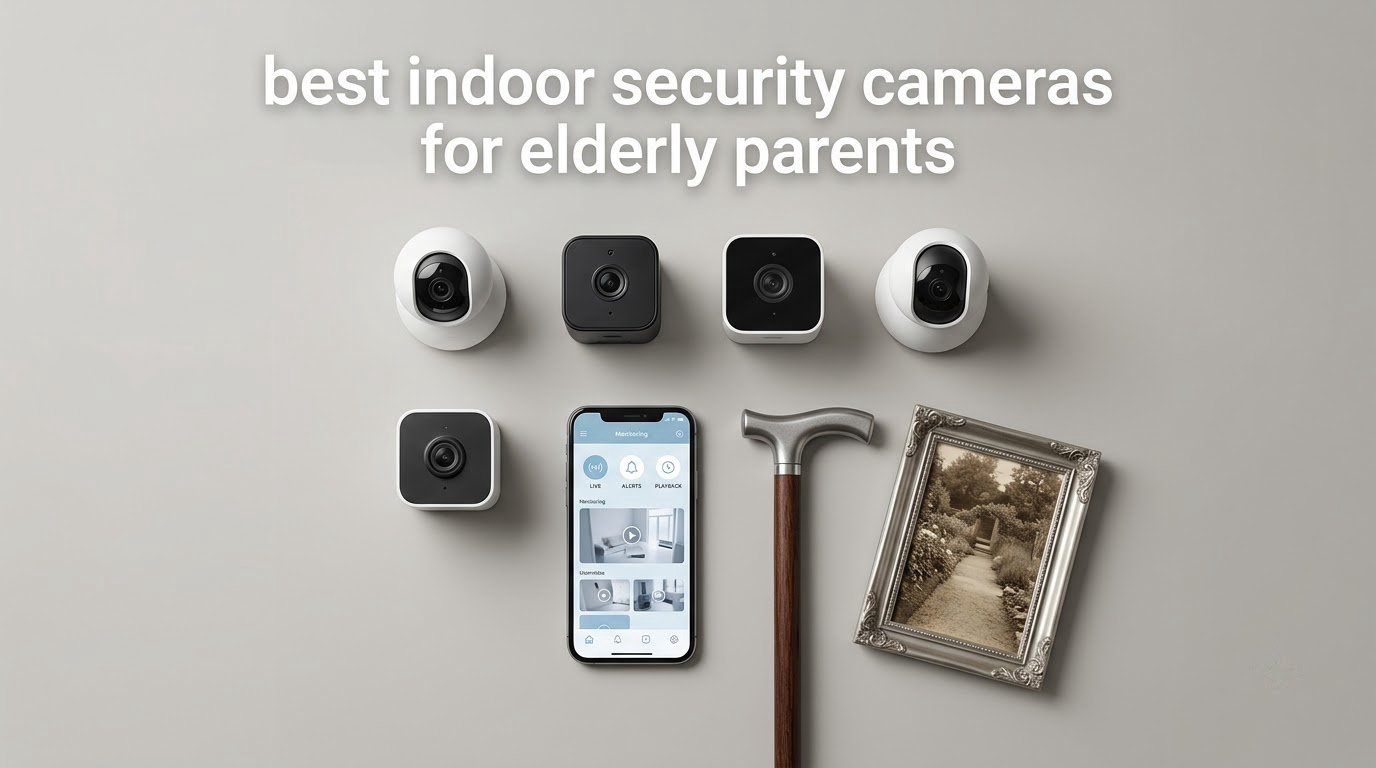
Most people shopping for the best indoor security cameras for elderly parents are not really looking for burglar detection. They want to know whether Mum got up this morning, whether she turned the stove off, and whether she is moving around the way she usually does at two in the afternoon. That reframing changes almost every decision that follows, from how many cameras you buy to whether you accept a monthly cloud fee.
An indoor security camera for an elderly parent is a plug-in camera you place in a room your parent uses and connect to their home Wi-Fi through a phone app. From your own phone you can watch live video, get person or motion alerts, and speak through the camera’s speaker and microphone. Footage is stored either on a microSD card inside the camera, with no monthly fee, or in the brand’s optional cloud subscription.
What it is not is a medical device. Consumer indoor cameras cannot confirm that a fall happened, cannot call an ambulance, and cannot tell you the difference between a parent who has fallen and a parent who has gone to bed early.
The honest way to think about a camera is as one layer in a caregiving plan that also includes human check-ins and, where the risk warrants it, a medical alert pendant.
We compared ten indoor cameras for this guide, reading the specifications and thousands of owner reviews to work out which ones actually suit a family that is checking in on an aging parent. The categories below are drawn from what people ask for on caregiving forums: two-way audio that works as a conversation, no long-term cloud storage on principle, and cameras that are simple enough for someone who does not enjoy technology. If you also care about coverage mechanics, our guide to pan and tilt indoor cameras covers the movement side in more depth, and our PTZ wide-coverage guide goes further on room-spanning views.
Table of Contents
Top 3 Indoor Security Cameras for Elderly Parents (October 2026)
The three below are the models we would put in a parent’s home first. The Ring Indoor Cam wins on overall fit because its physical privacy cover lets the camera be switched off by the person being watched. The Tapo C200 is the budget pick, because it covers a whole room and records locally with no monthly charge. The Kasa EC71 is the one to pick when you want alerts that distinguish a person from a shadow and a scheduled sweep that covers the room while nobody is watching.

Ring Indoor Cam
- 1080p color night vision
- Manual privacy cover
- Advanced Pre-Roll
- Alexa and Echo Show

Tapo C200 Pan/Tilt Cam
- 360-degree pan and 114-degree tilt
- 1080p video
- Infrared night vision to 40 ft
- Local microSD to 512 GB

Kasa EC71 Pan/Tilt Cam
- 360-degree pan and 113-degree tilt with Patrol Mode
- Cry detection and motion tracking
- Two-way audio
- Alexa and Google Home
All 10 Indoor Cameras for Elder Care Compared in 2026
Every camera in this roundup records 1080p or better, has two-way audio, and is designed for indoor use only. The differences that matter for elder care are coverage, whether a monthly plan is required for history, and how the camera behaves on an older home network. The full table below lists all ten with the features that decide each one’s place in the ranking.
| Product | Specs | Action |
|---|---|---|
| Ring Indoor Cam |
|
Check Latest Price |
| Tapo C200 Pan/Tilt Cam |
|
Check Latest Price |
| Kasa EC71 Pan/Tilt Cam |
|
Check Latest Price |
 aosu 2K Indoor Camera aosu 2K Indoor Camera |
|
Check Latest Price |
 Blink Mini 2K+ Two-Pack Blink Mini 2K+ Two-Pack |
|
Check Latest Price |
 Anona Pano 4K Two-Pack Anona Pano 4K Two-Pack |
|
Check Latest Price |
 SensForge 2.5K Pan-Tilt SensForge 2.5K Pan-Tilt |
|
Check Latest Price |
 Geeni Scope Ultra 2K Geeni Scope Ultra 2K |
|
Check Latest Price |
 Reolink E1 4MP Reolink E1 4MP |
|
Check Latest Price |
 GNCC 2K Four-Pack GNCC 2K Four-Pack |
|
Check Latest Price |
1. Ring Indoor Cam – The One to Buy When a Parent Is Uneasy About Being Watched
Ring Indoor Cam (newest model) — Home or business security in 1080p HD video, White
1080p HD with color night vision
Physical privacy cover
Advanced Pre-Roll
Fixed 120-degree view
Pros
- 1080p live view with color night vision
- Manual privacy cover blocks camera and mic
- Advanced Pre-Roll captures seconds before an event
- Works with Alexa and Echo Show
- Flexible swivel mount
Cons
- AI alerts and video history need a Ring Protect plan
- Fixed 120-degree view with no pan or tilt
- Push-to-talk audio rather than a full conversation
The Ring Indoor Cam carries a 4.7 rating across more than 45k reviews, and that volume matters here. When a camera is going into a home where nobody will be servicing it, the size of the installed base is a decent proxy for how well the app, the firmware and the customer support hold up over five years of daily use.
What convinced us is the manual privacy cover. It is a physical shutter that rotates over the lens and cuts the microphone, operated by the person in the room. A parent who feels watched can turn the camera off themselves, in person, without asking anyone for permission, which is the difference between being monitored and being observed.
Color night vision means you can tell at a glance whether a parent is sitting up in bed or lying down, rather than squinting at an infrared image where a person is a bright outline and nothing else. Advanced Pre-Roll also records a few seconds before a motion event, which removes the most common disappointment with camera alerts: the footage starts after the interesting part has already happened.
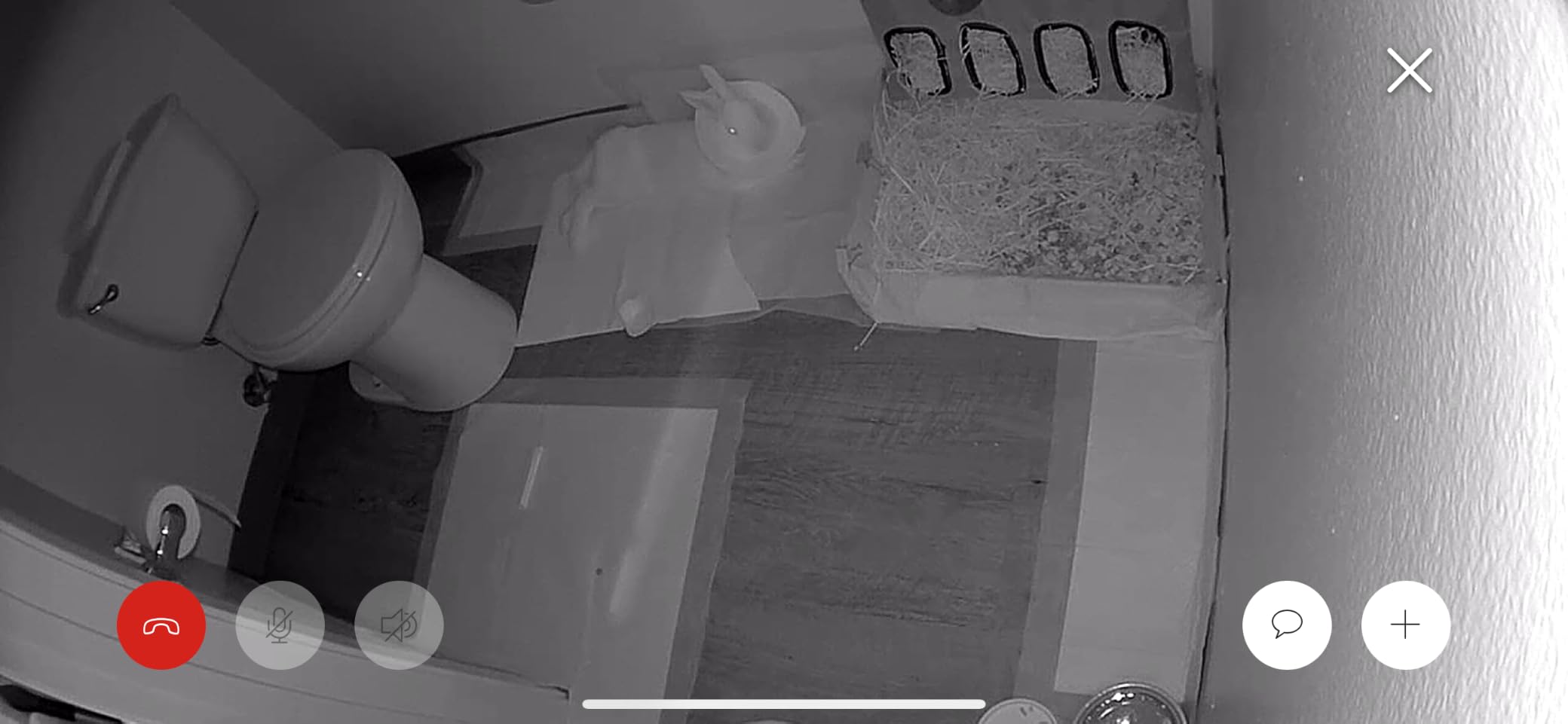
The compromises are real and you should weigh them before buying. The field of view is a fixed 120 degrees, so you aim it once and it stays there; a parent who spends a morning at the kitchen table instead of the sofa may simply be out of frame, with no way to correct for it remotely. And the deeper features, including AI-powered alerts and any stored video history, sit behind a Ring Protect subscription sold separately.
Reviewers on MumsNet’s elderly parents forum describe running several cameras in their mother’s house and returning to the same complaint we found: picture quality is good, and cost of ownership is where the frustration comes from. For a single camera in a hallway or living room, the Ring is a sensible pick. For someone who needs a stored history without a recurring charge, the Tapo and Kasa models below are a better fit.
Who the Ring Indoor Cam suits
It suits a parent who is aware of the camera, has agreed to it, and wants a physical off switch. It also suits a family that is already in the Alexa ecosystem, because live view on an Echo Show removes the need to unlock a phone and open an app to check in.
The swivel mount makes it easy to install high on a shelf or wall in a hallway, and a unit per room stays affordable if you decide to expand.
Where the Ring Indoor Cam falls short
It falls short for families who want a stored video history without paying a monthly plan, since both alerts and history depend on the subscription. It also falls short in a room where a parent moves around a lot, because there is no pan or tilt and no way to correct the aim remotely.
2. Tapo C200 Pan/Tilt Camera – The Most Versatile for Covering a Whole Room Without a Monthly Fee
TP-Link Tapo Pan/Tilt Security Camera for Baby Monitor, Pet Camera w/Motion Detection, 1080P, 2-Way Audio, Night Vision, Cloud & SD Card Storage, Works with Alexa & Google Home (Tapo C200)
360-degree pan and 114-degree tilt
1080p at 15fps
Night vision to 40 ft
microSD up to 512 GB
Pros
- Works without a subscription using a microSD card
- 360-degree pan and tilt covers one whole room
- Two-way audio for remote check-ins
- Night vision reaches 40 ft
- Low cost for a 360-degree pan and tilt unit
Cons
- Motion-only alerts with no person classification
- microSD card not included
- 2.4GHz Wi-Fi only
- 15fps frame rate is modest for moving subjects
The Tapo C200 carries a 4.5 rating from more than 42k reviews, one of the largest bases in this category. Owners frame it as a monitor for a baby, a pet, or an aging relative, which means the firmware and app have been tested hard by exactly the kind of daily use you are planning.
Coverage is the reason to buy it. A 360-degree horizontal pan combined with a 114-degree vertical tilt means one camera on a shelf can see the sofa, the doorway and most of the floor of the room. For a parent who moves between sitting, standing and the kitchen doorway, that removes the “out of frame” problem entirely without buying a second camera.
Recording is local. With a microSD card up to 512 GB, history is written to the card in the camera and stays in the home, with no plan to start, no plan to remember, and no footage sitting on someone else’s server.
For families who object to long-term cloud storage on principle rather than on cost, that is the deciding feature, and it is why we placed this camera second overall.
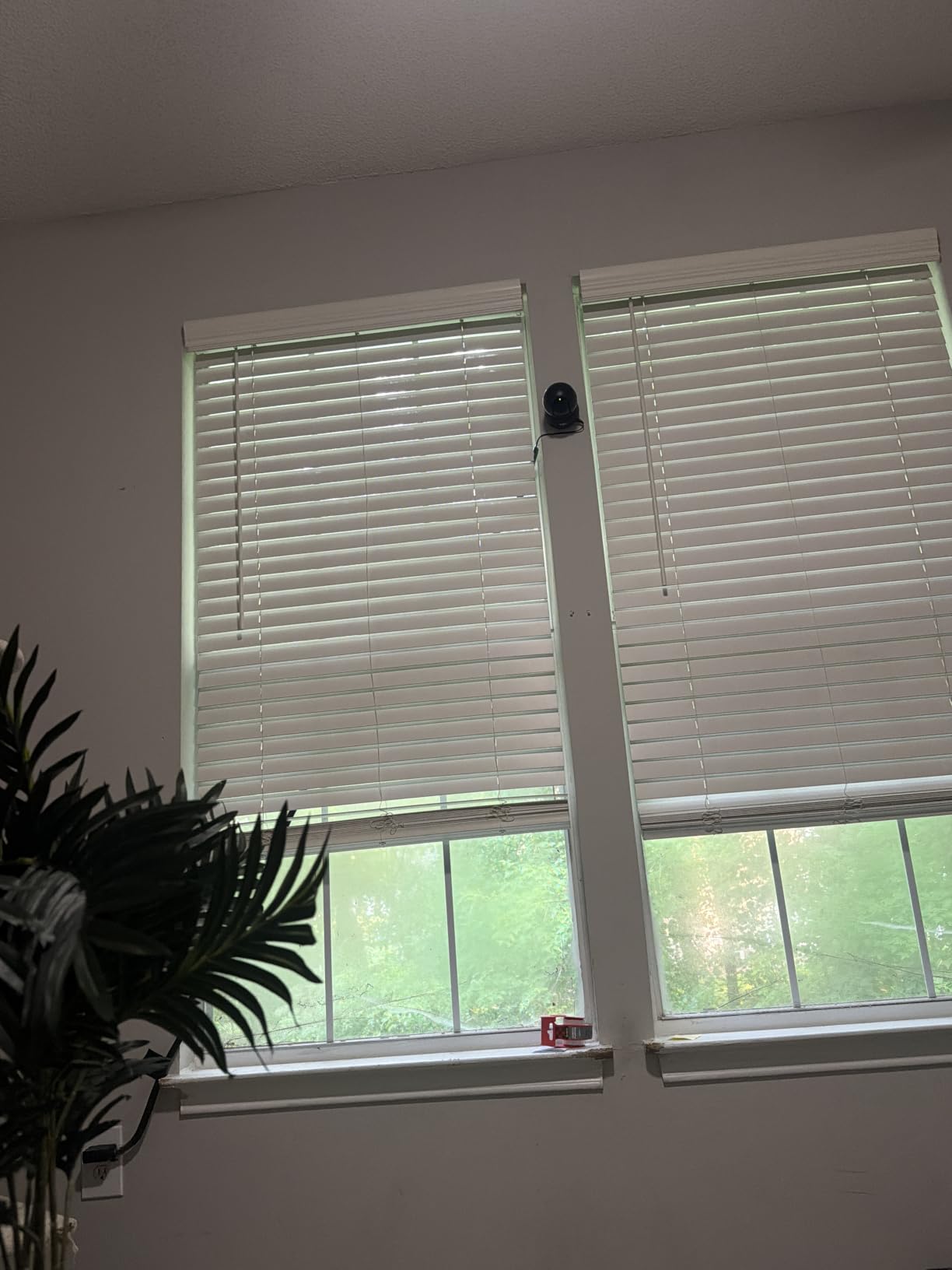
Now the honest limitations. The alerts are motion-only, with no person or sound classification, so a curtain moving in a draught and a person standing up will look identical in your notifications. If your parent has a cat, expect a steady stream of alerts.
The microSD card is not included, which means the effective cost is the camera plus a card. The 2.4GHz-only radio will not join a 5GHz-only network, though most home routers run a 2.4GHz band as standard.
The 15fps frame rate is the one that catches people out. It is fine for a person sitting still and noticeably soft when someone crosses the room quickly, which is exactly the moment you most want a clear frame. Owners mention the frame rate far less often than the missing card.
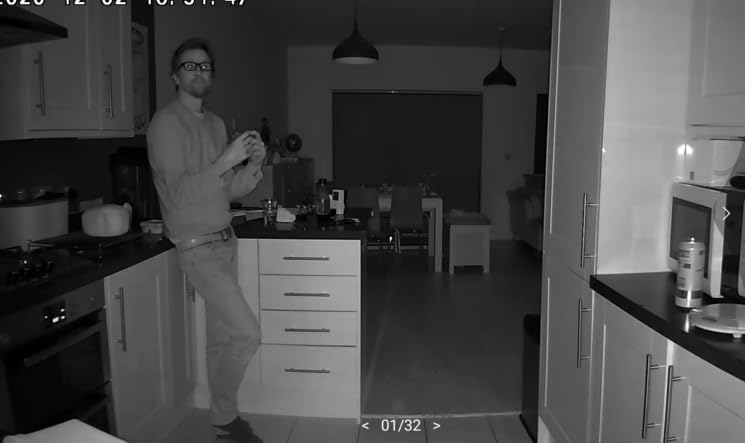
Who the Tapo C200 suits
It suits a family that wants whole-room coverage from a single camera and intends to record locally. The 40-foot infrared range is enough for a living room, a bedroom or a hallway at night, which covers most of the rooms families ask about.
It also suits anyone who wants to avoid a recurring charge entirely. Over three years, a subscription-free camera with a one-time card is meaningfully cheaper than a plan that starts after a trial.
Where the Tapo C200 falls short
It falls short when you need to know whether the thing moving is a person, because every motion event triggers the same alert. It also suits less well for rooms with pets, where motion-only detection becomes noise rather than information, and it will not connect to a 5GHz-only network.
3. Kasa EC71 Pan/Tilt Camera – The One Built Around Alerts That Actually Matter
Kasa 1080p Indoor Pan/Tilt Wired Security Camera, Baby & Pet Monitor, EC71
360-degree pan and 113-degree tilt
Patrol Mode scheduled sweeps
Cry detection
Two-way audio
Pros
- Crying detection and motion tracking tuned for people
- Patrol Mode sweeps the room on a schedule
- Wired power with no battery charging
- Local microSD recording keeps history at home
- Live view on Echo Show or Google screens
Cons
- 2.4GHz Wi-Fi only
- microSD card not included
- 1080p at 15fps is modest
- App experience has drawn complaints from long-time TP-Link users
The Kasa EC71 is the most caregiver-shaped of the budget pan and tilt cameras, and the reason is its detection logic. It tracks motion and it listens for crying, which means a disruption in the room can bring you a notification even when a person has not crossed the camera’s view. For an adult who cannot call for help clearly, that is more useful than a sharper picture.
Patrol Mode is the feature we did not expect to care about and now recommend most. Set a schedule and the camera sweeps the room on its own through the day, so a parent who is napping and therefore motionless is still covered by a moving view rather than a static one. Combined with 360-degree pan and 113-degree tilt, one camera behaves like two or three fixed ones.
Reviewers repeatedly mention screen viewing as the practical benefit: ask an Echo Show or a Google display to show the feed and a parent can see who is calling without anyone finding a remote control. That is a real independence gain for someone who finds apps difficult, and it is a better answer to a parent who feels managed than installing something more surveillance-flavoured.
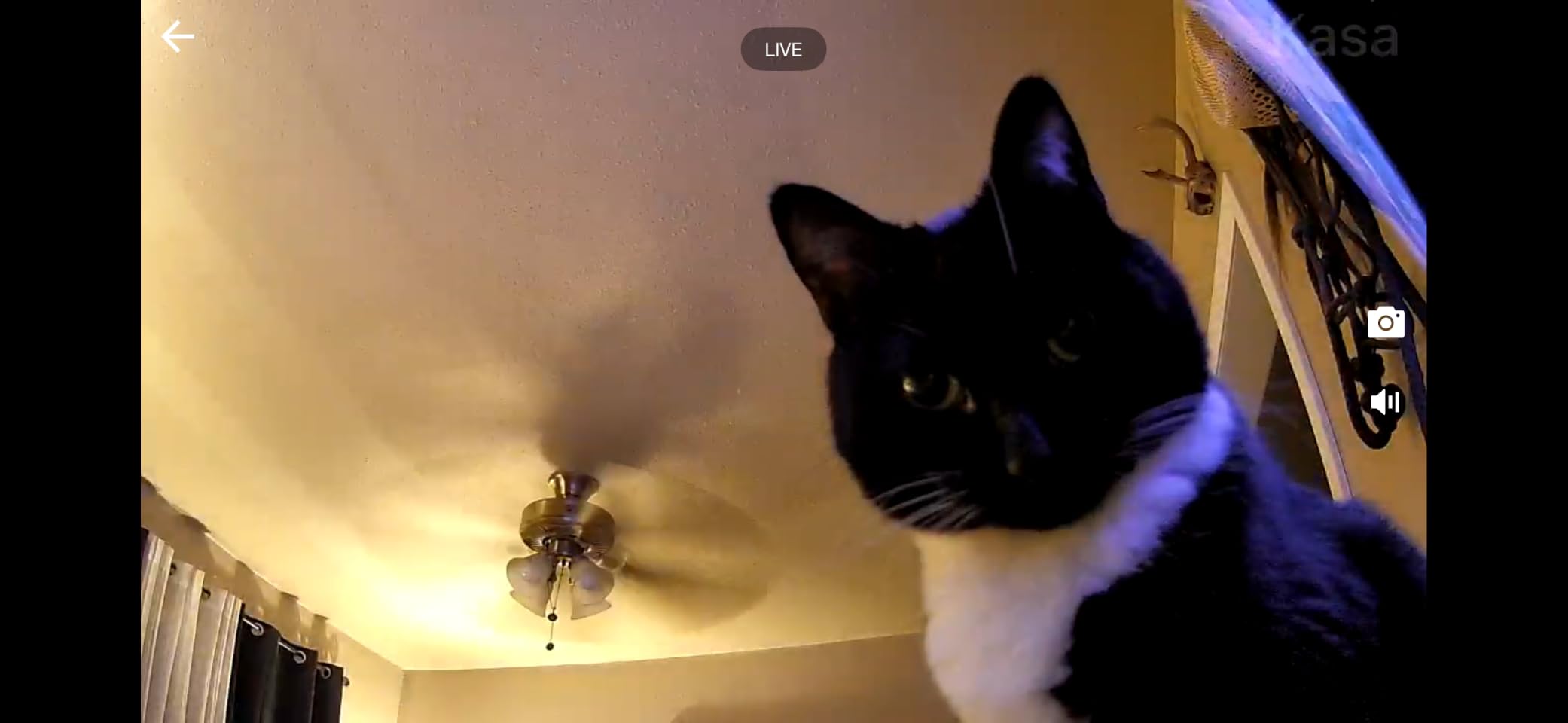
Wired power is a genuine benefit in this setting. There is no battery to charge, no battery to fail on a cold evening in winter, and nothing for a family member living two hours away to travel over and fix. The camera is 3.23 inches square, small enough for a side table or a shelf, and it records locally to a microSD card up to 256 GB, with Kasa Care cloud as an option rather than a requirement.
The negatives are shared with most of this group: 2.4GHz only, no card included, and a 15fps 1080p stream that softens when someone moves quickly. A small number of long-time TP-Link users have also complained about changes to the app since the brand rebrand, which is worth factoring in if the person setting this up expects a stable interface. The infrared night vision reaches 30 feet, slightly short of the Tapo’s 40.
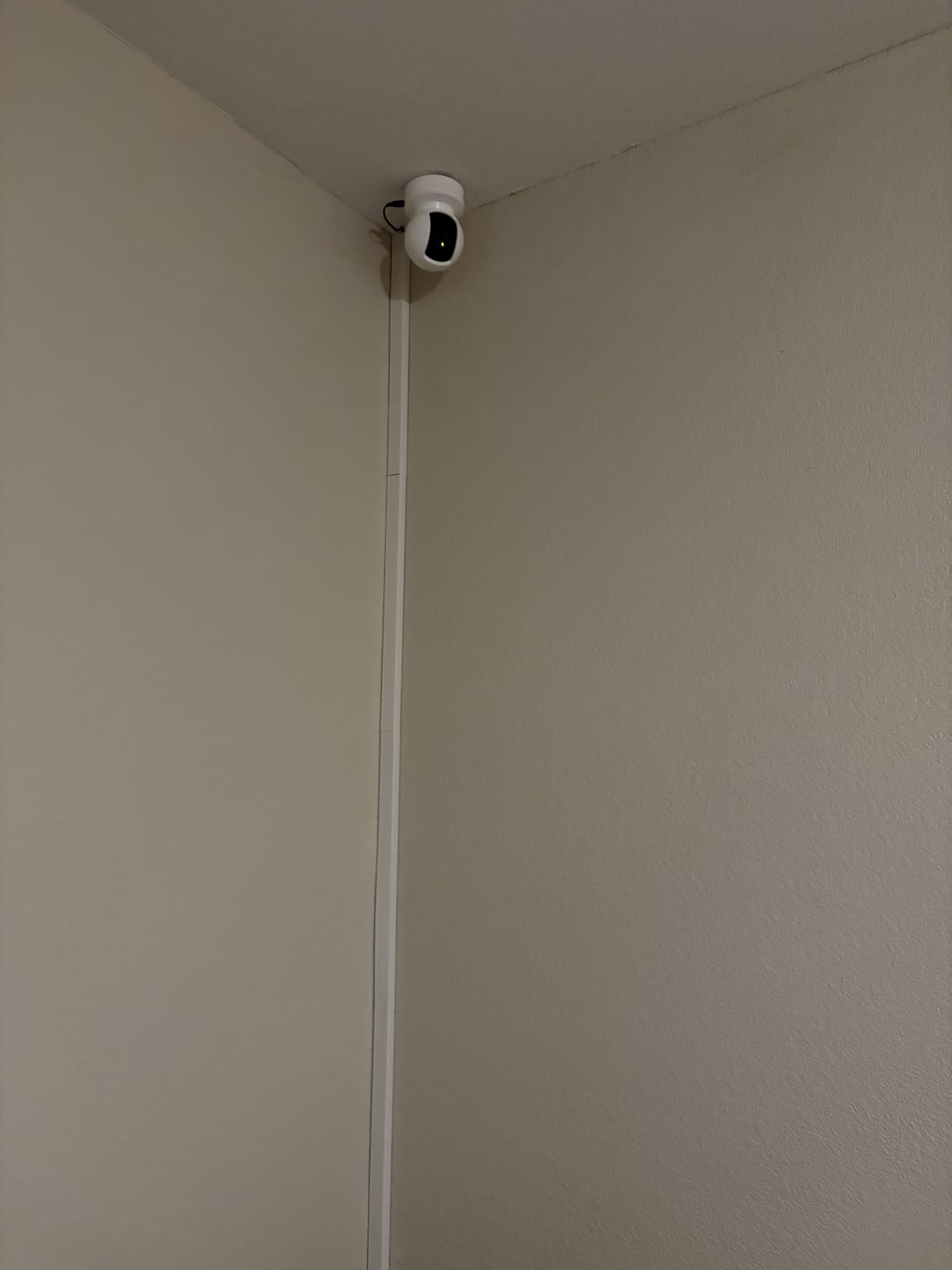
Who the Kasa EC71 suits
It suits a household where a sibling or neighbour does welfare checks and you want the camera to notice something without a person moving through frame. Cry detection and patrol sweeps cover the quiet hours when motion-only alerts would stay silent.
It also suits a parent who is comfortable being asked to look at a screen, because Alexa and Google Home support makes checking in a voice request rather than a menu.
Where the Kasa EC71 falls short
It falls short in a very large living room, because a 30-foot night vision range and 15fps stream will not hold up at distance. It also falls short for anyone on a 5GHz-only network, and the missing microSD card is an extra purchase before the camera does anything useful.
4. aosu 2K Indoor Camera – Best for a Parent Who Wants to Call You Themself
aosu 2K Indoor Camera,Baby Monitor for Home Security with 2.4GHz WiFi only
One-touch call button for push-to-talk
2K QHD video
360-degree pan and 155-degree tilt
Local microSD to 128 GB
Pros
- One-touch call button is the simplest way to ask for help
- Auto-tracking follows a person and can be switched off
- Local microSD keeps recordings in the home
- Small and quiet enough not to unsettle a parent
- Add family members as app users easily
Cons
- 2.4GHz Wi-Fi only
- App occasionally crashes and the feed drops
- 155-degree vertical tilt is not full vertical coverage
- Some newer aosu models have better video
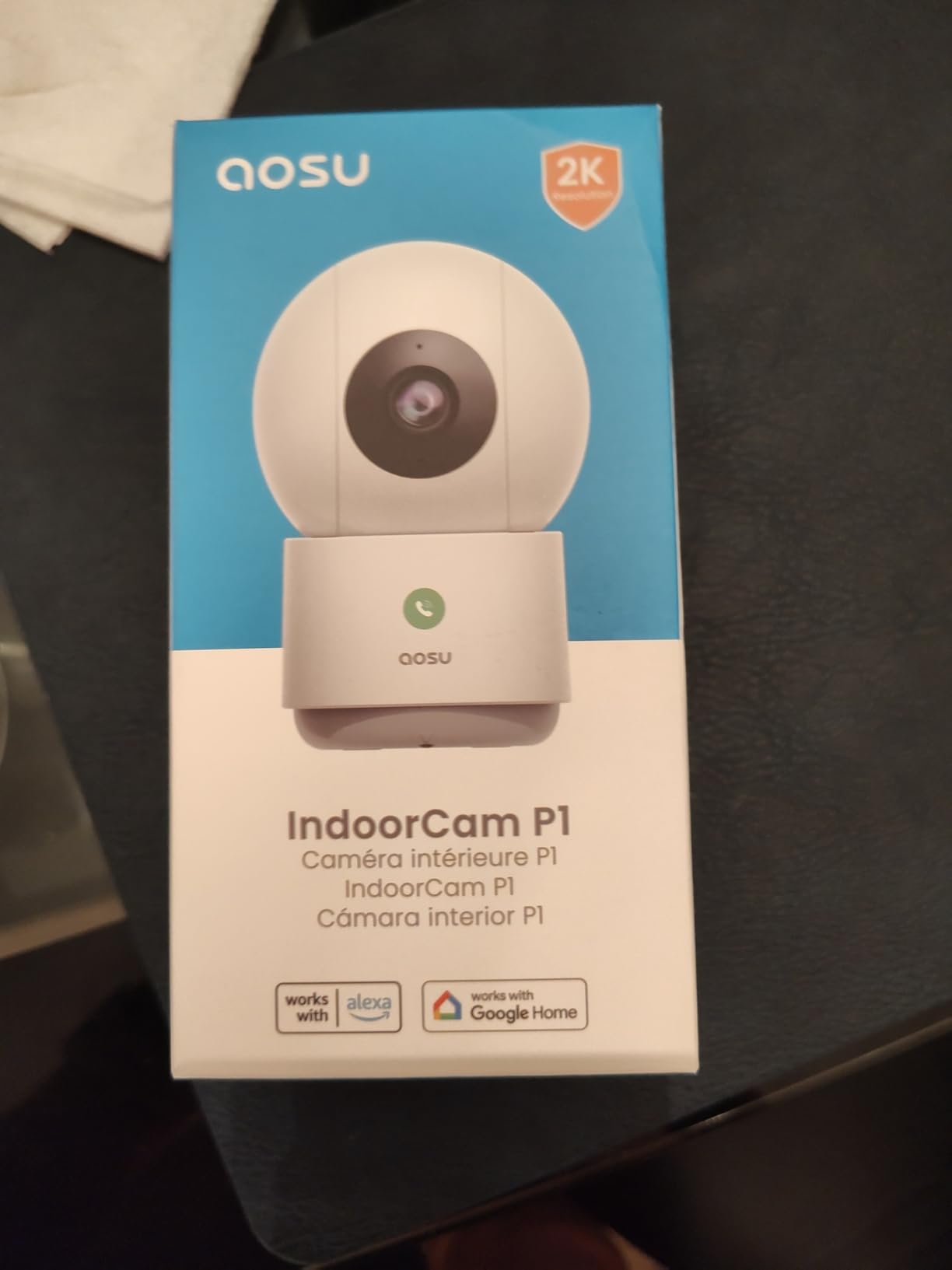
The aosu 2K is defined by one button. Press it and the camera calls out to the family members in the app, which means a parent who never learns the app can still reach someone. In a house where the person being monitored is the least technical person present, that reverses the usual dynamic: the parent initiates contact instead of waiting to be checked on.
Reviewers of this camera describe buying it specifically to keep an eye on an elderly parent, and one of them reports that the unit was quiet and unobtrusive enough that a mother who dislikes technology did not comment on it. That is the reaction you want. A camera that announces itself gets switched off, and a camera that gets switched off provides no safety value at all.
The video is 2K QHD, which is a step above the 1080p units in this list and helps when you need to make out fine detail in a room. Horizontal rotation is a full 360 degrees and vertical tilt reaches 155 degrees, so coverage is wide without the physical movement noise that can bother a light sleeper.
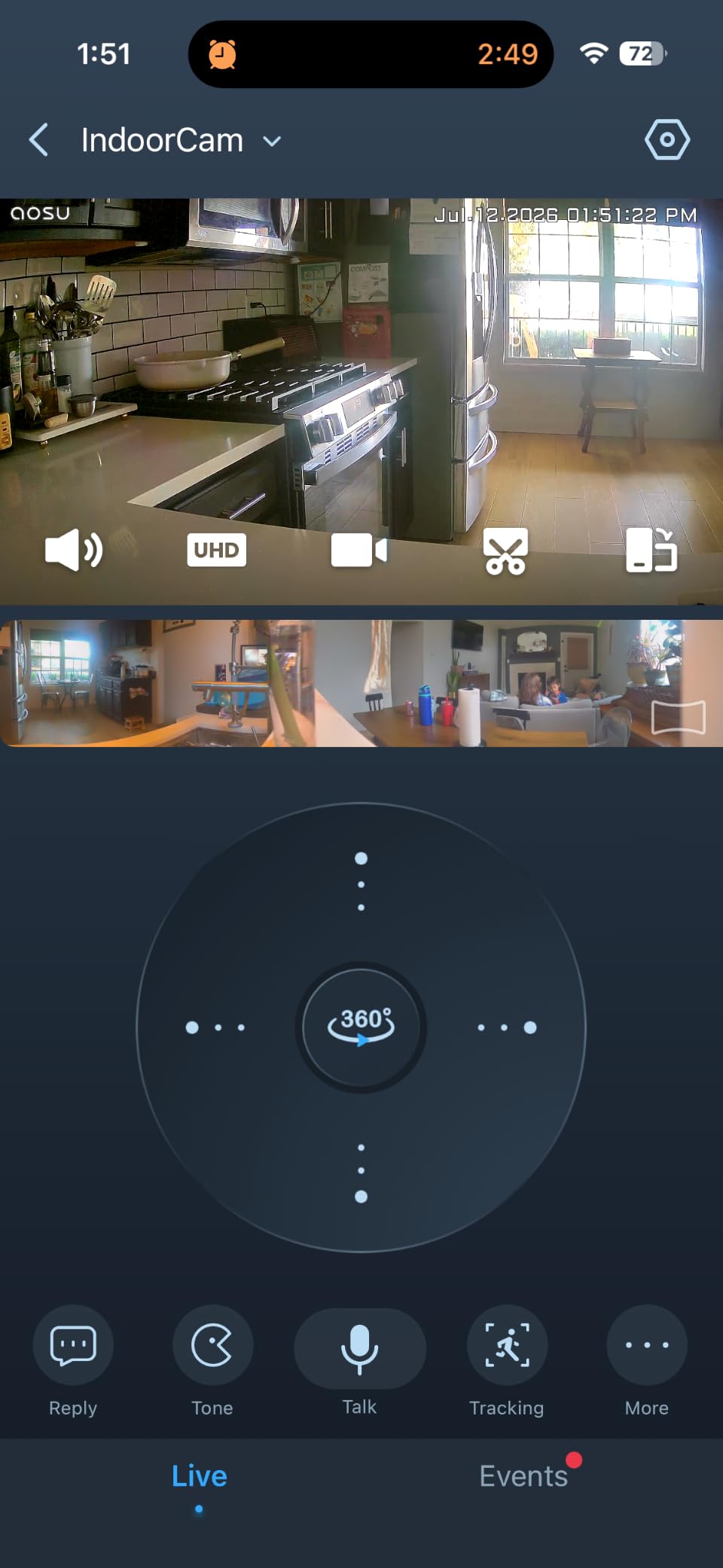
Auto motion tracking follows a person as they walk and can be disabled, which is useful for a parent who moves between rooms of an open-plan space. Recording goes to a microSD card up to 128 GB with no subscription, so history stays in the home. Night vision reaches 33 feet, which is enough for a bedroom or a hallway.
Reliability is solid rather than flawless. Owners report occasional app crashes and dropped feeds that need a restart, which is the kind of fault that matters more here than in a home security context, because the person who would normally fix it may not be in the house. The 155-degree vertical tilt is not true full vertical coverage, and the 2.4GHz-only radio is the same limitation as most of the budget cameras here.
Who the aosu 2K suits
It suits a parent with limited confidence around apps who wants a simple way to raise an alarm. One press is the whole interaction, and nothing else needs to be learned.
It also suits a household that has moved off a different brand and wants all the cameras in one app, and a family that wants sharper video than 1080p at the budget end of the market.
Where the aosu 2K falls short
It falls short for anyone who needs a highly reliable feed checked by a relative who cannot travel to the house, because crash reports are the most consistent complaint. The 128 GB card ceiling is also well below the 256 GB and 512 GB limits of most of the models here.
5. Blink Mini 2K+ Two-Pack – Two Rooms From a Single Purchase
Blink Mini 2K+ (newest model) – Plug-in Home & Pet Indoor Security Camera with 2K video resolution, night vision, enhanced audio, motion detection – 2 cameras (White)
Two cameras in the box
2K video with 4x digital zoom
Two-way talk with noise cancellation
Alexa compatible
Pros
- Two cameras cover two rooms in one purchase
- Noise cancellation makes two-way talk more natural
- Compact plug-in body is easy to place
- Can double as a Blink doorbell chime
- Alexa integration for voice viewing
Cons
- Cloud storage and smart detection need a Blink plan
- No local microSD option
- Compact body gives a limited fixed field of view
Most of the arithmetic in elder care monitoring is about covering two rooms rather than one, and the Blink Mini 2K+ two-pack is a camera in this roundup that handles that in a single order. Reviewers treat the pack as the reason to buy it, because it puts two cameras in the house for the cost of buying one.
The audio is the second reason. This generation adds noise cancellation to two-way talk, and that is a meaningful upgrade for this use case, because a parent’s television, extractor fan or washing machine is exactly the background noise that turns a speaker into an unintelligible shout. Forum discussions about camera monitoring for a parent repeatedly list audio quality as a deal-breaker, and the noise cancellation here addresses that better than most of the cameras in this roundup.
Users on the Gaaboard forum describe Blink cameras as far more cost effective than alternatives for the same monitoring job, which matches what we found in the reviews here. The compact plug-in body is easy to place on a shelf or side table without a visible mount, and each camera can double as a chime for a Blink Video Doorbell, which is useful if you already have one at the door.
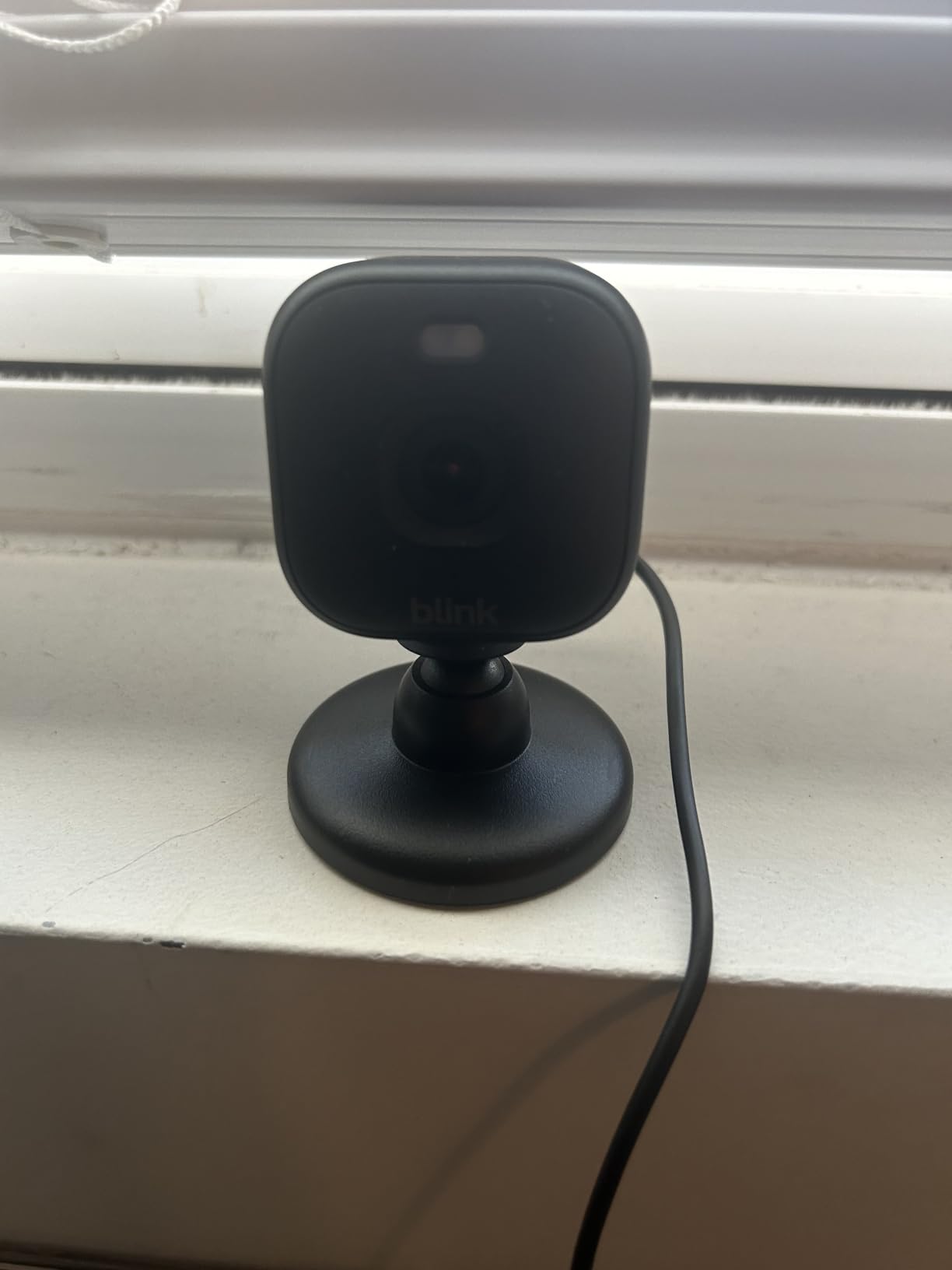
The picture is 2K with up to 4x digital zoom, which gives more room to crop into a face or a doorway than a 1080p view. The box contains two cameras, two mounting kits with stands, two USB cables and two power adapters, so there is nothing extra to buy before the first set-up.
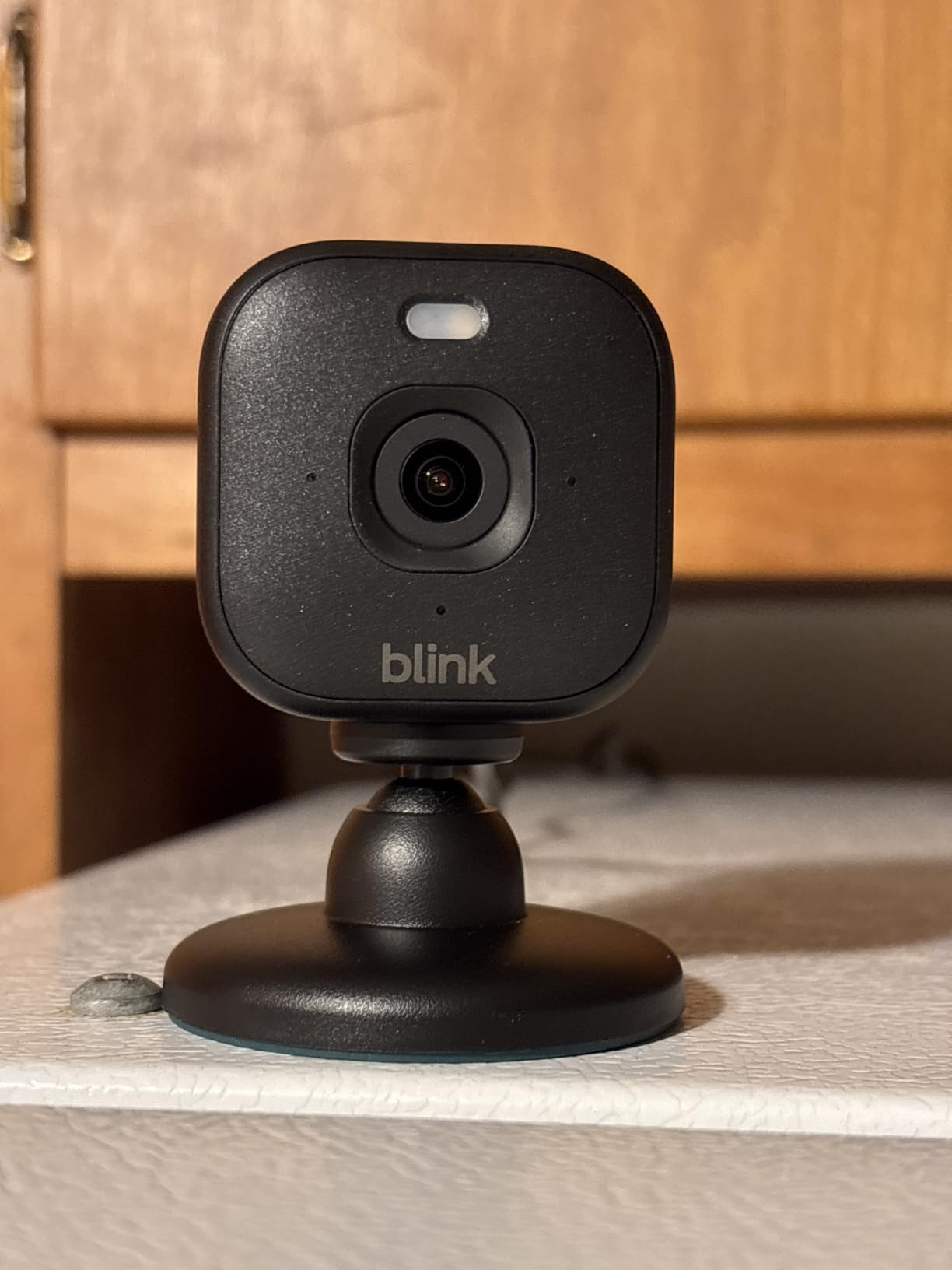
The catch is storage. There is no microSD option on this model, so recorded history depends on a Blink Subscription Plan after the free trial period ends. Person and vehicle detection are also gated behind that plan, which means the alert type that would be most useful for elder care is the one you pay for.
The compact body also has a narrower field of view than the pan and tilt units, with no mechanical movement, so placement matters more. If your parent spends most of the day in one predictable spot, that is fine. If they move around a large room, you will be repositioning it by hand, and our pan and tilt camera guide covers the alternatives for that situation.
Who the Blink Mini 2K+ suits
It suits a family that has settled on two rooms to cover, usually a living room and a hallway, and wants both covered without two separate purchases. Alexa support means an older adult can ask a display to show the feed rather than handling an app.
It also suits a household already invested in Blink devices, because these cameras double as doorbell chimes.
Where the Blink Mini 2K+ falls short
It falls short for families who refuse cloud storage of footage at any point, because there is no local option on this model. It also falls short as a room-covering camera, since a fixed compact view cannot be adjusted remotely or on a schedule.
6. Anona Pano 4K – The Finest Detail and 5GHz Support for Crowded Networks
Anona 4K UHD Indoor Camera, Pet/Dog/Baby Security Camera with Phone App, 360°Pan-Tilt, 5G/2.4G Dual-Band Wi-Fi 6, Auto-Tracking, Person/Pet/Baby Crying Detection, Privacy Mode, Two-Way Audio, 2 Pack
4K UHD with 8x optical zoom
Dual-band 2.4 and 5 GHz Wi-Fi 6
360-degree pan and 110-degree tilt
AI person, pet and cry detection
Pros
- 4K detail resolves fine detail such as a person on a chair versus the floor
- Dual-band Wi-Fi 6 joins a 5GHz network on crowded homes
- Cry detection and auto-tracking aimed at someone who cannot call
- Two cameras in the pack
- Privacy mode and 8x zoom reduce physical repositioning
Cons
- The 4K sensor is the priciest option in this group
- Local microSD card is not included
- Rating base is small compared with competitors
If you want to look at a clip and know whether a parent is sitting on the edge of the sofa or has gone down on the floor beside it, resolution is the whole argument. The Anona Pano captures 4K UHD with 8x optical zoom, and it is the only camera here that goes beyond 2.5K, so that level of detail is available only here.
The more overlooked advantage is the radio. Several of the budget indoor cameras in this roundup, including the Tapo C200, the Kasa EC71 and the aosu, are 2.4GHz only, which works on virtually any home network but competes with neighbours on a crowded band. The Anona supports dual-band 2.4GHz and 5GHz with Wi-Fi 6, so it is a good pick in a flat in a city, a shared house, or any home with twenty other wireless devices competing for the same air.
Detection is aimed at this use case. It classifies person, pet and baby crying, and 360-degree pan with 110-degree tilt combines with auto-tracking so a walking parent stays in frame. Privacy mode mutes and blocks the feed on demand, and the pack contains two cameras.
Local storage is a 512 GB microSD card, which is not included, and the alternative is AES-128 encrypted cloud. Video is encoded in H.265 at 15fps, which keeps the file sizes down for 4K footage but means fast movement is still rendered as a sequence of frames rather than smooth motion. Infrared night vision reaches 30 feet.
Be candid about the trade-off here. The 4K sensor is a genuine step up in detail, but it is the only model here at that resolution, and the evidence base is thinner than the models around it. Resolution is the reason to pay more; if you only need to confirm that someone is upright and moving, a 1080p pan and tilt camera will do the same job.
Who the Anona Pano suits
It suits a family on a crowded or 5GHz-heavy home network, where a 2.4GHz-only camera may struggle or drop. It also suits anyone whose main concern is reading fine detail in a wide room rather than simply detecting movement.
The cry detection and auto-tracking make it a reasonable choice for a parent with cognitive decline who wanders between rooms.
Where the Anona Pano falls short
It falls short if you are weighing the camera on value, since its advantage is picture detail rather than a missing feature. The smaller review base also means less evidence about long-term reliability, and you will need to buy a memory card separately.
7. SensForge 2.5K Pan-Tilt – Storage Included, So There Is Nothing to Remember
SensForge 2.5K Indoor Pan-Tilt Security Camera, 360° Dual-Band 2.4/5GHz Wi-Fi Camera for Home, Smart AI Human & Pet Detection, 64GB SD Card Included, Two-Way Talk, No Subscription Required (1, White)
64GB microSD card pre-installed
2.5K video
360-degree pan and 90-degree tilt
Dual-band 2.4 and 5 GHz
Pros
- 64GB card is in the box with nothing extra to buy
- Dual-band Wi-Fi makes setup a less risky gamble
- Granular sharing permissions for several family members
- 2.5K resolution above the 1080p budget units
- AI filters to humans and pets to cut false alerts
Cons
- App is distributed in the US and Canada only
- Single camera rather than a multi-room pack
- AI video descriptions need an optional Pro Membership
- Not designed to sit behind glass
The SensForge is the answer to the most common failure in these setups: a subscription nobody remembers, or a camera with no storage until somebody remembers to buy a card. The 64GB microSD is already inside it. You plug it in, you put it where you want it, and history is recorded locally indefinitely with no monthly charge and nothing to cancel.
For a caregiving household, that removes a whole category of work. There is no plan expiring on a card you no longer hold, and no argument with a parent about a recurring charge. Reviewers consistently name the included card as the reason this camera suits checking in on a relative without handing over an account.
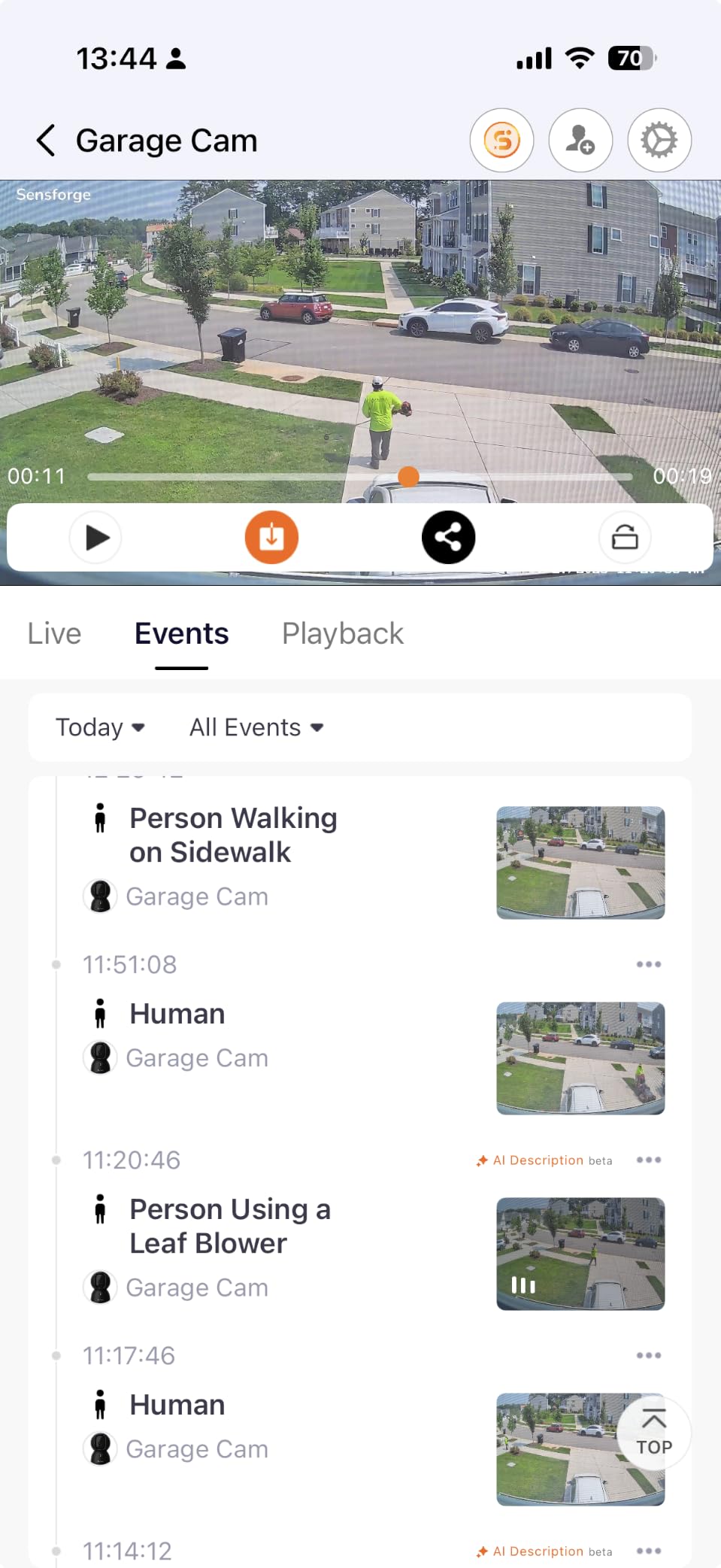
Sharing is the other feature worth reading twice. Granular permissions let several family members view the camera without sharing a single login, which is exactly what happens when three siblings all want to check on the same parent and nobody wants to be the one holding the account password.
On the Reddit thread that ranks first for this query, the poster asks for several cameras with sharing and privacy options for sensitive rooms, and this is the camera that answers that request most directly.
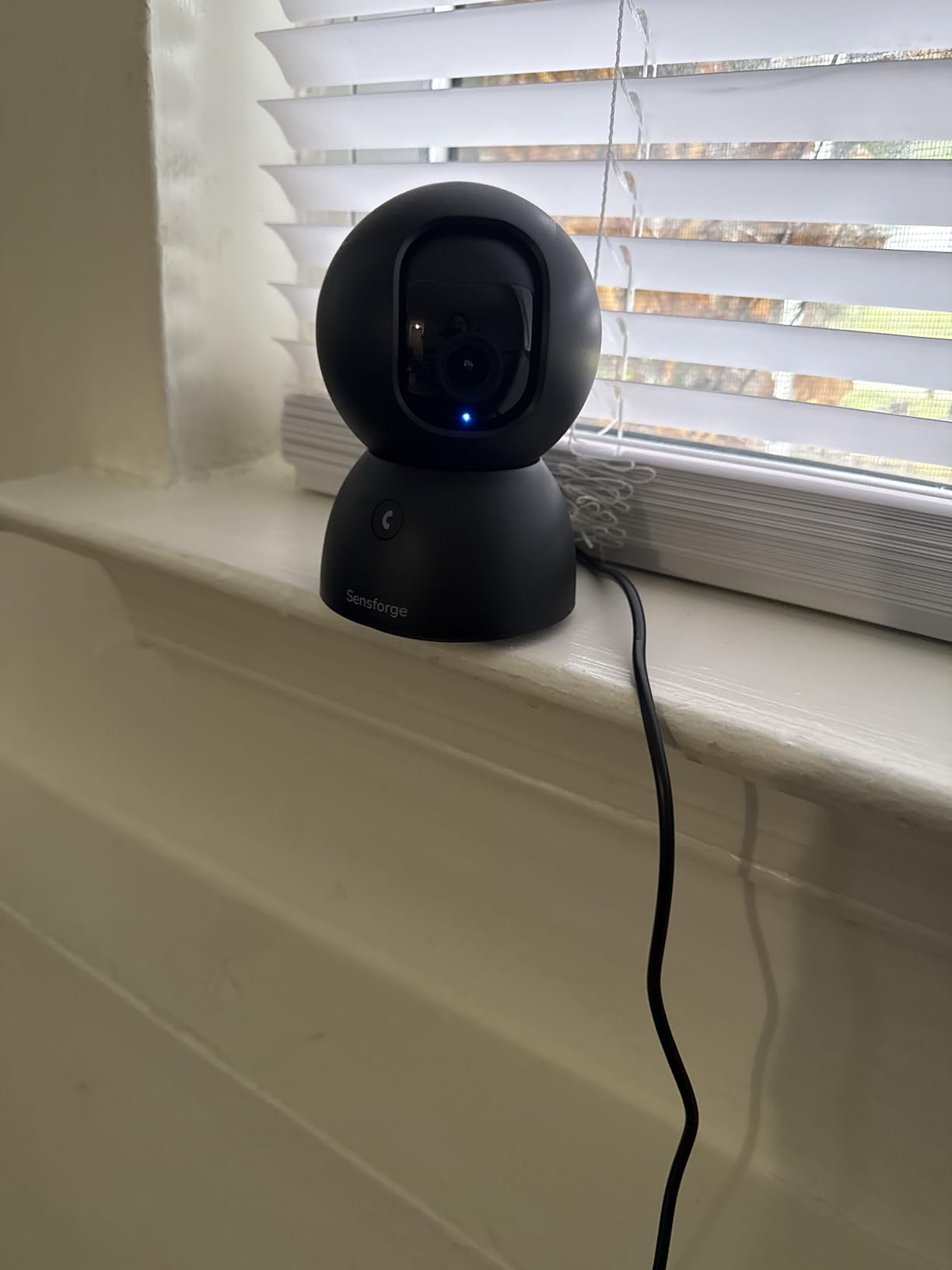
Video is 2.5K, a step above the 1080p budget units, and AI detection filters to humans and dogs and cats, so a pet is less likely to generate a stream of alerts. Coverage is a 360-degree horizontal pan with 90-degree vertical tilt, dual-band 2.4GHz and 5GHz, and two-way audio through the app and the camera speaker.
Two caveats deserve a clear mention. The app is distributed in the United States and Canada only, which matters immediately if the child doing the monitoring lives outside those regions. And the camera is not intended to be placed behind or through a window, which rules out some of the most tempting window-shelf positions. AI video descriptions and highlight reels sit behind an optional Pro Membership.
Who the SensForge suits
It suits a US or Canadian family that wants private, subscription-free monitoring and expects several relatives to have access. The pre-installed card makes it the lowest-effort set-up in this roundup.
It also suits a parent living in a flat, because dual-band support reduces the setup risk on a crowded building network.
Where the SensForge falls short
It falls short outside the United States and Canada, where the app is not distributed at all, and that is worth checking before anything else if your family is spread internationally. It is a single camera rather than a pack, and AI summaries require an extra membership.
8. Geeni Scope Ultra 2K – Auto-Follow Tracking Without Anyone Re-Aiming the Camera
Geeni Scope Ultra 2K 360° Smart Indoor Camera, Auto-Tracking, 1440p HD
360-degree auto-follow motion tracking
1440p HD capture
3.7 mp photo sensor
Dual-band Wi-Fi, wall mountable
Pros
- Auto-follow tracking keeps a walking person in frame
- 1440p resolution above most indoor cameras
- Supports dual-band Wi-Fi
- Wall mountable as well as freestanding
Cons
- Smallest review base in the group so reliability is less proven
- Listing documents few specifications
- No stated on-device AI detection beyond motion tracking
The Geeni Scope Ultra is built around a single idea: the camera follows. Its 360-degree auto-follow motion tracking keeps a walking person in frame without a family member physically adjusting the aim, which is the most common recurring chore in a home camera setup that nobody wants to keep doing.
Video capture is 1440p HD from a 3.7 megapixel sensor with H.265 encoding, so it sits above most indoor cameras in this roundup on paper. Dual-band Wi-Fi means it can join either band, it works with Alexa and the app, and it can be wall mounted or simply stood on a surface, which makes repositioning easy when a parent changes where they spend the day.
This is also the pick where you should weigh our evidence against ours. Its 4.3 rating comes from 664 ratings, the smallest base of any camera here, and the listing documents far fewer specifications than the others. We would not build a whole monitoring plan around it without reading recent reviews yourself first.
For a parent with dementia who wanders, auto-follow is more than a convenience. When someone moves unpredictably between the sofa, the hallway and the kitchen, a fixed camera loses them constantly, and a family checking in by app will often conclude nothing is wrong when the parent has simply stepped out of frame. A tracking camera removes that false reassurance.
The trade-off is that the review base is thin, so we cannot tell you how it holds up over years, and the documentation does not state what on-device detection exists beyond motion tracking. Treat it as a good second camera for a room with movement rather than the sole camera for a parent’s safety.
Who the Geeni Scope Ultra suits
It suits a household where a parent moves around a room unpredictably and nobody wants to keep re-aiming a camera. Auto-follow also helps in dementia-related wandering, where out-of-frame moments are the ones that worry families most.
It suits anyone already using Alexa who wants a higher-resolution indoor view than the entry-level cameras offer.
Where the Geeni Scope Ultra falls short
It falls short as a first and only camera, because 664 ratings is not enough evidence to stake a safety plan on, and the documentation is thin. For a camera that has to stay in place for years, a model with a much larger review base is the safer bet.
9. Reolink E1 4MP – The Most Generous Family Sharing Model Here
REOLINK 4MP 2K Indoor Camera E1, Plug-in WiFi 6 Security Camera
4MP video with night vision to 40 ft
355-degree tracking pan
Up to 10 users and 4 live viewers
Local storage, no subscription
Pros
- Local microSD
- NVR and Home Hub options so no subscription is ever required
- Invites up to 10 users with 4 simultaneous live viewers
- Admin-controlled privacy mode mutes video and audio
- Cry detection plus two-way talk
- 355-degree auto-tracking pan covers most of a room
Cons
- Lowest average rating in this group with a notable share of one-star reviews
- 2.4GHz Wi-Fi only
- No RTSP or ONVIF support for existing NVR systems
When several relatives need to check on one parent, the sharing model matters more than almost anything else on this list, and the Reolink E1 is the most generous we found. It invites up to 10 users with 4 simultaneous live viewers, which is enough for siblings, a partner, a paid caregiver and a neighbour helping with shopping, all looking at the same rooms without passing a single password around.
Storage never leaves the home. Video goes to a microSD card up to 512 GB, a Reolink NVR, or a Home Hub, and no subscription is required for any of them. Privacy mode is controlled by the account admin, so the parent cannot be left on live view by accident while a relative thinks the camera is switched off.
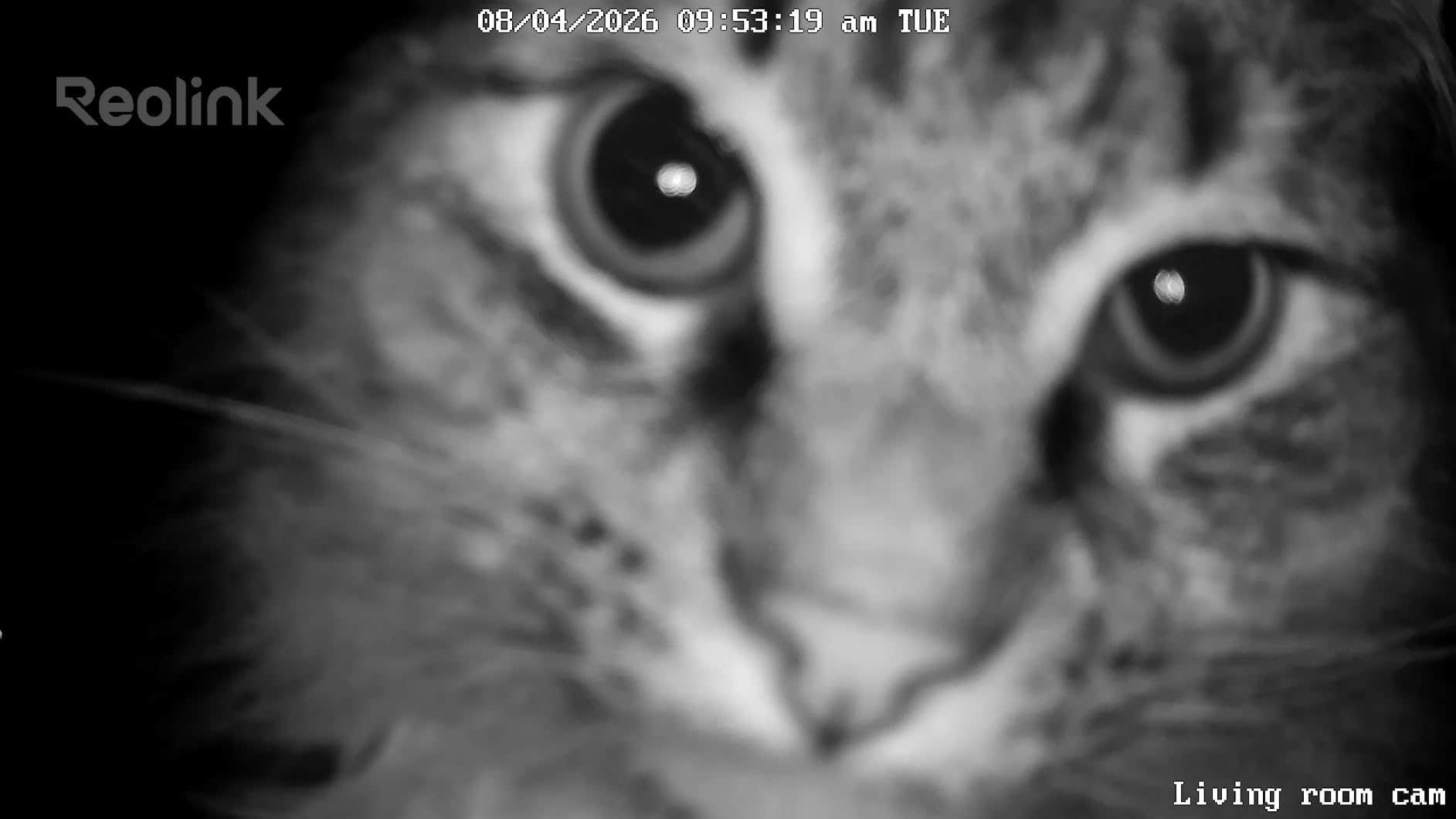
Detection includes instant cry detection alerts alongside two-way talk, and the 355-degree pan with motion auto-tracking covers nearly a full room. Night vision reaches 40 feet, which is the longest range in this group alongside the Tapo C200, and the 4MP sensor at 20fps gives noticeably cleaner detail than the 15fps streams elsewhere.
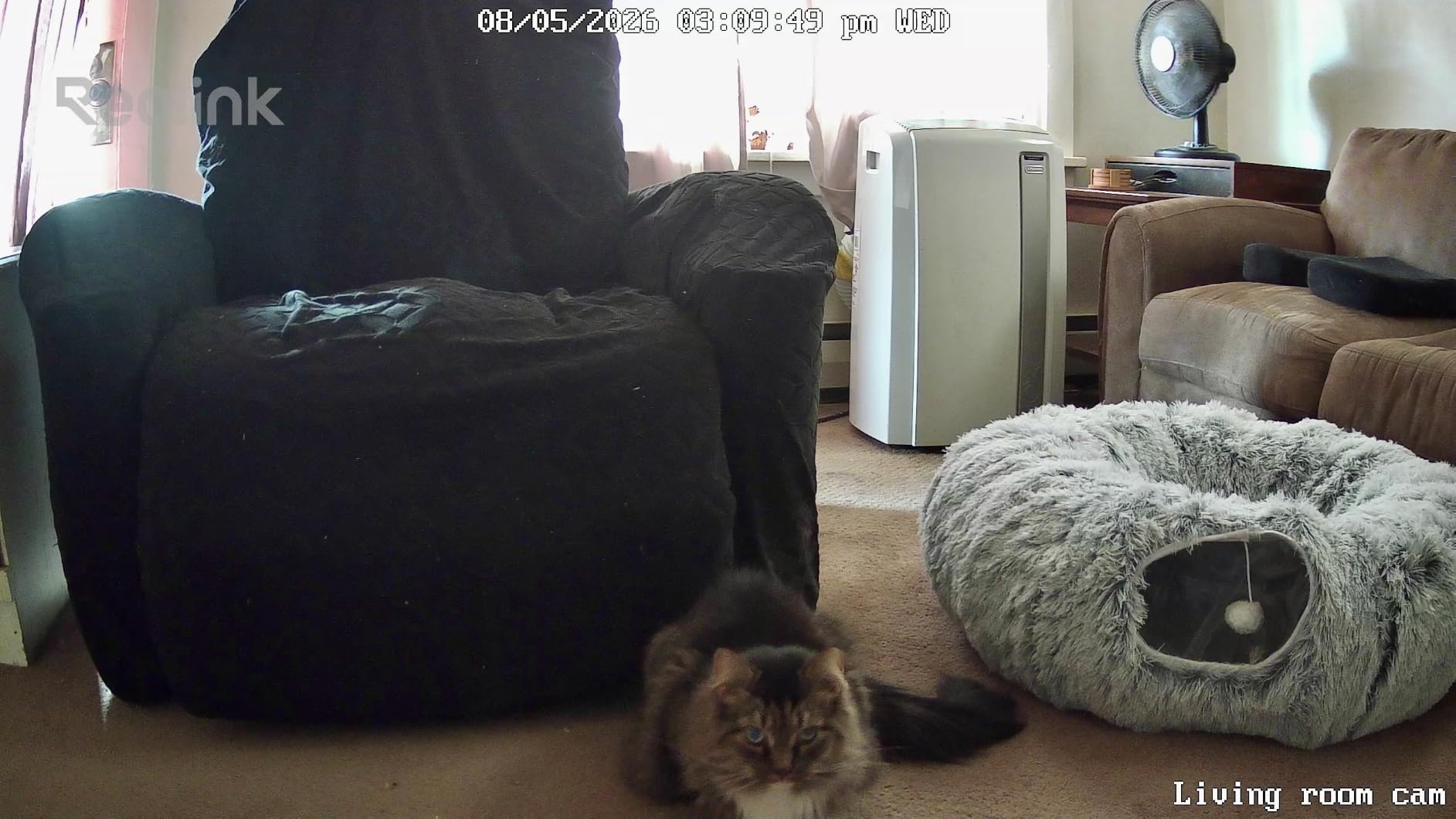
We have to be straight about the rating, because it is the lowest in this roundup at 4.2, with around 9 percent of reviews at one star. Support responsiveness and hardware revisions account for a lot of that, and anyone buying a Reolink product should expect to manage their own firmware updates rather than hand to support. The absence of RTSP and ONVIF support also blocks integration with an existing NVR-based system.
It is 2.4GHz only, which again rules out 5GHz-only networks, and the camera is small at just under 3 inches wide, which works in your favour on a side table. The 20fps frame rate is higher than the 15fps streams on the Tapo, Kasa and Anona, and it is the reason to consider this over a 1080p alternative if you want to follow someone across a room on a clip.
Who the Reolink E1 suits
It suits a family with several people involved in care, since ten invited users and four live viewers is more than any other model here offers. It also suits anyone who has decided footage should never sit on someone else’s server, because all three storage options are local.
The 4MP sensor and 20fps stream suit households where you will genuinely review clips rather than glance at a live feed.
Where the Reolink E1 falls short
It falls short on owner satisfaction, with the lowest average rating here and a real share of one-star reviews, and it falls short for anyone who wants to add cameras to an existing wired security system. 2.4GHz-only is the other limit to check before buying.
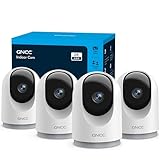
10. GNCC 2K Four-Pack – Whole-Home Coverage on a Single Order
GNCC 5G Cameras for Home Security Indoor, Pet/Dog/Baby w Phone App, 4Pcs
Four 2K cameras in one pack
355-degree tracking pan and 90-degree tilt
Two-way audio with mic and speaker
microSD up to 128 GB
Pros
- Four cameras cover every room in one order
- QR code setup takes a few minutes per camera
- 355-degree auto-tracking pan follows a person or pet
- Local microSD option avoids recurring cloud fees
- Multi-feed view checks several rooms at once
Cons
- Two-way speaker is very quiet
- Tilt does not reach the advertised 90 degrees
- No RTSP or ONVIF support
- Sharing limited to three people
- App sometimes freezes on weak connections
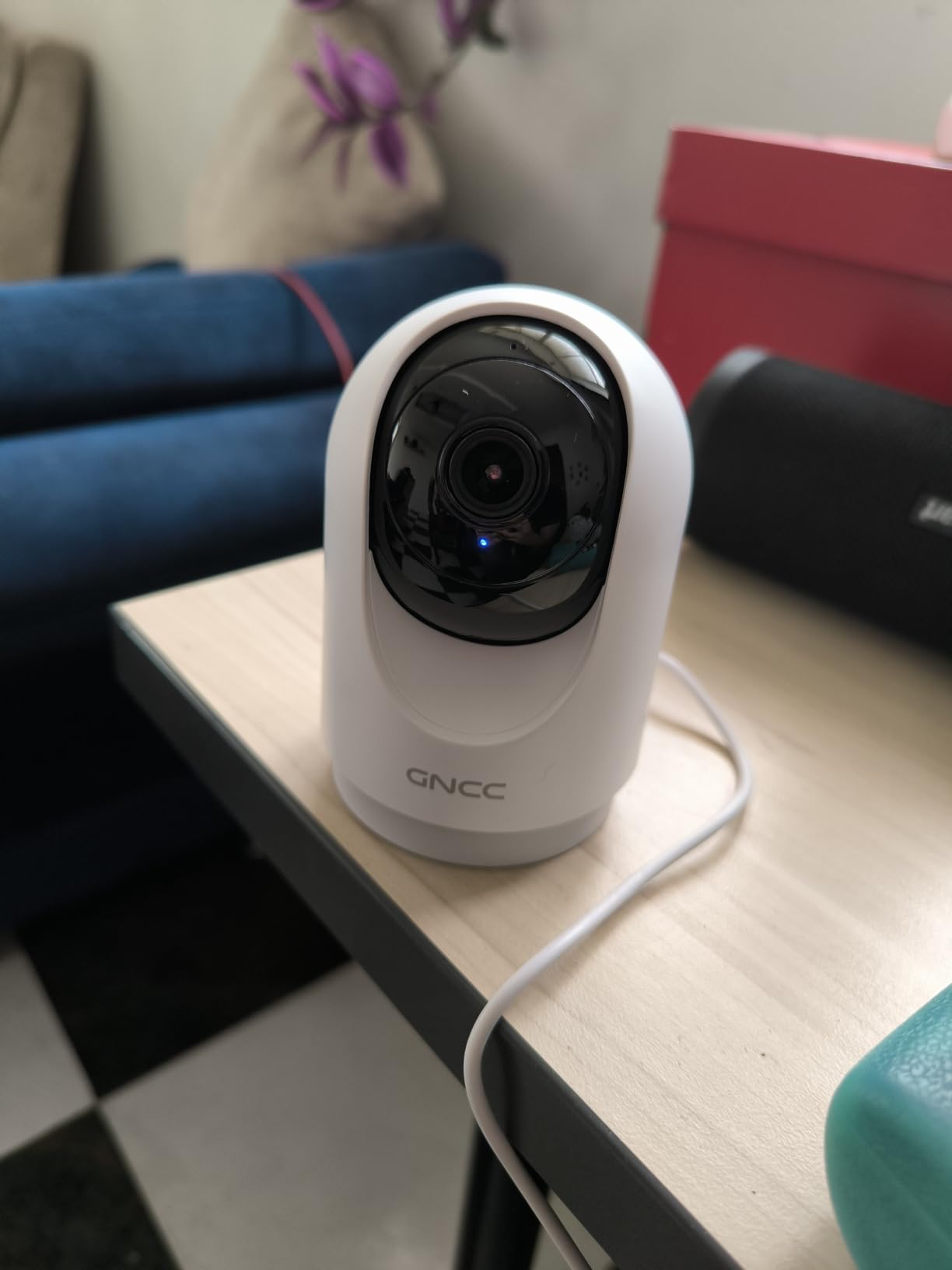
The GNCC pack exists for one reason: to cover a whole home in a single order. Four 2K cameras at a per-unit cost well below anything else in this roundup means a parent living alone can have a camera in the living room, hallway, kitchen and bedroom without buying four devices separately, and without a plan to attach to each of them.
Setup is fast. Each camera joins the network by scanning a QR code in the OSAIO app and takes a few minutes, which matters when the person installing is a stressed adult child rather than a hobbyist. Each has a 355-degree horizontal pan with 90-degree vertical movement and auto-tracking, and sharing works with up to three devices at a time with a multi-feed view for checking several rooms at once.
Local microSD storage up to 128 GB is available as an alternative to the cloud trial, so a subscription is a choice rather than a requirement. Alexa and Google Assistant are supported, and the built-in microphone and speaker handle two-way audio.
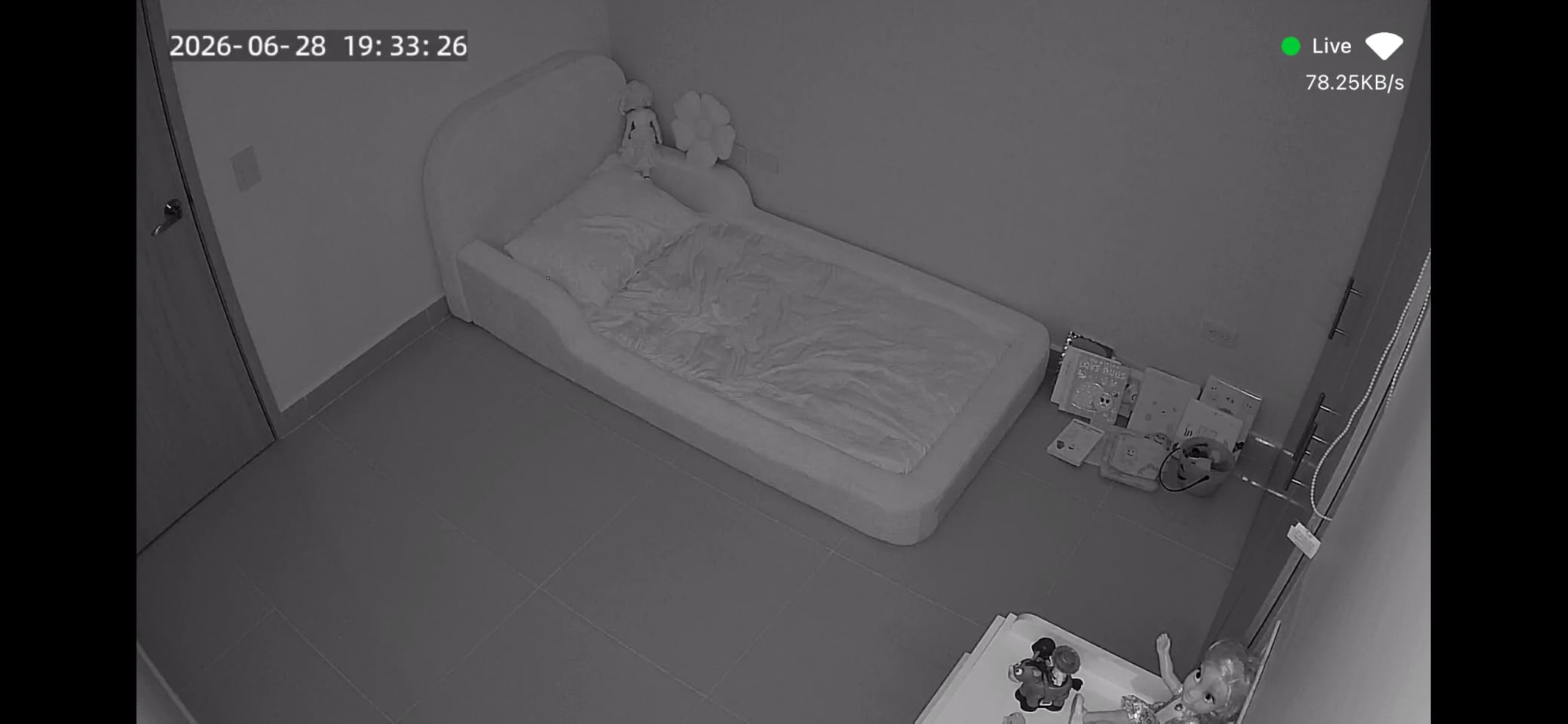
Now the limitation that should decide this for you, and it is a serious one for this use case. Owners repeatedly describe the speaker as very quiet, usable only when the room is silent or the person is standing right next to the camera. If your main goal is talking to a parent who is sitting in an armchair with the television on, this is the wrong pack, and the audio is not fixable in software.
Vertical tilt also does not reach the advertised 90 degrees, so the camera will not look straight up or far down. There is no RTSP or ONVIF support, so viewing is locked to the phone app, and sharing is limited to three people per device with contacts not remembered between sessions. Reviewers also report the app freezing and feeds connecting slowly on weak out-of-home connections, which is exactly the moment you need the camera to work.
Who the GNCC four-pack suits
It suits a family that has decided to cover four rooms at once and would rather buy coverage than buy features, especially when the budget is fixed. The per-unit cost works out well below any single camera elsewhere in this roundup.
It suits households where the goal is presence and reassurance rather than conversation, and where the family is willing to set up the cameras themselves in a single afternoon.
Where the GNCC four-pack falls short
It falls short wherever two-way conversation is the point, because the speaker volume is the most-cited complaint and cannot be changed. It also falls short for large families needing more than three shared viewers, and for anyone on a weak connection who needs the feed to open reliably from abroad.
How Many Cameras Does One Parent Actually Need?
Most families start with one camera in the living room, notice within a week that they are still walking to the hall to check the hallway, and end up buying more. A short plan avoids that. The Reddit thread ranking first for this query asks for about three cameras, and three is a sound number for a single parent living alone.
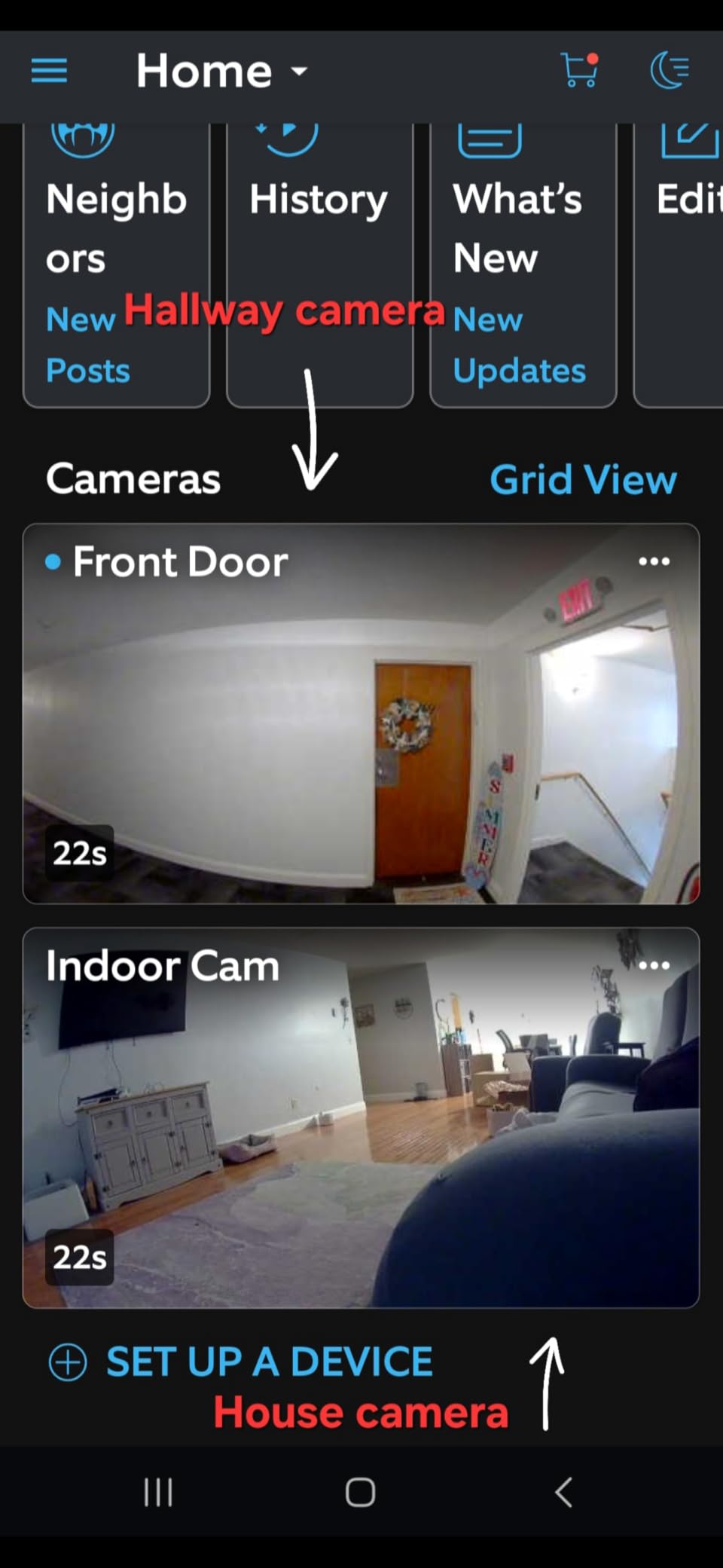
One camera, the living room. This is where a parent spends most waking hours, and it is the room where a sofa, a kettle and a set of stairs share the frame. A pan and tilt model in here covers the most ground per unit and tells you the most about how the day is going.
Two, the hallway or main doorway. This is a cheap, high-value addition. It is where falls happen most often, it is a narrow space so even a fixed camera sees the whole corridor, and it answers the question families ask most: did they get out of bed, or are they still in bed at eleven in the morning.
Three, the kitchen. Stove safety, wandering after dark, and the room a parent with dementia moves towards. A fixed 1080p view is usually enough here because the space is small and the risk is a specific, repeatable behaviour rather than general wellbeing.
Four, a bedside table, and only with careful thought. Bedrooms are the most intimate space in the house, and a camera at the bedside is where consent matters most. A physical privacy cover such as the Ring Indoor Cam’s makes this defensible in a way no app toggle does, because your parent can see that the lens is covered and confirm it for themselves.
What you do not need is a camera in every room, and you certainly do not want one in a bathroom. Our guide to pan and tilt indoor cameras goes into the movement mechanics, and our outdoor camera guide covers the models built for weather, which indoor cameras are not.
What Actually Matters When You Buy an Indoor Camera for an Aging Parent
Resolution is the least important of the criteria people argue about, and the one that matters least day to day. A 2K or 4K sensor helps when you need to resolve fine detail, but a parent in a lit room is recognisable at 1080p from across a room. Judge a camera on the other seven things below instead.
Pan and tilt coverage, first. A camera that pans and tilts covers a room from one position and can be redirected remotely when a parent changes where they sit. Fixed cameras are fine in a narrow hallway and frustrating in an open-plan living space. Most of the ten cameras here pan and tilt, so the real question is how far the pan travels and whether it can be scheduled.
Two-way audio, second, and test it rather than read about it. Ask what the microphone quality is like with a television on, and whether the parent can be heard clearly from a chair rather than a bedside. Noise cancellation matters more than most specifications; the Blink Mini 2K+ is the clearest example in this group. Echo from a carpeted empty room, latency between the two ends, and a parent wearing a hearing aid all change what you hear, and none of it appears in a spec sheet.
Subscription versus local storage, third. A cloud plan adds monthly cost and moves your parent’s footage to someone else’s servers, which some families object to on principle. Cameras with a microSD card record locally and cost nothing to run after the card. Remember that most budget cameras ship without a card, so the real cost is the camera plus the card.
Night vision, fourth. Infrared night vision is the monochrome mode most cameras fall back to, which is enough to know someone is there. Color night vision, as on the Ring Indoor Cam, is genuinely different because you can see a room rather than a silhouette. Between 30 and 40 feet of range covers every room most families ask about.
Person detection, fifth. Motion-only alerts fire when a curtain moves, and a notification you learn to ignore is worse than no notification. AI person filtering, as on the SensForge, and auto-follow tracking, as on the Geeni, are what stop that erosion of trust. Cry detection, on the Kasa, the Reolink and the Anona, adds something more useful again for a parent who cannot call out.
Setup simplicity, sixth. This is the criterion families underestimate. If your parent is the person who has to answer a video doorbell, choose a model whose everyday interaction is one button, as the aosu does, or a screen-based flow, as the Kasa does through Alexa and Google Home. A setup that takes an afternoon and a strained adult child is a setup that stays broken.
Connectivity band, seventh. Many budget indoor cameras, including the Tapo C200, the Kasa EC71, the aosu and the Reolink E1, are 2.4GHz only, which works on nearly all home networks but competes with neighbours. In a flat or a shared building, a dual-band model such as the SensForge or the Anona removes a common cause of failed set-up. If the home network is weak or crowded, a mesh node in the parent house is often the real fix, and our coverage guide covers the positioning side.
Consent, Privacy and Dignity in Your Parent’s Home
This is the part of buying an indoor security camera for an elderly parent that no spec sheet covers, and it is the part that decides whether the whole arrangement survives the first six months. A parent who feels watched does not ask you to remove the camera; they simply stop answering when you call, and the safety net quietly disappears.
Have the conversation before you buy anything, not after. The top-ranking thread on r/SecurityCamera for this query states plainly that the monitoring is with her consent, and that framing is the correct one. Explain what the camera does, where it will sit, who can see the footage, and how long it is kept. Then let your parent decide, and accept the answer.
A parent who says no is telling you something important about how the relationship is going.
Decide together what is off limits, and honour it without exception. A bathroom is off limits. So is a bedroom, unless your parent raises it themselves and agrees on a specific position, such as the doorway rather than the bed. Agreeing the rules in advance turns a negotiation into a plan, and the plan is the thing you both follow when someone is tired and irritable at seven in the evening.
Give them a real off switch. App privacy modes are easy to leave on, accidentally toggled, or simply not believed. A physical cover that visibly blocks the lens, as on the Ring Indoor Cam, is something your parent can verify for themselves in a second, and that verification is worth more than any setting in a menu.
Think carefully about who gets access. Sharing the same account with every sibling is a security problem and a practical one, because everyone ends up resetting everyone else’s password. The Reolink E1 and the SensForge both support invited users with their own logins, which means access can be granted and, if a relative leaves the family, removed.
On the data question that forum users raise most, be straight with your parent about it. Cloud-stored footage may be disclosed under a lawful request in some jurisdictions, and no consumer brand will promise otherwise. That is one of the strongest practical arguments for a camera that records to a card in the room, because the answer to “who else can see this” becomes “nobody, it never leaves the house”.
And never install an indoor camera outside. Indoor units have no weather rating, and outdoor placement voids the practical usefulness of the camera as well as any warranty. If you need coverage outside, our solar powered security camera guide covers units built for it.
Fall Detection: What Indoor Cameras Can and Cannot Do
No consumer indoor security camera provides certified fall detection. Not one of the ten models in this roundup, and not any other indoor camera sold for home security. The reason is straightforward: a fall looks, from a fixed or rotating camera in a room with furniture, very much like a person sitting on a chair, lying on a sofa, or a cushion and blanket on the floor. A false positive in either direction is dangerous, and a product that cannot reliably distinguish a fall from ordinary daily life cannot honestly claim to.
What these cameras do offer is person detection, auto-tracking, cry detection and motion alerts, which tell you something happened without telling you what. That is still valuable. A camera that shows you the kitchen empty at ten in the morning, when a pan and tilt sweep should have shown activity, is a reason to call and check. It is a prompt, not a diagnosis.
So treat the camera as one layer. Where a parent has mobility issues, a history of falls, or cognitive decline, pair any camera with a medical alert pendant or a personal emergency response system, which is worn on the body, detects a fall, and can summon help. Add scheduled human check-ins, whether a call in the morning or a neighbour dropping by, because a camera cannot tell the difference between fine and not fine.
The layer ordering matters. A pendant responds when the wearer presses a button or the device detects a hard fall. A camera shows you a room and lets you speak to someone. A phone call from a person confirms both. None of the three replaces the others, and the setup that works is the one where a missed alert has somewhere else to land.
Frequently Asked Questions
How do I monitor my elderly parent living alone?
Place a plug-in indoor camera in the room your parent uses most, connect it to their Wi-Fi through the brand app, then check in from your own phone. Most families start with one camera in the living room and add a hallway and kitchen camera over time. Set activity zones so you are alerted by people rather than by every movement, and pair the camera with regular human check-in calls.
What is the easiest camera to use for seniors?
The easiest setups are the ones with a single physical action or a voice command. The aosu 2K has a one-touch call button so a parent can summon help without opening an app, and the Kasa EC71 streams to an Echo Show or Google display on request. A camera that works with one press or one spoken sentence is far easier than one that needs menu navigation.
What camera can I use to monitor an elderly person without Wi-Fi?
Every indoor camera listed here needs Wi-Fi, because live view, alerts and two-way talk all run through the app. If the network is weak, the fix is usually a mesh node placed in the parent house rather than a different camera. Look for a dual-band model such as the SensForge or Anona Pano in a crowded building, and note that most budget cameras are 2.4GHz only.
Can an indoor security camera tell me if my parent has fallen?
No. Consumer indoor cameras do not provide certified fall detection, because a fall is very hard to distinguish from sitting down or lying on a sofa on camera. Use the camera to notice that a room is unexpectedly empty, and pair it with a medical alert pendant and scheduled human check-ins for actual fall response.
Do I need my elderly parent’s permission to install a camera?
Yes, always, and it is a good idea to agree the placement rules in the same conversation rather than after installation. A parent who feels watched may stop answering calls, which removes the safety value entirely. Agree which rooms are off limits, usually the bathroom and usually the bedroom, and give them a physical way to switch the camera off themselves.
Do indoor security cameras work without a subscription?
Most do for live view. Recording history is where subscriptions bite: cameras with a microSD card, such as the Tapo C200, Kasa EC71, aosu 2K, Reolink E1 and GNCC four-pack, record locally with no monthly fee. The Ring Indoor Cam and Blink Mini 2K+ keep history in the cloud, so a plan is needed beyond a trial. Budget cameras usually ship without a memory card, so add that cost.
Which indoor camera has the best two-way audio?
For natural conversation, the Blink Mini 2K+ has the edge because of its noise cancellation, which copes better with a television running than most budget units. The aosu 2K wins on the calling side because a one-touch button lets a parent start the call themselves. Whatever you choose, test the audio in the room with its normal background noise before you rely on it.
Final Verdict: Where to Start With Indoor Cameras for an Elderly Parent
The Ring Indoor Cam is the best indoor security camera for elderly parents overall, because the physical privacy cover is the feature that keeps a parent’s consent intact over time, and the 4.7 rating across more than 45k reviews means the app and support have been tested by an enormous installed base. The Tapo C200 is the budget pick, covering a whole room with pan and tilt and recording locally with no monthly charge. The Kasa EC71 is the one to buy when alerts matter more than resolution, thanks to cry detection and scheduled patrol sweeps.
Start with one camera in the living room and add a hallway camera once the first is placed and everyone is comfortable. Before you buy, have the consent conversation and agree which rooms are off limits, and remember that no camera on this list replaces a medical alert pendant or a phone call. Our reviews of the best PTZ cameras for wide room coverage cover the next step if you decide a parent needs a view that pans further than these indoor models reach.