
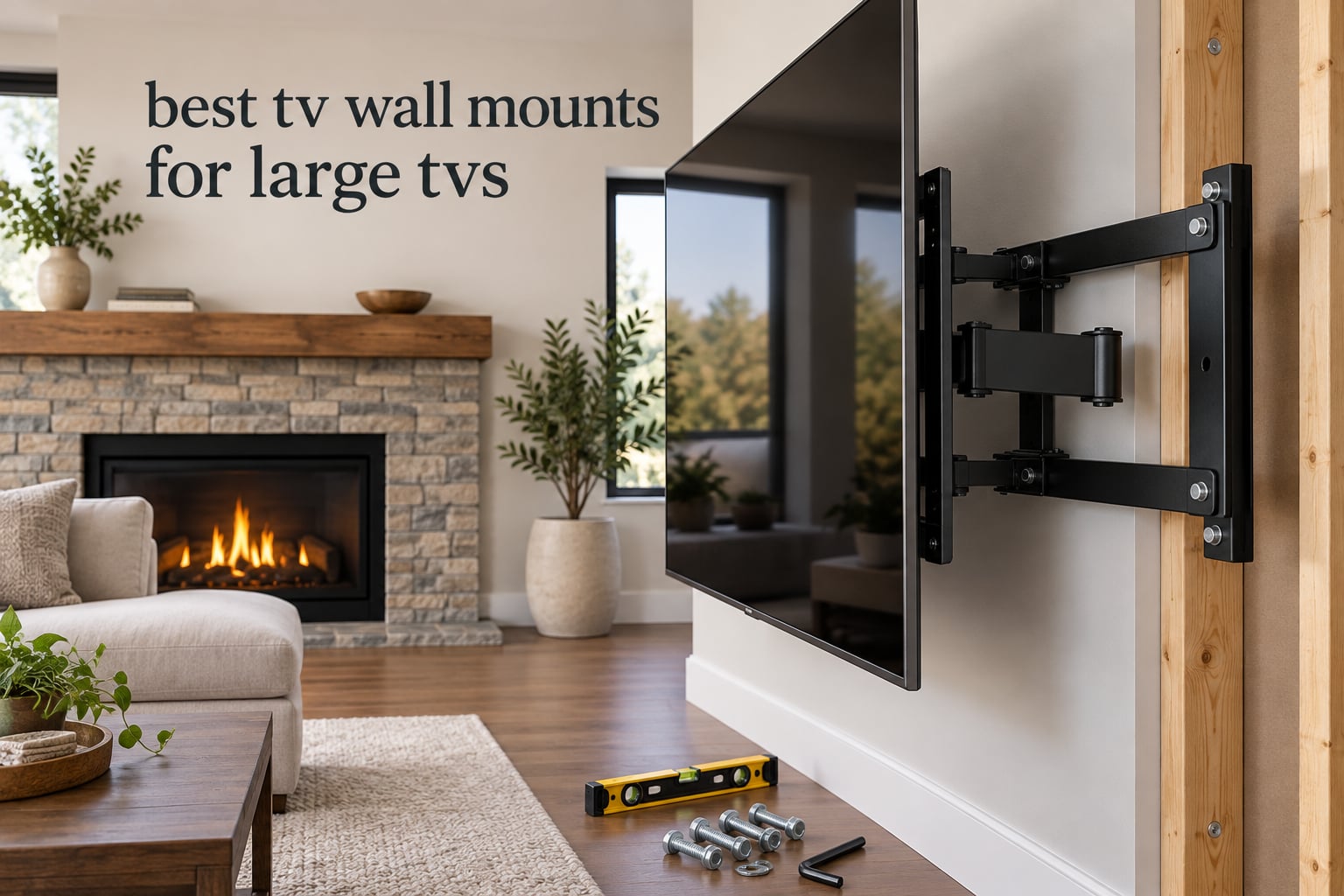
The best TV wall mounts for large TVs are the ones rated well above your screen’s actual weight, matched to its VESA bolt pattern, and wide enough to reach two studs. After comparing ten brackets rated from 125 lb all the way to 265 lb, the Mounting Dream MD2617 is the one we would put on most walls, with the Perlegear PGTVM69B and the EchoGear EGLF2 covering the big-screen and UL-listed cases.
Large screens changed the rules. A 75 inch set weighs roughly 70 to 90 lb, an 85 inch lands near 80 to 100 lb, and 98 to 100 inch panels run 115 to 160 lb before you add the mount itself. Most brackets sold for ordinary living room TVs are rated to 80 lb or less, which is exactly where buyers get burned. One high-engagement thread on r/hometheater captures the mood precisely: a new 85 inch owner wanted a mount that would not “feel sketchy,” and could not tell whether the size rating or the weight rating on the listing was the number that mattered.
That distinction is the whole game, and we explain it in full below. We also made a point of naming the flaws in every pick we recommend, because the fastest way to lose a reader who is about to drill into a stud is a list where nothing has downsides. If you enjoy the same hands-on approach to heavy hardware, we apply it to a very different kind of mount in our guides to the best telescope mounts and the best equatorial mounts for astrophotography.
How we picked: every mount below had its published specifications cross-checked against its owner reviews, looking for four things. Does the weight rating leave real headroom over a big panel. Does the VESA range actually cover the pattern on large TVs. Does the wall plate span the stud spacing in a normal framed wall. And do owners report sag, wobble, or drift after months of use rather than on day one.
Table of Contents
Top 3 Picks for the Best TV Wall Mounts for Large TVs (October 2026)
Three brackets stood out above the rest for different reasons. The Mounting Dream MD2617 wins on overall balance, the EchoGear EGLF2 wins on documented safety certification, and the USX MOUNT XML008 wins on value per dollar spent.

Mounting Dream MD2617
- 42-84 inch screens up to 154 lb
- Extends 16.6 in and retracts to 2.5 in
- Plus or minus 4 degree post-install leveling
- 10 year warranty

EchoGear EGLF2
- 42-90 inch TVs up to 125 lb
- UL listed
- Extends 22 in and swivels 130 degrees
- Retracts to 2.4 in

USX MOUNT XML008
- 42-90 inch TVs up to 132 lb
- Extends 16.49 in with 45 degree swivel
- Retracts to 2.40 in
- VESA 200x100 to 600x400
All 10 TV Wall Mounts Compared in 2026
Every bracket in this roundup appears below with its real specifications, so you can check the numbers against your own screen before reading a single review.
| Product | Specs | Action |
|---|---|---|
| Mounting Dream MD2617 Full Motion Mount |
|
Check Latest Price |
| EchoGear EGLF2 MaxMotion UL Listed |
|
Check Latest Price |
| USX MOUNT XML008 Full Motion |
|
Check Latest Price |
 Perlegear PGTVM69B Heavy Duty Perlegear PGTVM69B Heavy Duty |
|
Check Latest Price |
 EchoGear EGLT3 Tilting Mount EchoGear EGLT3 Tilting Mount |
|
Check Latest Price |
 HOME VISION 9801 Heavy Duty Tilt HOME VISION 9801 Heavy Duty Tilt |
|
Check Latest Price |
 USX MOUNT Heavy Duty 120 inch USX MOUNT Heavy Duty 120 inch |
|
Check Latest Price |
 USX STAR Fixed Low Profile Mount USX STAR Fixed Low Profile Mount |
|
Check Latest Price |
 VIVO MOUNT-VW120M Articulating VIVO MOUNT-VW120M Articulating |
|
Check Latest Price |
 monTEK HW1277BK Heavy Duty monTEK HW1277BK Heavy Duty |
|
Check Latest Price |
1. Mounting Dream MD2617 Is the Best Overall Mount for Large TVs
Mounting Dream Full Motion TV Wall Mount for 42-90 Inch TV up to 154lbs
42-84 inch TVs
Up to 154 lb
Extends 16.6 in
Retracts to 2.5 in
VESA 600x400
Pros
- Cold-formed steel with six articulating arms
- Tilts 5 degrees up and 15 degrees down
- Retracts to 2.5 in and pulls out to 16.6 in
- Plus or minus 4 degree post-install leveling
- Template and hardware kit in the box
- 10 year warranty
Cons
- Wall plate is built for 16 inch stud spacing
- Arm nuts arrive very tight and can strip
- No masonry or concrete anchors included
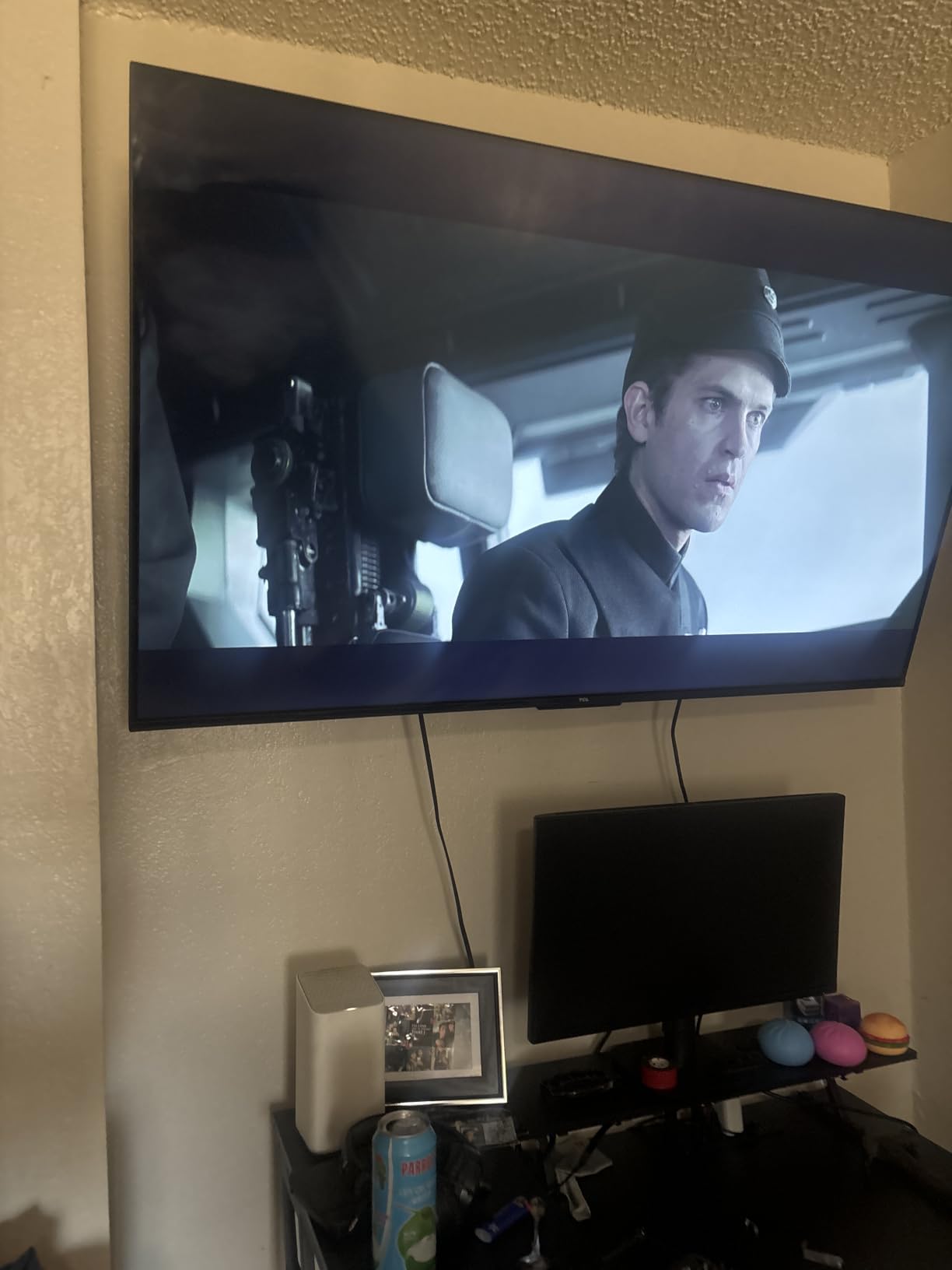
This is the mount we keep coming back to. Six articulating arms in cold-formed steel hold an 85 inch panel steady, and the 154 lb rating leaves real headroom over the weight of most screens in that class. It is also the only bracket in the group with a 10 year warranty attached to a moving design, which matters when the arm joints are the part that wears first.
The motion is genuinely usable rather than decorative. It pulls out 16.6 inches to reach HDMI ports behind a thick panel, then folds back to 2.5 inches so the screen looks nearly flush when nobody is using it. Tilt runs 5 degrees up and 15 degrees down, which is enough to kill window glare on a screen hung high on the wall.
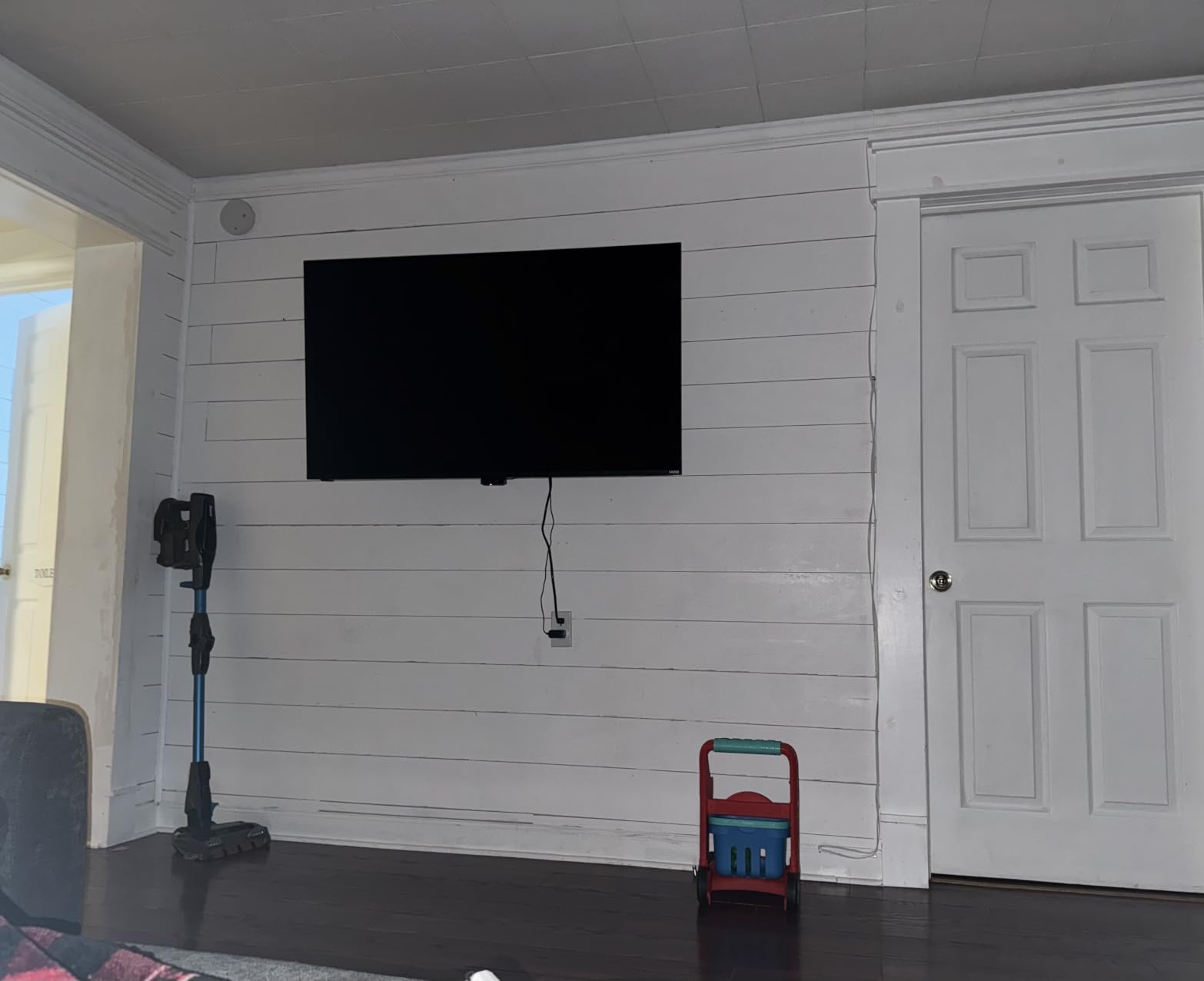
The post-install leveling adjustment of plus or minus 4 degrees is the detail that saves installs. If your studs are slightly off, or the wall is out of plumb, you can dial the TV straight without pulling the bolts and starting over.
What you should check before ordering
The wall plate is designed around 16 inch stud spacing, which is standard in most framed houses but not universal. Older homes, garages, and some renovation work use wider spacing, and if yours is off, this plate will not reach both studs.
There are no masonry anchors in the box. On brick or concrete you will need to source your own, and on a panel this heavy we would not skip that step.
Who this mount suits and who should look elsewhere
Choose it if your screen is 65 to 85 inches, your studs are on standard spacing, and you want one bracket that handles glare, corner seating, and port access without a second purchase.
Skip it if you are mounting a 98 inch or larger panel. The 154 lb rating leaves almost no margin against a 130 lb screen, and the extra reach of a heavier bracket buys you real peace of mind.
2. EchoGear EGLF2 Is the Best UL Listed Full Motion Mount
ECHOGEAR MaxMotion TV Wall Mount for Large TVs 42″ to 90″ – Full Motion Has Smooth Swivel, Tilt, & Extension – Universal Design Works with Samsung, Vizio & More – Includes Hardware & Drill Template
42-90 inch TVs
Up to 125 lb
Extends 22 in
Swivels 130 deg
Retracts to 2.4 in
Pros
- UL listed for independent load testing
- Extends 22 in for port and mantel access
- Swivels 130 degrees for off-axis seating
- Retracts to 2.4 in
- Works across unusually wide stud spacing
Cons
- Bracket is heavy to lift onto the wall by itself
- Sits 3-4 in off the wall even retracted
- No linear height adjustment after hanging
UL listing is the one credential in this category that means something concrete. It signals the bracket was independently load tested rather than certified by the seller, which for a 125 lb rating on a swinging arm is worth real attention. Most competing mounts carry no such listing at all.
The 22 inch extension and 130 degree swivel make this the most articulate bracket in the roundup. That combination handles the two problems large-screen owners hit most: reaching cables on a panel mounted flush to brick, and pulling the screen around a corner to face a second seating area.
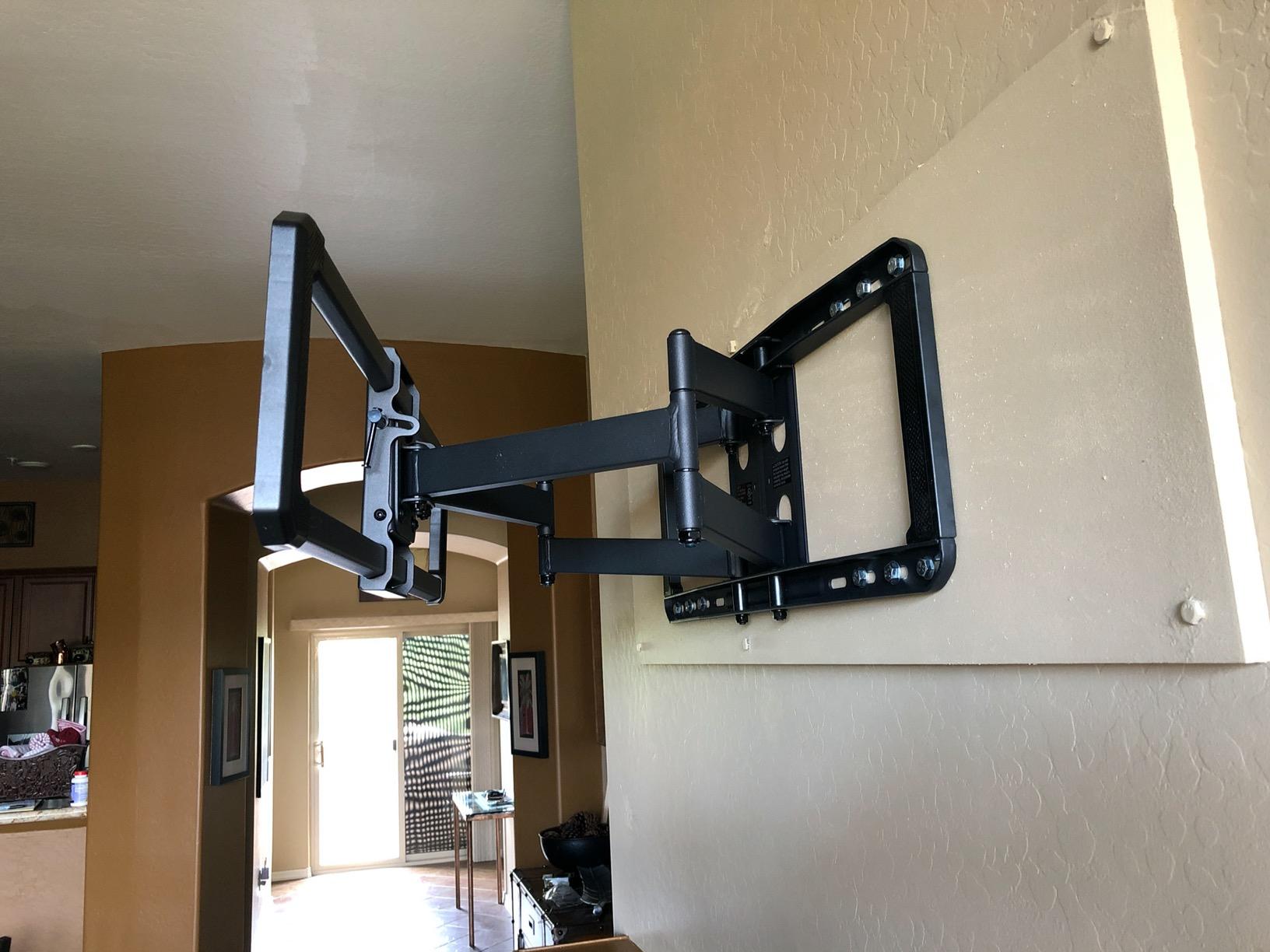
Owners describe it as furniture rather than hardware. The motion joints hold position once set, with enough friction to stay where you leave them, and the steel frame shows no sag after years of service. Several reviewers own a second one for a different room, which is the strongest durability signal we saw.
What the numbers mean for your wall
At 125 lb, this rating covers most 75 and 85 inch sets but gets uncomfortable near a 98 inch panel. Treat the weight limit as a ceiling, not a target.
The wall plate is the surprise winner for compatibility. Owners report success in setups where cheaper mounts failed, including rooms with pocket doors and irregular framing, because the plate spans a wide range of stud spacing.
Who this mount suits and who should look elsewhere
Pick it if you want independent safety certification, the widest swivel range here, and a retract depth of 2.4 inches that looks clean on a finished wall.
Pass on it if vertical position matters. There is no up-and-down adjustment once the TV is hung, so getting the height right on the first attempt is the only chance you get.
3. USX MOUNT XML008 Is the Best Value Articulating Mount
USX Mount Full Motion TV Wall Mount for Most 42-90 inch Flat Screen/LED/4K, TV Mount Bracket Dual Swivel Articulating Tilt 6 Arms, Max 16″ Wood Studs, VESA 600x400mm, Holds up to 132lbs
42-90 inch TVs
Up to 132 lb
Extends 16.49 in
Swivels 45 deg
Retracts to 2.40 in
Pros
- Highest review volume among affordable full motion mounts
- Holds position without drifting
- Retracts to 2.40 in
- Hardware bags arrive pre-labelled
- Bubble level and cable ties included
Cons
- 16 inch stud spacing is the maximum
- Supplied TV bolts can be too short for some panels
- Concrete anchors not included
At 132 lb this mount out-rates several brackets that cost several times more, and with more than 50,000 reviews behind it there is a large body of owner feedback on real installs. It is the bracket we would tell a friend to buy when they want full motion without spending heavily.
The arm design uses six arms, which is more than most competitors at this level, and it is the reason the 132 lb rating holds without visible flex. Swivel runs plus or minus 45 degrees with tilt from 5 degrees up to 15 degrees down, and the whole assembly retracts to 2.40 inches against the wall.
Assembly is unusually quick. Every fastener arrives in its own labelled bag, so there is no sorting loose bolts on the floor, and a bubble level plus cable ties come in the kit. That matters more on an articulating mount than a fixed one, because the parts are harder to reach once assembled.
Where the budget shows
The hardware kit is the weak point. Owners repeatedly report that the supplied TV-side bolts are sometimes too short to reach through a thicker panel or a spacer, so plan to buy the correct length separately rather than discovering it with a half-hung screen.
Stud spacing is capped at 16 inches, and concrete anchors are not included. Both are dealbreakers only if your wall is unusual.
Who this mount suits and who should look elsewhere
It fits anyone mounting a 65 to 85 inch screen on standard framing who wants real articulation and does not want to pay a premium brand premium.
Move up to a heavier bracket if your screen is 98 inches or more, or if you need to reach past a thick fireplace mantel where 16.49 inches of extension will not clear the obstruction.
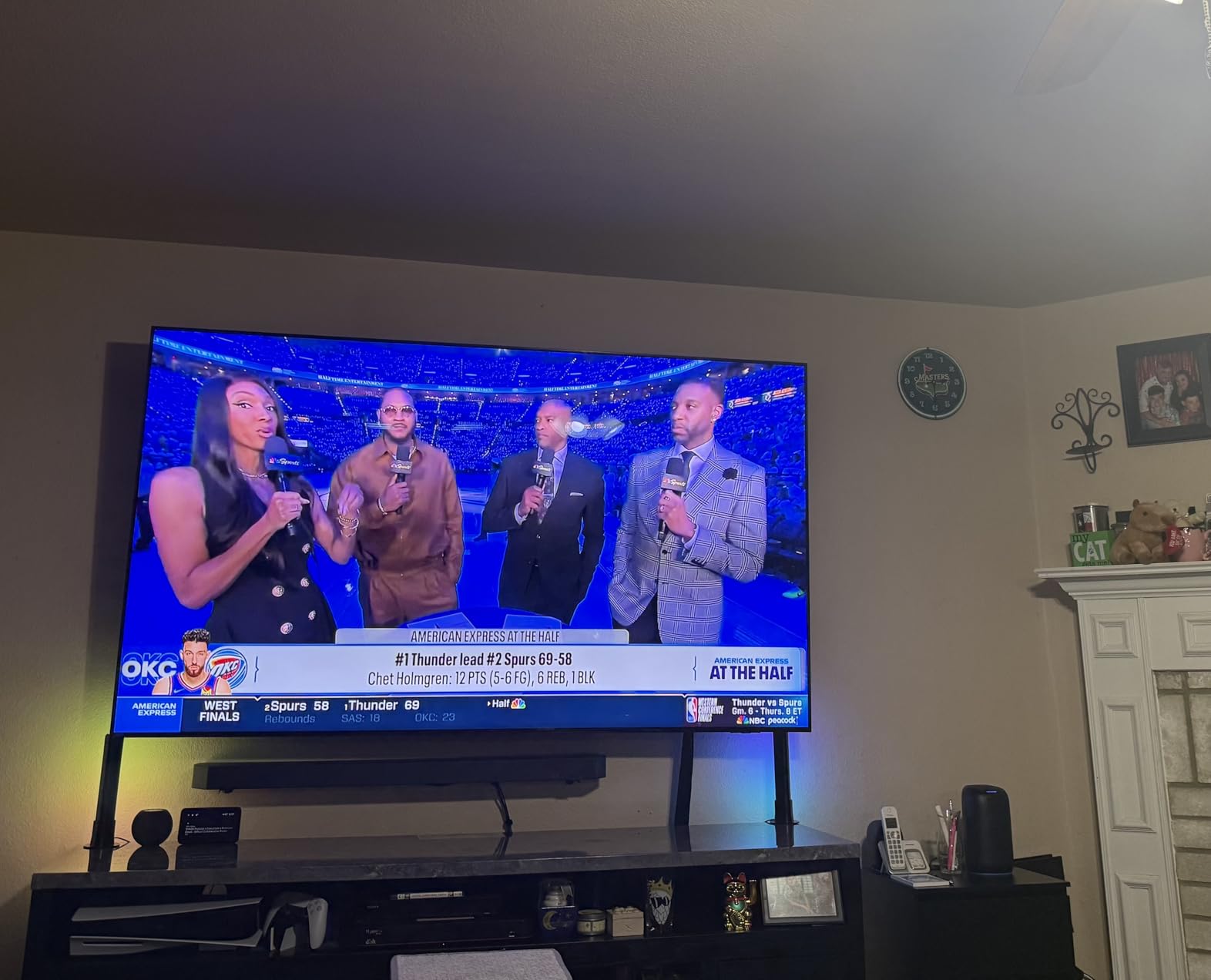
4. Perlegear PGTVM69B Is the Best Heavy Duty Mount for 85 to 100 Inch TVs
Perlegear Large Full Motion TV Wall Mount for 55–120 inch TVs up to 220 lbs
55-120 inch TVs
Up to 220 lb
VESA to 900x600
4x load tested
Pros
- 4x load test and 6000 cycle test on record
- 220 lb rating covers 98 and 100 inch panels
- Handles 16 and 24 inch stud spacing
- Arms hold position without sag
- Cable channels inside the arm
Cons
- Narrow wall plate on wide stud spacing
- Two people required for install
- Extension is short for very large screens
This is the first bracket we would look at for a 98 or 100 inch screen. The steel is 20 percent thicker than standard, the wall plate is reinforced and everted for stiffness under load, and the manufacturer states a 4x load test plus a 6000 cycle test. That is a 220 lb rating with real testing behind it rather than a marketing number.
Owners running 85 and 100 inch panels report no wobble even at full extension, and the arms hold their set position instead of slowly drifting over weeks. That stability is the difference between a mount you trust and one you keep checking.
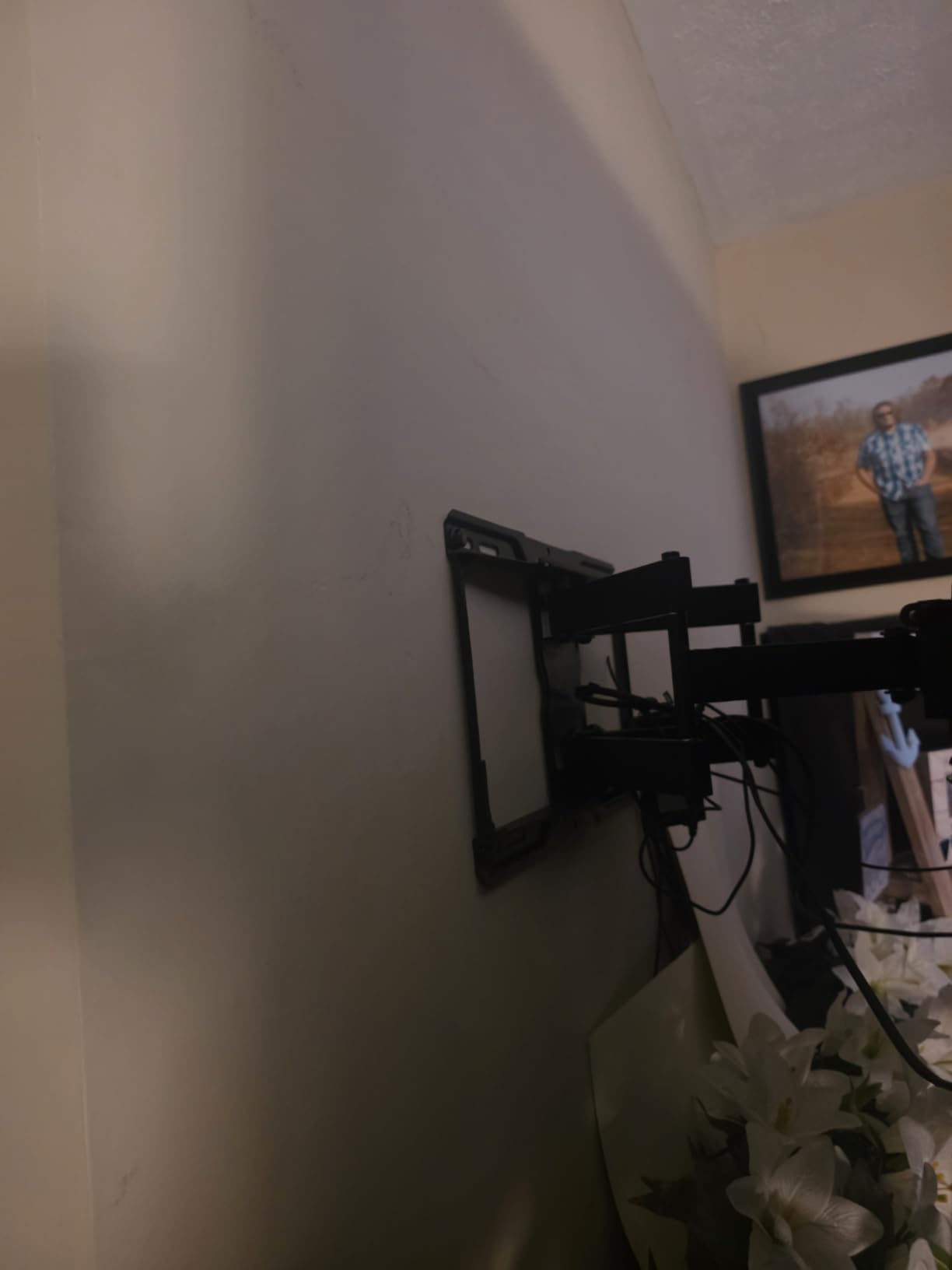
The bracket arrives pre-assembled, and the wall plate installs in three steps using the included template, hardware kit, and bubble level. For a mount this heavy, cutting the install time down matters more than usual.
What to verify before you drill
The wall plate is relatively narrow. It fits 16 and 24 inch on-center framing, which covers most houses, but it will not span unusually wide spacing. Measure before you assume.
Extension is 22 inches with a 3 inch retracted depth. That is plenty for a corner living room and short of what a thick mantel needs.
Who this mount suits and who should look elsewhere
Pick it for a 98 or 100 inch panel on standard framing where you want motion but not maximum reach, and where the load test record matters to you.
Consider the fixed option instead if you never intend to move the screen. A mount rated to 220 lb that does not swing will always feel more solid than one that does.
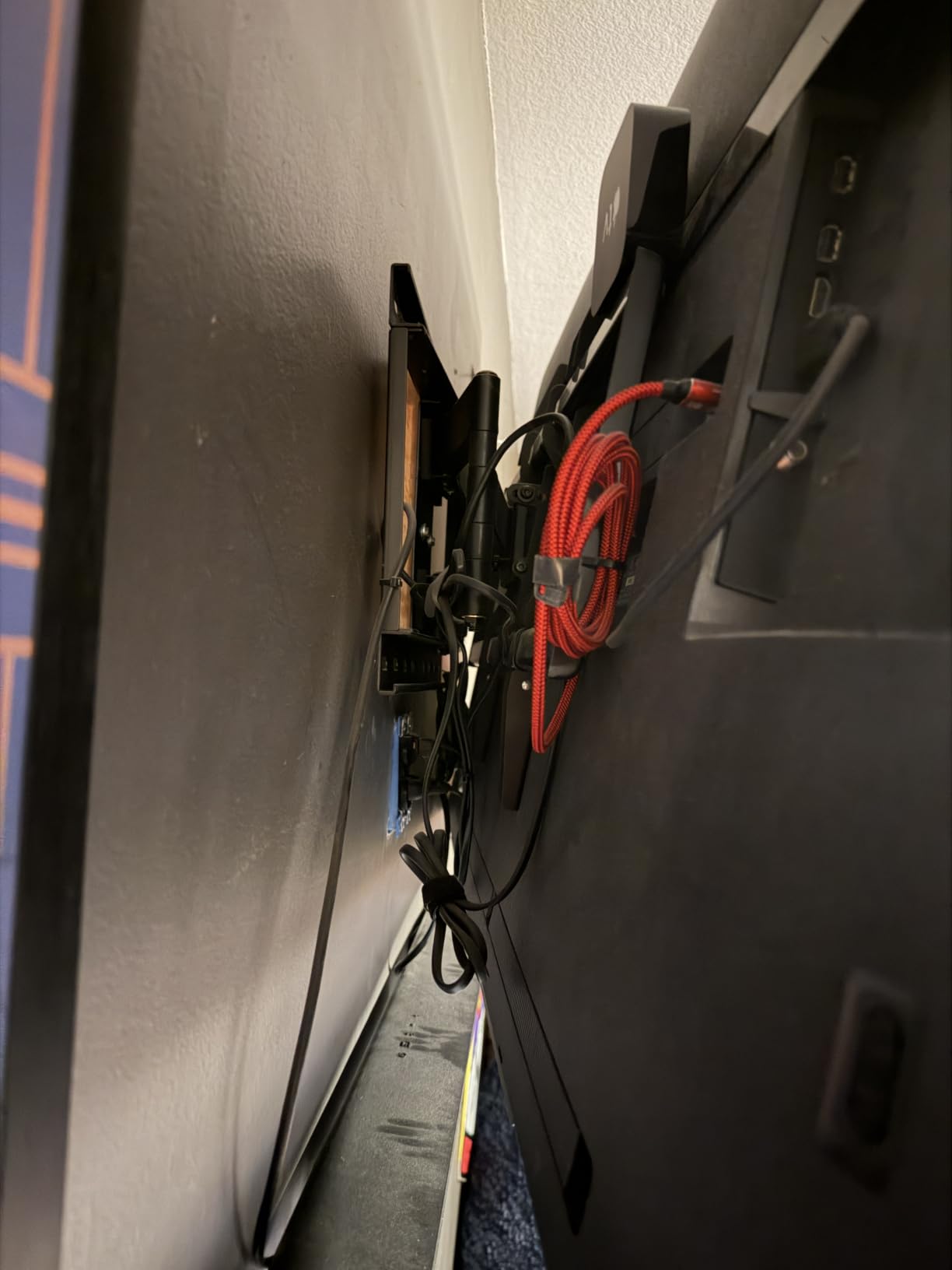
5. EchoGear EGLT3 Is the Best Low Profile Tilt Mount for Big Screens
ECHOGEAR Tilting TV Wall Mount for 40” – 90” TVs up to 135lbs, 10 deg Tilt
40-90 inch TVs
Up to 135 lb
10 degree tilt
5 degrees leveling
Pros
- Heavy gauge steel that outclasses the price bracket
- Very slim profile against the wall
- 10 degree tilt handles window glare
- 5 degrees of post-install leveling
- Repeat purchase favourite across many screen sizes
Cons
- Tilt screws are hard to reach once a large TV is hung
- No long screwdriver bit included
- Masonry anchors are the wrong size for the wall plugs
A tilt mount is what most people actually need, and this is the one to buy. The 10 degree downward tilt handles glare from a window or overhead light, and nothing else about a mount matters if your seating is roughly opposite the screen.
What surprised us is the weight of the steel for the money. Owners regularly describe it as roughly double the weight of competing brackets in the same bracket, and the slim profile keeps the screen close to the wall once hung. The 135 lb rating covers most 85 inch sets with headroom.
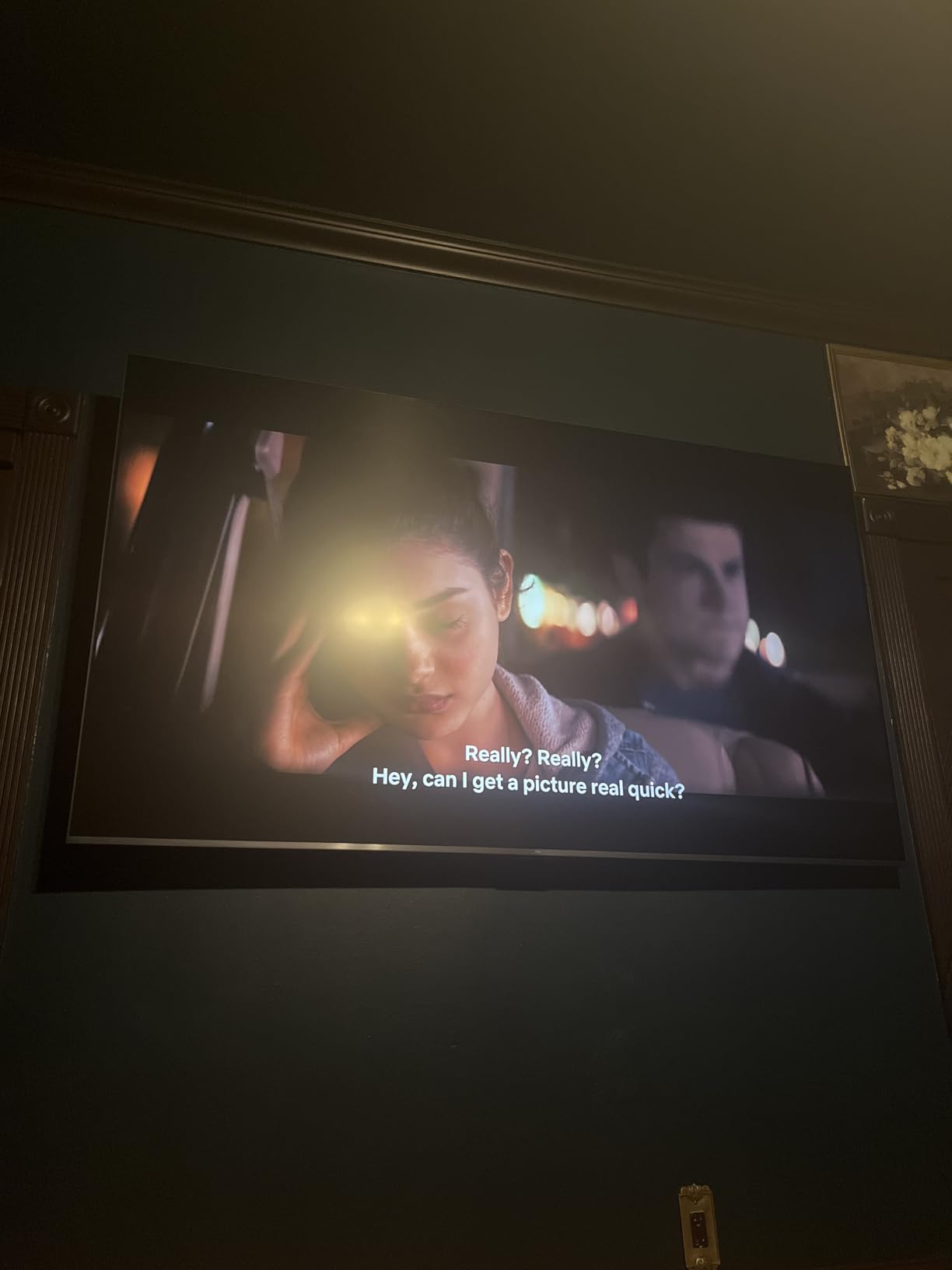
It is also a repeat purchase favourite. Owners with multiple rooms report buying two or three of these for screens of different sizes with consistent results, and the 5 year warranty backs that up.
The one real annoyance
Adjusting tilt on a large panel is awkward. The adjustment screws sit behind the screen, and once an 85 inch set is up there, reaching them means a long screwdriver bit that is not included.
Plan the angle before you hang the TV rather than after, and you will never touch those screws again.
Who this mount suits and who should look elsewhere
Choose it for a 65 to 85 inch screen on standard framing when the viewer’s eye line is close to level and you would rather not have a bracket sticking out into the room.
Look elsewhere if you plan to move the screen for corner seating or need to reach ports on a flush-mounted panel. This design has no extension and no swivel at all.
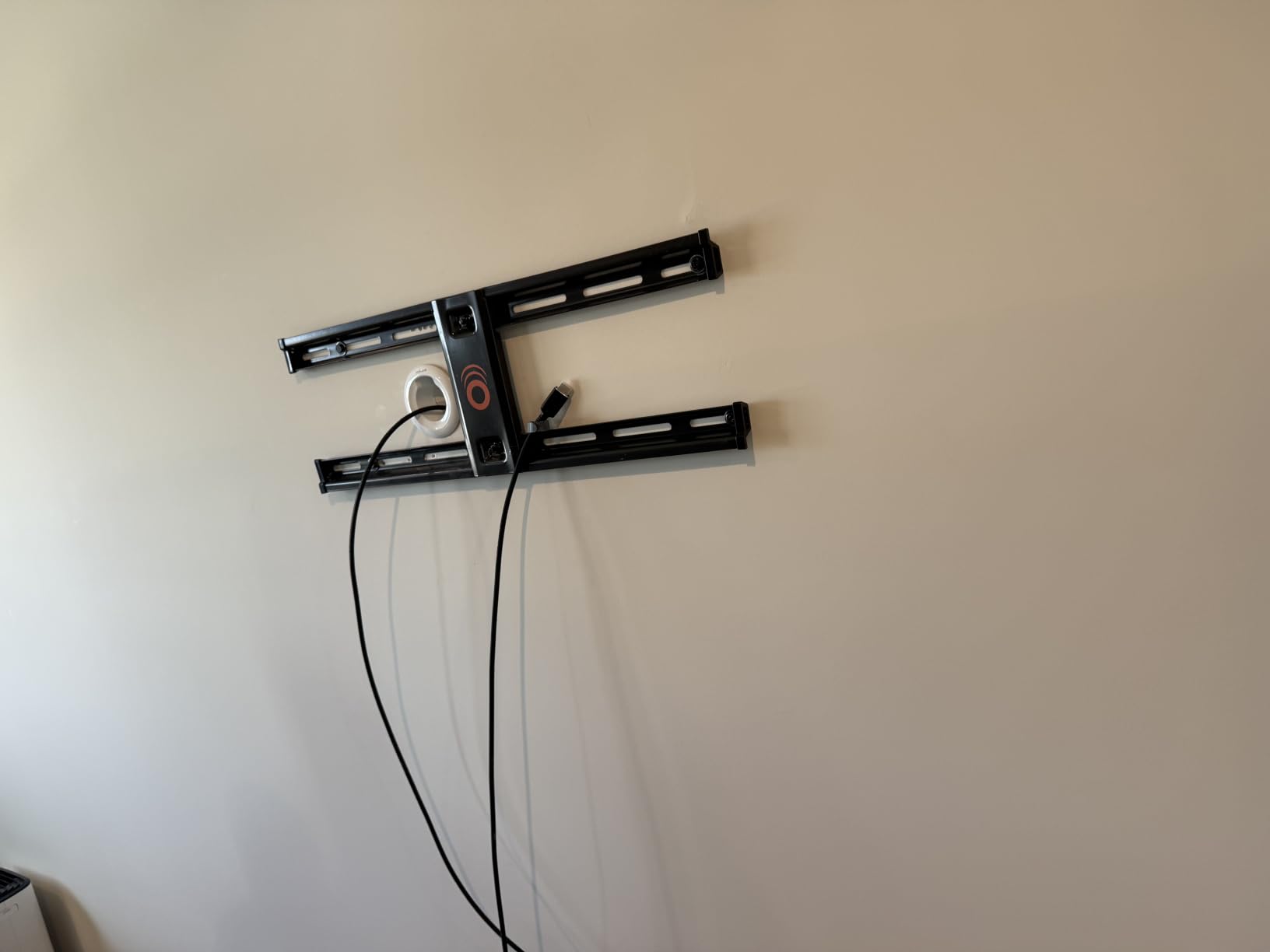
6. HOME VISION 9801 Is the Best Heavy Duty Tilt Mount for 120 Inch TVs
HOME VISION Heavy Duty Tilt TV Wall Mount for 48-120 Inch Flat Screen
48-120 inch TVs
Rated 200 lb
Lab tested to 500 lb
VESA 800x600
Pros
- Rated 200 lb and lab tested to 500 lb
- Covers 48 to 120 inch screens
- Fits 8 to 28 inch stud spacing
- Tool-free single knob tilt
- Pull cords make a heavy TV manageable
Cons
- Supplied wall screws can be oversized for some studs
- Instructions could use more diagrams
- A few packages arrive without the drilling template
Most tilt mounts stop at 90 inches. This one runs from 48 to 120 inches with a 200 lb recommended capacity and a stated lab test to 500 lb, so it is one of the few brackets here that handles a very large panel without any motion to complicate the load.
The stud spacing range is unusually wide at 8 to 28 inches, which means it will land on the framing you already have instead of forcing you to hunt for a stud position that happens to work. The wall plate also carries cable channels, so wiring stays tidy behind the screen.
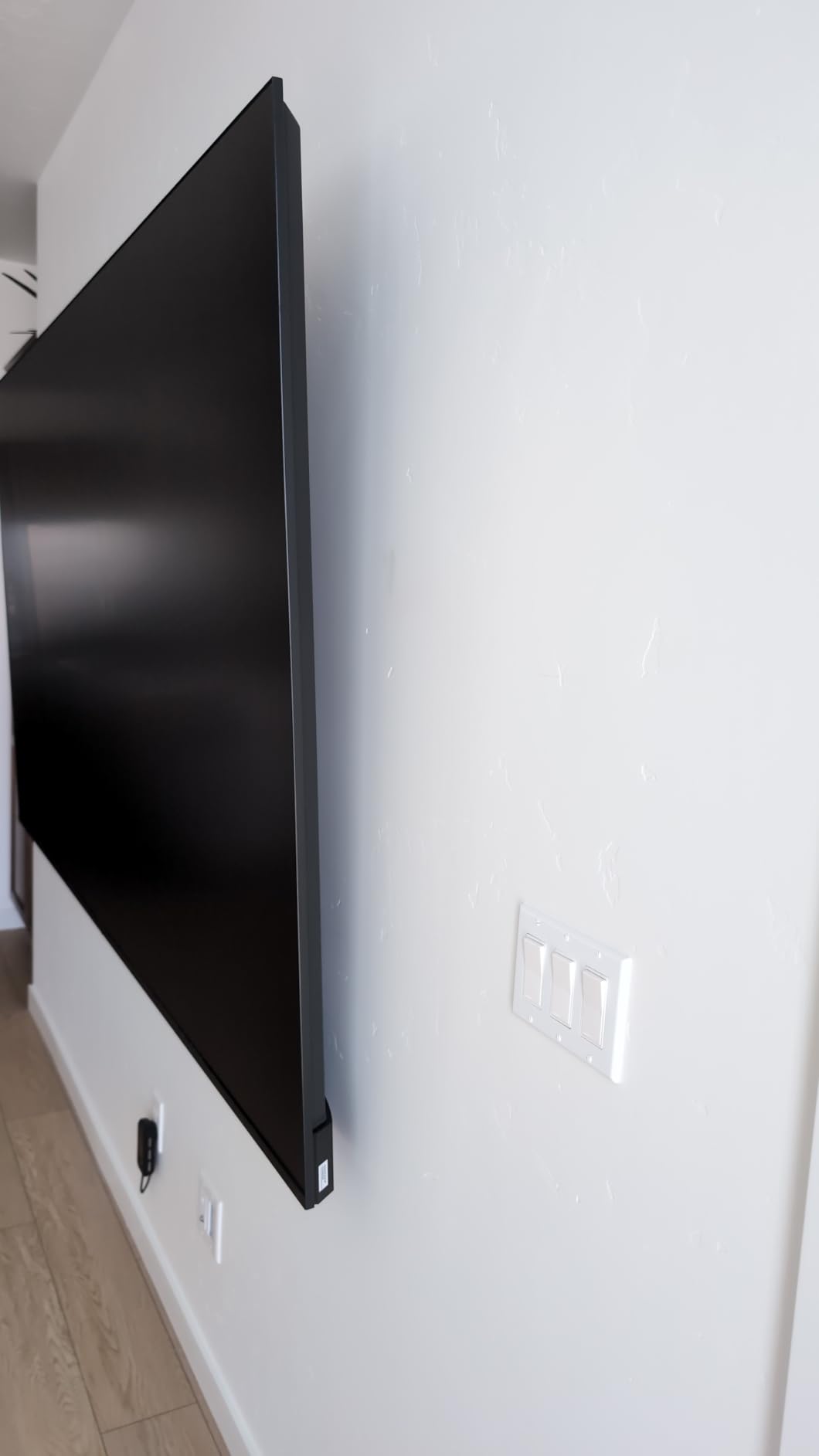
The details aimed at large panels are thoughtful. Tilt adjusts from 10 degrees down to 5 degrees up with a single knob and no tools, which matters when you cannot easily reach behind an 86 inch set. Minimum wall clearance is 2.56 inches, so it can sit over an in-wall outlet.
What could go wrong on your wall
A few owners found the included lag screws too large for their particular studs, so buy your own fasteners if you are mounting into 2×4 framing with thin drywall. A smaller number received a box without the paper drilling template.
Horizontal fine-tuning of plus or minus 1 degree is available, but it is a small range, so level the wall plate carefully the first time.
Who this mount suits and who should look elsewhere
Pick it for a 86 to 100 inch screen on a wall where you want the thinnest possible look and never intend to move the panel.
Pass if you need to pull the TV forward to clear a mantel. A tilt bracket cannot extend, and that is the one problem it cannot solve.
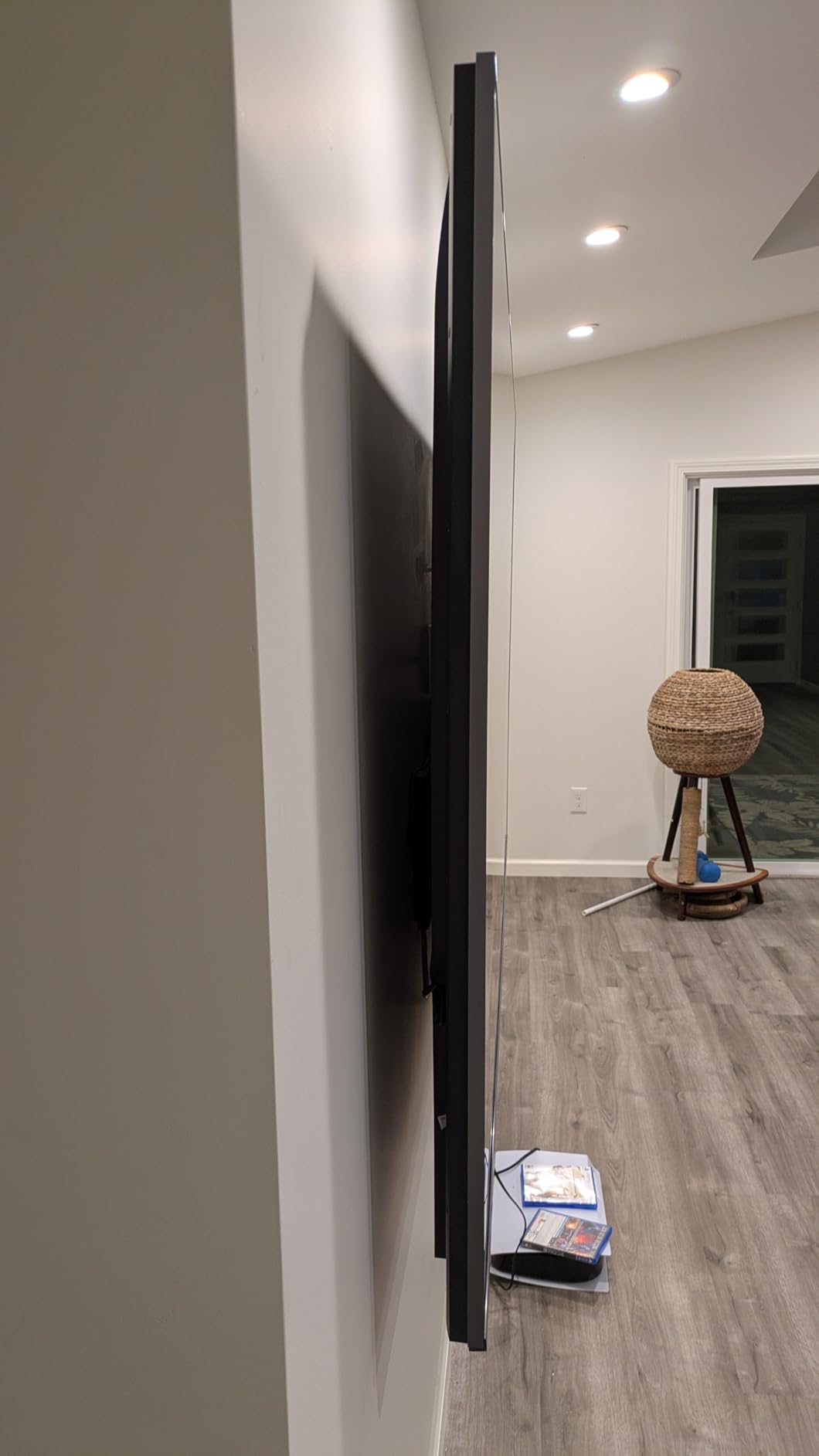
7. USX MOUNT Heavy Duty Is the Best Mount for 100 to 120 Inch TVs With a Thick Wall
USX MOUNT Heavy Duty Full Motion TV Wall Mount for 60-120 Inch TVs, Holds 220lbs, 28″ Extension Wall Bracket, Preassembled TV Mount for 65″ 75″ 85″ 90″ 98″ 100″, Max VESA 900x600mm, Fits 12-24″ Studs
75-120 inch TVs
Up to 220 lb
Extends 28.11 in
Retracts to 3.07 in
Pros
- Longest extension in the group at 28.11 in
- Mounts on 12
- 16
- 18 and 24 inch studs
- Pre-assembled front support cuts install time
- 220 lb rating covers 100 inch panels
- Includes a leveling device
Cons
- One of the heaviest mounts here so two people are needed
- Supplied TV screws are often the wrong length
- Do not mount on drywall alone
Extension is the reason to buy this one. At 28.11 inches it reaches further than anything else in the roundup, and that is the number that decides whether a heavy screen clears a deep fireplace mantel or gets mounted awkwardly high above it to dodge the obstruction.
It is rated for 75 to 120 inch TVs up to 220 lb with a VESA range from 200x100mm to 900x600mm, so it covers both small bolt patterns and the very wide ones found on the biggest panels. Swivel runs plus or minus 45 degrees with 10 degrees of tilt in each direction.
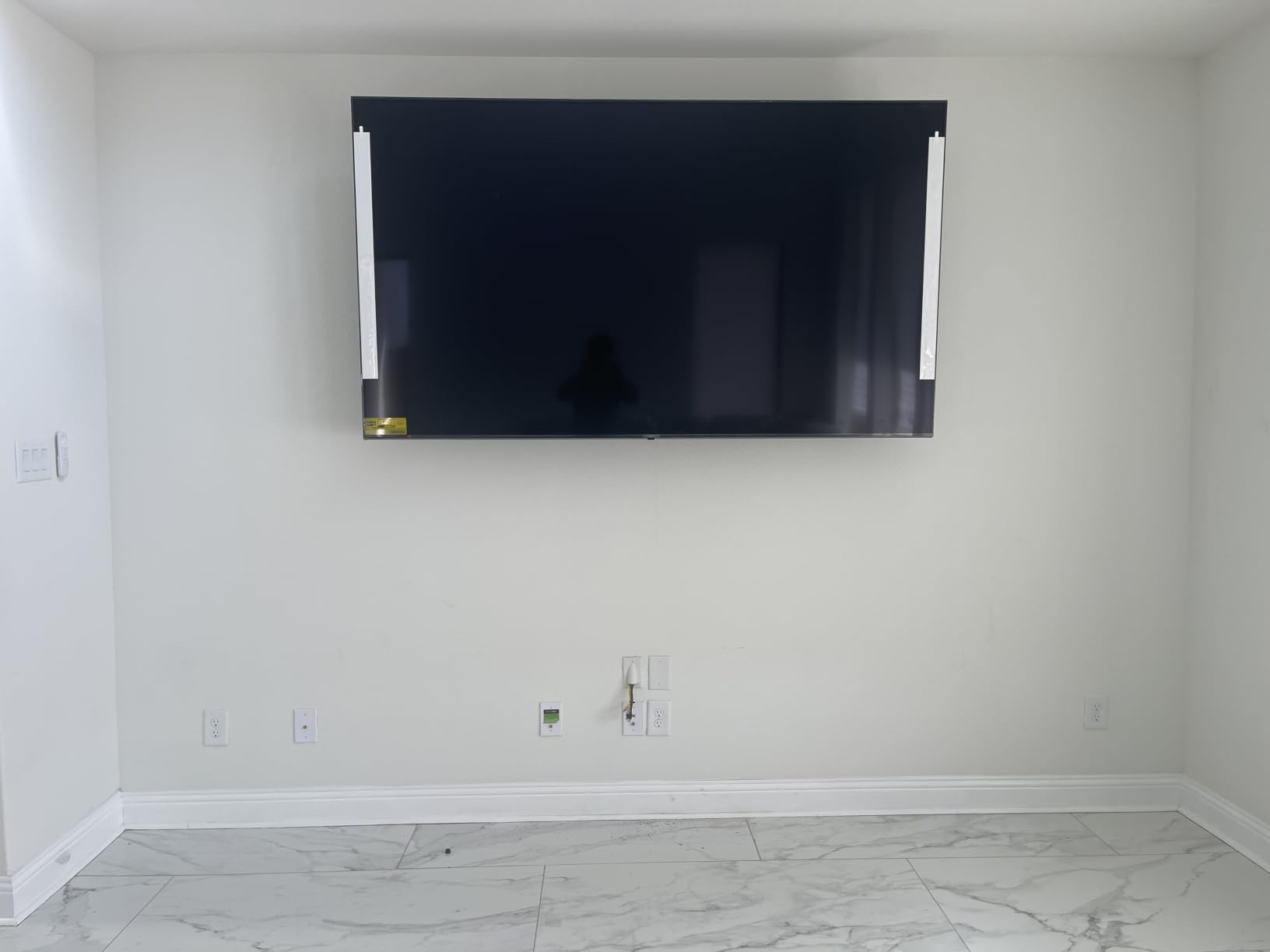
The front support arrives pre-assembled, which on a mount this heavy saves a meaningful chunk of install time. The horizontal adjustment of plus or minus 3 degrees with the included leveling device also makes it easier to end up with a straight screen on an out-of-plumb wall.
What to plan for before the day of the install
This is a two-person job, and lifting a 100 inch panel is a three-person job. Plan the manpower before the mount is out of the box, not after.
Owners repeatedly report that the supplied TV-side screws rarely match the panel thickness, so source the correct bolt length in advance. And never mount this into drywall alone; it needs framing or masonry.
Who this mount suits and who should look elsewhere
It suits a 98 to 120 inch screen on a brick or stone wall, or above a deep mantel where pull-forward clearance is the deciding factor.
It is overkill for anything under 75 inches, where the added weight of the bracket buys you nothing.
8. USX STAR Is the Slimmest Fixed Mount for 98 and 100 Inch TVs
75 85 86 98 100inch Heavy Duty TV Wall Mount Low Profile TV Mount Bracket
55-120 inch screens
Up to 220 lb
Only 1.1 in from wall
VESA 900x600
Pros
- Slimmest profile here at about 1.1 inch
- One-piece steel rated to 220 lb
- Works with 8
- 16
- 24 and 32 inch stud spacing
- Sliding brackets let you centre the screen
- Spring latch for rear connector access
Cons
- Fixed design with no tilt or swivel at all
- Release cords hang visibly behind the screen
- A few packages arrive without the template
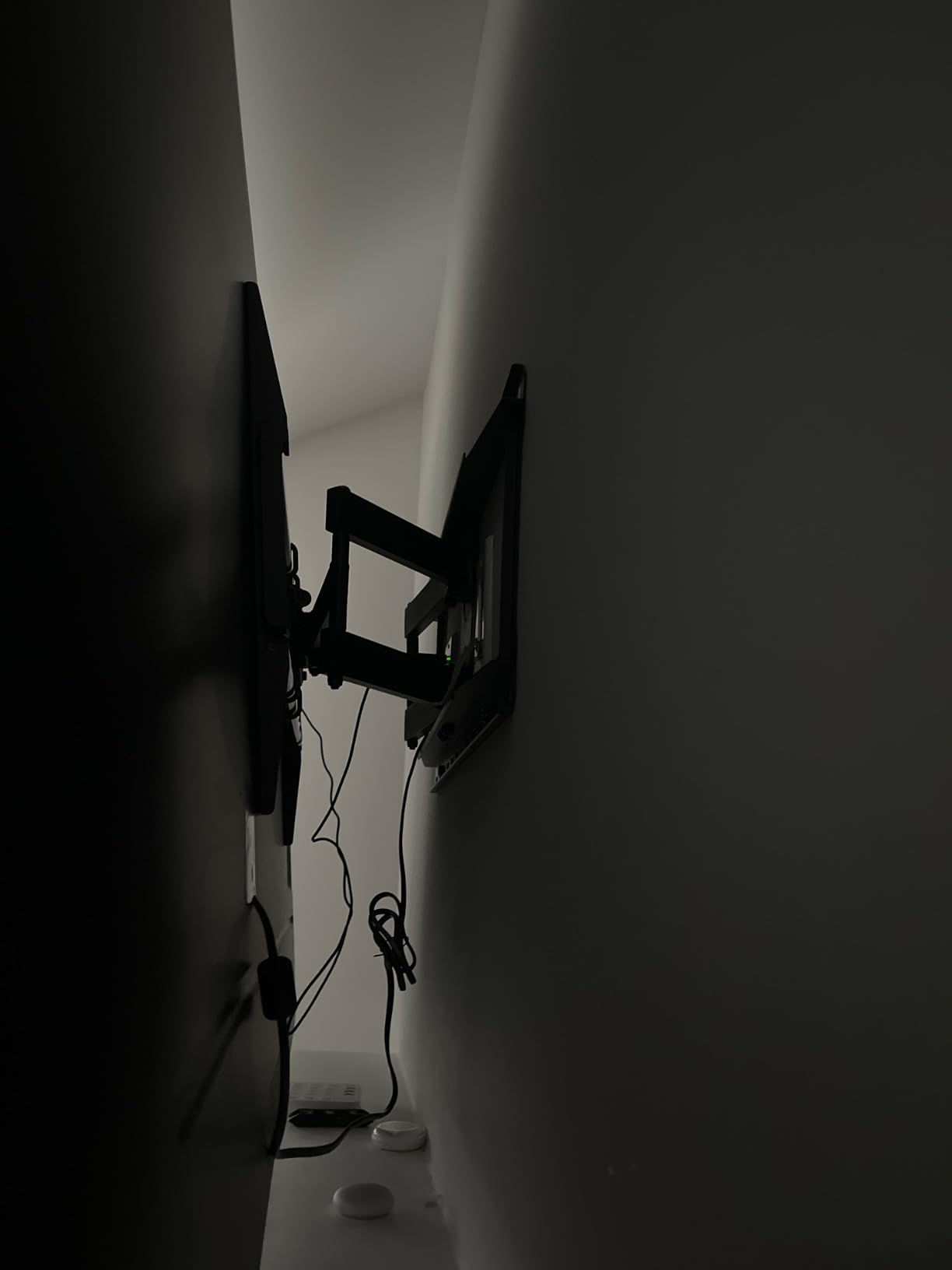
If your objection to wall mounting is how far the screen stands off the wall, this solves it. At roughly 1.1 inch from the drywall, this fixed bracket is the flattest option in the roundup, and the one-piece steel body carries a 220 lb rating without any articulating hardware to flex under load.
That combination is why owners mount 98 and 100 inch sets over 100 lb on it and report a solid, stable result. A fixed bracket has no joints to loosen, so it simply cannot develop the wobble that develops in moving arms.
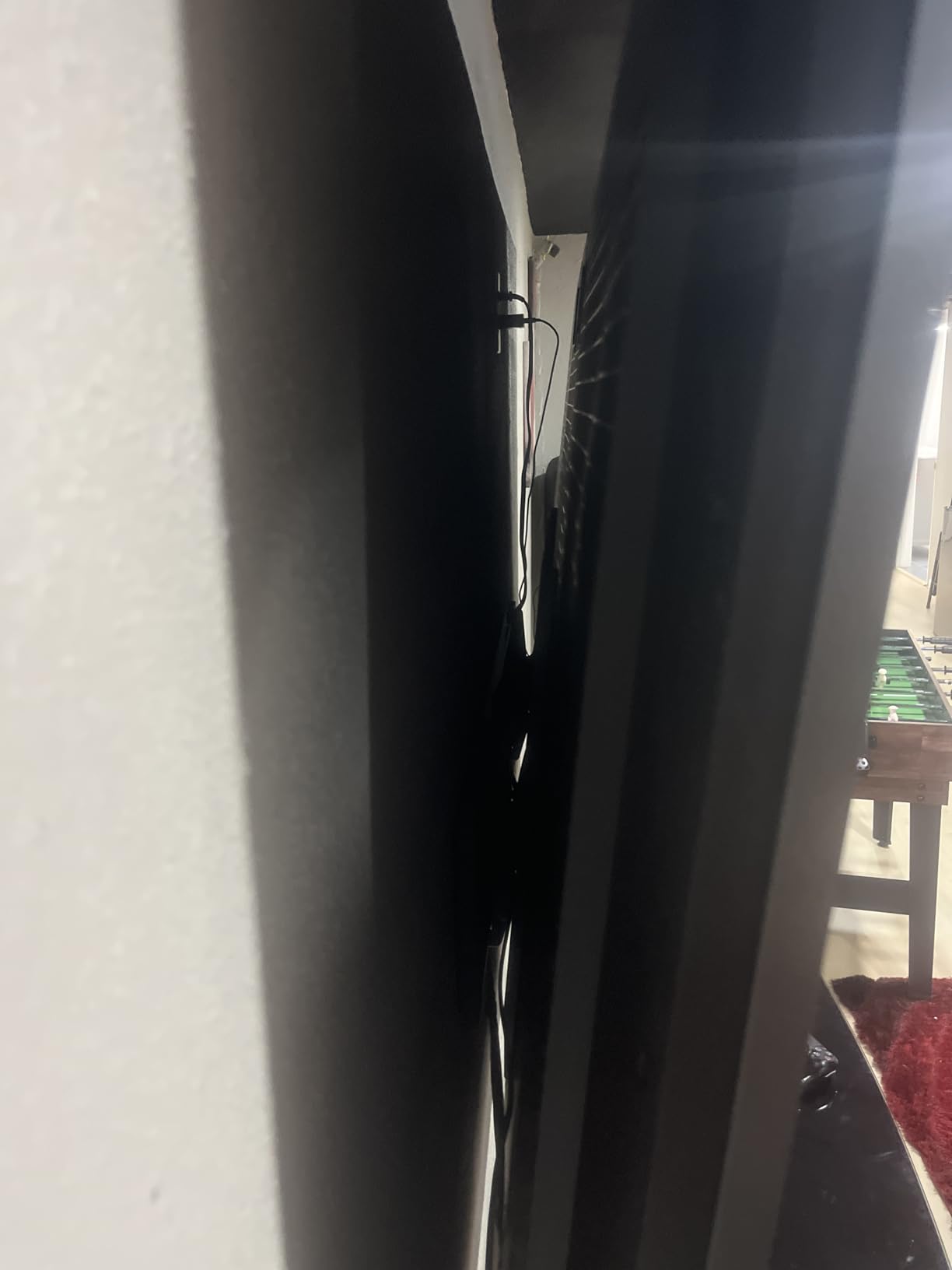
The stud compatibility is the sleeper feature. It fits 8, 16, 24 and 32 inch on-center framing, so it works in walls where most brackets simply will not line up. The brackets also slide sideways for centering, which solves the common problem of an off-centre stud layout.
What you give up with a fixed mount
There is no tilt, no swivel, and no height adjustment after hanging. The mounting height is decided before the drill goes in, so measure the viewing angle first.
A spring-loaded lower latch lets you swing the screen out to reach rear connectors, but the release cords hang visibly and there is nowhere to hide them on a slim profile.
Who this mount suits and who should look elsewhere
Choose it when the screen stays in one place, the wall is finished and visible, and your studs are spaced unusually.
Skip it if you plan to move the TV, watch from more than one seat, or need to reach cables frequently. A flush screen on a brick wall with no extension is a headache you will keep rediscovering.
9. VIVO MOUNT-VW120M Carries 264 lb on Only Two Studs
VIVO Black 2-Stud TV Wall Mount for 60-120 in Screens, MOUNT-VW120M
60-120 inch TVs
264 lb on two studs
Folds to 3 in
Extends 27.7 in
Pros
- 264 lb rating from a two-stud install
- Arrives mostly assembled
- 120 degree swivel with 15 degree tilt
- Folds to a 3 inch profile
- Integrated cable management
Cons
- Weighs 38.3 lb so a two-person install is required
- Lifting a large TV onto the bracket stays awkward
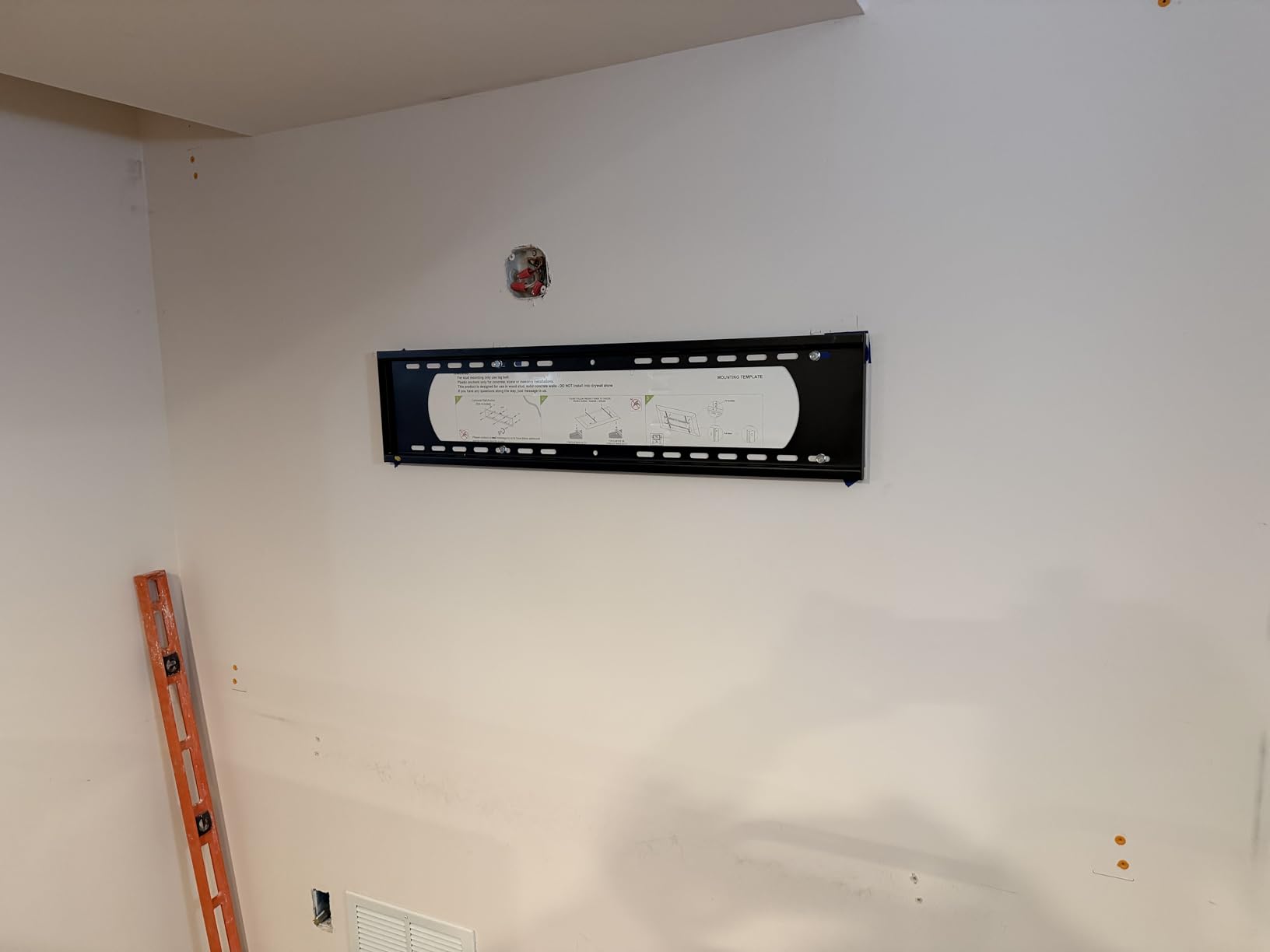
The headline number here is capacity from a two-stud install. Most brackets in the 220 to 265 lb range expect three or more fasteners into framing, and asking for four can rule out walls where only two studs are reachable. This one carries 264 lb on two.
It also arrives mostly assembled, so the only real assembly job is attaching the VESA brackets to the screen. On a 100 inch panel that difference matters, because everything you do not have to do with the mount is work you do not do while holding a heavy object.
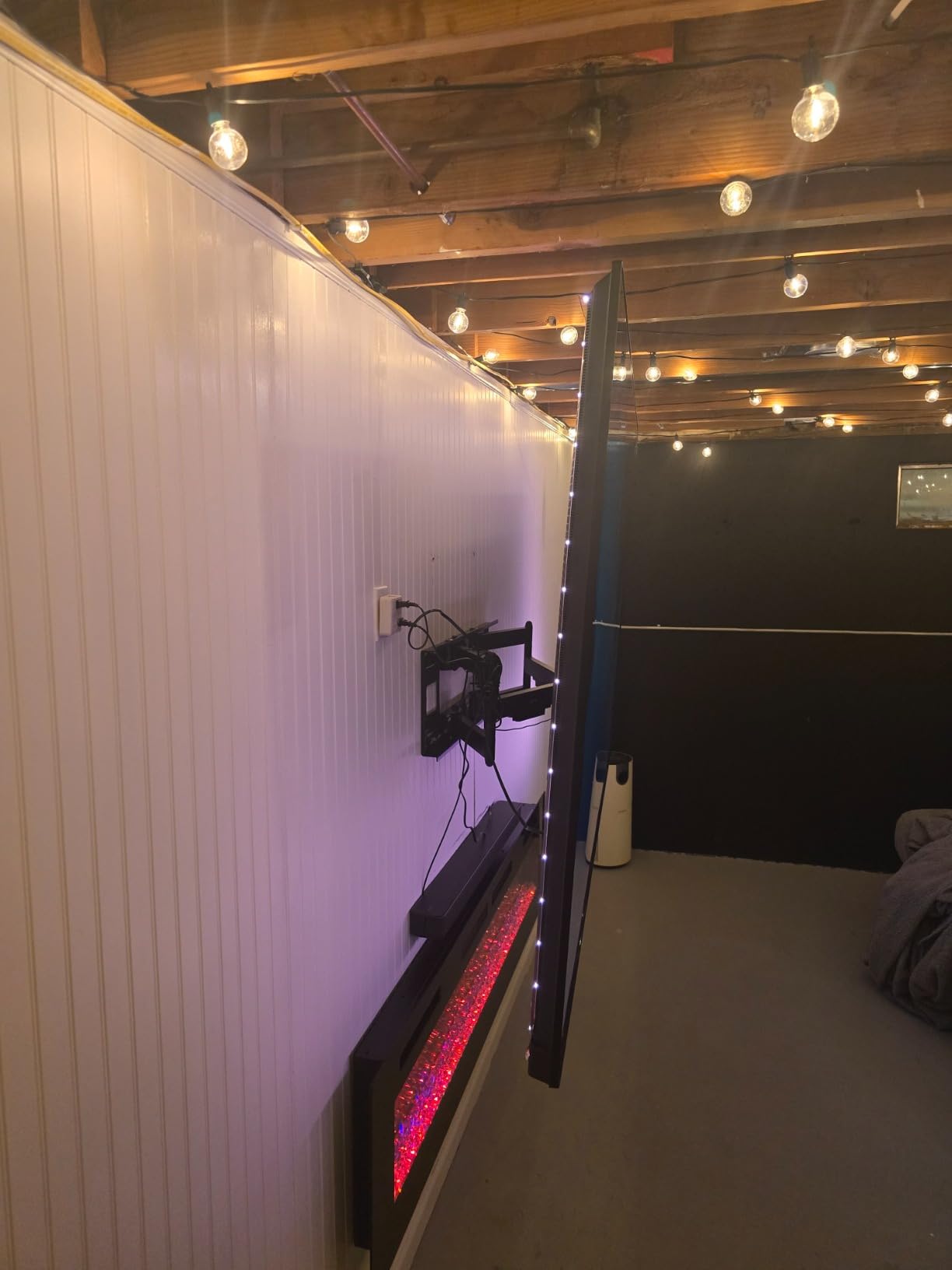
Articulation is wide for the weight class: 120 degree swivel, plus 5 to minus 15 degree tilt, and plus or minus 5 degrees of screen leveling. The whole unit folds to a 3 inch profile and extends to 27.7 inches, and the integrated cable management keeps cords protected as the arms move.
The honest drawback
At 38.3 lb this is one of the heaviest brackets in the roundup, and it needs two people to install and to lift a large TV onto. The screen itself remains the harder part of the job no matter how good the hardware is.
The warranty is 3 years, shorter than the 10 year coverage on several mounts here, so factor that in for a very long-term install.
Who this mount suits and who should look elsewhere
Pick it for a 100 to 120 inch screen where you can only reach two studs, and where the extra 40 lb of capacity over most competitors is genuine insurance rather than margin.
Do not choose it for a 65 or 75 inch panel. You would be carrying a very heavy bracket for a job a lighter one handles with room to spare.
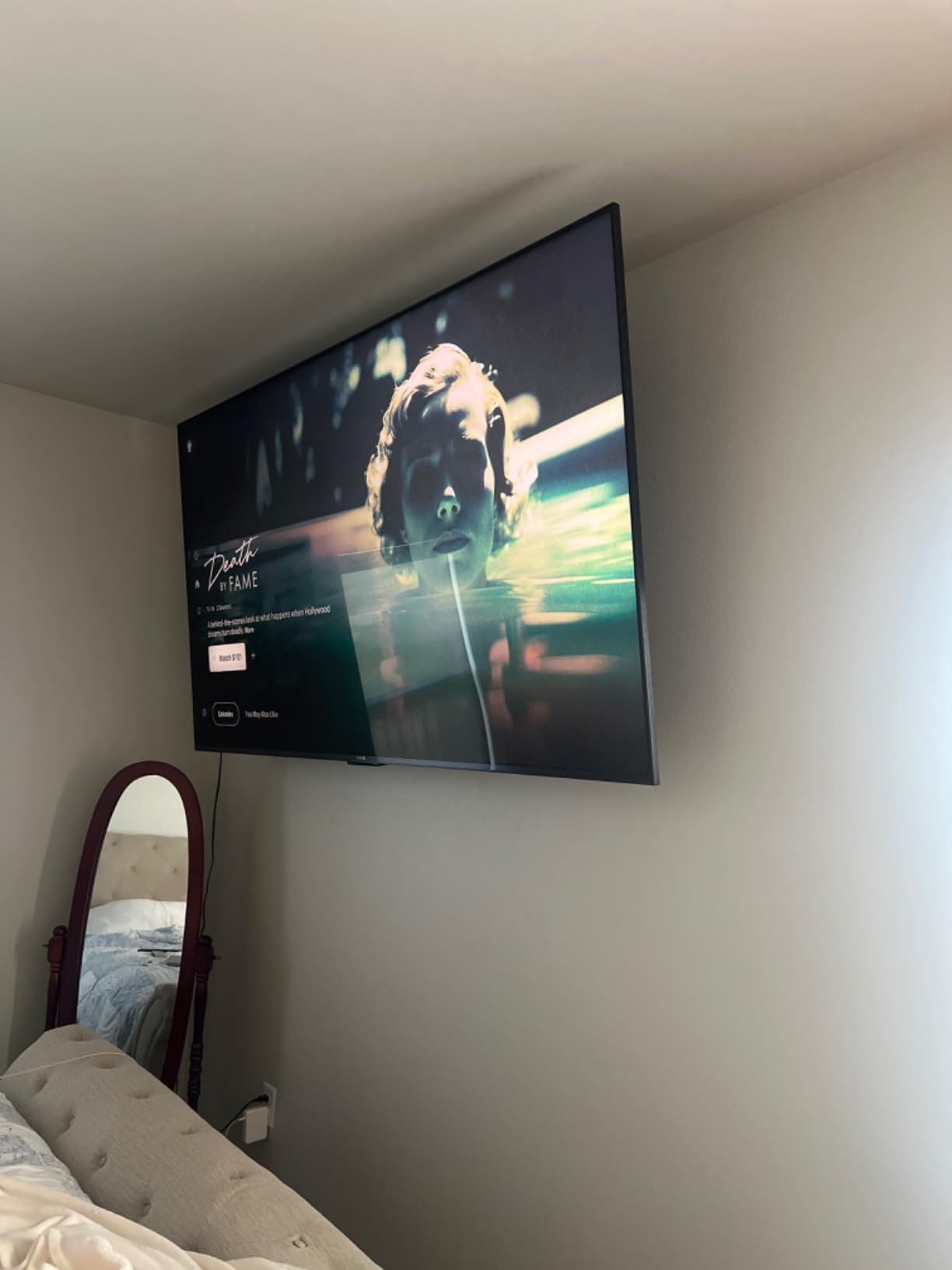
10. monTEK HW1277BK Has the Highest Weight Rating in the Group
monTEK Heavy Duty Full Motion TV Wall Mount for 60-120 Inch Extra Large TVs
60-120 inch TVs
Up to 265 lb
4x load tested
Extends 27.7 in
Pros
- Highest weight rating here at 265 lb with 4x testing
- Handles 98 and 100 inch panels without flex
- 27.7 in extension with 60 degree swivel
- Tool-free tilt needs nothing reached behind the panel
- Quick lock and release for fast screen swaps
- 10 year warranty
Cons
- Weighs 34.6 lb so a two-person install is required
- Supplied M6 bolt lengths may not suit your TV
- Overkill for screens under 60 inches
At 265 lb with a stated 4x load-bearing test, this is the highest-rated bracket we evaluated, and it is built for the specific case of a 98 or 100 inch panel. Owners report mounting even 85 inch commercial conference room screens on it with no flex at full extension.
The tool-free tilt is the detail that shows the design was thought about for big panels. Instead of reaching behind a 100 inch screen to find a knob, the tilt releases by hand. The quick lock and release also makes swapping screens fast, which matters in a room used for different content.
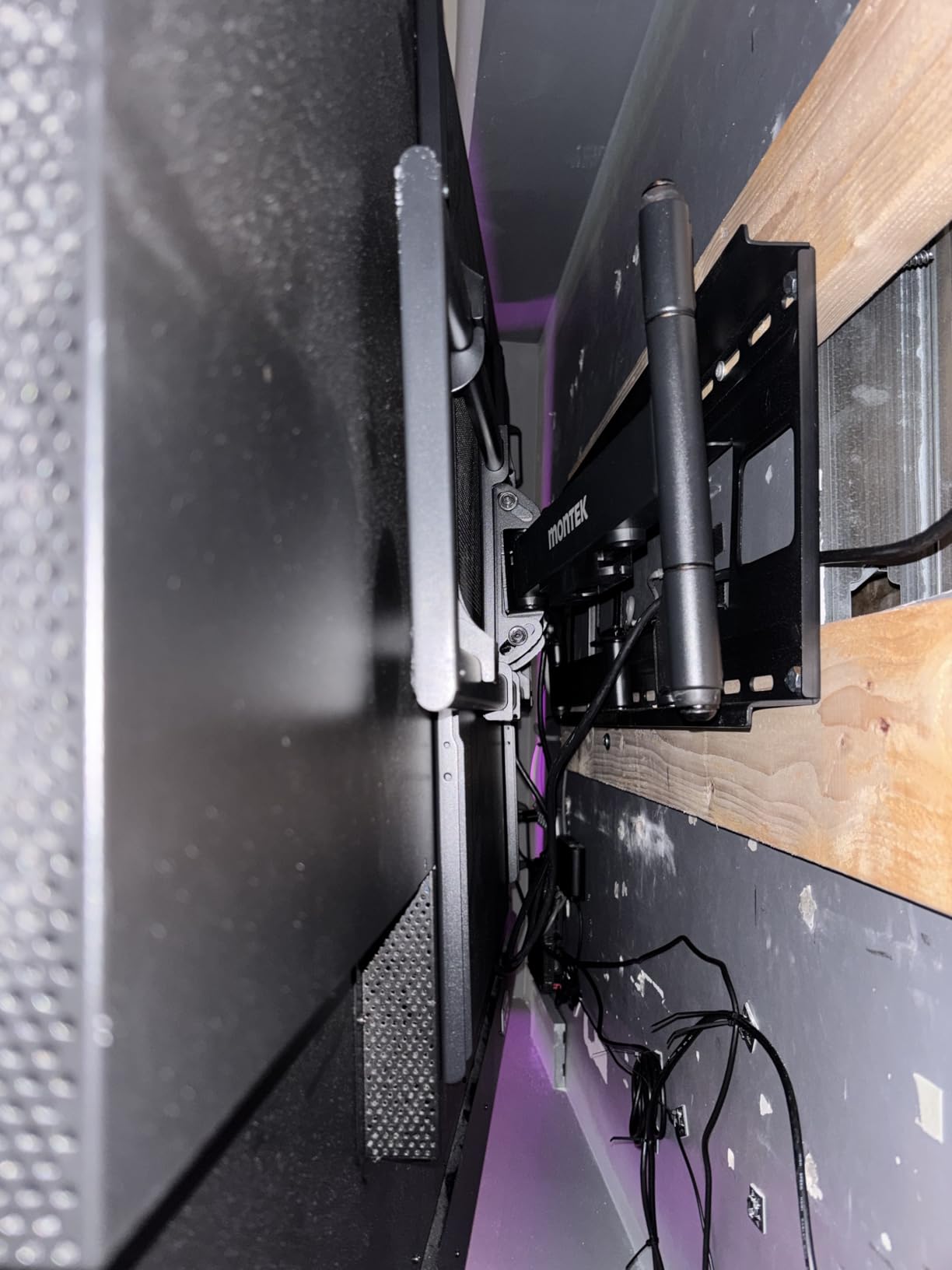
Swivel runs plus or minus 60 degrees with 27.7 inches of extension, retracting to 2.95 inches, and the VESA range covers 200x200mm through 900x600mm. It mounts on 12, 16, 18 and 24 inch studs as well as concrete and brick, and it must be fixed into the centre of studs to perform as rated.
Set-up notes worth reading first
Buyers commonly source their own M6 bolt lengths because the supplied ones do not always match their TV, so check your panel’s spacer depth before the install day.
Two people are required, and the review base here is the smallest in the roundup, so treat the long-term track record as shorter than for the models with tens of thousands of reviews.
Who this mount suits and who should look elsewhere
It suits owners of the largest screens available who want maximum capacity and reach, and who are mounting into framing they are certain about.
Skip it for anything under 60 inches, where a 34.6 lb bracket is dead weight and a lighter mount will do the job better.
Fixed vs Tilt vs Full Motion: Which One Do You Need?
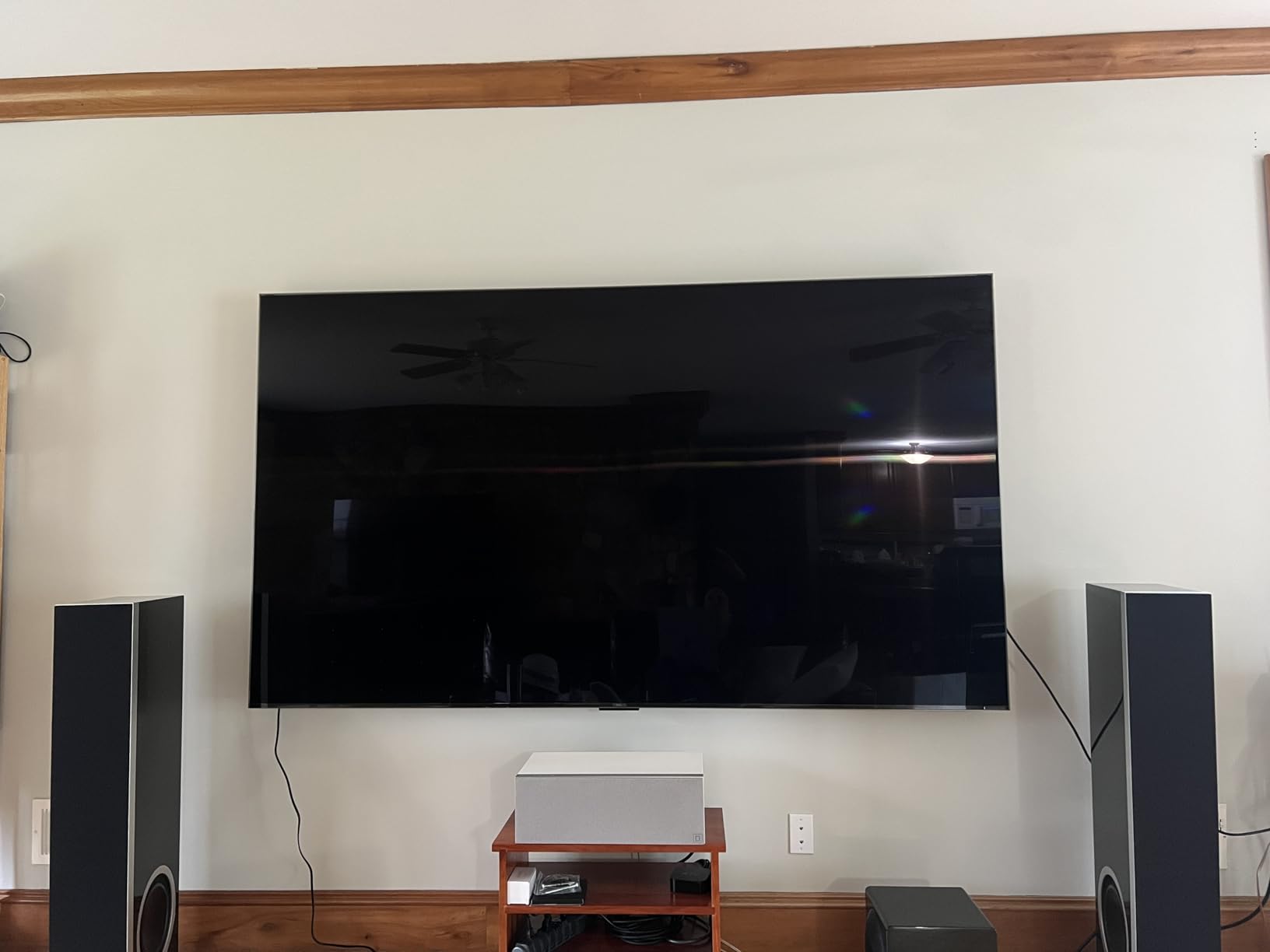
A fixed mount has a single plate that bolts straight to the wall. It is the simplest, strongest, and flattest design, and it is the right answer more often than shoppers expect. If the screen is going in one position and stay there, a fixed bracket rated well above your TV’s weight will feel more solid than any articulating mount at any price.
A tilt mount adds a single pivot so the screen can angle down or up, typically 10 to 15 degrees. That is enough to kill glare from a window or a ceiling light, and it is the best value in the category for most living rooms. It cannot extend, so cables on a flush-mounted panel stay awkward.
A full-motion mount adds articulating arms that extend, swivel, and tilt. It solves corner seating, room-wide viewing angles, and port access on a thick panel, at the cost of more weight, more price, and a small amount of rigidity. That last part is why we often recommend a tilt mount for an 85 inch screen over an articulating one.
Ask yourself one question: will you ever move this screen. If the answer is no, you have already chosen your mount type.
The Three-Number Check Before You Buy
Every bracket listing carries three numbers, and only one of them decides whether your TV will fit. Start with weight capacity, because it is the only number with a safety consequence. Look up your TV’s actual weight in the manual or on the manufacturer’s spec page, then choose a mount rated at least 25 to 30 percent above it. That margin absorbs the shock of hanging and dismounting a large panel and covers differences between model numbers.
Second, check the VESA pattern. VESA is the standardised bolt-hole layout on the back of your TV, expressed in millimetres, such as 400x400mm. The mount must support your exact pattern or a larger one within its range. This is where size-based listings mislead people, since a mount advertised for 90 inch screens may only accept a narrow range of patterns. The wider the VESA range on a mount, the more TV brands it will take.
Third, confirm the screen size range and the stud spacing. Size ranges are marketing shorthand and overlap heavily, so treat them as a rough filter only. Stud spacing is the one that actually ends installs, because a wall plate that cannot reach two studs is a return trip to the hardware store. Standard framing is 16 inches on centre, but you will meet 12, 18, 19, 24 and occasionally 32 inch spacing in older homes, remodels, and multi-unit buildings.
On wall type: into wood studs with two lag bolts per stud is the baseline. Concrete and brick need appropriate anchors, which most kits do not include. Drywall anchors alone are not acceptable for a screen over 100 lb under any circumstances, no matter what the box claims. If you cannot find studs where you need them, a joist-hunting mount designed for that situation is the answer, not a heavier drywall anchor.
Finally, leave cable slack. On any articulating mount, leave enough slack in your cable loop that full extension does not pull connectors or stretch the cable. Route it through the arm channels where they exist, and secure the run to the wall so the weight does not hang from the TV’s ports.
If you want to see the same kind of hands-on comparison applied to heavy precision hardware, our guides to the best star tracker camera mounts and the best iOptron mounts for portable astrophotography go through the same weight and balance checks.
How to Install a Heavy TV Mount Safely
Any screen over about 80 lb is a two-person lift from unboxing to hanging, and a 100 inch panel realistically needs three. Plan the manpower before the mount leaves the box. Lifting a large panel alone is how panels crack and backs get injured, and no bracket rating compensates for a dropped screen.
Find your studs first, with a stud finder or by knocking along the wall, and mark both edges of every stud you can use. For an 85 inch or larger screen, aim to land on three or four fasteners across two studs. A dedicated level on the bracket, rather than a phone app, is worth the cost on a wall this visible.
Mark your height before drilling. Sit where the front row will sit and look straight ahead; that eye line is where the centre of the screen belongs, not where the frame fits neatly between two pieces of furniture.
If you are mounting above a fireplace, you need enough extension to clear the mantel by a few inches, or the screen will cast a shadow on the wall above it. If you are mounting on brick or concrete, use masonry anchors of the correct diameter and drill with a masonry bit, and expect the job to take longer than a drywall install.
Give the mount time to settle. A 200 lb bracket on a long arm can drop a fraction of an inch as the fasteners seat, so re-level after the first week.
What We Skipped and Why
Several well-known mounts from editorial roundups did not make this list, and the reasons are worth stating. Budget full-motion models rated to 70 and 80 lb are technically fine for a 55 inch screen and completely unsuitable for an 85 inch one, which is the most common mismatch we saw. Slim fixed mounts in the same class share the problem in reverse: the size range reads large while the weight rating quietly does not support it.
We also left out mounts with mounting bars narrower than 24 inches, because a narrow bar limits you to two closely spaced studs and turns any off-centre framing into a problem. And we avoided brackets whose listings give a screen size range without publishing a weight limit at all, because there is no way to verify a safety-critical number that is not stated.
For a fuller look at how this category is put together across categories, our guide to the best equatorial telescope mounts applies the same load-versus-capacity reasoning to a very different market.
Frequently Asked Questions
How do I know if my TV mount can hold a bigger TV?
Check three numbers before you assume a mount will fit. Weight capacity must exceed your TV’s actual weight by at least 25 to 30 percent. The VESA pattern on the back of the TV must fall inside the mount’s supported range, not just under its maximum. Finally, confirm the wall plate spans the stud spacing in your wall. Screen size ranges on listings are marketing shorthand, so weight and VESA are the numbers that decide compatibility.
What is the heaviest TV you can mount on a wall?
The heaviest screen in this roundup is handled by the monTEK HW1277BK at a 265 lb rating, with the VIVO MOUNT-VW120M close behind at 264 lb on only two studs. In practice, wall strength becomes the limiting factor before the mount does. A 100 inch panel commonly runs 130 to 160 lb, and that load needs solid framing, not drywall anchors, plus a two or three person install.
What is the biggest TV you can mount on a wall?
Screen size itself is rarely the ceiling, weight capacity and wall structure are. Four brackets in this roundup support screens up to 120 inches, with weight ratings from 200 lb to 265 lb. Mounting a 120 inch panel is a professional job, because the combination of panel weight, wall strength, and safe handling exceeds what a single weekend DIY project usually accounts for.
How much weight can a wall stud hold for TV?
A properly framed wood stud is capable of far more than any TV, so the real limits are the drywall, the number of fasteners, and their placement. For a large screen, use two lag bolts per stud across at least two studs, and prefer three or four fasteners for anything over 85 inches. Drywall anchors alone are not acceptable for a heavy screen under any circumstances.
Is a 75 inch TV too heavy for a wall?
No. A 75 inch set typically weighs 70 to 90 lb, which a standard 16 inch on-centre framed wall handles comfortably. Choose a mount rated 125 lb or higher to leave proper headroom, use two lag bolts into each of two studs, and have two people do the lift. The weight is rarely the problem, the drilling and the handling are.
Can you mount a 100 pound TV?
Yes, provided the wall has studs behind it. Use a mount rated at least 125 to 150 lb so the rating exceeds the screen’s weight with margin, and confirm the VESA pattern falls within the mount’s range. Budget for a two-person install at minimum, leave cable slack for any articulating mount, and never rely on drywall anchors for a screen this heavy.
What happens if I mount my TV on studs too far apart?
Nothing good. If the wall plate cannot reach both studs, you have three options: use a mount with a wider mounting bar, use joist-hunting hardware that screws into the top of the joist rather than the face, or find a different location. Several brackets here span 24 to 32 inches specifically to solve this, and the fixed mount rated to 220 lb fits 8, 16, 24 and 32 inch spacing.
The Best TV Wall Mounts for Large TVs in 2026
For most people mounting a 75 or 85 inch screen, the Mounting Dream MD2617 is the right call. It handles 154 lb, retracts nearly flush, extends far enough to reach cables, and carries a 10 year warranty. If independent load certification is what convinces you, the EchoGear EGLF2 is UL listed and swings 130 degrees.
Step up a tier for bigger panels. The Perlegear PGTVM69B covers 98 and 100 inch sets with a 4x load test behind a 220 lb rating. The monTEK HW1277BK goes to 265 lb for 100 to 120 inch screens, and the VIVO MOUNT-VW120M reaches 264 lb using only two studs when framing is tight.
Go fixed when the screen never moves. The USX STAR sits 1.1 inch from the wall, fits 8 to 32 inch stud spacing, and will never develop wobble. Reach for the USX MOUNT heavy duty model when a thick mantel forces you to pull the screen forward 28 inches.
Check your TV’s real weight, confirm the VESA pattern, and find out what your stud spacing is before you pick a bracket. Those three numbers settle almost every question, and they are free to look up.