
Your child clicks run, the program crashes, and they turn to you with that look. The temptation is real: just point at the missing semicolon and move on. I have been there with my own kids, and I have watched teachers do the same thing in classrooms. The truth is, every time we solve the bug for them, we steal a small piece of the learning.
This guide on how to debug code with kids without giving them the answer gives you a practical framework. You will get a 6-step debugging routine, a scripted Socratic question bank, age-appropriate strategies, and a clear decision framework for when to step in and when to let them struggle. By the end, you will be able to guide without taking over.
Table of Contents
What Debugging Means for Kids (and Why It Matters)?
Debugging is the process of finding and fixing problems in code by comparing what the computer does with what you expected. For kids, it is best framed as detective work. The bug is not a sign of failure. It is a clue left behind by the program.
When children learn to debug their own code, they build critical thinking, problem-solving resilience, and independence. A CS educator on Stack Exchange put it well: “Students who can find and fix their own bugs are empowered and more successful.” That empowerment is the real reason we resist the urge to just fix it.
I have noticed a pattern in my own home. The moment I take over and type the correction, my kid walks away. The moment I ask a question, they lean back in. The goal is to keep their hands on the keyboard and their brain behind the wheel.
The 6-Step Debugging Process for Kids
This is the core routine I teach parents and educators. It works for Scratch, Python, JavaScript, and most beginner languages. The 6 steps for debugging for kids are: Read, Predict, Isolate, Change, Run, and Explain.
Read the error message out loud. Many kids glance at errors and dismiss them. Reading aloud forces them to slow down and notice the words.
Predict what should have happened. Ask: “What did you expect this part to do?” That comparison between expected and actual is the heart of debugging.
Isolate the suspect. Help them narrow the search to one block, one line, or one variable. One common problem at a time.
Change one thing at a time. Random changes feel productive but teach nothing. Single changes create a clean experiment.
Run and observe. Watch what actually happens. If the new behaviour matches the prediction, the bug is gone. If not, return to step 1.
Explain in their own words. If they can describe what went wrong and why the fix worked, the lesson sticks. If they cannot, the bug is not really fixed.
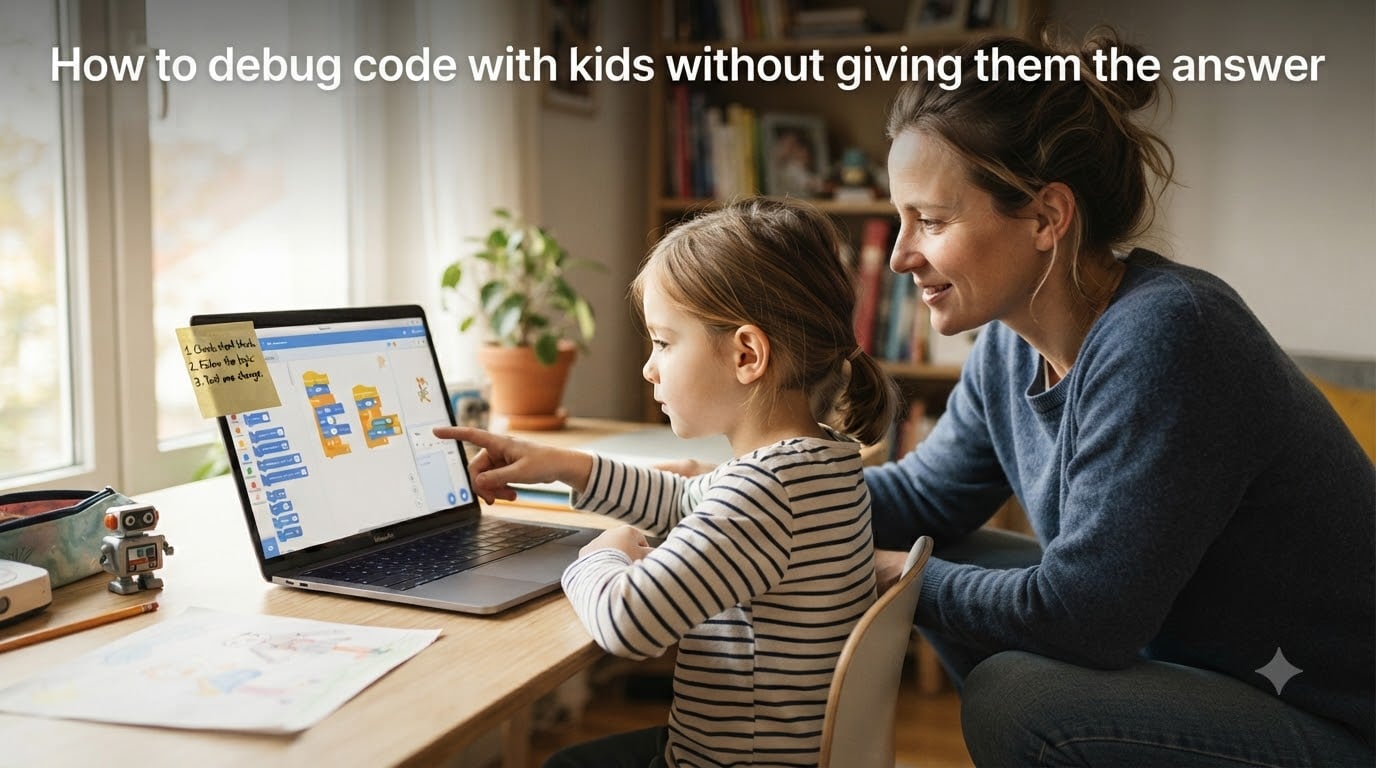
Print this loop on an index card. Tape it next to the computer. After a few sessions, kids start cycling through it on their own without prompting.
Socratic Questions to Ask Instead of Giving Answers
The hardest part of learning how to debug code with kids without giving them the answer is keeping your mouth shut at the right moment. The fix is to load up on questions. Below is a scripted question bank organized by bug type. Use these in order, and stop the moment they spot the answer.
When the error is a syntax error (typo, missing bracket, wrong punctuation)
“What does the very first word of that error message say?”
“Can you point to the line number it mentions?”
“What do you think the computer was expecting to see there?”
“If you were the computer, what would confuse you about that line?”
When the error is a runtime error (program crashes mid-run, division by zero, missing file)
“What was the last thing the program printed before it stopped?”
“Which variable or input is most likely to cause that crash?”
“What value does that variable have right before the crash?”
“If you tested it with a different input, what would happen?”
When the error is a logic error (program runs but gives wrong answer)
“What answer did you expect? What answer did you get?”
“Which line of code is responsible for that difference?”
“Can you trace through the code with sample input on paper?”
“What if the input were zero, or empty, or the largest possible value?”
When the kid says “I do not know what is wrong”
“What have you already checked?”
“Which part are you most sure is correct?”
“If you had to guess, which line is the most suspicious?”
“What is the smallest version of the program that still has the bug?”
The pattern is the same every time: redirect them to the code, not to you. A mentor on CS Educators wrote that “when correcting mistakes, ask students to type corrections themselves so they are better ingrained.” Asking is the first half. Letting them do the typing is the second half.
Reading Error Messages Together Without Solving for Them
Error messages are the friendliest part of programming, but kids often treat them like glowing red text they need to dismiss. One teacher on Reddit summed up the problem: “Students clear error messages before I can even see them. They think errors are something to hide.”
Here is a small ritual that fixes this. Ask the child to read the error message out loud. Then ask three questions: “What file or function is mentioned? What line number is mentioned? What does the last word of the error say?” These three questions turn the error into a checklist instead of a verdict.
With Scratch, the equivalent is a red block. Instead of dragging it out, ask: “What does this red block look like? Which other block is supposed to fit here?” Block colours in Scratch carry meaning, and pointing that out teaches kids to read code visually long before they read text.
Age-Appropriate Debugging Strategies
How to debug code with kids without giving them the answer looks different at different ages. The same Socratic question that delights a 12-year-old will frustrate a 6-year-old. Match the strategy to the developmental stage.
Younger kids (ages 6 to 8): Visual and physical
Use printed code snippets and crayons. Have them circle loops or draw arrows to show what runs first. Commenting out code is your best friend. In Scratch, you can duplicate a script and disable one with a right-click, which lets them see what changes when one part is removed.
Middle kids (ages 9 to 12): Guided investigation
Lay out the 6-step routine on a sticky note. Use print statements generously. In Python, add print("here") markers to narrow down where the program stops behaving. They can run, observe, and remove the print as they go.
Older kids (ages 13 to 16): Independent hypothesis testing
Step back further. Ask them to write down their hypothesis before they change anything. Encourage a small log: “Bug, hypothesis, change, result.” This becomes the start of a portfolio and a habit that will serve them in college and beyond.
When to Step In and When to Let Them Struggle
This is the question I get most often from parents, and the answer is not the same every time. I use what I call the 5-minute rule. If a child has been stuck on the same bug for 5 minutes without making progress, that is the signal to step in. If they are stuck but still trying new things, give them 15 minutes.
Three clear signs mean it is time to help:
The child has stopped typing and is staring at the screen.
The same line has been edited more than four times without a run in between.
The child asks you to “just do it” instead of asking a question.
When you step in, do not solve. Model. Say: “Watch me trace through this once.” Then hand the keyboard back. A developer on r/learnprogramming admitted, “I learned by sitting with stupid errors for hours, but how do I teach this faster?” The honest answer is that you cannot rush it. You can only reduce the wasted hours by giving them better strategies.
Handling Frustration When Debugging With Kids
Debugging is emotional. A bug that looks obvious to you might look like a wall to a child who has been staring at it for 20 minutes. Treating the emotional side is part of how to debug code with kids without giving them the answer.
Reframe the bug immediately. Do not say “this is hard.” Say “this is interesting.” Replace “you are wrong” with “the program is doing something unexpected.” Kids absorb your language. The bugs stay the same size, but their reaction to them shrinks.
Build in breaks. After 20 minutes of debugging with no resolution, walk away. Set a timer for 10 minutes. Most of the moment kids return, they spot the bug within 30 seconds. A fresh brain is a debugging tool, and treating it as such is not cheating.
Celebrate microscopic wins. “You noticed the variable name changed.” “You read the error all the way to the end.” “You only changed one thing at a time.” These are the building blocks of debugging confidence, and they have nothing to do with whether the bug is fixed.
Frequently Asked Questions
What are the steps for debugging for kids?
The 6 steps for debugging for kids are Read the error message, Predict what should have happened, Isolate the suspect line or block, Change one thing at a time, Run and observe the new outcome, and Explain in their own words what went wrong and why the fix worked. This loop can be printed on an index card and reused for every bug.
How do you teach debugging without giving the answer?
Teach debugging without giving the answer by using Socratic questions that redirect the child to the code. Ask what the error message says, what they expected versus what they got, which line is most suspicious, and what they have already checked. Let the child type the fix themselves so the lesson is ingrained.
What age should kids start debugging?
Kids can start learning basic debugging around age 6 using block-based languages like Scratch, where they circle or disable blocks to find problems. By age 9 they can handle a printed 6-step debugging routine, and by age 13 they can keep an independent bug, hypothesis, change, and result log.
Why do kids give up when code does not work?
Kids give up when code does not work because they treat errors as personal failure rather than as clues. Reframing bugs as detective work, taking short breaks after 20 minutes of stuck debugging, and celebrating process-based wins like reading the full error message all reduce the urge to quit.
How long should a kid struggle with a bug before getting help?
Apply the 5-minute rule: if a child has been stuck on the same bug for 5 minutes without trying anything new, step in. If they are still making changes and testing, give them 15 minutes. Step in to model, not to solve, and hand the keyboard back so they finish the fix themselves.
Conclusion
Learning how to debug code with kids without giving them the answer is less about clever technique and more about patience. The 6-step routine, the Socratic question bank, and the 5-minute rule are tools that buy you time. They give you something to do besides fixing it for them.
Start with one session. Tape the 6-step routine next to the screen. The next time your child hits a bug, ask the first question from the right scenario and stop talking. Watch what happens. By the third or fourth bug, they will be reading the error message out loud before they even turn to you.