
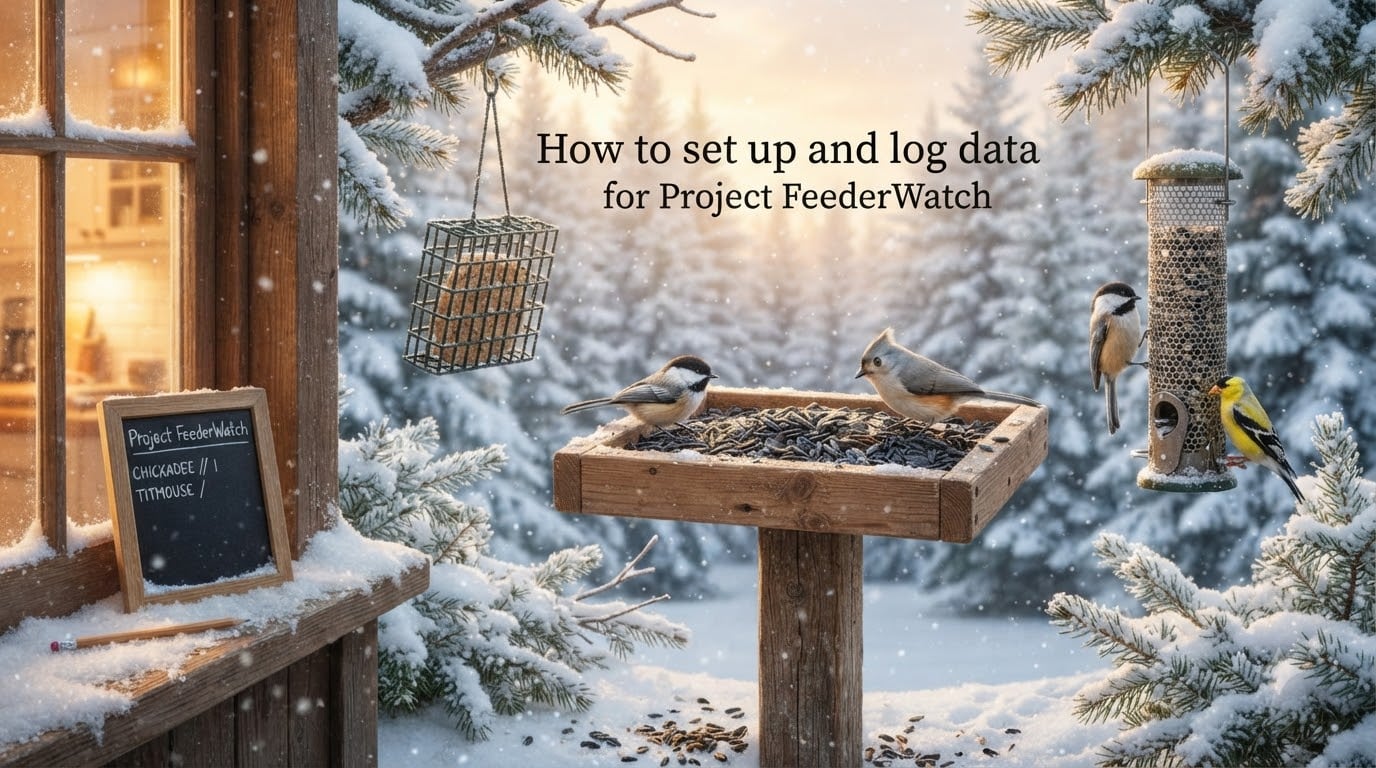
Project FeederWatch turns the simple act of watching birds into real scientific data. Every two-day count you log helps researchers track bird populations across North America through the coldest months of the year.
I have been helping first-time participants get started for years, and the same questions come up every season. This guide walks you through the entire process: signing up, picking your count site, learning the maximum simultaneous count rule, choosing between the app and a paper tally sheet, and submitting your data online. By the end, you will know exactly how to set up and log data for Project FeederWatch without second-guessing a single step.
Table of Contents
What Is Project FeederWatch and Why Participate?
Project FeederWatch is a winter-long citizen science survey run by the Cornell Lab of Ornithology in partnership with Birds Canada. From November 1 through April 30, participants count the birds that visit their feeders, yards, or any defined outdoor space, then submit those counts to a shared database.
The program has been collecting data since 1987. That history matters: it gives scientists enough runway to spot long-term shifts in bird populations, range expansions, and the effects of climate change on species that spend their winters in North America.
Here is why your participation matters, even if you only see common birds:
Your data fills a geographic gap. Researchers depend on counts from thousands of ordinary backyards to build range maps.
Common birds are tracked too. A chickadee at your feeder is a data point scientists use to track population trends across decades.
Citizen science scales what no single research team could do alone. Your two-day count joins millions of others.
Joining Project FeederWatch also connects you to a community. Participants receive a regional checklist of birds, an annual report summarizing trends, and access to live data maps through the Cornell Lab’s Explore Data tools.
How to Sign Up for Project FeederWatch?
Signing up is straightforward and takes about 10 minutes. You register online at feederwatch.org, choose a participation level, and receive your welcome materials in the mail.
Step-by-Step Registration
Visit feederwatch.org and click “Join” or “Register.”
Create an account with your name, email, and mailing address.
Select your country (United States or Canada) and contribution level.
Complete payment. U.S. participants can join with a $28 annual fee, and Birds Canada offers a similar tier for Canadian participants. Fee waivers are available for teachers and students who reach out to the program directly.
Receive your participant ID and welcome kit, which includes a regional bird checklist, a tally sheet, and a bird identification poster.
Once registered, you can begin counting as soon as the season starts on November 1. Your participant ID is what links your counts to your account, so keep it handy when you enter data online.
Why is there a fee? The fee covers the cost of producing and mailing materials, maintaining the data entry website and mobile app, and supporting the ornithologists who analyze the results. Without contributions from participants, this scope of citizen science research would not be possible.
Selecting Your Count Site
Your count site is the specific area you will observe from all season long. Project FeederWatch does not hand you a defined location; you define it yourself and stick with it.
Getting this right matters because Project FeederWatch tracks changes at the same site over time. Switching sites mid-season would break your data continuity and skew the trends you’re contributing to.
What Counts as a Count Site
Your backyard or garden
A balcony or rooftop with visible feeders
A schoolyard or community garden
A window with a clear view of feeders and natural perches
A nature center or park (if you have permission and a consistent observation point)
Defining Site Boundaries
Draw a mental boundary around the area you can see from your watching spot. Anything inside that boundary is “in your site.” Anything outside is not counted on your checklist, even if the bird is technically on your property.
For example, if your feeders are 30 feet from your kitchen window but you also have a fruit tree on the far side of your yard, decide whether that tree is inside your count site. Whatever you choose, treat it the same way every count day.
You can register more than one site if you spend time at a second location. Many participants use one site for home counts and another for a weekend cabin or office. Each site gets its own separate count entries.
Choosing Your Count Days: November 1 to April 30
The Project FeederWatch season runs from November 1 to April 30 each year. Within that window, you choose the days you count. You are not expected to count every day, and you should not feel pressure to.
The program is designed around flexibility. Most participants count a few times per month, while power users count every other week. Either pattern works and contributes useful data.
How to Pick Your Schedule
Two consecutive days per count period. Pick a pair of days in a row (Saturday and Sunday, for example) and try to stick with them.
Choose days that fit your routine. Weekends are popular. Retired participants often prefer Tuesday and Wednesday when bird traffic is steady.
Same days each week builds a habit. Consistency produces the cleanest data.
Skip a week if you need to. Life happens. Gaps in your data are fine; the program expects them.
You can count as frequently or infrequently as your schedule allows. The only rule is that your count days are two consecutive calendar days. You cannot count on Monday and Wednesday of the same week.
The Two-Day Counting Method Explained
Once you have picked your count days, the watching itself is simple. On each of your two consecutive count days, you observe your site and record what you see. There is no minimum time requirement, and there is no maximum either.
Many participants watch for 10 or 15 minutes at a time, several times across the day. Others sit with a cup of coffee for an hour. Both approaches work. The program trusts you to record what you actually see.
What to Record During Your Count Days
The maximum number of each bird species seen at any one moment
The highest number of any mammal species you spot (optional but encouraged)
Snow cover and weather conditions
Any behavioral interactions between species (predation, displacement, feeding)
Sick or dead birds (rare but valuable data)
Once your two days are complete, you submit your counts as a single pair. Each species gets one number per count period: the maximum you saw at a single moment across both days.
The Maximum Simultaneous Count Rule
This is the rule that trips up almost every new Project FeederWatch participant. It confused me too when I first joined. The rule is simple in concept, but it changes how you count birds.
Definition: The maximum simultaneous count is the largest number of individuals of a species you see at your count site at one single moment. You do not add up birds across the day. You record the peak at any one instant.
Why This Rule Exists
If you total every bird you see over two days, you will double-count the same individuals. The same chickadee returns to your feeder multiple times per hour. Without a maximum rule, your data would suggest dozens of chickadees when only four actual birds are visiting.
By recording the peak count, scientists get a more accurate snapshot of how many birds are actually using your site. That number is what they compare across thousands of participants to track real population trends.
Example: Counting Chickadees
On Saturday, you see 1 chickadee at the feeder in the morning, 2 at midday, and 3 at dusk. On Sunday, you see 2 in the morning, 4 at noon, and 1 in the afternoon. Your maximum simultaneous count for the two-day period is 4, not 13. That is the number you submit.
Example: Counting House Finches
You glance out and count 6 house finches on the feeder at 9 a.m. By 10 a.m., the feeder is empty. By 11 a.m., 5 finches are back. You submit 6, because that was the largest number you saw at any single moment.
Tricky Situations
Mixed-species flocks can be hard to count in real time. Use the “blocking method”: scan the flock slowly, count one species, then move to the next. If the flock moves before you finish, count what you saw and estimate the rest based on relative proportions. Project FeederWatch accepts “best estimate” entries.
FeederWatch App vs Paper Tally Sheet
Project FeederWatch gives you two ways to record your counts: the FeederWatch mobile app or a paper tally sheet. Both feed into the same online database. The choice comes down to your habits and comfort level.
Comparison: App vs Paper Tally Sheet
FeederWatch App (iOS and Android): Built-in regional checklist of birds, automatic time stamps, easy data sync to your online account, weather logging, and bird ID photos. Some users find the app glitchy on older phones.
Paper Tally Sheet: Simple, reliable, no battery or Wi-Fi required. You write down species and peak counts by hand, then transfer the data to the website later. Great for participants who prefer paper or have spotty mobile service.
Forum Feedback on the App
Participants on Reddit and birding forums have reported occasional frustration with the mobile app. The most common issues are slow syncing, accidental sign-outs, and confusion when adding a new species. None of these are deal-breakers, but they are worth knowing in advance.
Tips for App Users
Log in once at the start of the season and stay logged in. The app remembers your session.
Update the app regularly. Cornell releases small fixes throughout the season.
If the app crashes mid-count, your data is still saved locally. Reopen and continue.
Use the app’s built-in regional checklist to avoid typos and misspelled species names.
Tips for Paper Tally Sheet Users
Print fresh tally sheets each count period. The PDF is available in your online account.
Write clearly. You will be re-entering these numbers by hand later.
Note the date and your count site name on every sheet.
Store completed sheets in a folder until you have time to enter them online.
How to Enter Data Online
Whether you used the app or paper, your final step is logging into your Project FeederWatch account and submitting your counts. The data entry site is straightforward once you have done it a few times.
Step-by-Step Data Entry
Go to feederwatch.org and log in with your participant ID or email and password.
Click “Enter Data” or “Submit a Count” from your account dashboard.
Select the count site you observed (if you have more than one).
Pick the two-day count period you are submitting.
Enter the maximum simultaneous count for each species you saw. Leave species blank if you did not see them.
Add optional data: snow cover, weather, mammal sightings, behavioral notes.
Review your entries for typos and flagged records (the system warns you if a number seems unusually high).
Submit. Your counts are now part of the Project FeederWatch database.
How Long Does Entry Take?
Most participants spend 5 to 10 minutes entering data for a typical count period. The first entry takes longer because you are learning the form. By your third or fourth submission, you will fly through it.
You can submit your counts immediately after your two-day period ends, or wait and batch several count periods at once. The program does not require real-time submission.
Best Practices for Accurate Counts
After years of helping participants troubleshoot their data, I have found a few habits that produce the cleanest, most useful submissions. These are not rules, but they consistently improve accuracy.
Set a Consistent Observation Window
Pick a time of day that works for you and stick with it. Birds are most active at dawn and dusk, so morning or late-afternoon sessions tend to produce the highest counts. If your schedule only allows lunch breaks, that is fine. Consistency matters more than timing.
Track Weather and Snow Cover
Weather affects bird activity. Heavy snow drives more birds to feeders; warm spells reduce traffic. Recording snow depth and weather conditions helps scientists interpret your counts in context. The form has a simple dropdown for these fields.
Record Mammals When You See Them
Squirrels, chipmunks, raccoons, and opossums are all optional entries. While Project FeederWatch is bird-focused, mammal data helps researchers understand food-web dynamics at feeders.
Note Behavioral Interactions
Did a hawk scatter your feeder flock? Did a chickadee displace a nuthatch at the suet? These interaction entries are rare but valuable. Scientists use them to study competition and predator-prey dynamics at backyard feeders.
Encouragement for “Boring” Counts
Many participants worry that a count filled with house sparrows and starlings is not worth submitting. It absolutely is. Common birds are the backbone of long-term population trends. A count of zero feeder birds during a snowstorm is also useful data. Submit every count period, even the quiet ones.
Common Mistakes to Avoid
Most first-season participants make a few predictable errors. Knowing them upfront saves you from redoing your counts or submitting inaccurate data.
Totaling Instead of Taking the Maximum
This is the number one mistake. If you see 2 chickadees in the morning and 3 in the afternoon, you submit 3, not 5. The maximum simultaneous count rule is non-negotiable.
Counting Birds Outside Your Site Boundaries
That hawk circling 100 feet above your yard is not part of your count site. Neither is the robin across the street. Stay disciplined about your defined boundaries.
Skipping Weeks and Trying to Backfill
Project FeederWatch does not allow you to recreate counts from weeks you missed. If you forget a count period, simply skip it and start fresh next time. Guessing from memory introduces bias.
Guessing on Tough Identifications
If you cannot tell a House Finch from a Purple Finch, skip it. It is better to leave a species off your checklist than to misidentify it. The program prefers accurate incomplete data over confident mistakes.
Counting Birds on the Wrong Days
Remember: two consecutive days. Monday and Wednesday do not count. Neither do Friday and Saturday if you missed Saturday and counted Sunday instead.
Forgetting to Submit
Counts do not auto-submit. If you used the app, double-check that your data synced. If you used paper, log in and enter your counts within a week so you do not forget the numbers.
Troubleshooting Data Entry Issues
Even experienced participants hit occasional snags with the data entry website. Here are the most common issues and how to resolve them.
Forgot Password
Click the “Forgot Password” link on the login page. The system emails you a reset link within minutes. If the email does not arrive, check your spam folder and confirm you are using the email address tied to your registration.
Flagged Records Explained
The system flags unusually high counts for review. If you submit 50 house sparrows and your historical counts are around 8, the form will warn you. This is a safeguard, not a punishment. Double-check the number, adjust if needed, and add a note if the count was genuinely high (a flock arriving during a storm, for example).
Editing or Correcting Submitted Data
You can edit your counts after submission. Go to “Your Data” in your account dashboard, find the count period, and click “Edit.” Changes are saved immediately and update the database.
Cannot Find a Species in the Checklist
The data entry form uses a regional checklist generated from your location. Rare species outside your region may not appear. Use the search box to find them, or contact support if a species is genuinely missing from your area.
Website Not Loading
The Project FeederWatch website is busiest in November and December. If the site is slow or unresponsive, try again during off-peak hours (early morning or late evening). Clearing your browser cache often resolves lingering issues.
When to Contact Support
For technical problems that you cannot solve, reach out to the Cornell Lab support team through the contact form on feederwatch.org. They typically respond within a few business days.
Frequently Asked Questions About Project FeederWatch
How much does Project FeederWatch cost?
The standard annual fee for participants in the United States is $28. Canadian participants join through Birds Canada at a similar tier. Fee waivers are available for teachers, students, and participants who need financial assistance. The fee covers materials, the data entry website, and the mobile app.
How long does Project FeederWatch last?
The Project FeederWatch season runs from November 1 through April 30 each year. Within that window, you choose any two consecutive days to count, as often as your schedule allows. Most participants count a few times per month.
How do I count birds at my feeder?
Watch your feeders and surrounding site during your two consecutive count days. Record the maximum number of each species you see at any single moment. Do not add up birds across the day. Submit your highest simultaneous count for each species when you enter data online.
What is Project FeederWatch?
Project FeederWatch is a winter-long citizen science survey run by the Cornell Lab of Ornithology and Birds Canada. Participants count birds at their feeders from November through April and submit their observations to a shared database used for bird population research.
Can I participate without feeders?
Yes. You can count birds in any defined outdoor space, including yards, parks, and schoolyards that do not have feeders. Many participants count birds visiting natural food sources like berries, native plants, and water features.
What if I only see common birds?
Submit those counts. Common birds are the foundation of long-term population trend data. A count of house sparrows or chickadees is just as scientifically valuable as a count of rare species.
Final Thoughts on Joining Project FeederWatch
Setting up and logging data for Project FeederWatch is genuinely simple once you understand the three-step rhythm: pick a count site, watch for two consecutive days, and submit your maximum counts online. The rules are forgiving. The community is welcoming. The science is real.
If you have been hovering on the sign-up button, sign up before the season starts. Your first count period will feel unfamiliar, but by your third one, it will feel like part of your weekly routine. Birds are paying attention to your yard all winter. Now is the time to start paying attention back.