
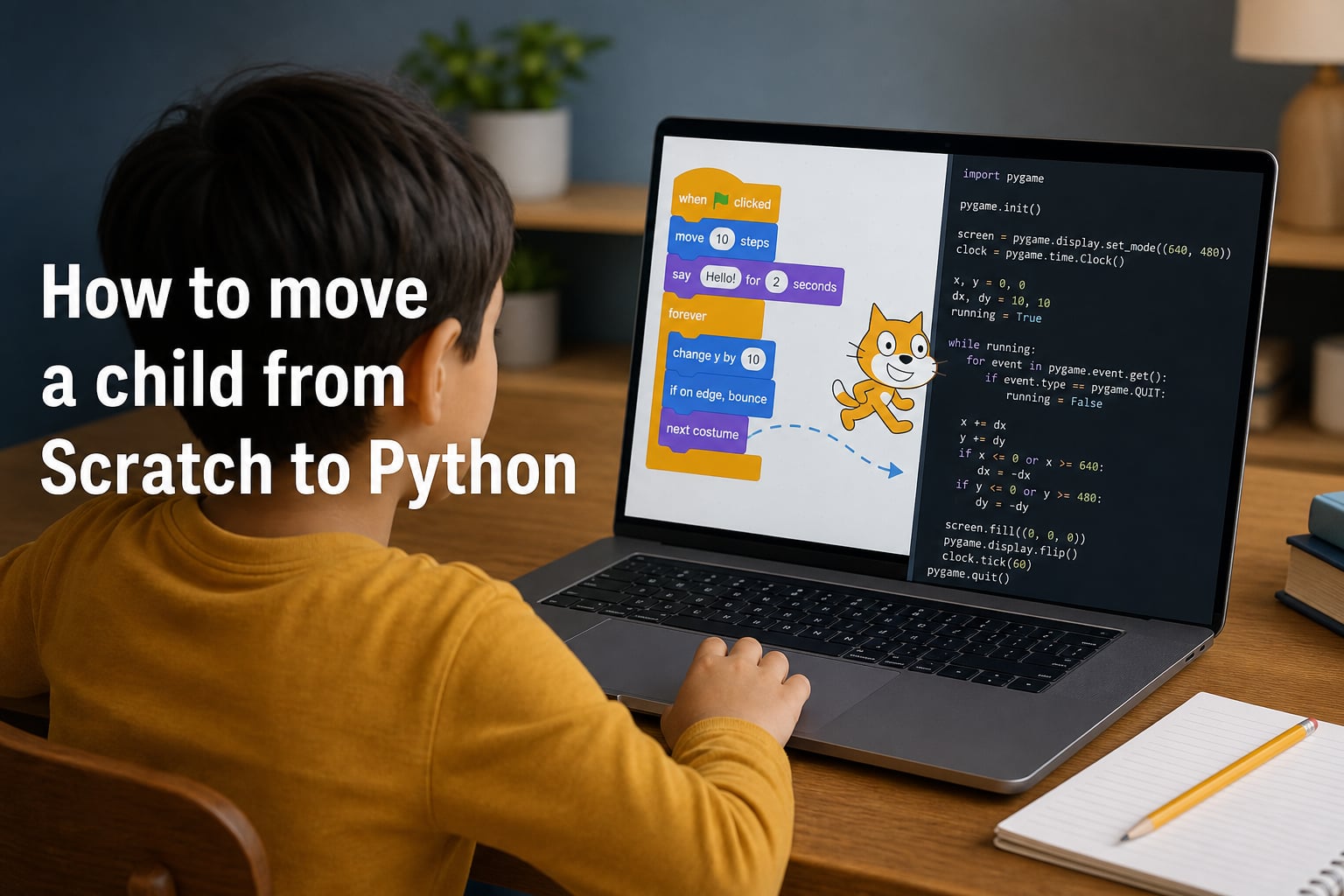
When my daughter finally outgrew Scratch last spring, she told me she wanted to “type code like a real programmer.” She had built 40+ animations and games, and she was bored. That boredom was the signal I needed to learn how to move a child from Scratch to Python, and I realized the transition deserves more care than I had assumed.
This guide walks through the entire Scratch to Python transition in 2026, from recognizing readiness signs to picking first projects. It draws on what worked for our family and on advice from Code Club leaders, parents, and educators who have guided hundreds of kids through block-based to text-based programming.
Table of Contents
Why Scratch Is the Perfect Starting Point?
Scratch, the visual programming language developed at MIT, teaches real programming concepts without the typing barrier. Kids drag blocks like “when green flag clicked,” “move 10 steps,” and “say Hello” instead of typing syntax.
By age 8 to 10, children using Scratch are already learning loops, conditionals, variables, and event-driven logic. They just don’t know it yet.
Research behind Scratch shows that block-based coding builds computational thinking before spelling mistakes can get in the way. For most kids, this early confidence is what makes later text-based languages feel possible rather than scary.
What Scratch genuinely teaches
Sequential execution (running scripts in order)
Loops (repeat, forever, repeat until)
Conditionals (if, if-else)
Variables and data handling
Event handling (sprites responding to clicks and keystrokes)
Debugging through visible, reversible actions
None of these concepts disappear when a child moves to Python. The syntax changes. The thinking stays.
How to Move a Child from Scratch to Python: Signs They Are Ready
When I asked a Code Club leader in the UK how he decides which kids are ready for Python, he said: “I watch what they do when something breaks.” Kids who systematically debug their Scratch projects, instead of deleting them and starting over, are usually ready.
Here is the readiness checklist I now use with families in our community. If your child hits most of these signals, the Scratch to Python transition is likely to feel exciting instead of overwhelming.
They complain Scratch is “too easy” or that they wish they could build more advanced things.
They finish projects without help, then keep adding features on their own.
They debug by experimenting instead of deleting and restarting.
They ask “how do I make this for real?”, especially after seeing a website, app, or game they like.
They are comfortable reading multi-step instructions, including from recipes, board games, or game manuals.
They can type 15 to 20 words per minute accurately. Speed matters less than accuracy here.
They handle errors calmly and don’t shut down at small setbacks.
If your child shows four or more of these signals, they are probably ready to start the transition. Age matters less than this checklist. A mastery-focused approach beats a calendar-based one every time.
Signs Your Child Needs More Time in Scratch
Not every kid who finishes a Scratch unit is ready for Python. Rushing the move can crush the confidence Scratch worked so hard to build. Here are the signs I watch for that tell me a child should stay in Scratch a little longer.
If your child still relies on copying example blocks without changing them, they need more time. Scratch is meant to be remixed, not just replayed.
If small bugs cause full shutdowns, “I can’t do this, I’m bad at coding,” that reaction means the emotional foundation isn’t ready for syntax errors yet.
If they have not used variables or custom blocks in any of their last 10 projects, those concepts need reinforcement in Scratch first. Without them, Python variables will feel arbitrary.
The mastery-not-age principle
Code Today, a UK coding education site, recommends that most children move from Scratch by age 7 to 9, with full transition by 10. Modern Age Coders echoes this, suggesting Scratch for ages 8 to 10 and Python from 11. But these are averages, not rules. The right question is: has your child internalized the concepts, not how many birthdays have passed?
Scratch vs Python: What Actually Changes
The Scratch to Python transition is mostly about three things: typing, syntax rules, and indirection. Block-based programming lets kids snap ideas together. Text-based programming requires kids to spell those ideas correctly, in order, with the right indentation.
| Feature | Scratch | Python |
|---|---|---|
| Input method | Drag-and-drop blocks | Typed text |
| Error tolerance | High (blocks only fit valid combinations) | Low (typos break code) |
| Reading level needed | Icon-based | Functional English |
| Output | Animations and games on screen | Anything: web apps, AI, data, games |
| Cost | Free, web-based | Free, runs anywhere |
| Best age range | 7 to 10 | 10 and up |
| Real-world uses | Learning only | Web, AI, data, automation, games |
| Debugging approach | Visual, click to see | Read error messages, trace by hand |
Once you see the differences side by side, the transition stops feeling like a leap and starts feeling like a translation exercise.
The Scratch-to-Python Concept Map
This concept map is the single most useful thing I have used to help kids bridge the two languages. It maps Scratch blocks to their Python equivalents, side by side.
| Concept | Scratch block | Python equivalent |
|---|---|---|
| Output | say Hello | print(“Hello”) |
| Variable | set [score] to 0 | score = 0 |
| Repeat | repeat 10 | for i in range(10): |
| Forever loop | forever | while True: |
| If condition | if < > then | if x > y: |
| User input | ask What’s your name? and wait | input(“What’s your name? “) |
| Wait | wait 1 second | import time; time.sleep(1) |
| Random number | pick random 1 to 10 | import random; random.randint(1, 10) |
| Custom block | define jump | def jump(): |
When I showed my daughter this table, she pointed at “set score to 0” and said, “Wait, Python uses an equals sign for that?” That single comparison answered more than an hour of explanation would have.
Reading and writing code is a skill
One thing parents often miss is that Python introduces a second skill: reading code. In Scratch, kids see the structure visually. In Python, they need to read top-to-bottom and notice indentation. Expect kids to take a few weeks to feel comfortable reading code, not just writing it.
How to Move a Child from Scratch to Python: Step by Step
Once you have decided your child is ready, the actual move should be slow and deliberate. Rushing this step is the most common mistake I see parents make.
Here is the step-by-step process that has worked for our family and for the Code Club programs I have observed.
Step 1: Pick a familiar first project
Translate one of their existing Scratch projects into Python. A simple “ask name and greet” script or a basic number-guessing game is perfect. Familiarity reduces fear.
Step 2: Run a parallel learning period
For the first 2 to 4 weeks, have them work in both Scratch and Python. New explorations can happen in Python while they finish or remix old projects in Scratch. This prevents the feeling of losing their favorite tool.
Step 3: Introduce the concept map
Print the table above and stick it next to the screen. Encourage them to look up concepts instead of asking you. This builds independence.
Step 4: Pick Python projects that feel like Scratch
Visual projects, like Turtle graphics drawings, give immediate feedback. Kids see their code work the way they did in Scratch, which is exactly what they need during the awkward early weeks.
Step 5: Celebrate the first syntax error they fix
The first time they read a Python error message and solve it without help is a major milestone. Make it a moment. They have just crossed into real programming.
Step 6: Build a real-world project by month three
Within 8 to 12 weeks, your child should be ready to build something that Scratch simply could not do. A simple quiz app, a Turtle drawing, or a basic text adventure all qualify. Real-world output is the payoff of the entire transition.
First Python Projects for Kids Coming from Scratch
Project choice matters more than lesson choice in the first month. Pick projects that feel like Scratch: visual, interactive, and instantly rewarding.
Turtle graphics is the closest thing Python has to Scratch’s stage. A few lines of code draw shapes, and kids see results in seconds.
Number-guessing games translate almost line-by-line from the Scratch version. Kids already understand the logic. Now they just need the syntax.
Quiz games using the input() function mirror the “ask and wait” Scratch block perfectly. This is a great third project once loops and variables feel solid.
Simple chatbots that respond to keywords teach string handling and if/else logic in a way kids find hilarious.
Text adventures where the player moves between “rooms” by typing “north” or “south” feel like the storytelling Scratch projects many kids already love, but with more depth.
Handling Frustration During the Transition
This is the section I wish had existed when we made the move. Almost every kid hits a wall around week two or three, when the typing errors feel endless and the projects feel harder than they did in Scratch. Parents who are not prepared for this often see kids quit coding entirely.
First, normalize the frustration. Syntax errors are not a sign of failure. They are a sign your child is doing real programming for the first time. Professional developers hit errors daily.
Second, debug together at first. Sit beside them, read the error message out loud, and walk through what Python is complaining about. After a few sessions, ask them to narrate their own debugging.
Third, switch projects if needed. If a project keeps breaking, abandon it for a day and try something smaller. Frustration compounds, and a quick win resets the mood.
Fourth, never compare their pace to other kids. Some children take a month to feel comfortable in Python. Others take a semester. Both are fine.
Fifth, keep Scratch available. I tell parents to leave Scratch installed for at least six months. Kids often return to it for fun, and that is healthy. They do not have to leave Scratch behind forever.
The most common syntax errors kids hit
IndentationError: forgetting that Python uses spaces to group code.
NameError: typing a variable name one way and trying to use it another way.
SyntaxError: missing colons after if, for, while, or def lines.
TypeError: trying to add a number to a string without converting.
Expect these. Print the error messages out and tape them to the wall. By week four, your child will recognize them by sight.
Tools That Bridge Scratch and Python
Several tools make the Scratch to Python transition less jarring. They sit between block-based and text-based programming and let kids learn text syntax without losing the visual scaffolding.
EduBlocks is a block-based editor that shows the Python text behind every block. Kids drag blocks together but can switch to text view to see exactly what their code does. It is the closest thing to a direct converter.
PyStage is a library that lets Python code control Scratch-like stage sprites. It is available on PyPI and is referenced by AI overviews for a reason: it gives kids a familiar visual output while they learn real Python syntax.
Trinket.io runs Python in the browser with no install needed. It is perfect for kids who want to start coding on a Chromebook without setting up anything.
Code.org’s CS Discoveries course includes lessons that bridge block-based logic and JavaScript, and similar patterns work for Python.
Replit and IDX are beginner-friendly online editors that handle setup for kids. They are not Scratch-specific, but they remove the install barrier that often kills early enthusiasm.
Frequently Asked Questions
Can you convert Scratch to Python?
Yes, partially. Tools like EduBlocks and PyStage can translate Scratch-style logic into Python code, and you can manually rewrite Scratch projects into Python using the concept map in this guide. A direct one-click converter does not exist, but the translation is straightforward because both languages share the same core concepts.
Is it possible to learn Python from Scratch?
Yes, learning Python from scratch just means starting with no prior coding experience. Many kids and adults learn Python as their first programming language. However, starting with Scratch first often makes Python easier because Scratch builds computational thinking without the typing barrier.
Should a 12 year old learn Java or Python?
Python is the better first language for most 12 year olds. It uses readable English-like syntax, has a gentler learning curve, and works for projects ranging from games to AI. Java is more powerful but requires learning object-oriented concepts and curly-brace syntax early, which can overwhelm beginners.
Is 10 years old too young for Python?
No, 10 is a common age to start Python, especially for kids who have already used Scratch. The right time depends more on readiness than age. If your child can read multi-step instructions, type 15 to 20 words per minute, and debug calmly, they are likely ready.
How long should kids use Scratch before Python?
Most kids use Scratch for 1 to 2 years before moving to Python. Some advanced learners are ready in under a year, while others benefit from longer. Focus on whether your child has mastered loops, conditionals, and variables in Scratch, not on how long they have used it.
Final Thoughts on the Scratch to Python Transition
Knowing how to move a child from Scratch to Python is less about choosing the right moment and more about recognizing readiness. Watch for the signs, use the concept map, run a parallel learning period, and expect some frustration in week three. Kids who get through that wall usually come out the other side as real programmers, not just block-snappers.
Start small, keep Scratch available, and celebrate the first syntax error your child fixes on their own. That moment is when the transition truly lands.