
When my nephew turned five, his preschool sent home a flyer advertising a coding app for three-year-olds. I watched my sister stare at that flyer with real panic in her eyes, the kind that comes from feeling like every other kid is already ahead.
I pulled her aside and told her what I wish more parents knew. Computational thinking, the actual foundation of coding, has almost nothing to do with screens. Children build it through blocks, snacks, laundry, and stories. The best way to teach kids computational thinking away from the screen is the same way kids have always learned: by playing with the real world.
In this guide, I will walk you through what computational thinking actually is, the four core skills that make it up, why screen-free methods often work better than apps, and ten activities you can try this week with things you already own.
Table of Contents
What Is Computational Thinking (And Why It Does Not Require a Computer)
Computational thinking is a structured way of solving problems. It is a thought process that breaks big, messy challenges into smaller, manageable parts, spots patterns, focuses on what matters, and lays out step-by-step solutions.
The term comes from computer scientist Jeannette Wing, who in 2006 argued this kind of thinking should be added to every child’s education, alongside reading, writing, and arithmetic. The key insight is that computational thinking is not about computers. It is about thinking the way a computer scientist approaches a problem, carefully, logically, and creatively.
For kids, this means learning to tackle a messy bedroom, a tricky math word problem, or a friendship conflict with the same toolkit: break it down, look for patterns, ignore the noise, and follow a clear plan.
The 4 Core Components of Computational Thinking Explained for Kids
The four pillars of computational thinking are decomposition, pattern recognition, abstraction, and algorithm design. Once you understand these, you will start seeing them in everything your child does.
Decomposition means breaking a big problem into smaller, easier parts. A child uses this when they sort toys before putting them away, or split a sandwich into bite-sized pieces before eating.
Pattern Recognition is spotting what repeats and what is similar. Kids do this when they notice all the squares in a quilt, group socks by color, or predict what comes next in a familiar story.
Abstraction is the art of focusing on what matters and ignoring what does not. A child draws a simple house with a triangle roof and square walls, leaving out bricks, shingles, and windows because they are not the point of the drawing.
Algorithm Design is creating a step-by-step solution that works every time. Following a recipe, brushing teeth in order, or giving clear directions to school are all algorithms.
Once you know these four, you have a vocabulary for what your child is already doing naturally. Your job becomes naming it, pointing it out, and offering small challenges that build on it.
Why Screen-Free Computational Thinking Often Works Better
Parents often assume kids need an app or a tablet to learn these skills. In our work with families, the opposite has been true more often than not.
Young children learn best through their hands, their feet, and their senses. A 2022 review in the journal Early Childhood Research Quarterly found that kinaesthetic play strengthens memory encoding in children under seven far more than passive screen exposure does. When a child physically sorts buttons, walks a path on a floor grid, or stirs ingredients in order, the lesson lives in their body.
There is also a real emotional benefit. Many parents I work with feel guilty about screen time. Unplugged activities remove that tension entirely. You are not rationing minutes. You are teaching the same skills through the kind of play that builds attention, language, and connection.
Finally, screen-free learning makes the skills portable. A child who can decompose a problem with Lego can decompose a math problem on paper. A child who follows a recipe can follow a science experiment. The skill travels with them.
Screen-Free Computational Thinking Activities by Age Group
Children develop computational thinking differently at each stage. Here is how to match activities to where your child actually is.
Ages 4 to 6: Sequencing and Simple Steps
At this age, children are still learning that events happen in order. Focus on decomposition and algorithm design with very short sequences.
Ask your child to describe how to make a peanut butter sandwich, one step at a time.
Have them line up stuffed animals from smallest to largest.
Play Simon Says with three- and four-step sequences.
Keep sessions short, around 10 minutes. Praise the order, not the speed.
Ages 7 to 9: Patterns and Categories
This is the prime window for pattern recognition and abstraction. Kids love to sort, group, and find rules.
Hand them a basket of laundry and ask them to invent their own sorting rule.
Play a guessing game where you think of a pattern (red, blue, red, blue, red, ?) and they figure it out.
Have them draw a map of the house, leaving out anything that is not a room.
Expect them to argue with your rules. That is pattern recognition in action.
Ages 10 to 12: Algorithms and Debugging
Older kids can handle longer sequences, conditional logic (if-then), and the most important skill of all, debugging.
Write directions to a hidden treasure and intentionally leave one step unclear. Have them spot the missing step.
Play the Human Robot game where they give you exact instructions to make a peanut butter sandwich. Catch the ambiguity.
Have them design a board game with clear rules and a sequence of play.
Debugging, the act of finding and fixing mistakes, is where computational thinking becomes real power. Frame errors as interesting, not frustrating.
10 Hands-On Activities You Can Try Today (No Devices Needed)
All ten of these activities use items you already have at home. I have organized them from easiest to most complex so you can start wherever feels right.
The Human Robot Game. Your child is the programmer. You are the robot who only does exactly what you are told. Try giving each other directions to walk across the room. Every misunderstanding is a debugging moment.
Sock Pairing With Rules. Sorting socks by color, size, or pattern is pattern recognition in disguise. Add a rule like, “all stripes go on the left,” and you have introduced conditional logic.
Cooking as Algorithm Design. Any recipe is an algorithm. Let your child lead. When something goes wrong, ask them which step to fix.
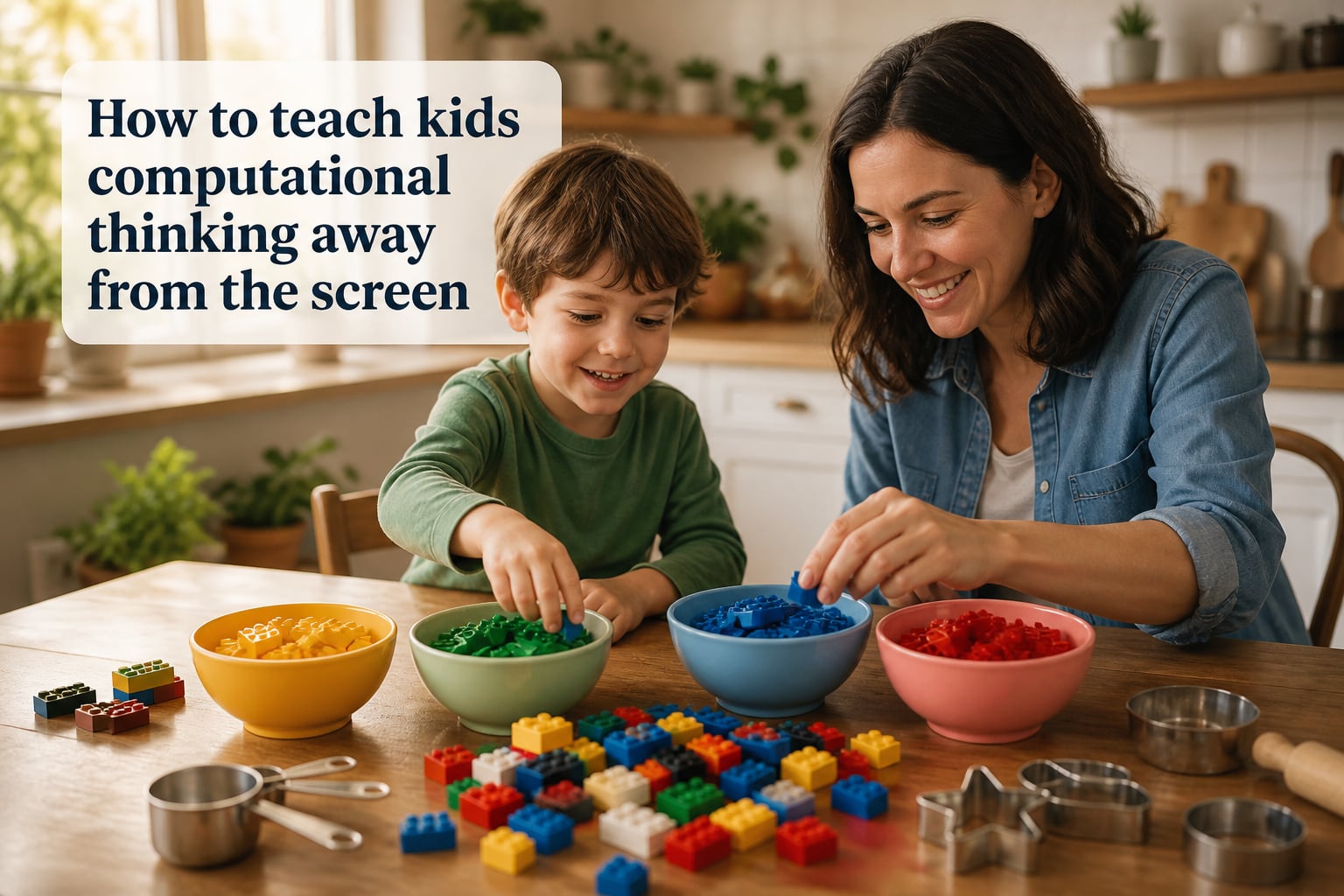
Block Sorting by Two Attributes. Use Lego or wooden blocks. Challenge your child to sort by color AND size. This builds abstraction.
Treasure Hunt With Map. Draw a simple map of your home or yard. Have your child write step-by-step directions for you to find a hidden object.
Card Game Sequencing. Use a deck of cards. Take turns adding to a sequence (3, 6, 9, ?) and let your child spot the rule.
Story Decomposition. After reading a story, ask your child to break it into beginning, middle, and end. Then break each part into two smaller parts.
Lego Instruction Reading. Following a Lego manual step by step is pure algorithm following. Time your child and see if they can find faster paths.
Pattern Bead Stringing. String colored beads in repeating patterns (red-blue-yellow, red-blue-yellow). Switch halfway through and ask them to spot the change.
If-Then Decision Trees. Make a simple chart: if it is raining, then we bring an umbrella. If it is sunny, then we wear hats. Add more branches over time.
How to Assess Your Child’s Computational Thinking Progress?
One gap I see in most guides on this topic is the question, “How do I know it is working?” You do not need tests. You need to watch for these shifts.
By age 5, look for children breaking tasks into steps on their own. They might say, “First we put on shoes, then we get the backpack.” That is decomposition becoming a habit.
By age 7, watch for pattern spotting in unfamiliar places. If they notice that all the cars in the parking lot are parked at angles, they are abstracting.
By age 9 to 10, the real milestone is self-correction. A child who tries something, sees it fail, and tries a different approach without prompting is debugging, the deepest skill of all.
Keep a simple journal. Once a month, write down one example of each skill you noticed. You will be amazed at the progress over six months.
Common Mistakes Parents Make When Teaching Computational Thinking
After working with dozens of families, I see the same stumbling blocks come up again and again.
The first mistake is treating it like school. If it feels like a lesson, the magic drains out. Keep the play. The skills hide inside the play.
The second mistake is correcting too quickly. When a child gives you directions that do not work, resist the urge to step in. Let them hit the wall. Walking into that wall is how they learn to debug.
The third mistake is comparing. Your neighbor’s kid does not need to be your benchmark. Computational thinking is a long game. The benefits compound over years.
Finally, do not skip the verbal language. Have your child explain their thinking out loud. “Why did you put the red blocks here?” This is where abstract thinking gets named and solidified.
Frequently Asked Questions
How do I teach kids computational thinking without screens?
Start with everyday routines. Use cooking to teach sequencing, laundry sorting to teach pattern recognition, and giving each other directions to teach algorithms. Break activities into clear steps, ask your child to explain their thinking, and treat mistakes as debugging moments rather than failures.
What are the 4 key techniques of computational thinking?
The four key techniques are decomposition (breaking problems into smaller parts), pattern recognition (spotting similarities and trends), abstraction (focusing on what matters and ignoring the rest), and algorithm design (creating step-by-step solutions). Together they form a problem-solving framework that applies to any subject.
What age should a child start learning computational thinking?
Children as young as 3 or 4 can begin with simple sequencing activities like lining up toys or describing a routine. By ages 5 to 6, they can handle multi-step activities. Pattern recognition, abstraction, and algorithm design deepen naturally from ages 7 to 12.
Can computational thinking be taught without a computer?
Yes. Computational thinking is fundamentally a thinking process, not a tool. Hands-on activities, puzzles, games, cooking, building toys, and story decomposition all teach the same skills that coding apps do, often more effectively for young children.
How do I balance screen time with educational activities?
Aim for a simple ratio rather than a rigid minute count. For every hour of educational screen time, try to offer two hours of hands-on play, conversation, or outdoor activity. Screen-free computational thinking activities fit naturally into this balance because they use ordinary moments like mealtime, cleanup, and bedtime stories.
Final Thoughts on Teaching Computational Thinking Without Screens
Teaching kids computational thinking away from the screen is not a workaround for parents who want to delay technology. In many cases, it is the better path altogether.
Pick one activity from the list above and try it this week. Notice what your child already knows. Name it out loud. Then watch what happens when you give them a slightly harder challenge.
The skills they build this way will outlast any app, any device, and any classroom trend. And they will remember building them with you.